Community Fluency
Free
1.0.3for iPhone
Age Rating
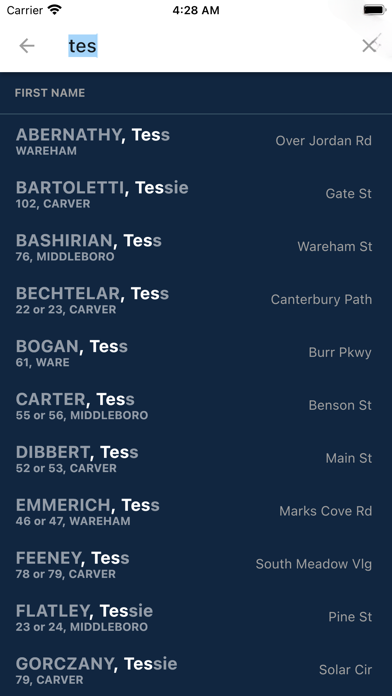
Community Fluency Screenshots
About Community Fluency
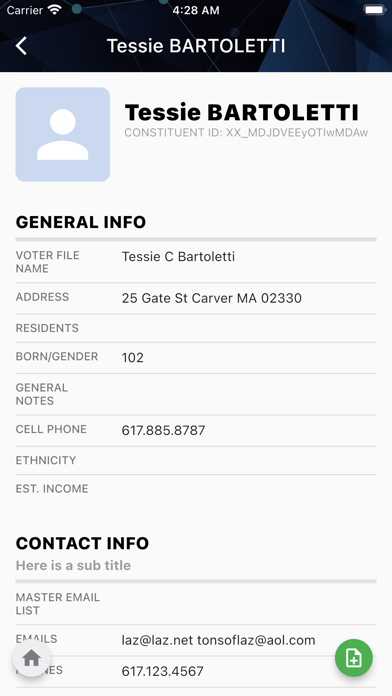
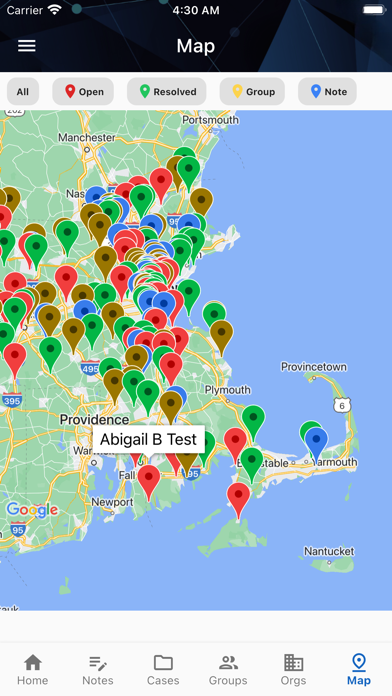
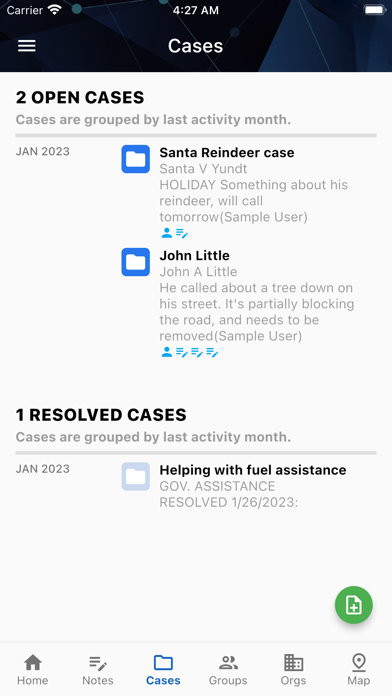
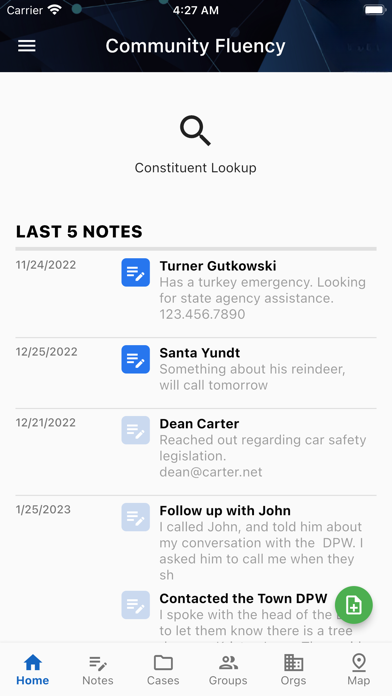
See your constituents, notes, cases, groups, organizations, and files without sitting down and logging in. Includes mapping and the ability to add notes. This app is for users and accounts currently using Community Fluency for constituent service in Massachusetts.
Show More
What's New in the Latest Version 1.0.3
Last updated on Jul 20, 2024
Old Versions
1. Saving notes as cases
● Add to existing New Note form
● Checkbox for “Create as New Case”
2. Assigning case to user
● Part of existing New Note form
● If they check off create case, pops up optional users list
● User receives email that case is assigned to them (same as web)
3. Reassign case to user
● Requires fully new “edit case” modal or screen
● Dropdown for reassigning user handling case
● New api endpoints for editing case
4. Add constituent on group page
● On the individual group page, adds a new button for “add constituent”
● Users perform a lookup by name, email etc, similar to the search page
● select a constituent, click “add to group”
5. Remove constituents from group
● Swipe left to remove person on group page
● Each person on the group will have a remove/delete button
● click to remove, gives message verifying intent
6. Add/remove groups on constituent page
● If on constituent page, new button to add a group
● brings up a dropdown of all groups
● select one and update
● Also has “edit mode” where you can remove any group (hopefully similar to above)

● Add to existing New Note form
● Checkbox for “Create as New Case”
2. Assigning case to user
● Part of existing New Note form
● If they check off create case, pops up optional users list
● User receives email that case is assigned to them (same as web)
3. Reassign case to user
● Requires fully new “edit case” modal or screen
● Dropdown for reassigning user handling case
● New api endpoints for editing case
4. Add constituent on group page
● On the individual group page, adds a new button for “add constituent”
● Users perform a lookup by name, email etc, similar to the search page
● select a constituent, click “add to group”
5. Remove constituents from group
● Swipe left to remove person on group page
● Each person on the group will have a remove/delete button
● click to remove, gives message verifying intent
6. Add/remove groups on constituent page
● If on constituent page, new button to add a group
● brings up a dropdown of all groups
● select one and update
● Also has “edit mode” where you can remove any group (hopefully similar to above)

Show More
Version History
1.0.3
Jul 20, 2024
1. Saving notes as cases
● Add to existing New Note form
● Checkbox for “Create as New Case”
2. Assigning case to user
● Part of existing New Note form
● If they check off create case, pops up optional users list
● User receives email that case is assigned to them (same as web)
3. Reassign case to user
● Requires fully new “edit case” modal or screen
● Dropdown for reassigning user handling case
● New api endpoints for editing case
4. Add constituent on group page
● On the individual group page, adds a new button for “add constituent”
● Users perform a lookup by name, email etc, similar to the search page
● select a constituent, click “add to group”
5. Remove constituents from group
● Swipe left to remove person on group page
● Each person on the group will have a remove/delete button
● click to remove, gives message verifying intent
6. Add/remove groups on constituent page
● If on constituent page, new button to add a group
● brings up a dropdown of all groups
● select one and update
● Also has “edit mode” where you can remove any group (hopefully similar to above)
● Add to existing New Note form
● Checkbox for “Create as New Case”
2. Assigning case to user
● Part of existing New Note form
● If they check off create case, pops up optional users list
● User receives email that case is assigned to them (same as web)
3. Reassign case to user
● Requires fully new “edit case” modal or screen
● Dropdown for reassigning user handling case
● New api endpoints for editing case
4. Add constituent on group page
● On the individual group page, adds a new button for “add constituent”
● Users perform a lookup by name, email etc, similar to the search page
● select a constituent, click “add to group”
5. Remove constituents from group
● Swipe left to remove person on group page
● Each person on the group will have a remove/delete button
● click to remove, gives message verifying intent
6. Add/remove groups on constituent page
● If on constituent page, new button to add a group
● brings up a dropdown of all groups
● select one and update
● Also has “edit mode” where you can remove any group (hopefully similar to above)
Community Fluency FAQ
Click here to learn how to download Community Fluency in restricted country or region.
Check the following list to see the minimum requirements of Community Fluency.
iPhone