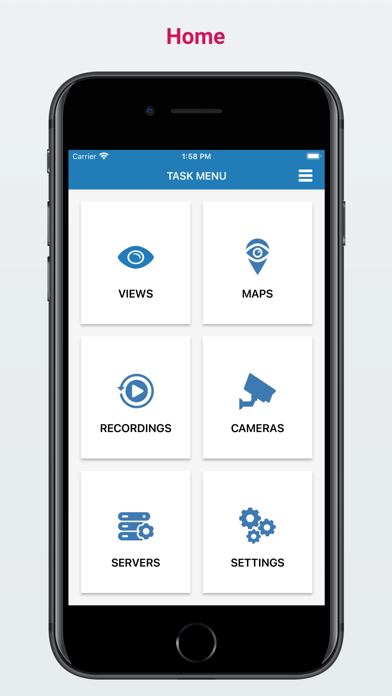
With Salient’s CompleteView(TM) app, you can easily and instantly access live video, playback and export recorded video, and control cameras with PTZ functions from your phone.
Easy and Efficient
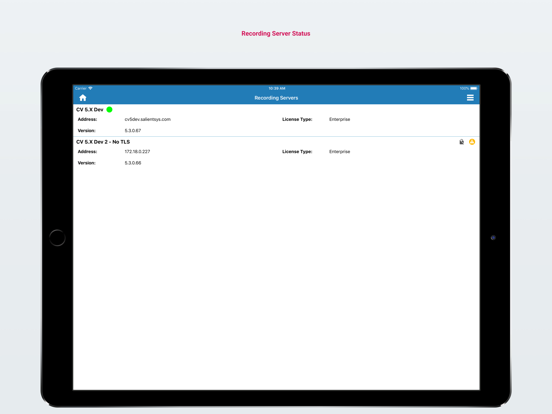
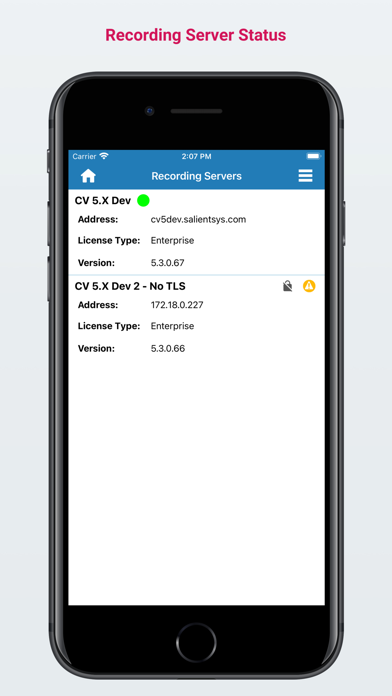
The CompleteView app allows you to securely stream audio and video from any analog or IP cameras, encoders, and NVRs connected to your CompleteView Recording Server.
The app supports hardware accelerated H.264 decoding so you can stream video to your phone without worrying about battery life. Salient’s Dynamic Resolution Scaling further ensures that bandwidth between your phone and the recording server is optimized to get you the best possible image quality regardless of your connection.
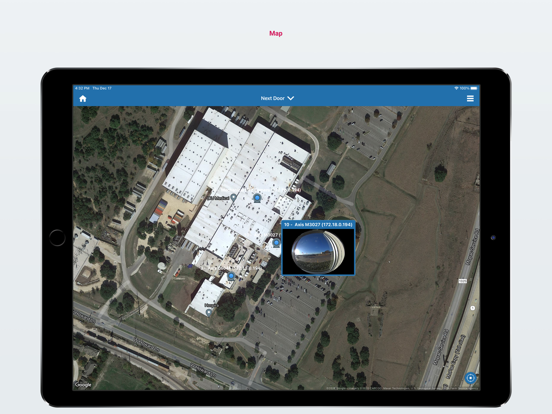
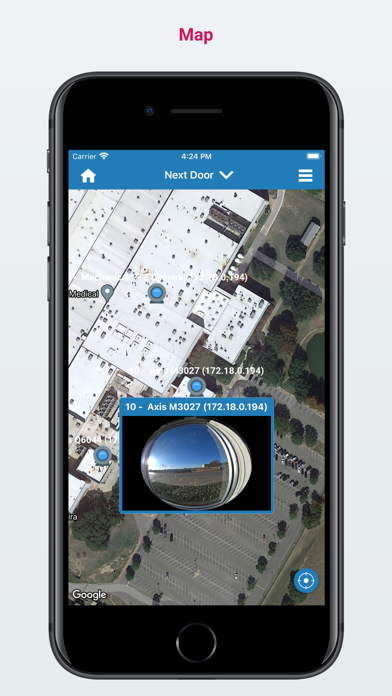
For a scalable and seamless transition from your desktop or browser, you can access any Views and Maps configured in your CompleteView Management Server, including the ability to view video streams directly from image and satellite maps.
Full Control
The CompleteView app gives you the power to see video the way you want with built-in controls to adjust frame rate and video quality levels on each video stream.
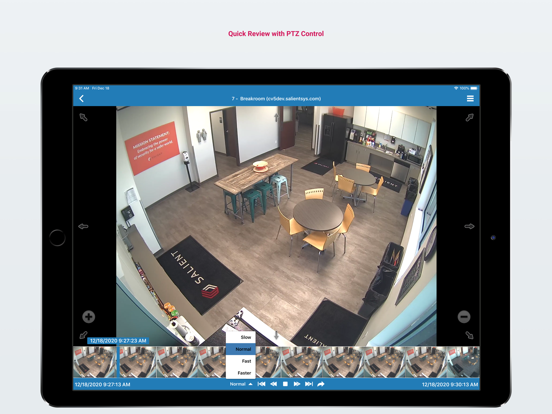
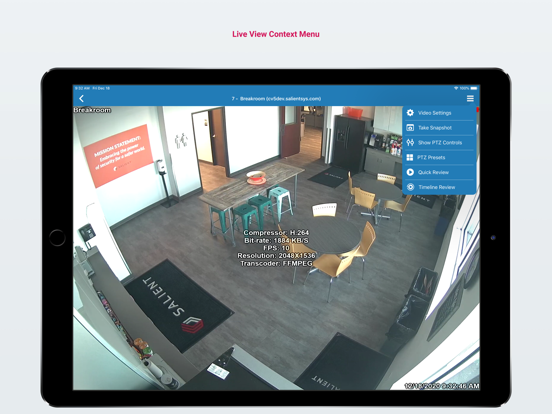
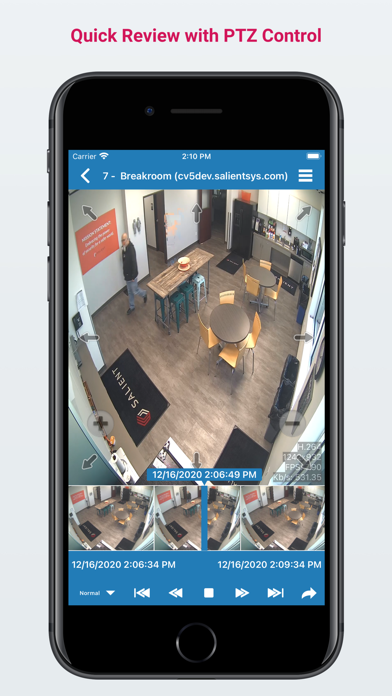
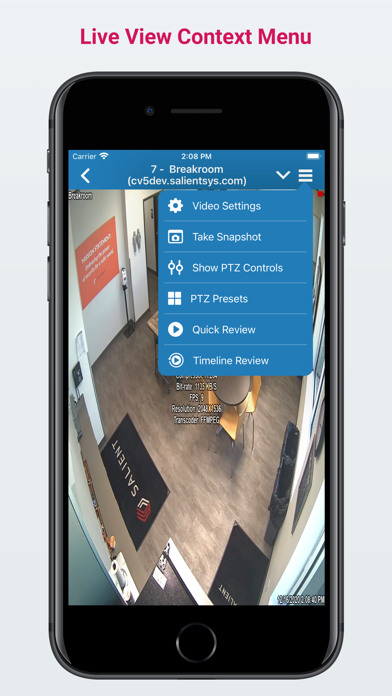
The app also has powerful PTZ camera controls. You can stretch, pinch, and drag to manipulate PTZ cameras. The app allows you to access, set, and name PTZ presets and control PTZ speed.
When playing back previously recorded video, the app has various scrub bar controls and adjustable playback speeds so you can quickly seek to exactly what you want to view.
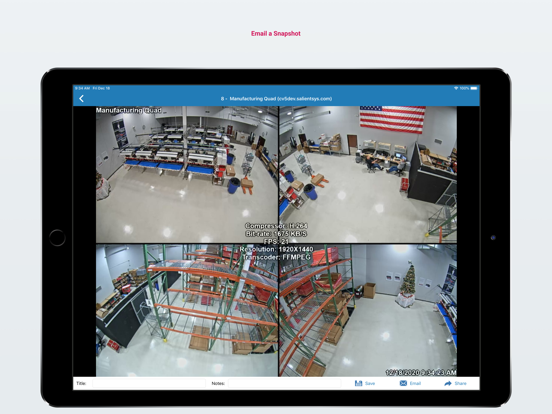
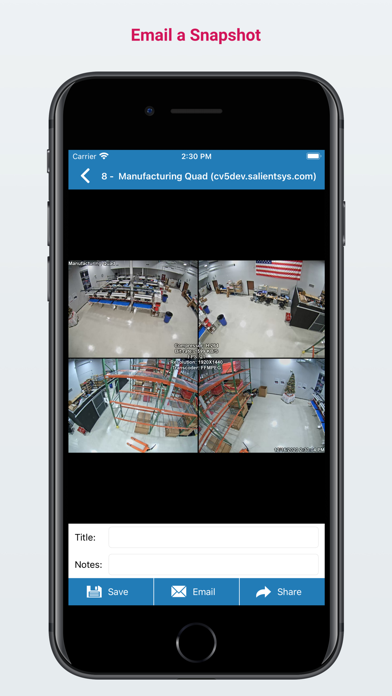
Something catch your eye? The CompleteView app allows you to take snapshots and email them off in addition to supporting clip exports.
The Details You Need
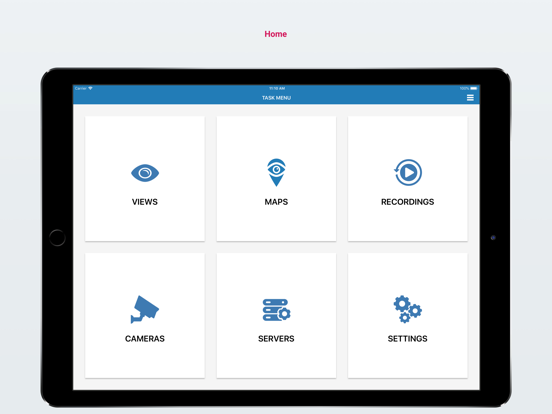
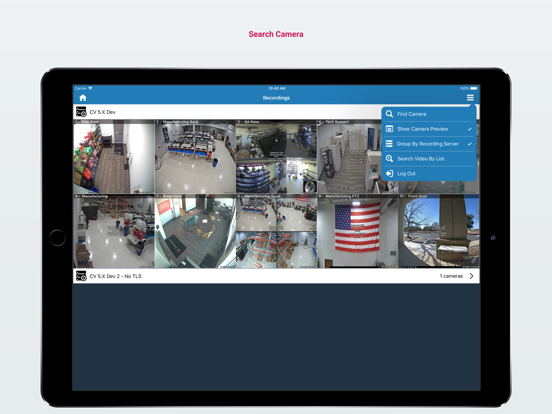
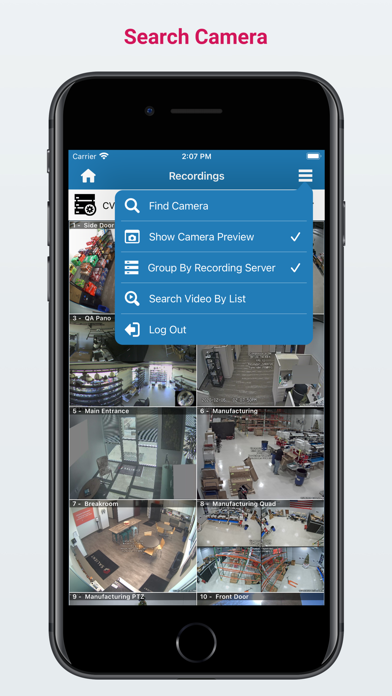
The CompleteView app has robust search capabilities to help you find what you need. Quickly search for any system component such as a View, Map, Camera, or Server with built-in search.
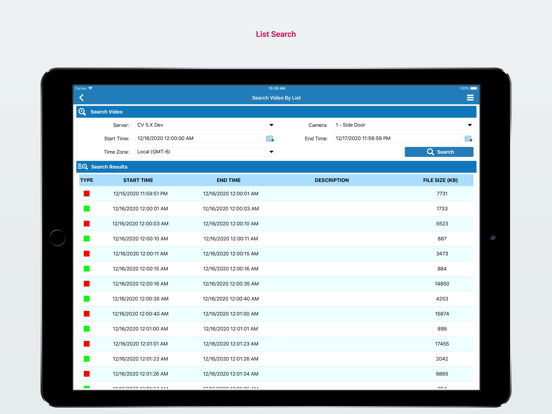
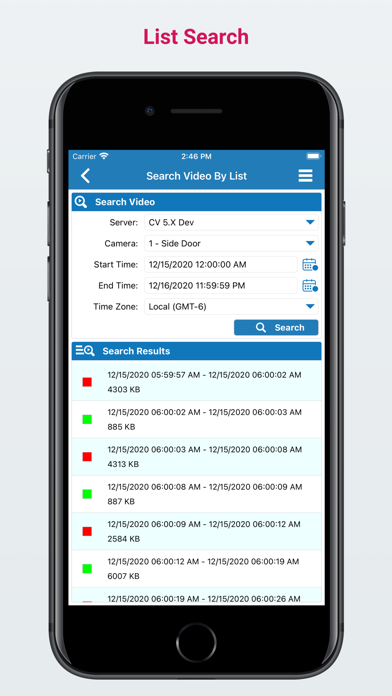
When browsing through recorded video, you can use both list based and date/time based search to quickly narrow down to the video segment you are interested in. Lastly, the app supports overlays, quick review, and timeline review to further ensure that you have all the details you need at your fingertips.
System Requirements:
The CompleteView app requires devices running iOS 13.0 or higher. You will need CompleteView Management and Recording servers that you can connect to in order to fully use the features of this app. The app works with CompleteView ONE, Pro, and Enterprise editions, from version 5.3.0 to 6.x.
If you have a different version of these back-end components, use one of the following versions of the app:
- For CompleteView version 7.x or higher, use CompleteView app (https://apps.apple.com/us/app/completeview/id1637667124).
- For CompleteView version 4.x to 5.x, use Legacy TouchView app (https://apps.apple.com/us/app/legacy-touchview/id604971309).
Visit https://www.salientsys.com/products/CompleteView-ios for more information.