Connect - Remote Work Platform

Connect - Remote Work Platform


Realtime Video, Chats & Tasks


Free

2.1.55(165)for iPhone, iPad and more
9.9
3 Ratings
Sonoratek LLC
Developer
96.5 MB
Size
Aug 3, 2021
Update Date
Productivity
Category
4+
Age Rating
Age Rating
4+
Apps in this category do not contain restricted content.
9+
Apps in this category may contain mild or occasional cartoon, fantasy or real-life violence, as well as occasional or mild adult, sexually suggestive or horrifying content and may not be suitable for children under 9 years of age.
12+
Apps in this category may contain occasional mild indecent language, frequent or intense cartoon or real-life violence, minor or occasional adult or sexually suggestive material, and simulated gambling, and may be for children under 12 years of age.
17+
You must be at least 17 years old to access this App.
Apps in this category may contain frequent and intense offensive language; Frequent and intense cartoon, fantasy or realistic violence: frequent and intense adult, scary and sexually suggestive subjects: as well as sexual content, nudity, tobacco, alcohol and drugs, may not be suitable for children under 17 years of age.
Connect - Remote Work Platform Screenshots
Connect - Remote Work Platform posterConnect - Remote Work Platform posterConnect - Remote Work Platform posterConnect - Remote Work Platform posterConnect - Remote Work Platform poster

About Connect - Remote Work Platform

Gather your network to communicate securely by chat and video.

Connect Platform is a digital interactive environment with direct and group instant messaging features, calls, tasks, live notes, custom products, support operators, micro-services and much more!

Without any ads or tracking whatsoever, Connect Platform is suitable for use by families, non-profit organizations, schools and independent talent.

Paid features are coming some time, including subscriptions to specific bots and monthly account fees for business teams.

Features:

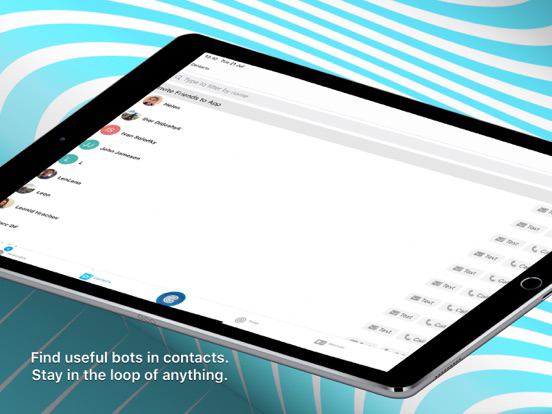
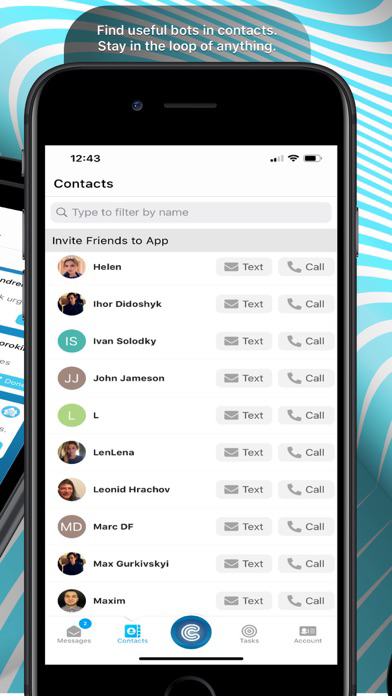
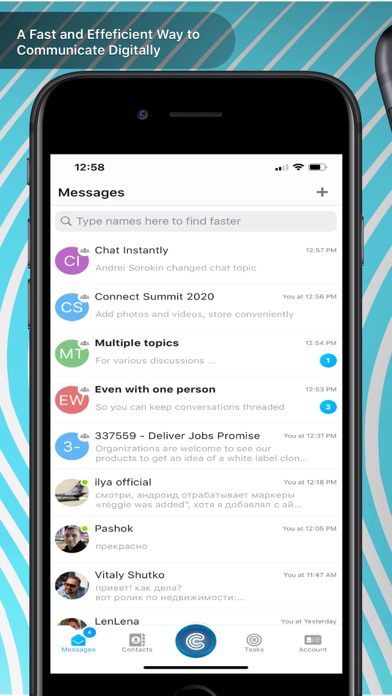
- Find contacts in a searchable directory
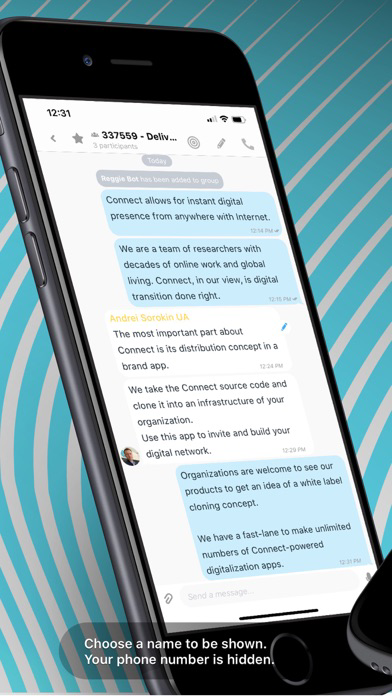
- Send messages, files, media and widgets
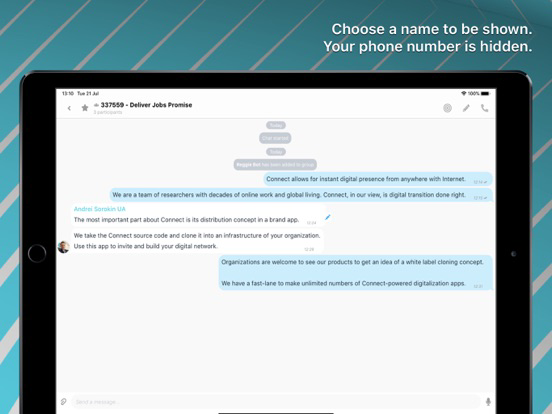
- Chat directly in dialogs and group chats
- Get a live picture with high-quality audio and video calls
- Chat and call at the same time with a unique split-screen video feature
- Use Playlists for music and videos
- Mark important messages with a star to filter in when needed
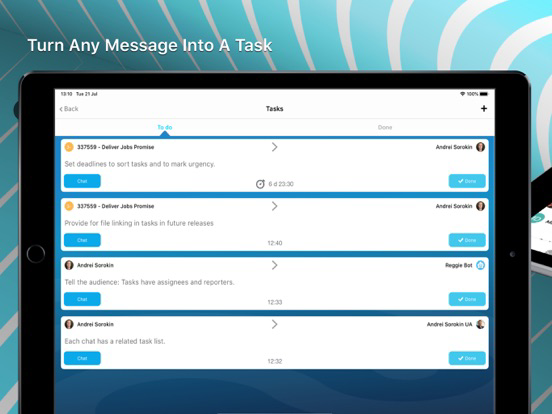
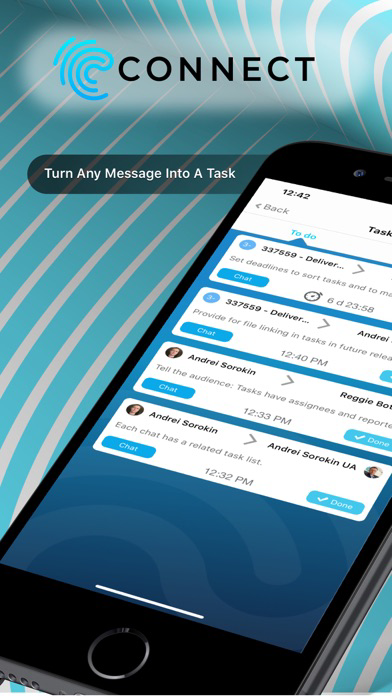
- Turn any message into a task, add deadline and and assignee
- Task lists are mapped to dialogues and groups you are in
- Connect with chatbots to automate routine and get info.
- Send link URL in widgets for a quick preview.
- Multiple types of APIs and information fetchers supported.

Register in minutes with an sms-capable mobile phone number.

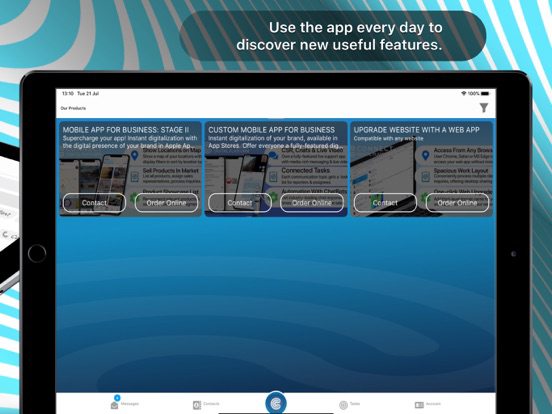
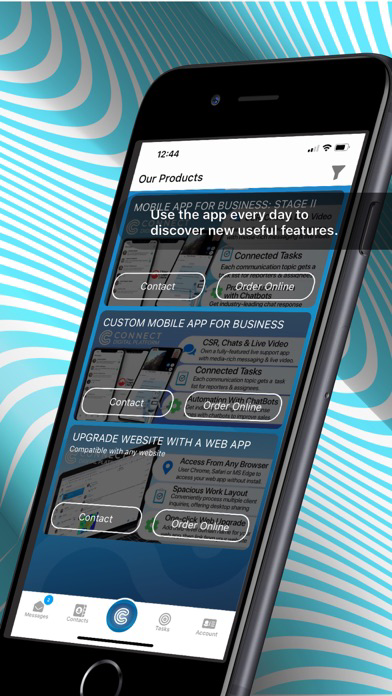
The Connect platform is a set of algorithms used for cloning it into customized brand apps for client organizations to represent in app stores.

This app is a free productivity and communication app aimed to help small teams make good things. We use it for our daily routine and you are welcome too.

This app has no access to your phone book, does not share your phonebook with our servers, and does not publicly display phone numbers to anyone.

Invite users by sharing the app link: https://get.connect.software

When registered, search app directory to add known contacts by name.

Coming soon! Contact group circles: all contacts from the circle are displayed to user once added to the circle group.

We are not investor-driven. Therefore, we do not collect any data to resell nor do we care for millions of new registrations.

Our job is to provide you with a perfectly working remote presence environment.

In short, please use this app for your own good and only invite those who matter to you.
Show More

What's New in the Latest Version 2.1.55(165)

Last updated on Aug 3, 2021
Old Versions
- Fixed some non-operable chat-history on-screen controls.
- Profile screen photo is now square.
- Minor fixes
Show More
Version History
2.1.55(165)
Aug 3, 2021
- Fixed some non-operable chat-history on-screen controls.
- Profile screen photo is now square.
- Minor fixes
2.1.53(163)
May 25, 2021
- Multiple bug fixes and stability improvements.
- Fixed backgrounds on some screens
- Removed unnecessary mic activation which used to trigger on the red microphone icon upon entering a chat. No actual recording was being made, regardless. This behavior, however, has been recently noticed and removed from all Connect-powered apps, starting with Connect Platform (this app). This is not a security issue, but rather a coding error, as no actual recordings were made or sent.
- Removed labels on some buttons, resulting in a cleaner UI
- Added Thai, Russian and Ukrainian languages.
2.1.48 (158)
Aug 11, 2020
- Multiple bug fixes and stability improvements.
- Full Screen mode for group video calls
- When asking for device permissions we now explain the app's related functions instead of describing the permission itself.
2.1.31
May 22, 2020
- Multiple bug fixes and stability improvements.
- Showcase module added
- Utility widgets added to Showcase
2.1.25
Apr 26, 2020
Please update for performance and stability improvements.
- Multiple stability updates to real time video technology
- Bug fixes and some UI improvements
2.1.20
Apr 9, 2020
- Real-time video calls: group calling added
- Live Shared Notes are available for each dialogue
- Multiple stability improvements are bug fixes
2.1.17
Mar 28, 2020
Realtime videoconferencing module added in the early beta. No limitations on calls.
2.1.16
Mar 24, 2020
- Multiple stability fixes and improvements.
- Improved videocalls by completely changing our video streaming technology from a web-based to a proprietary Erlang-serviced solution.

There are now video-calls only. It means Connect is now a digital presence platform with a video-first RTV live streaming technology.
From now on, when you dial someone in Connect, you dial by video. You may turn off an RTV it immediately upon dialing or when accepting, or not accept a call at all, when in privacy. The point of Connect is to provide remote availability to people and it includes video.
2.1.9
Feb 9, 2020
Download this update for fixes with the night mode.
2.1.8
Feb 7, 2020
Multiple fixes and improvements are getting our platform ready for a major video technology update. This release fixes quite a few bugs as well.
2.1.7
Jan 24, 2020
Some usability fixes for old annoying bugs, mostly concerning app stability during direct and chat group actions such as files, improving overall app stability.
2.1.6
Dec 19, 2019
Multiple UI inconveniences have been added. Now that our protocol is hitting stable releases, we are ready to get some focus on looks.
2.1.5
Oct 31, 2019
This version has an updated menu and tons of added stability features.
2.1.4
Sep 1, 2019
- Multiple protocol version support. If everything goes as expected, any version of Connect onwards will make updates optional for clients. This feature helps clients upgrade less frequently.
- We worked hard all summer so that our app can be used in schools for education. It is free to use by everyone, use it for students to collaborate in class and keep in sync. 
- User profiling and phonebook import for contact list selection will be re-enabled soon.
2.1.3
Aug 13, 2019
Gallery fixes & improvements
2.1.2
Jul 31, 2019
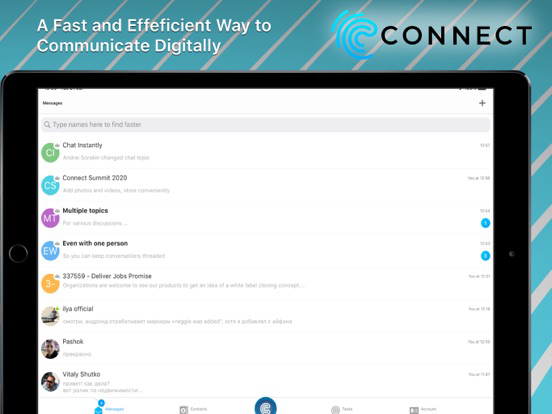
Split-Screen Video Calling is now available in iPad! Stay on a call and see your party while keeping your chats active and your teams productive.
2.1.1
Jul 9, 2019
- Threaded message reply added;
- Introducing an early alpha version of the Web Adaptor module, which allows to connect any website or CRM to a branded app built on the Connect App Platform.
- Early iPad version added
2.0.2
Jun 9, 2019
- Contact module protocol improvements
- Improved photo picker library
- Obvious UI fixes
2.0.1
May 25, 2019
Minor text changes
2.0
May 16, 2019
- Chat module updated
- UI helpers added
- New tabbar animation
- HD voice messages
- Various fixes and improvements
1.9
Mar 24, 2019
Critical changes.
Update your device in order to use the app!

- Chat module fully refined and redesigned
- Audio messages fix
- Video files sending allowed
- New tabbar
- Protocol update
1.8.3
Feb 11, 2019
- New protocol adaptation
1.8.2
Jan 16, 2019
- Fundamental chat module improvements
- Splitscreen realtime video functionality improved
- Minor bugfixes
1.8.1
Jan 4, 2019
- Improved chat module
- Bots custom keyboard added
- Chat preloading speed increased due to various optimizations
1.8.0
Dec 10, 2018
- New feature: split-screen video calls and conferences! Now you can use all the functionality while seeing the person you are having a call with.
- Video and voice conferences: just make a call in a group chat to have everyone connected to a virtual conference room.
- Various fixes and improvements

Connect - Remote Work Platform FAQ

Click here to learn how to download Connect - Remote Work Platform in restricted country or region.
Check the following list to see the minimum requirements of Connect - Remote Work Platform.
iPhone
Requires iOS 12.0 or later.
iPad
Requires iPadOS 12.0 or later.
iPod touch
Requires iOS 12.0 or later.
Connect - Remote Work Platform supports English, Russian, Thai, Ukrainian

Connect - Remote Work Platform Alternative

You May Also Like

Get more from Sonoratek LLC