Age Rating
Context Camera Screenshots
About Context Camera
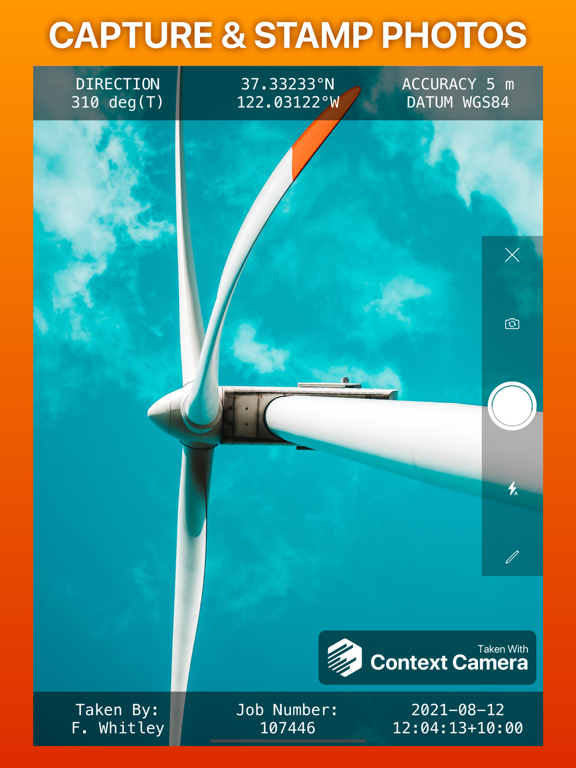
Capture more useful photos by stamping them with flexible information overlays. Trusted by professionals in construction, insurance, safety, inspection and emergency response. No in-app purchases or subscriptions.
Key features
- Choose from a selection of built-in information overlays, or create your own.
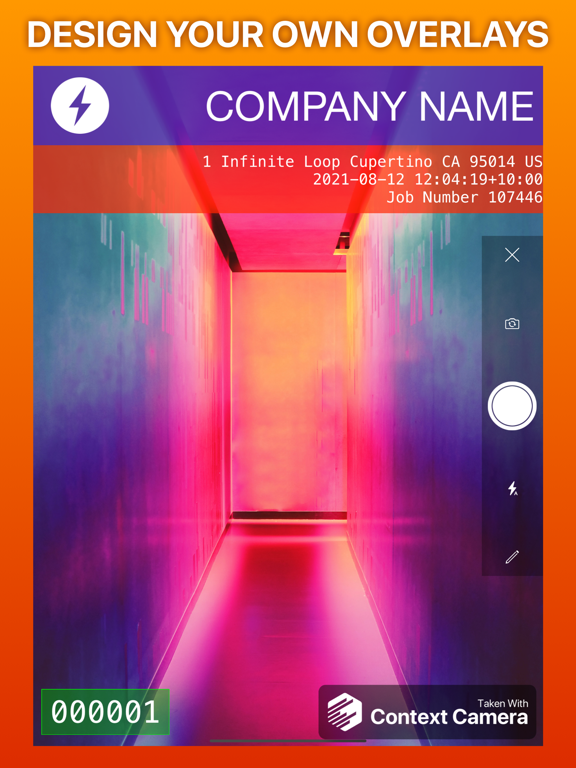
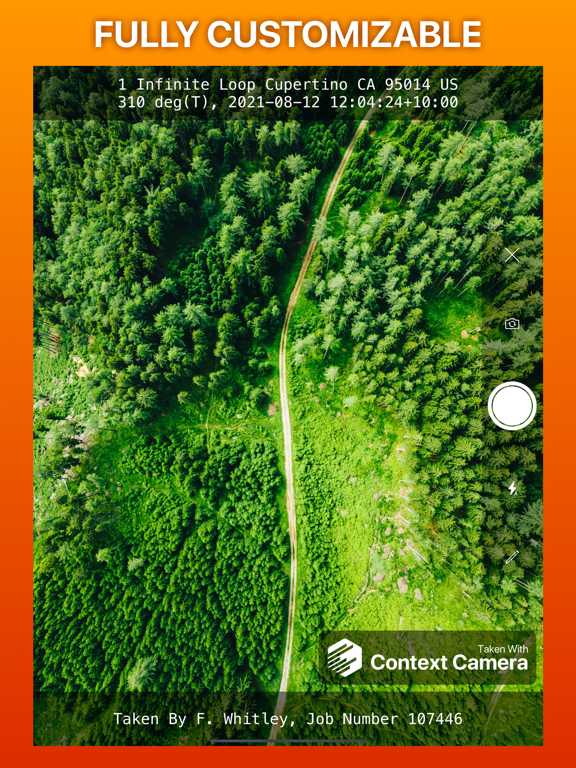
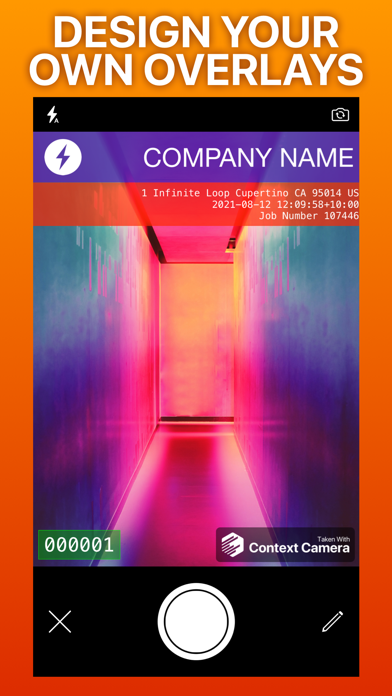
- Overlays can show information including location, direction, user comments, date/time, and address, with support for a wide variety of formats and units. Custom overlays also let you add logos and watermarks for a professional touch.
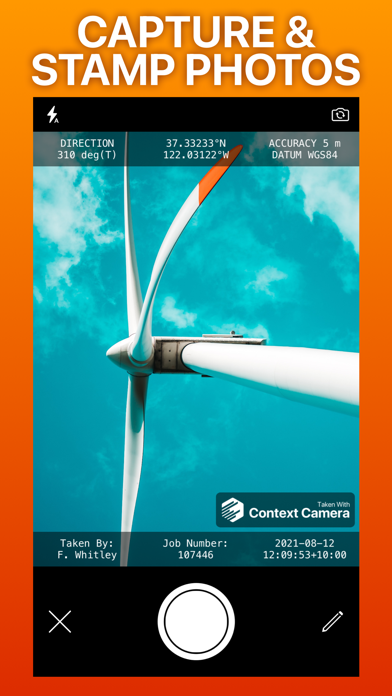
- Take photos using the built-in camera which supports zoom, focus and exposure controls. Your chosen information overlay is drawn on the camera preview to show you exactly what your photos will look like.
- Store photos inside the app to keep them separate and annotate them, or automatically export them to your photo library, iCloud or Microsoft OneDrive.
- Flexible photo export options including custom filenames and exporting multiple photos as zip files.
Not supported
- Importing photos taken by other apps.
- Multiple device sync - photos stored inside the app are stored locally on your device.
App Store Privacy Information Note
Because you can optionally link cloud storage services to Context Camera, we are required to disclose the considerable data collected by these services in the privacy section of our App Store listing. If you do not link cloud storage services to the app minimal data is collected. See our privacy policy for details.
Please email support@contextcamera.com with any questions.

Key features
- Choose from a selection of built-in information overlays, or create your own.
- Overlays can show information including location, direction, user comments, date/time, and address, with support for a wide variety of formats and units. Custom overlays also let you add logos and watermarks for a professional touch.
- Take photos using the built-in camera which supports zoom, focus and exposure controls. Your chosen information overlay is drawn on the camera preview to show you exactly what your photos will look like.
- Store photos inside the app to keep them separate and annotate them, or automatically export them to your photo library, iCloud or Microsoft OneDrive.
- Flexible photo export options including custom filenames and exporting multiple photos as zip files.
Not supported
- Importing photos taken by other apps.
- Multiple device sync - photos stored inside the app are stored locally on your device.
App Store Privacy Information Note
Because you can optionally link cloud storage services to Context Camera, we are required to disclose the considerable data collected by these services in the privacy section of our App Store listing. If you do not link cloud storage services to the app minimal data is collected. See our privacy policy for details.
Please email support@contextcamera.com with any questions.
Show More
What's New in the Latest Version 5.1.0
Last updated on May 1, 2026
Old Versions
Minor user interface changes, bug fixes and performance improvements.
Show More
Version History
5.1.0
May 1, 2026
Minor user interface changes, bug fixes and performance improvements.
Context Camera Price
Today:
$5.99
Lowest:
Free
Highest:
$5.99
Context Camera FAQ
Context Camera is available in regions other than the following restricted countries:
Brazil
Check the following list to see the minimum requirements of Context Camera.
iPhone
iPad
Click here to learn how to download Context Camera in restricted country or region.