Cursive Writing Reader: Camera

Cursive Writing Reader: Camera


Free

2for iPhone, iPad
Age Rating
4+
Apps in this category do not contain restricted content.
9+
Apps in this category may contain mild or occasional cartoon, fantasy or real-life violence, as well as occasional or mild adult, sexually suggestive or horrifying content and may not be suitable for children under 9 years of age.
12+
Apps in this category may contain occasional mild indecent language, frequent or intense cartoon or real-life violence, minor or occasional adult or sexually suggestive material, and simulated gambling, and may be for children under 12 years of age.
17+
You must be at least 17 years old to access this App.
Apps in this category may contain frequent and intense offensive language; Frequent and intense cartoon, fantasy or realistic violence: frequent and intense adult, scary and sexually suggestive subjects: as well as sexual content, nudity, tobacco, alcohol and drugs, may not be suitable for children under 17 years of age.
Cursive Writing Reader: Camera Screenshots
Cursive Writing Reader: Camera posterCursive Writing Reader: Camera posterCursive Writing Reader: Camera posterCursive Writing Reader: Camera poster

About Cursive Writing Reader: Camera

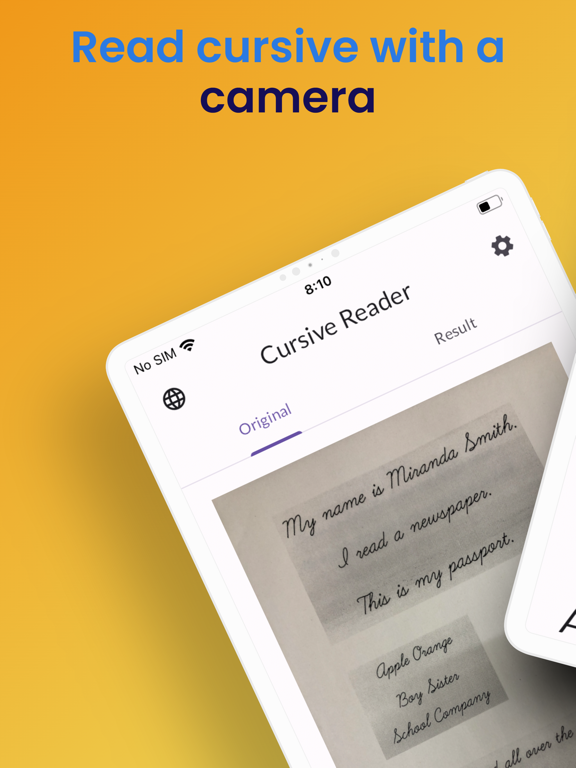
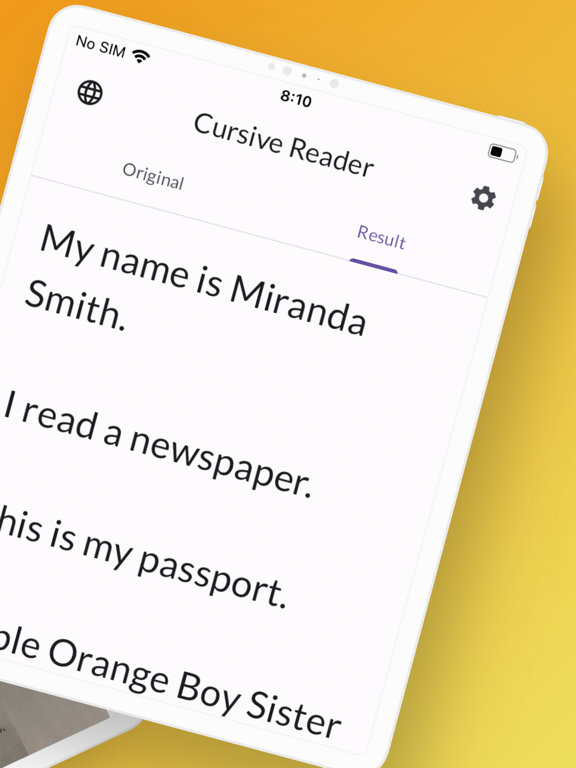
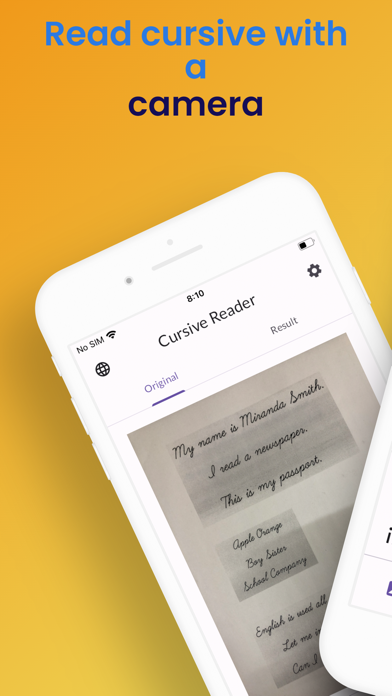
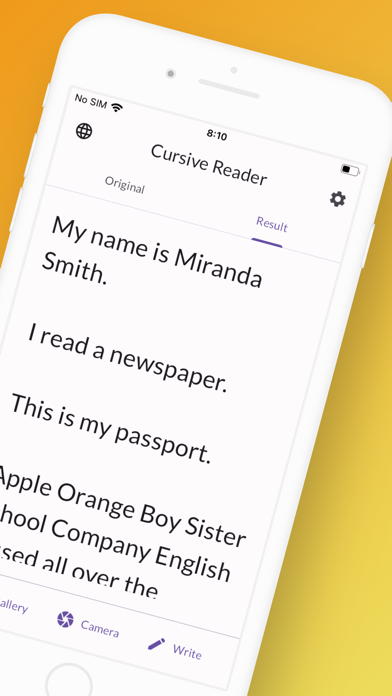
A cursive scanner app that reads cursive English with a camera and converts it to text
It recognizes alphabets and roman letters with OCR and converts handwritten characters to text
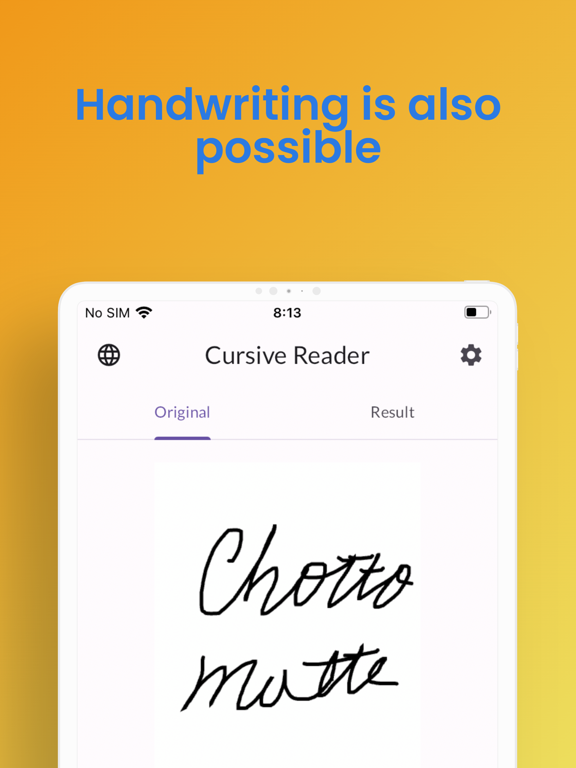
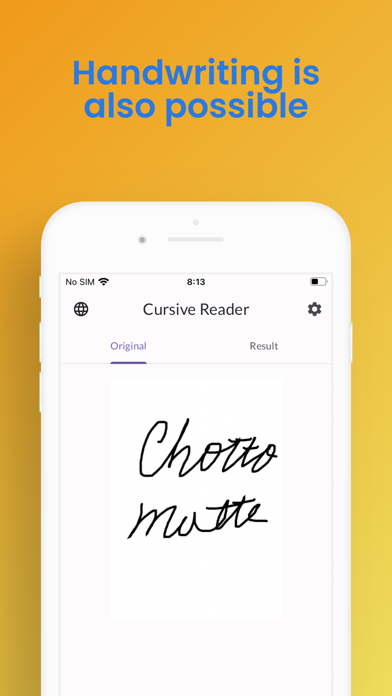
It also allows handwriting within the app

[Features]
1. Scan and convert handwritten cursive from camera or gallery
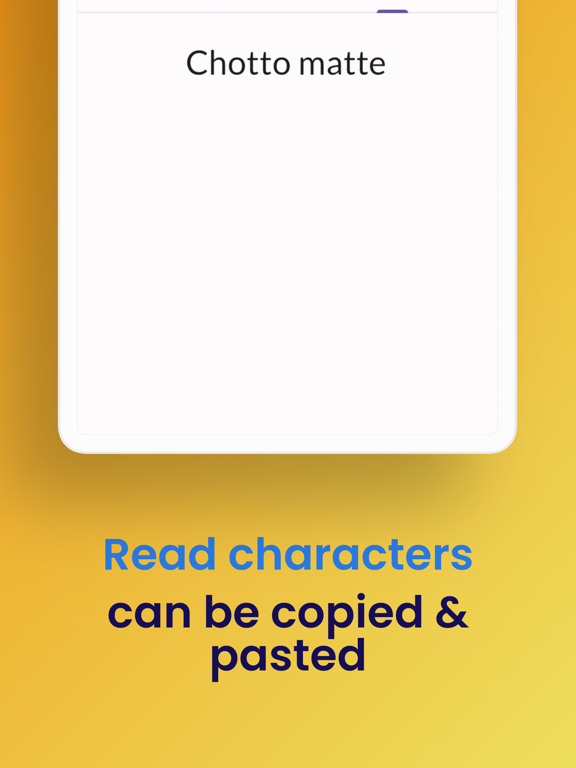
2. Recognize and convert handwritten characters within the app with OCR
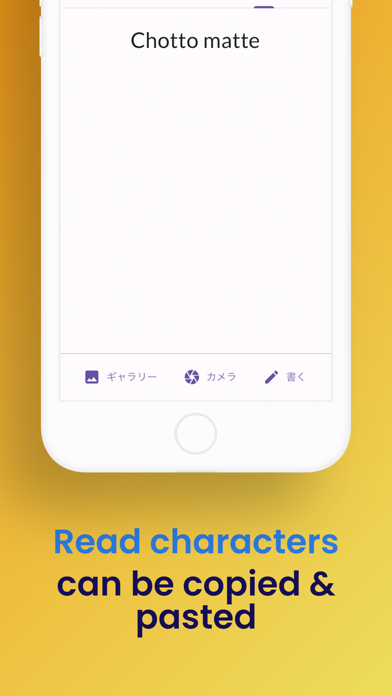
3. Copy and paste the converted text

Have you ever experienced these situations?
• You don't know whose signature is written in cursive
• You received a letter from a friend written in cursive, but you don't know what it says
• You are worried if your signature will be recognized
• You borrowed a notebook, but you can't understand it because it's too neat
• You want to easily understand your pen pal's writing
• A new foreign subordinate gave you a memo written in cursive
• AET or English teachers can only write in cursive, and you are at a loss
• You want to decipher old documents
• You found a treasure map, but you don't know what it says
• You are forced to deal with cursive only

Notes:
• You need to connect to the internet

Show More

What's New in the Latest Version 2

Last updated on Mar 6, 2024
Old Versions
updated screenshots
Show More
Version History
2
Mar 6, 2024
updated screenshots

Cursive Writing Reader: Camera FAQ

Click here to learn how to download Cursive Writing Reader: Camera in restricted country or region.
Check the following list to see the minimum requirements of Cursive Writing Reader: Camera.
iPhone
iPad

Cursive Writing Reader: Camera Alternative

You May Also Like

Get more from Koji Watanabe