Decode - NFC Scanner
NFC Scan & Authentication
Free
22.12.08for iPhone
Age Rating
Decode - NFC Scanner Screenshots
About Decode - NFC Scanner
Unlock digital experiences through products and access relevant information quickly.
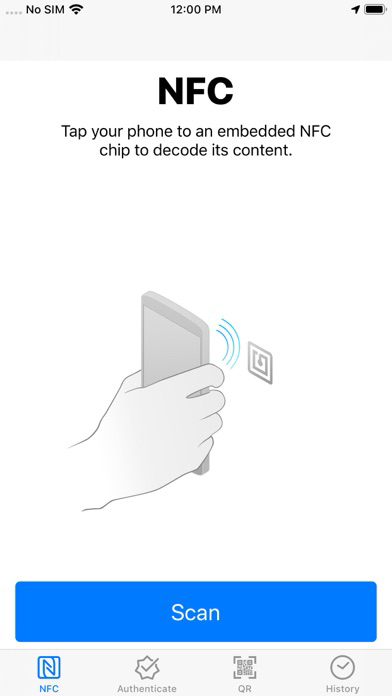
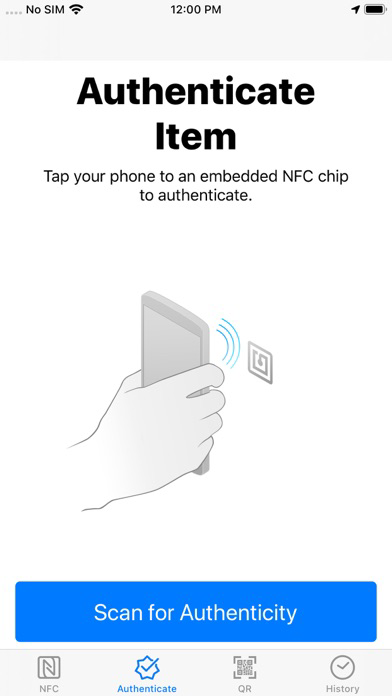
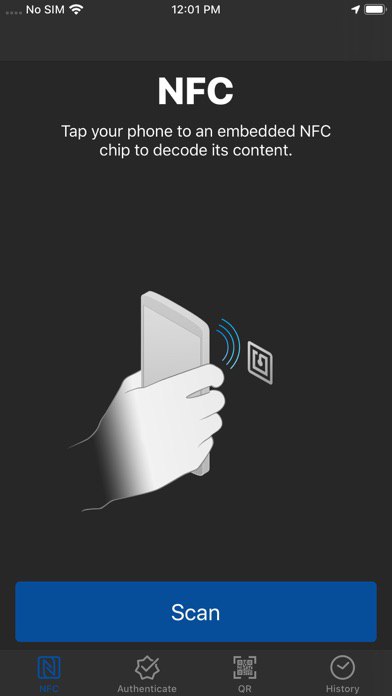
NFC SCANNING & PRODUCT AUTHENTICATION
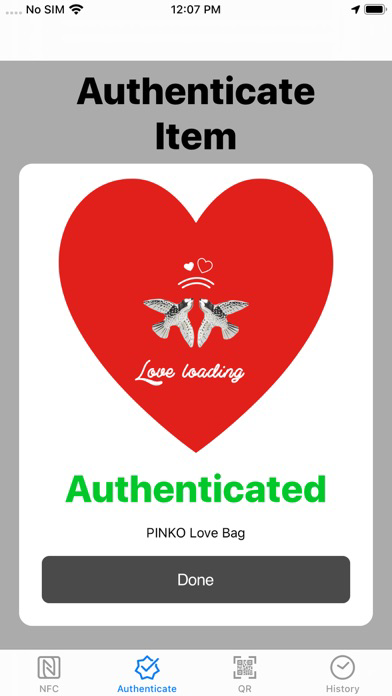
More than just an NFC scanner, Decode is the easiest way to authenticate and discover the digital identity of your embedded products. Leveraging secure NFC rolling key technology, Decode is the only app that supports NFC verification.
- Fast NFC scanning with just a tap (now even faster)
- Uncover the digital identity of your embedded products (powerful experience support)
- Authenticate products embedded with NFC rolling key technology (new)
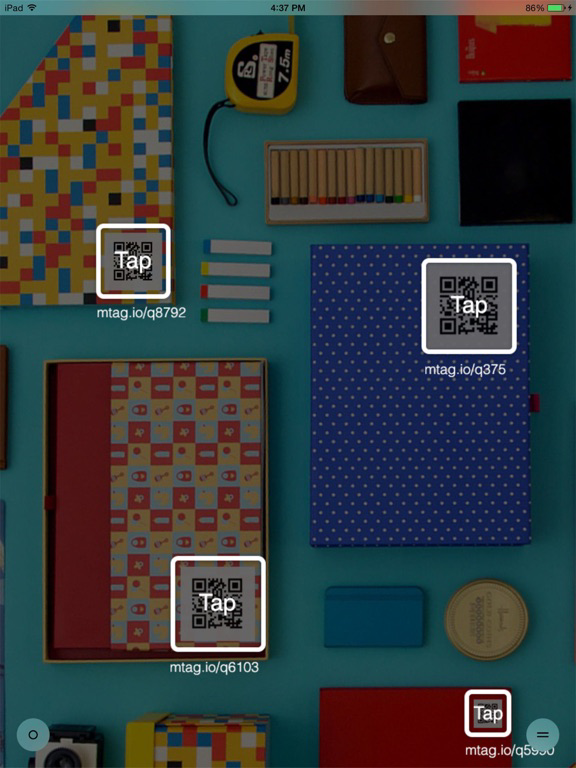
QR CODE SCANNING
- Includes flashlight for dark conditions
- Scan multiple codes simultaneously with multi-mode
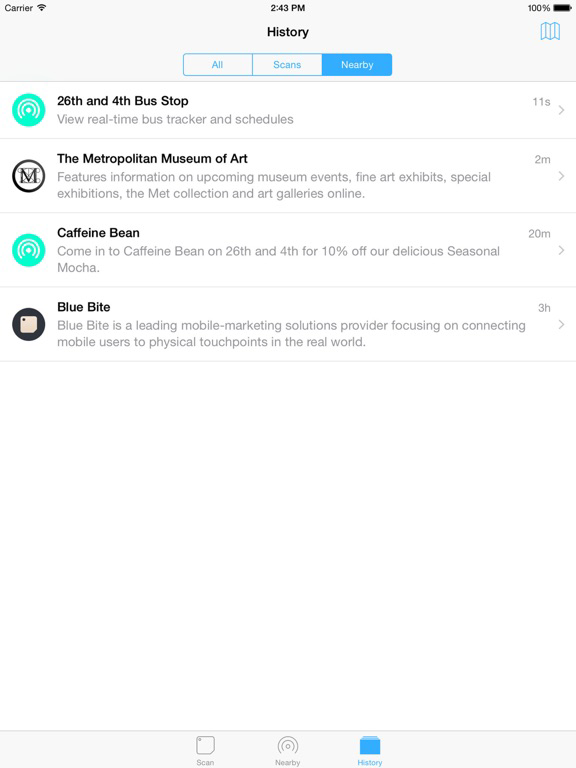
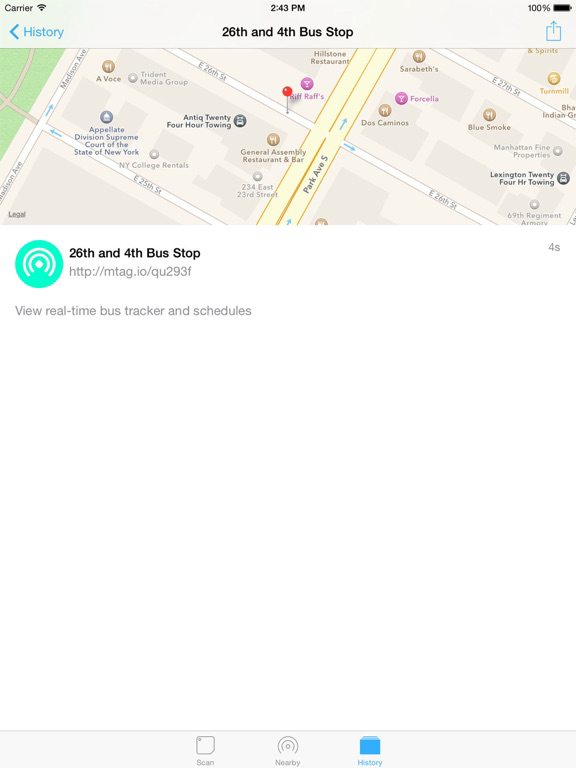
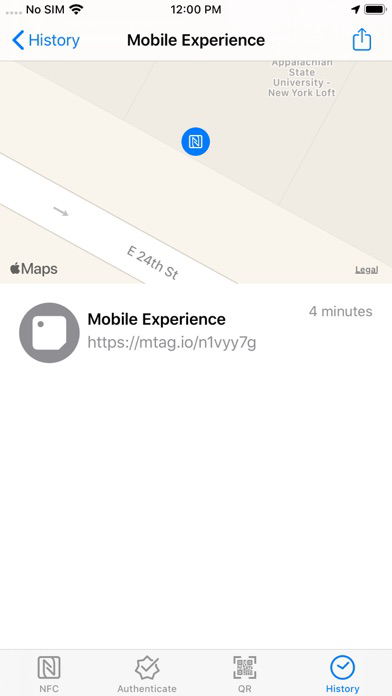
- Revisit previous scans with history
NFC SCANNING & PRODUCT AUTHENTICATION
More than just an NFC scanner, Decode is the easiest way to authenticate and discover the digital identity of your embedded products. Leveraging secure NFC rolling key technology, Decode is the only app that supports NFC verification.
- Fast NFC scanning with just a tap (now even faster)
- Uncover the digital identity of your embedded products (powerful experience support)
- Authenticate products embedded with NFC rolling key technology (new)
QR CODE SCANNING
- Includes flashlight for dark conditions
- Scan multiple codes simultaneously with multi-mode
- Revisit previous scans with history
Show More
What's New in the Latest Version 22.12.08
Last updated on Dec 10, 2022
Old Versions
- Minor behind the scenes updates to Authentication tab.
Show More
Version History
22.12.08
Dec 10, 2022
- Minor behind the scenes updates to Authentication tab.
22.1.6
Jan 6, 2022
- Fixed text QR codes not showing up in the history view
- Fixed text QR codes not displaying their text when scanned
- Fixed text QR codes alert not properly redirecting to Google when the "Google" search option was selected.
- Removed unnecessary "Tap for more information" text from history detail view.
- Fixed text QR codes not displaying their text when scanned
- Fixed text QR codes alert not properly redirecting to Google when the "Google" search option was selected.
- Removed unnecessary "Tap for more information" text from history detail view.
21.10.28
Oct 28, 2021
- Updates to the authentication SDK.
- Minor dependency updates.
21.6.24
Jun 24, 2021
- Simplified history view to improve performance.
- Added security features.
21.4.29
Apr 29, 2021
- Added new functionality to serve users experiences for certain authenticated items instead of the success modal.
21.2.4
Feb 4, 2021
- Dependency updates
- Swift version updates
19.12.7
Dec 6, 2019
- Expanded support for the Authenticate tab.
- Fixed an issue that caused the onboarding window displayed on initial app startup to not close properly, resulting in unpredictable app behavior until the app was relaunched.
19.11.14
Nov 15, 2019
- App Store updates
19.10.29
Oct 30, 2019
- Fixed issue where authentication may fail on certain devices running iOS 13.
- Fixed several issues that were causing crashes during tag scanning.
19.10.03
Oct 3, 2019
- Darkmode support
- New version semantics (yy.mm.dd)
4.3.2
Sep 6, 2019
Fixed an issue that caused NFC tags not to read URLs with trailing whitespace properly.
4.3.1
May 30, 2019
- Bug fixes for the NFC and QR code readers.
4.3.0
Aug 14, 2018
- Added support for exporting your history entries to CSV.
- A few bug fixes and UI improvements.
Thanks for using Decode!
- A few bug fixes and UI improvements.
Thanks for using Decode!
4.2.0
Jul 31, 2018
- New name, same us -- Decode name changed to Decode - NFC Scanner.
- Cleaned up the History map with some new pins and a nice pop-up box on tap.
- Gave the Authentication Success screen a facelift, no more ugly whitespace.
- Fixed a bug where scans with text instead of URL's would block future scan submissions until the app was closed and re-opened.
- Cleaned up the History map with some new pins and a nice pop-up box on tap.
- Gave the Authentication Success screen a facelift, no more ugly whitespace.
- Fixed a bug where scans with text instead of URL's would block future scan submissions until the app was closed and re-opened.
4.1.0
Jun 28, 2018
- Removed jitteryness that would occur when loading the history tab.
- Fixed an issue that sometimes caused new scans to not appear in the history tab until app restart.
- Fixed an issue that caused the Scan tab's camera view to partially obscure the status bar on iPhone X.
- Fixed an issue that sometimes caused new scans to not appear in the history tab until app restart.
- Fixed an issue that caused the Scan tab's camera view to partially obscure the status bar on iPhone X.
4.0.5
Jun 15, 2018
- Made getting your history faster and added an activity indicator so you know something is happening while you wait.
- Fixed an issue that was causing Authentication requests for certain users to be inconsistent.
4.0.0
May 25, 2018
- Authenticate products with just a tap
- Improved NFC scanning
- Improved QR support
- Speed and usability refinements
- Various bug fixes
- Improved NFC scanning
- Improved QR support
- Speed and usability refinements
- Various bug fixes
3.4.0
Apr 20, 2018
- Added support for deleting multiple History entries, or deleting all History entries at once.
- Transitioned to a new database. This means faster load times on your History tab (you may notice a delay the first time you view your History, this is caused by your old data being migrated to the new database and should only happen once).
- Various bug fixes and improvements.
Thanks for using Decode!
- Transitioned to a new database. This means faster load times on your History tab (you may notice a delay the first time you view your History, this is caused by your old data being migrated to the new database and should only happen once).
- Various bug fixes and improvements.
Thanks for using Decode!
3.2.0
Nov 7, 2017
- Updated the NFC tab so that the "Scan" Button isn't hidden if you have "Display Zoom" enabled.
- Fixed a bug that was causing History entries to show Interaction Age incorrectly.
- Minor icon updates.
- Fixed a bug that was causing History entries to show Interaction Age incorrectly.
- Minor icon updates.
3.1.0
Oct 6, 2017
- Removed unnecessary whitespace on History tab.
- Clarified NFC status text.
- Reordered tabs.
- Clarified NFC status text.
- Reordered tabs.
3.0.0
Sep 19, 2017
- Added support for reading NFC tags.
2.2.1
Oct 20, 2016
- Fixed a bug that caused Decode to crash on startup if the user declined the Camera Permission.
- Fixed a bug that prevented Decode’s Nearby widget from displaying “Show More” if placed in the right column of the Today view on an iPad running iOS 10.
- Reverted text color of Nearby widget to white text on devices running iOS 9 and below.
- Fixed a bug that prevented Decode’s Nearby widget from displaying “Show More” if placed in the right column of the Today view on an iPad running iOS 10.
- Reverted text color of Nearby widget to white text on devices running iOS 9 and below.
2.2.0
Sep 19, 2016
- Minor bug fixes.
- Updated Nearby widget to function properly with iOS 10.
2.1.1
Nov 5, 2015
- Minor Bug Fixes
2.1.0
Oct 21, 2015
- 3D Touch: If you have an iPhone 6s or 6s Plus, you can now peek into QR codes and nearby beacons without opening Safari.
- Enhanced QR Detection: Website titles and bookmark icons now appear next to QR codes when using Multiple Mode.
- Multiple Mode shortcut: Quickly enable Multiple Mode by double tapping anywhere on the scan screen.
- Search support: Scans in history can now be searched right from your home screen.
- Delete scans: Scans in history can now be deleted by swiping left on the history view, or through 3D Touch.

- Enhanced QR Detection: Website titles and bookmark icons now appear next to QR codes when using Multiple Mode.
- Multiple Mode shortcut: Quickly enable Multiple Mode by double tapping anywhere on the scan screen.
- Search support: Scans in history can now be searched right from your home screen.
- Delete scans: Scans in history can now be deleted by swiping left on the history view, or through 3D Touch.
Decode - NFC Scanner FAQ
Click here to learn how to download Decode - NFC Scanner in restricted country or region.
Check the following list to see the minimum requirements of Decode - NFC Scanner.
iPhone
Requires iOS 12.0 or later.
Decode - NFC Scanner supports English, French, German, Italian, Russian, Simplified Chinese, Spanish