DesClouD

DesClouD


Free

1.0.4for iPhone, iPad and more
1652171 Ontario Ltd
Developer
190,3 Mo
Size
Jan 3, 2018
Update Date
Productivity
Category
Age Rating
4+
Apps in this category do not contain restricted content.
9+
Apps in this category may contain mild or occasional cartoon, fantasy or real-life violence, as well as occasional or mild adult, sexually suggestive or horrifying content and may not be suitable for children under 9 years of age.
12+
Apps in this category may contain occasional mild indecent language, frequent or intense cartoon or real-life violence, minor or occasional adult or sexually suggestive material, and simulated gambling, and may be for children under 12 years of age.
17+
You must be at least 17 years old to access this App.
Apps in this category may contain frequent and intense offensive language; Frequent and intense cartoon, fantasy or realistic violence: frequent and intense adult, scary and sexually suggestive subjects: as well as sexual content, nudity, tobacco, alcohol and drugs, may not be suitable for children under 17 years of age.
DesClouD Screenshots
DesClouD posterDesClouD posterDesClouD posterDesClouD posterDesClouD poster

About DesClouD

1. DRAG AND DROP
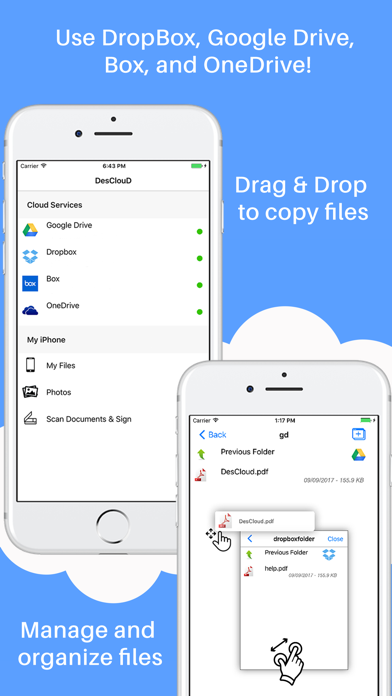
You can easily move your files to different services and folders using the drag & drop method.
You can manage and organize your files by creating folders in a variety of Cloud services.
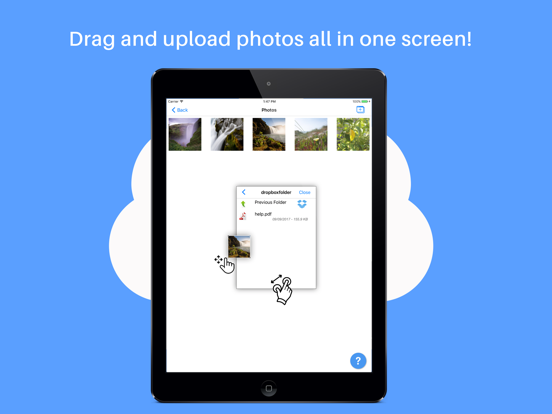
You can copy files from different Cloud services using the drag & drop method without moving between screens. DesCloud will allow you to work efficiently within a single screen.
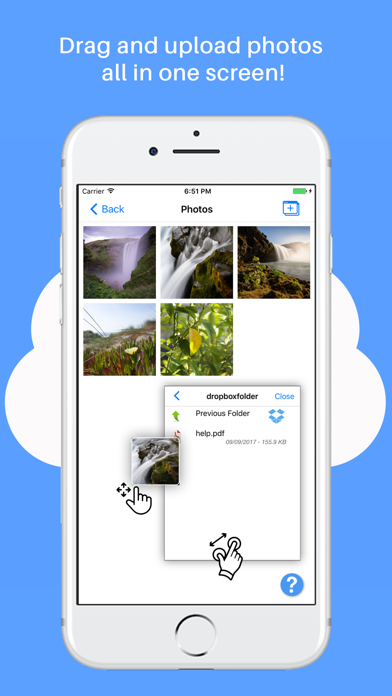
You can drag original or filtered photos and upload them to Cloud services within a single screen.

2. SCAN DOCUMENTS AND SIGN
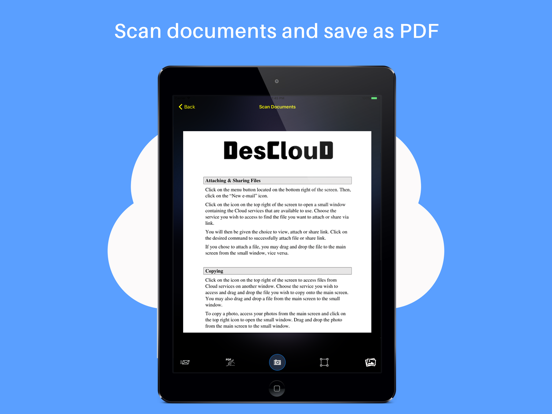
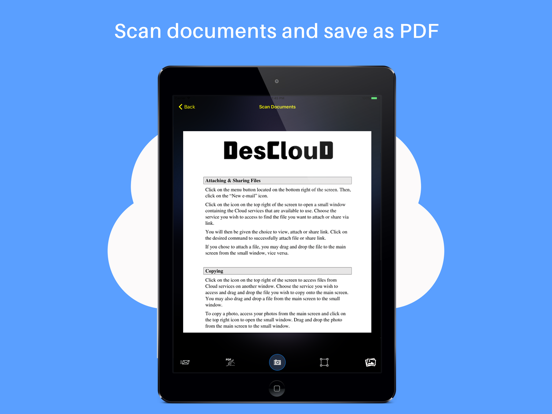
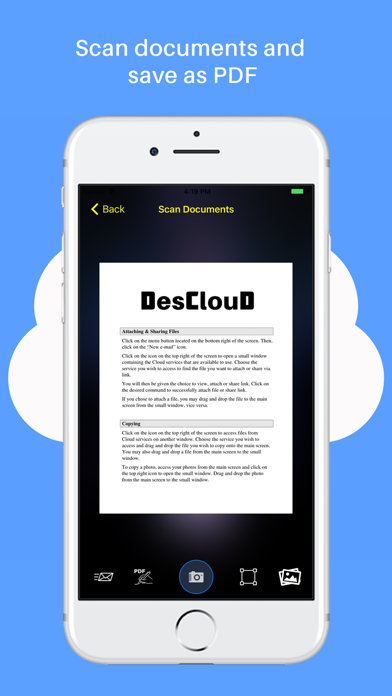
You can scan a document on your mobile device and fix it to your liking (i.e. crop, filter). Then you can convert it to a PDF file by saving the PDF Annotation as a regular PDF file.
You have the choice of sending the document via email.
All scanned documents are produced as an industry-standard PDF file.
You can upload PDF file documents to the available Cloud services and quickly transfer all scanned PDF files.

3. INTEGRATE ALL CLOUD SERVICES
You can work within DropBox, Google Drive, Box, and OneDrive.
All Cloud services will be connected to Documents for you to access personal and business files at any time.

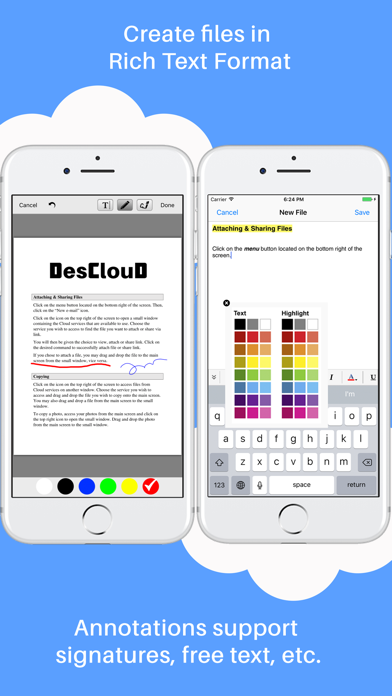
4. PDF ANNOTATION
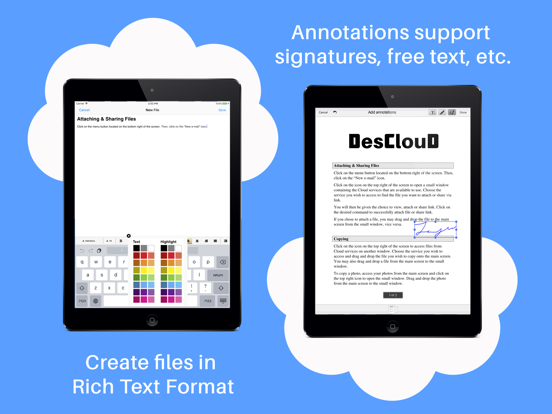
Annotations support signatures, free text, drawings.
You can open PDF documents and save it within a Cloud service immediately after the Annotation process.

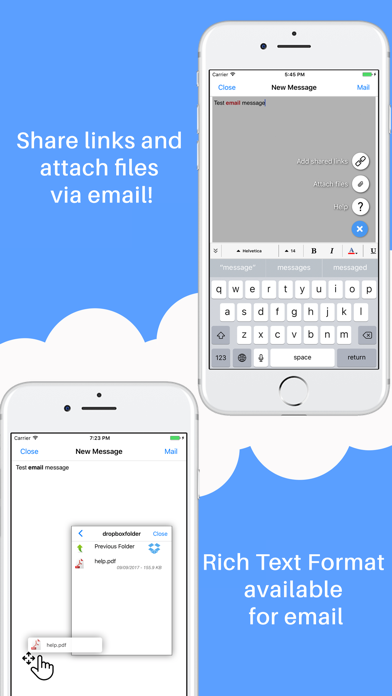
5. EMAIL ATTACHMENTS
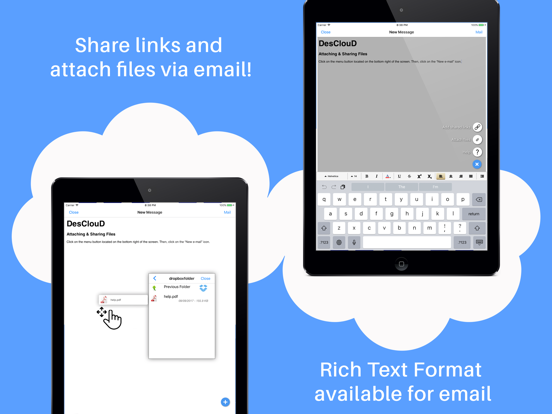
Email attachments (i.e. share link and attaching files) are available from Cloud services.
Rich Text Format email editor available (i.e. bold, italic, font, size, colour, etc.)
You can attach files and share file links from Cloud services.

6. RICH TEXT EDITOR
You can create a file in the Rich Text Format.
You can save files as TXT, RTF, HTML, and PDF.
You can easily create and edit RTF files with multiple styles, alignments, font sizes, colours, shadows, line spacing, and more.

Show More

What's New in the Latest Version 1.0.4

Last updated on Jan 3, 2018
Old Versions
This app has been updated by Apple to display the Apple Watch app icon.

Minor bug fixes
Show More
Version History
1.0.4
Jan 3, 2018
This app has been updated by Apple to display the Apple Watch app icon.

Minor bug fixes

DesClouD FAQ

Click here to learn how to download DesClouD in restricted country or region.
Check the following list to see the minimum requirements of DesClouD.
iPhone
Nécessite iOS 9.0 ou version ultérieure.
iPad
Nécessite iPadOS 9.0 ou version ultérieure.
iPod touch
Nécessite iOS 9.0 ou version ultérieure.
DesClouD supports Anglais

DesClouD Alternative

You May Also Like