DeskFrog
Custom Workflow Ticket System
Free
2.5for iPhone, iPad and more
Age Rating
DeskFrog Screenshots
About DeskFrog
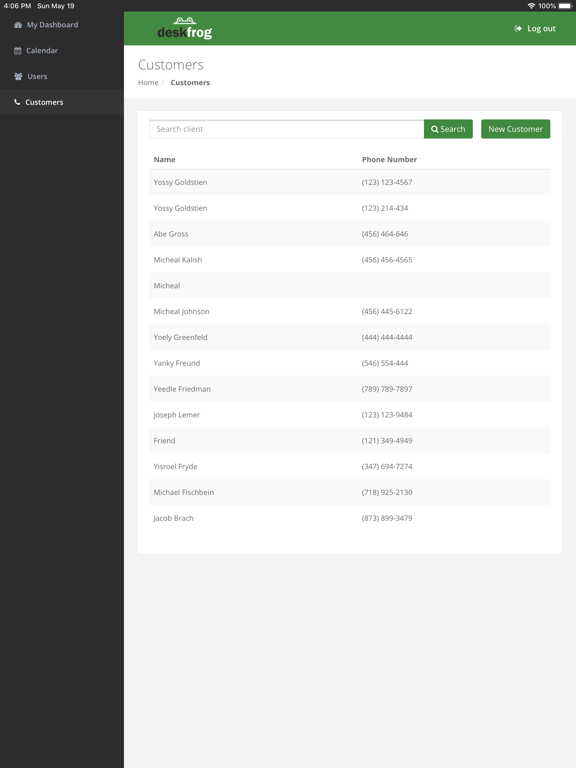
DeskFrog is a software that helps you manage your customers, jobs, and processes.
Since every business is unique we customize it to match your needs.
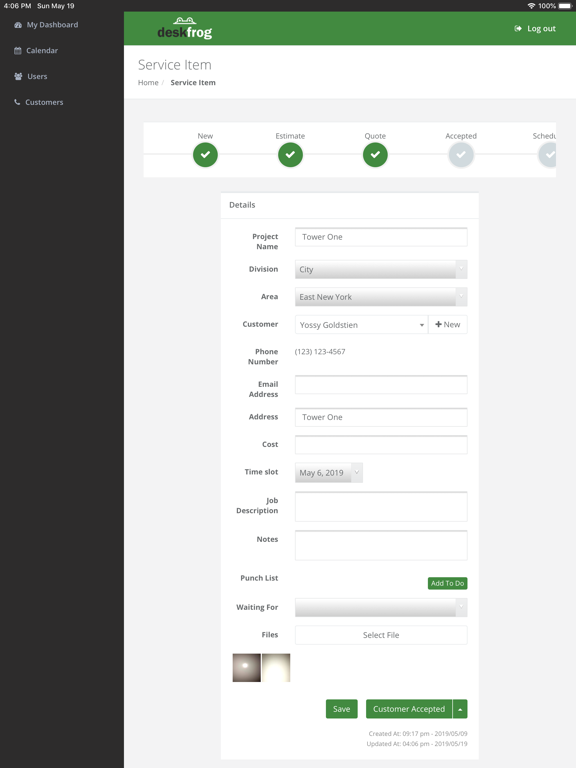
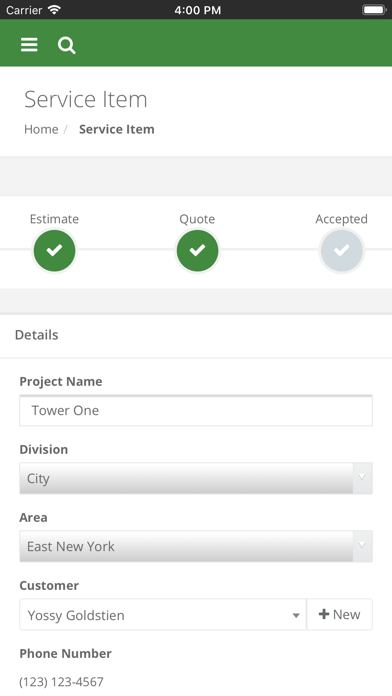
You create a ticket for every job. The ticket is customized for your business, which means that it takes the information you need. The ticket then needs to go through a process, meaning steps, that are also custom for your business.
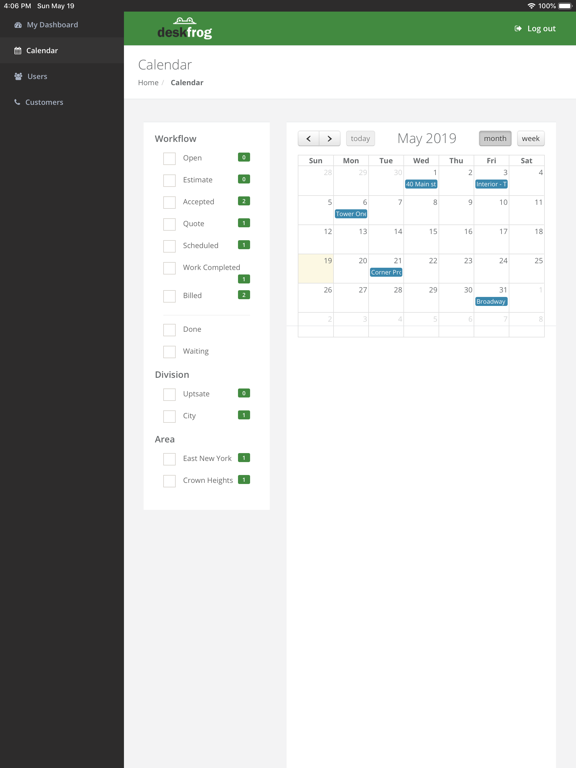
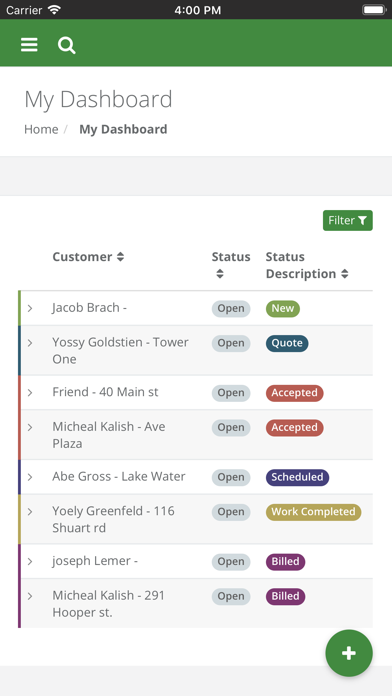
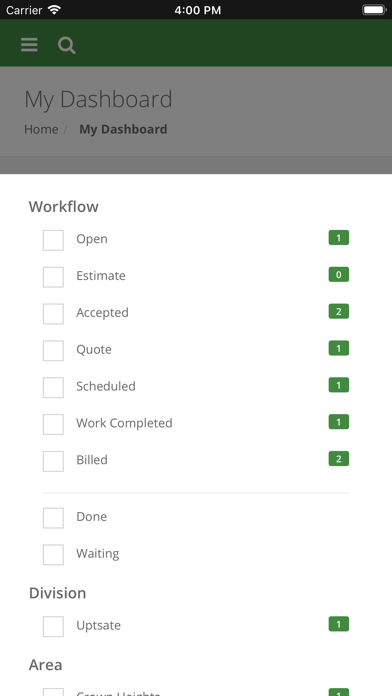
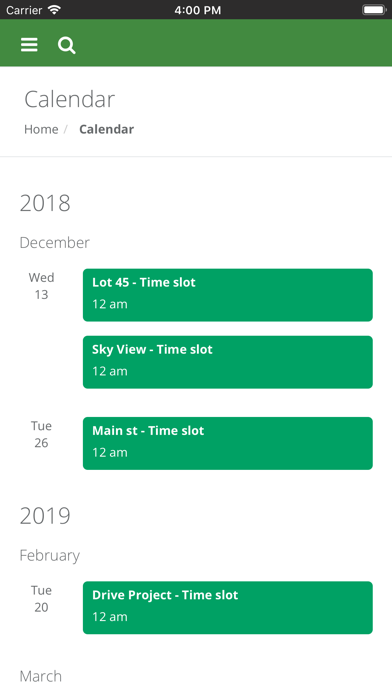
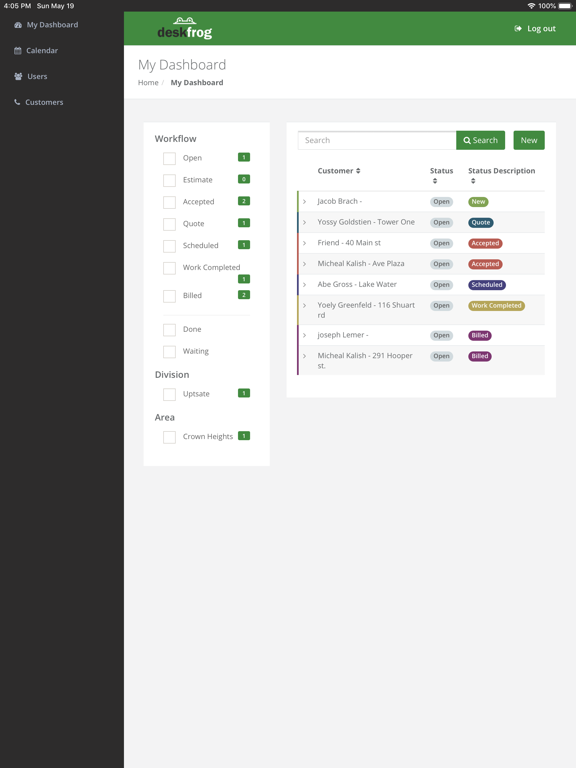
Deskfrog gives you a clean dashboard where you can see every job, where it’s up to, what information was entered, who is assigned to it, when it’s scheduled for, and much more.
Deskfrog also gives you full control over who gets to see which ticket and what information on the ticket.
You can set up notifications so that the right people get notified at the right time.
You don’t need to worry about figuring out if DeskFrog is right for you or how to set it up, because we help you through this process.
DeskFrog is simple to get started, but also powerful enough to solve all of your business organizational needs.

Since every business is unique we customize it to match your needs.
You create a ticket for every job. The ticket is customized for your business, which means that it takes the information you need. The ticket then needs to go through a process, meaning steps, that are also custom for your business.
Deskfrog gives you a clean dashboard where you can see every job, where it’s up to, what information was entered, who is assigned to it, when it’s scheduled for, and much more.
Deskfrog also gives you full control over who gets to see which ticket and what information on the ticket.
You can set up notifications so that the right people get notified at the right time.
You don’t need to worry about figuring out if DeskFrog is right for you or how to set it up, because we help you through this process.
DeskFrog is simple to get started, but also powerful enough to solve all of your business organizational needs.
Show More
What's New in the Latest Version 2.5
Last updated on Jan 8, 2021
Old Versions
Updated calendar picker
Show More
Version History
2.5
Jan 8, 2021
Updated calendar picker
2.4
Mar 6, 2020
Redesigned dashboard
Fixed bugs
Fixed bugs
2.3
Feb 19, 2020
Small enhancements
2.2
Jan 28, 2020
Minor feature updates and bug fixes
2.1
Jan 5, 2020
Ticket Conversation with Mentions
2.0
Nov 21, 2019
Fixed phone number formatting
1.9
Nov 18, 2019
Fixed bug
1.8
Nov 13, 2019
Ability to reschedule date range field.
1.7
Oct 29, 2019
Clicking on email link will open the app directly.
Ability to filter nested fields.
What's app share.
Ability to filter nested fields.
What's app share.
1.6
Sep 8, 2019
Updated Navigation UI
Updated list field
Updated list field
1.5
Aug 14, 2019
Ability to reschedule date.
1.4
Aug 8, 2019
Bug fixes
Calendar Enhancements
1.3
Aug 1, 2019
New kinds of fields.
1.2
Jun 27, 2019
Backend updates
Bug fixes
Bug fixes
1.1
Jun 19, 2019
bug fixes
1.0
May 28, 2019
DeskFrog FAQ
Click here to learn how to download DeskFrog in restricted country or region.
Check the following list to see the minimum requirements of DeskFrog.
iPhone
Requires iOS 10.0 or later.
iPad
Requires iPadOS 10.0 or later.
iPod touch
Requires iOS 10.0 or later.
DeskFrog supports English, Catalan, French, German, Italian, Polish, Portuguese, Simplified Chinese, Spanish