Dev Notes
Stand ups made simple
Free
1.2for iPhone
Age Rating
Dev Notes Screenshots
About Dev Notes
Does your mind go blank when its your turn to speak in the daily stand up?
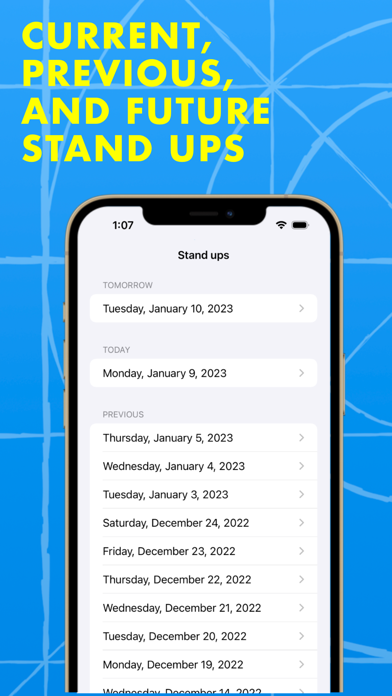
Dev Notes lets you keep track of yesterday's, today's and tomorrow's tasks along with any blockers.
Easily record and access info on what you did yesterday, what you're doing today and any blockers you may have.
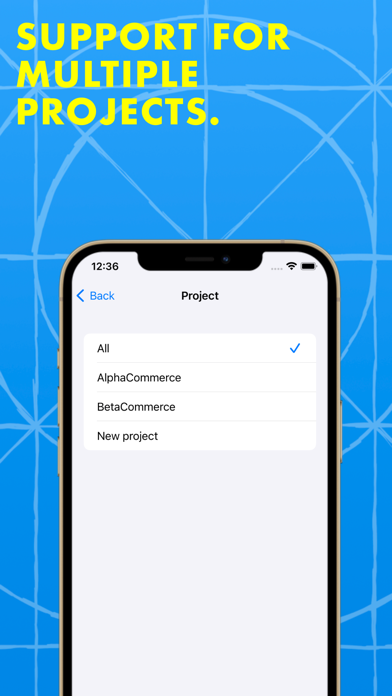
Dev Notes works across multiple projects. Create projects and assign tasks to them. Then filter your stand up view to only see the tasks that belong to a given project.
Each daily stand up entry lets you:
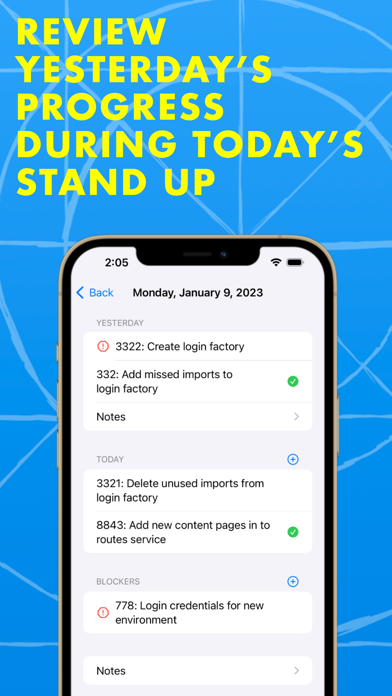
- View the tasks you were working on yesterday
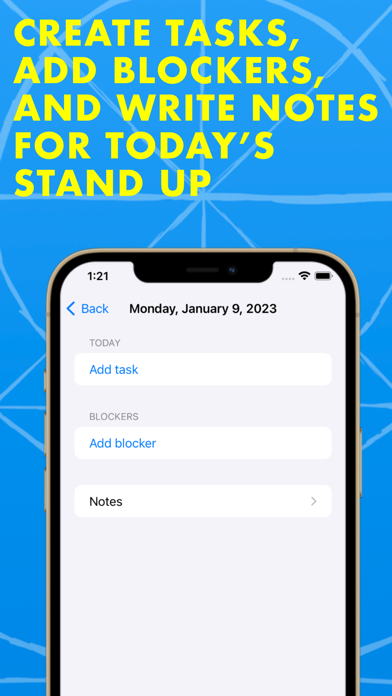
- Create and view the tasks you've been working on today
- Add blockers
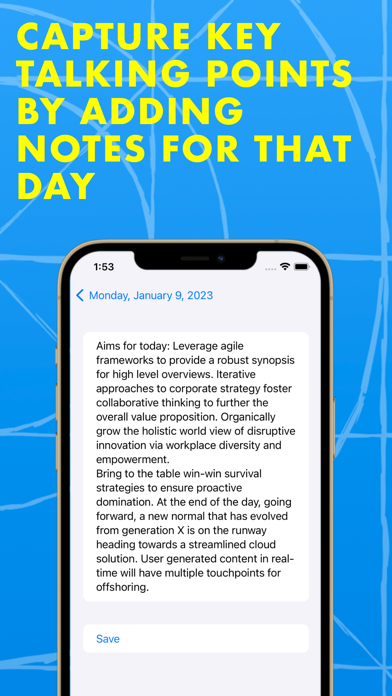
- Add notes
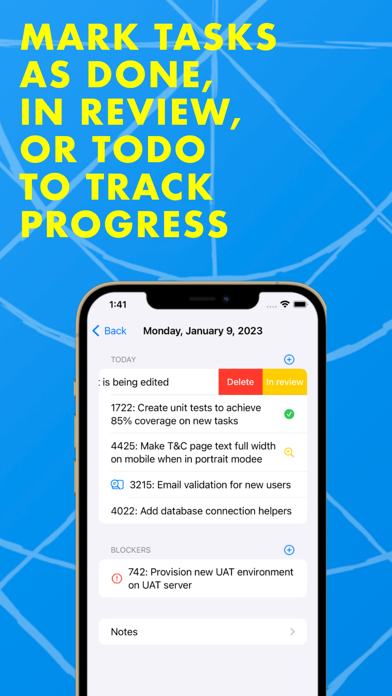
- Mark tasks as complete, in review, or todo
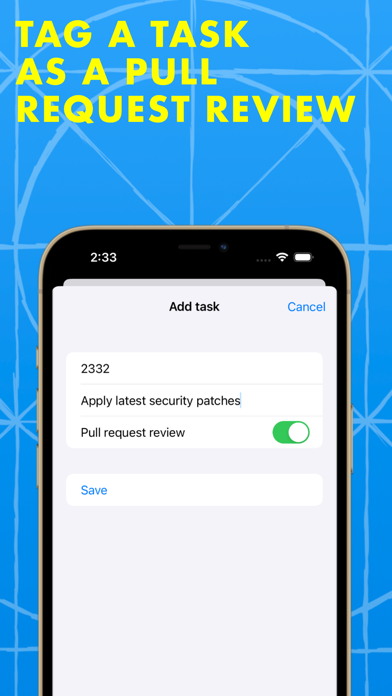
- Tag a task as a pull request review
- Filter tasks by project

Dev Notes lets you keep track of yesterday's, today's and tomorrow's tasks along with any blockers.
Easily record and access info on what you did yesterday, what you're doing today and any blockers you may have.
Dev Notes works across multiple projects. Create projects and assign tasks to them. Then filter your stand up view to only see the tasks that belong to a given project.
Each daily stand up entry lets you:
- View the tasks you were working on yesterday
- Create and view the tasks you've been working on today
- Add blockers
- Add notes
- Mark tasks as complete, in review, or todo
- Tag a task as a pull request review
- Filter tasks by project
Show More
What's New in the Latest Version 1.2
Last updated on Mar 16, 2023
Old Versions
A nicer UI. Clear view of the types of tasks that are in your day's list and yesterday's tasks now get a screen of their own.
Show More
Version History
1.2
Mar 16, 2023
A nicer UI. Clear view of the types of tasks that are in your day's list and yesterday's tasks now get a screen of their own.
1.1
Jan 20, 2023
Projects!
Create projects and assign tasks to them. Then you can filter your daily stand up view to see tasks that belong to a given project.
1.0
Jan 10, 2023
Dev Notes FAQ
Click here to learn how to download Dev Notes in restricted country or region.
Check the following list to see the minimum requirements of Dev Notes.
iPhone
Requires iOS 16.0 or later.
Dev Notes supports English