Ding allows a group of people to ring together via the internet.
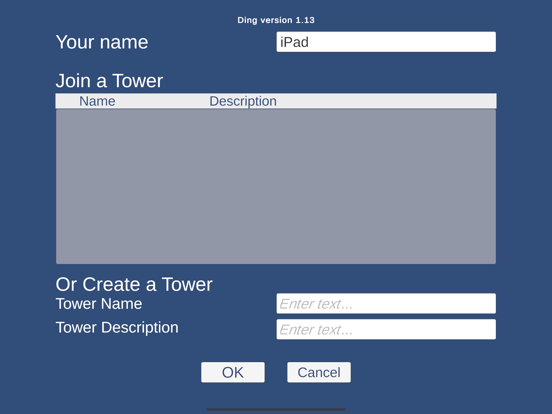
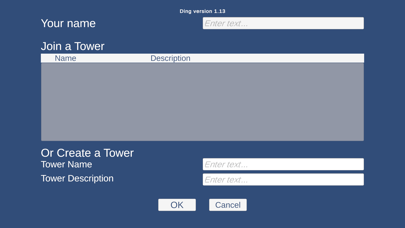
On signing in you can join an existing tower or create a new tower.
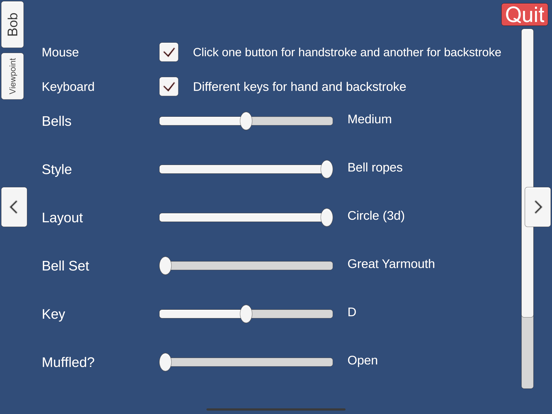
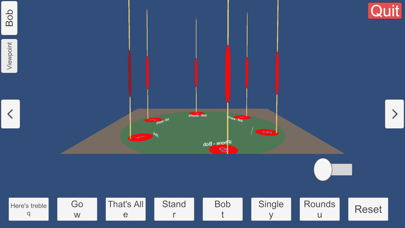
The ropes are displayed with red sallies; the bell you are ringing has a deeper red sally; and the treble has a green sally (unless you are ringing it). To ring your bell on a touchscreen, there is a slider that you can move right and left for handstroke and backstroke. If you have a keyboard or external mouse connected there are other options to ring your bell.
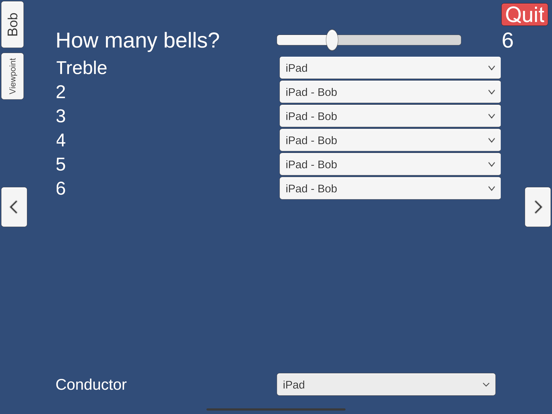
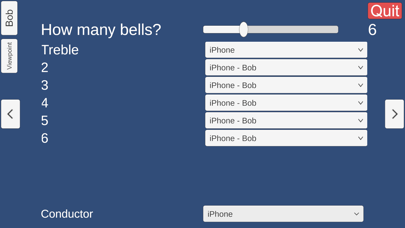
"Bob" is an automated ringer who can ring as many bells as you wish. This enables you to ring things that would be impossible in the tower due to a lack of sufficient ringers or bells! When you create a tower, at startup you are assigned the treble of six bells, and Bob rings the other bells. One of the pages that you can swipe to allows you to choose the method that Bob will ring.
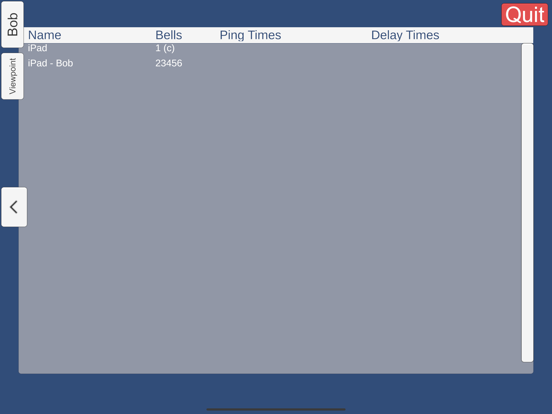
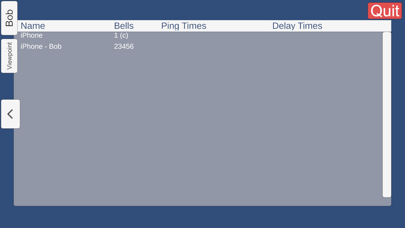
The Conductor has access to a page for allocating the ringers to their bells. If you created the tower then you are conductor until you assign it to another ringer.
Another option available is to ring using buttons instead of ropes. In this mode the bell rings immediately when you press the button, so it resembles handbell ringing more than tower bell ringing.
A Ringalong option allows you to join in with your band's ringing even when you haven't been allocated a rope. You can choose any bell you want, and Ding will show it with a purple sally. You can then ring as if you were really a member of the band - your copy of Ding will ignore the person who is really ringing, and substitute you.