Document to PDF

Document to PDF


Free

2.0.2for iPhone, iPad
7.5
26 Ratings
daisukeuchida.com
Developer
Jul 10, 2019
Update Date
Utilities
Category
Age Rating
4+
Apps in this category do not contain restricted content.
9+
Apps in this category may contain mild or occasional cartoon, fantasy or real-life violence, as well as occasional or mild adult, sexually suggestive or horrifying content and may not be suitable for children under 9 years of age.
12+
Apps in this category may contain occasional mild indecent language, frequent or intense cartoon or real-life violence, minor or occasional adult or sexually suggestive material, and simulated gambling, and may be for children under 12 years of age.
17+
You must be at least 17 years old to access this App.
Apps in this category may contain frequent and intense offensive language; Frequent and intense cartoon, fantasy or realistic violence: frequent and intense adult, scary and sexually suggestive subjects: as well as sexual content, nudity, tobacco, alcohol and drugs, may not be suitable for children under 17 years of age.

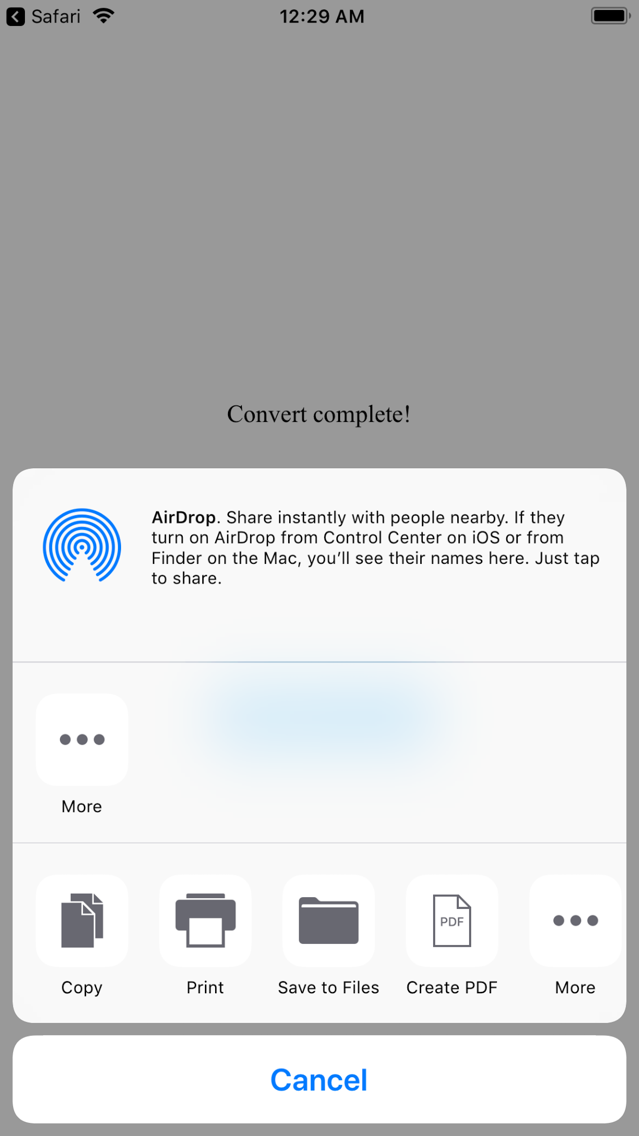
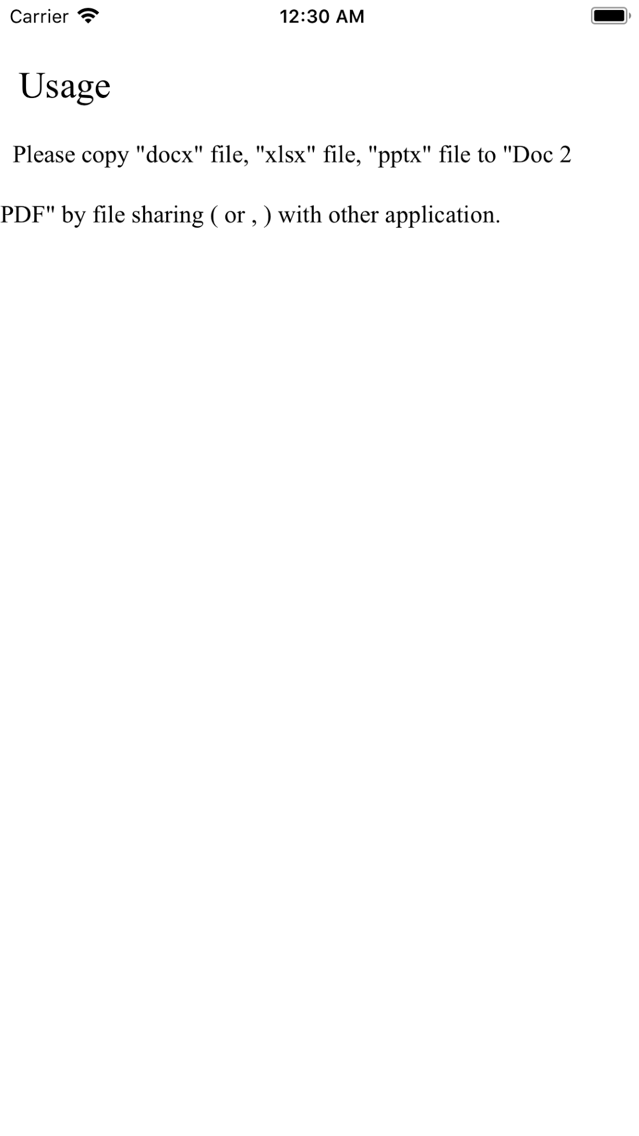
Document to PDF Screenshots
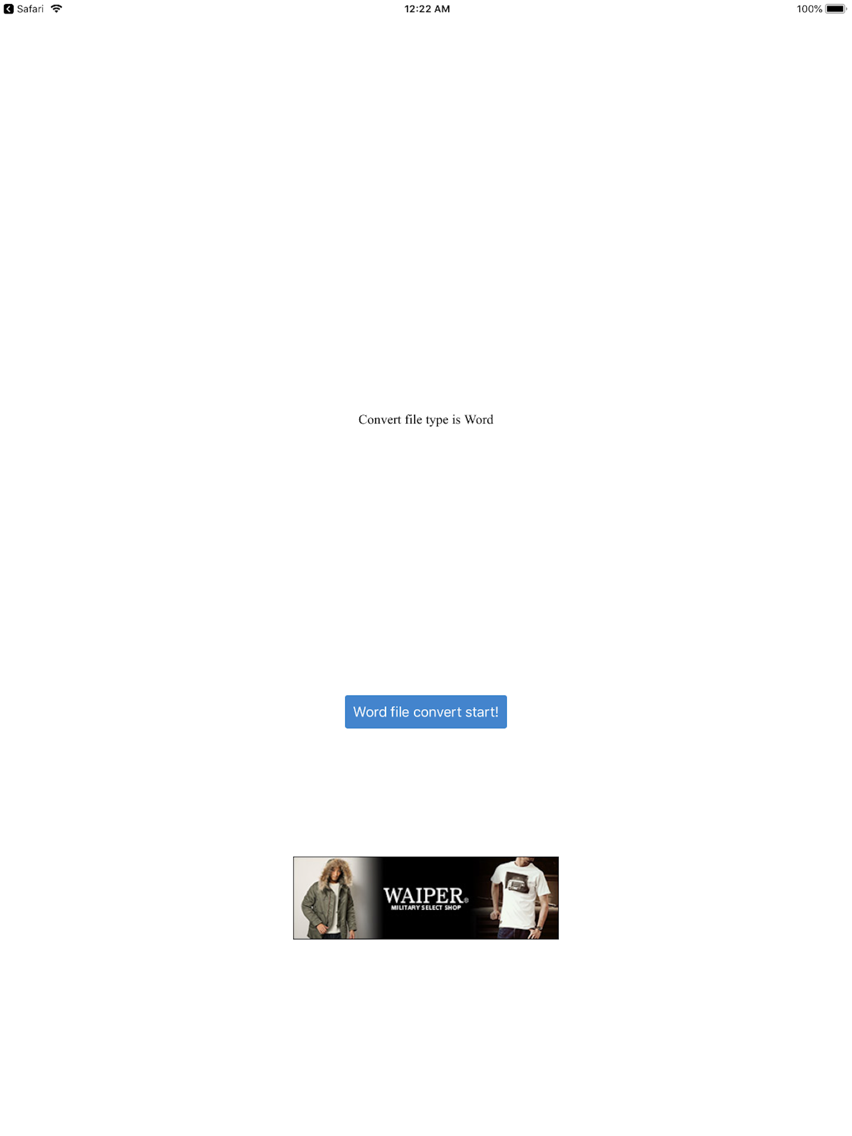
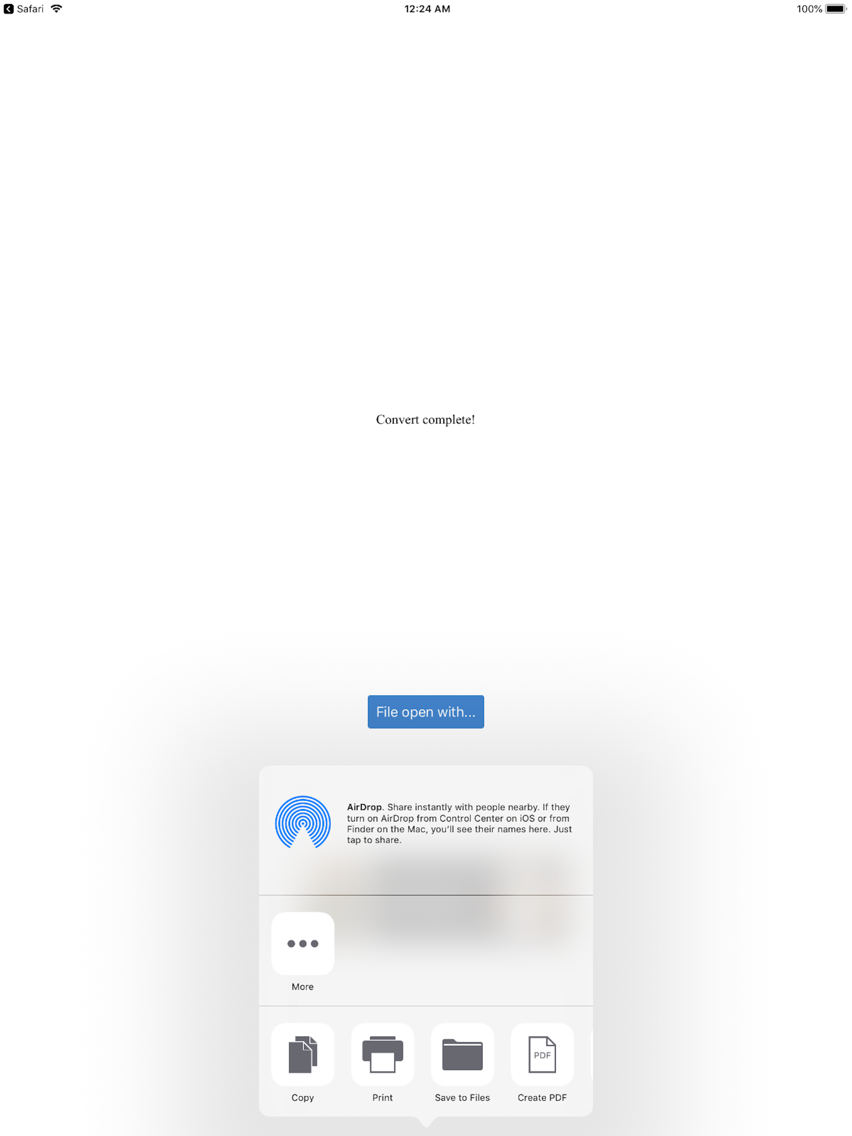
Document to PDF posterDocument to PDF posterDocument to PDF poster

About Document to PDF

Officeドキュメント(Word, Excel, PowerPoint)ファイルを、PDFに変換します。

※Officeドキュメントファイルをサーバにアップロードし、PDFに変換しますが、変換後、直ちにサーバ上からファイルを削除しています。
Show More

What's New in the Latest Version 2.0.2

Last updated on Jul 10, 2019
Old Versions
Bug fix.
Show More
Version History
2.0.2
Jul 10, 2019
Bug fix.
2.0.1
Jul 9, 2018
64bitに対応しました。
全体的に機能を精錬しました。
2.0.0
May 14, 2013
変換エンジンを新しいものにしました。
従来の変換エンジンも選択できますので適宜選択の上、ご利用ください。
1.4.2
Apr 25, 2013
バグ修正
1.4.1
Mar 14, 2013
・バグ修正
・変換に時間がかかる、白紙のPDFになる場合は、時間をあけて再度実行してください
1.4.0
Feb 19, 2013
変換後のPDFを任意のアプリで開けるようになりました。
1.2.1
Feb 5, 2013
バグ修正
1.2.0
Nov 21, 2012
・PDFのページサイズを指定できるようになりました
 ※WordファイルとExcelファイルのみ
1.1.0
May 18, 2012
・変換後のPDFファイルを添付付きE-Mailで受け取れるようになりました
1.0.1
Nov 18, 2011
1.バグ修正
2.フォントが少し綺麗になりました
1.0.0
Aug 25, 2011

Document to PDF FAQ

Click here to learn how to download Document to PDF in restricted country or region.
Check the following list to see the minimum requirements of Document to PDF.
iPhone
iPad
Document to PDF supports English, Japanese

Document to PDF Alternative

You May Also Like

Get more from daisukeuchida.com