Document Viewer - PDF Reader
Free
1.0.2for iPhone, iPad
Age Rating
Document Viewer - PDF Reader Screenshots
About Document Viewer - PDF Reader
Document Viewer, PDF Reader allow you to view and read all document files on your mobile.
Docx Reader and viewer is the smallest size and all-in-one complete free office suite app.
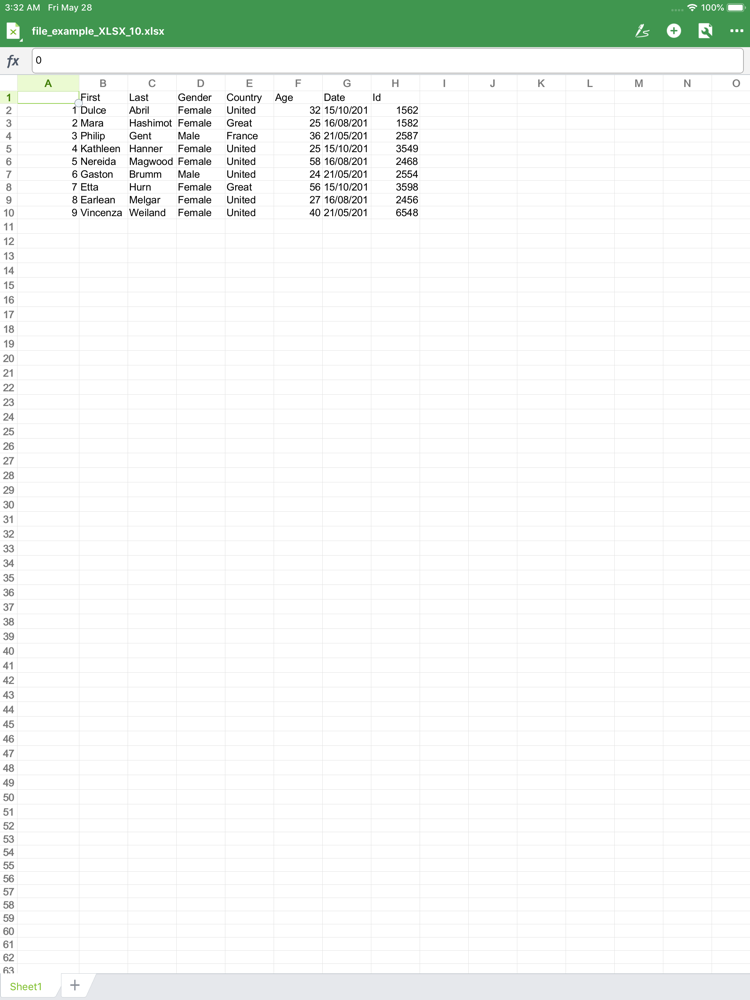
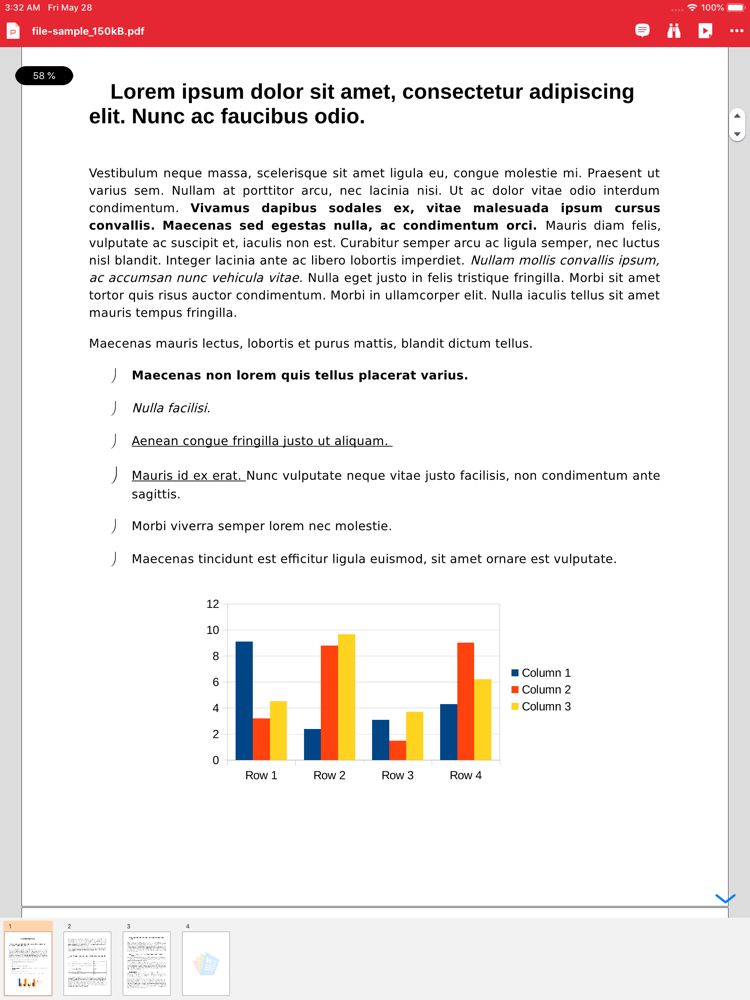
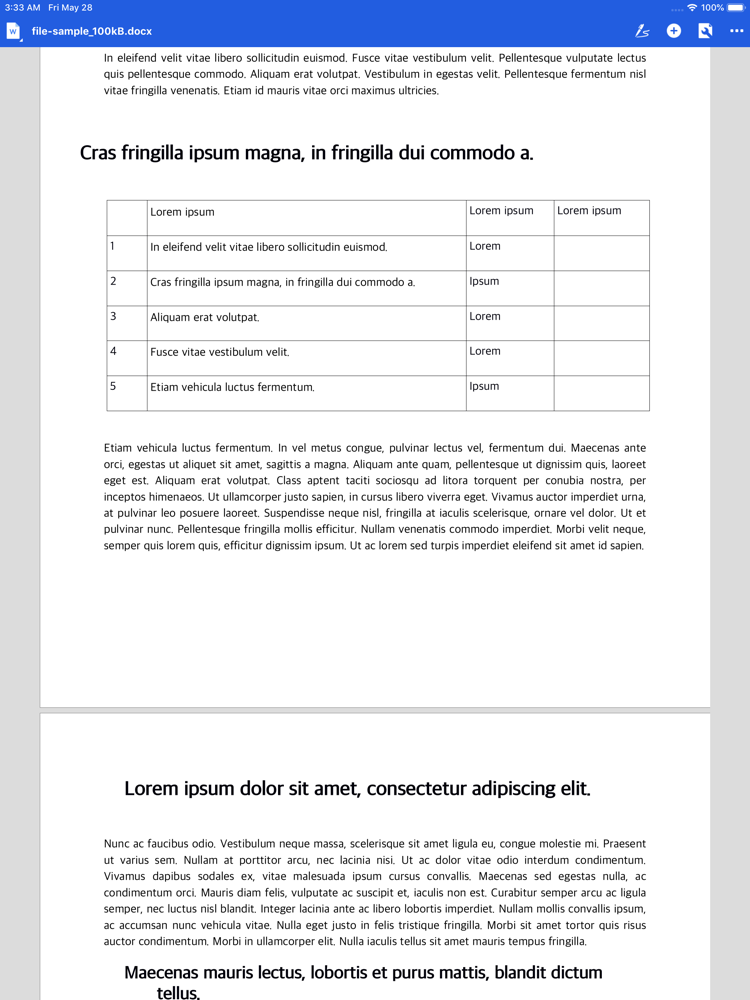
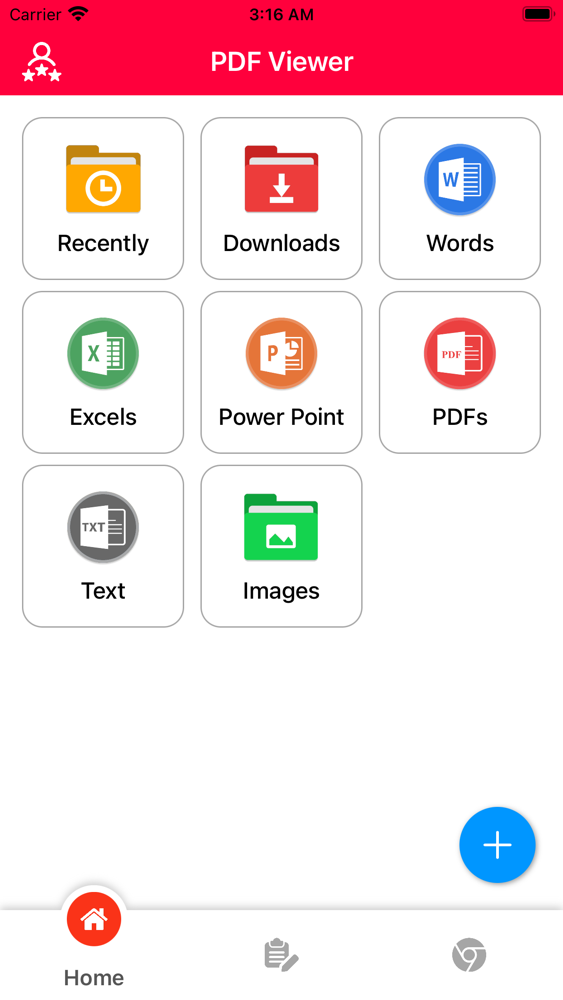
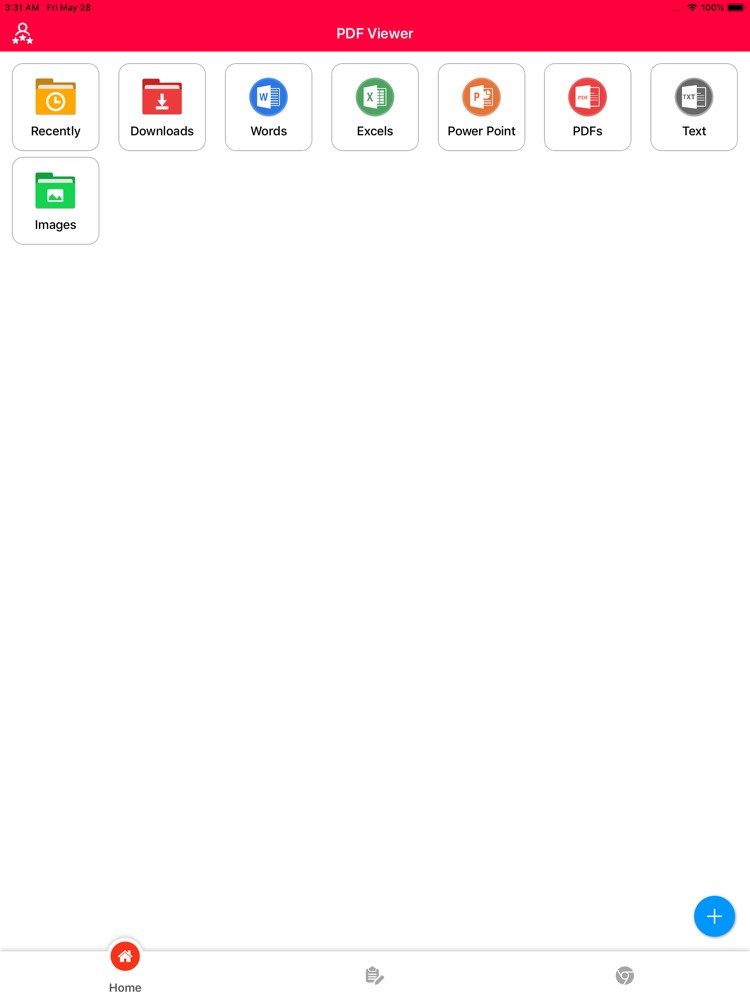
Document Viewer is indexing and shortlist files. The files like as xls, pdf, doc and txt. In this app manage PDF, Text, Word, Excel and PowerPoint documents at one place. This is very simple and user friendly app. Get list of all documents available in your smart phone at single place.
FEATURE:
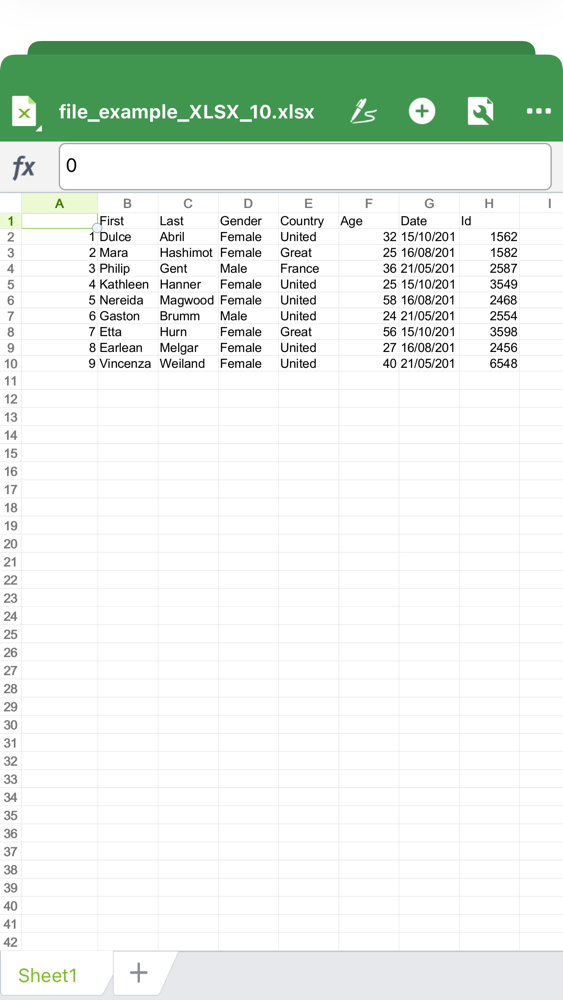
– List PDF, XLS, PPT, DOC, TXT Files
– Open files direct
– Filter by File Type
– Short files by Name, Date, and Size
– Search file, rename and delete
– Share Files
Document Viewerr Features :
- All the documents show the detail in the one folder.
- Manage file with folder view and file view.
- Manage Recent files
- Clear cache content
- Setting with display file path shown or not
- Manage Edit, Read, Delete, Rename, File details or share file.
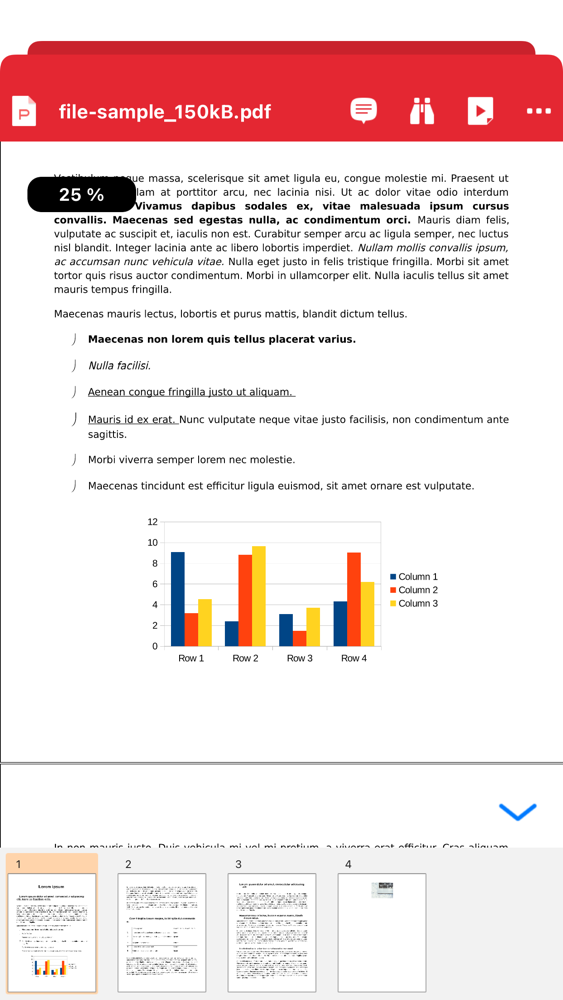
- You can also edit or manage Xls, PDF, Ms Word, Text Documents, Ms Excel, Ms Power Point, CSV files
- Sort files by Size ASC or Desc, Date wise ASC or Desc, Name wise ASC or Desc
- Search Particular document by name
- Convert document file, docx file, xlsx file, doc file, image, pptx file to PDF
- List good reader pdf you have recently viewed.
- Add your good reader pdf to your favorite book, you can open it faster.
Experience the good reader document & PDF viewer app. Please rate us for 5 stars. Thank you for using Document Viewer – PDF Reader

Docx Reader and viewer is the smallest size and all-in-one complete free office suite app.
Document Viewer is indexing and shortlist files. The files like as xls, pdf, doc and txt. In this app manage PDF, Text, Word, Excel and PowerPoint documents at one place. This is very simple and user friendly app. Get list of all documents available in your smart phone at single place.
FEATURE:
– List PDF, XLS, PPT, DOC, TXT Files
– Open files direct
– Filter by File Type
– Short files by Name, Date, and Size
– Search file, rename and delete
– Share Files
Document Viewerr Features :
- All the documents show the detail in the one folder.
- Manage file with folder view and file view.
- Manage Recent files
- Clear cache content
- Setting with display file path shown or not
- Manage Edit, Read, Delete, Rename, File details or share file.
- You can also edit or manage Xls, PDF, Ms Word, Text Documents, Ms Excel, Ms Power Point, CSV files
- Sort files by Size ASC or Desc, Date wise ASC or Desc, Name wise ASC or Desc
- Search Particular document by name
- Convert document file, docx file, xlsx file, doc file, image, pptx file to PDF
- List good reader pdf you have recently viewed.
- Add your good reader pdf to your favorite book, you can open it faster.
Experience the good reader document & PDF viewer app. Please rate us for 5 stars. Thank you for using Document Viewer – PDF Reader
Show More
What's New in the Latest Version 1.0.2
Last updated on Aug 3, 2021
Old Versions
Fix some bug
Show More
Version History
1.0.2
Aug 3, 2021
Fix some bug
Document Viewer - PDF Reader FAQ
Click here to learn how to download Document Viewer - PDF Reader in restricted country or region.
Check the following list to see the minimum requirements of Document Viewer - PDF Reader.
iPhone
iPad
Document Viewer - PDF Reader supports English