DoDo - Comic Reader
Free
1.6for iPhone, iPad
Age Rating
DoDo - Comic Reader Screenshots
About DoDo - Comic Reader
Do you also collect a lot of favorite comics, but you don't have a convenient and practical reading tool to review the old classics at any time? DoDo is designed for you, private book list, safe start, with the best comic reading experience, DoDo must be the most understand your Comic Reader!
[Product function]
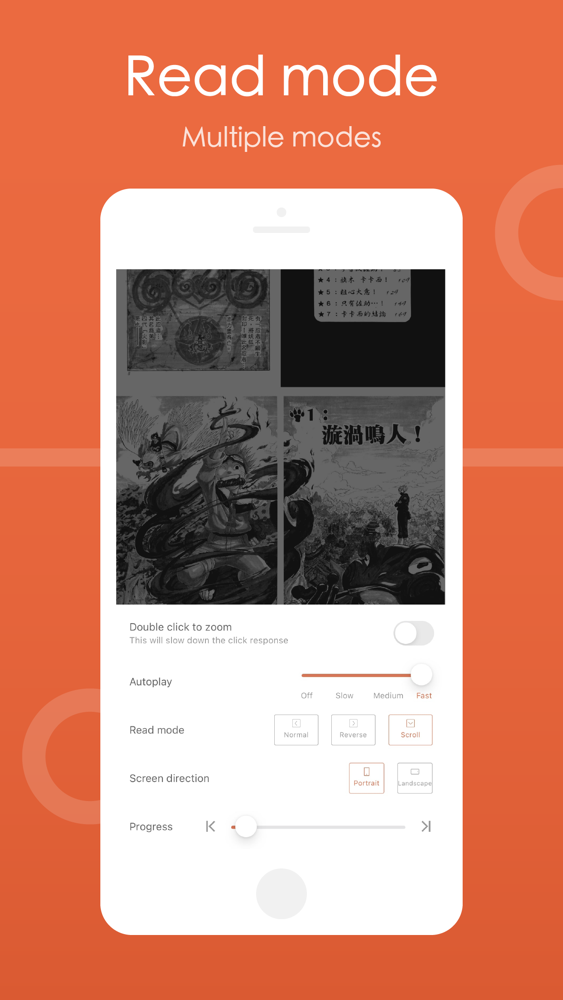
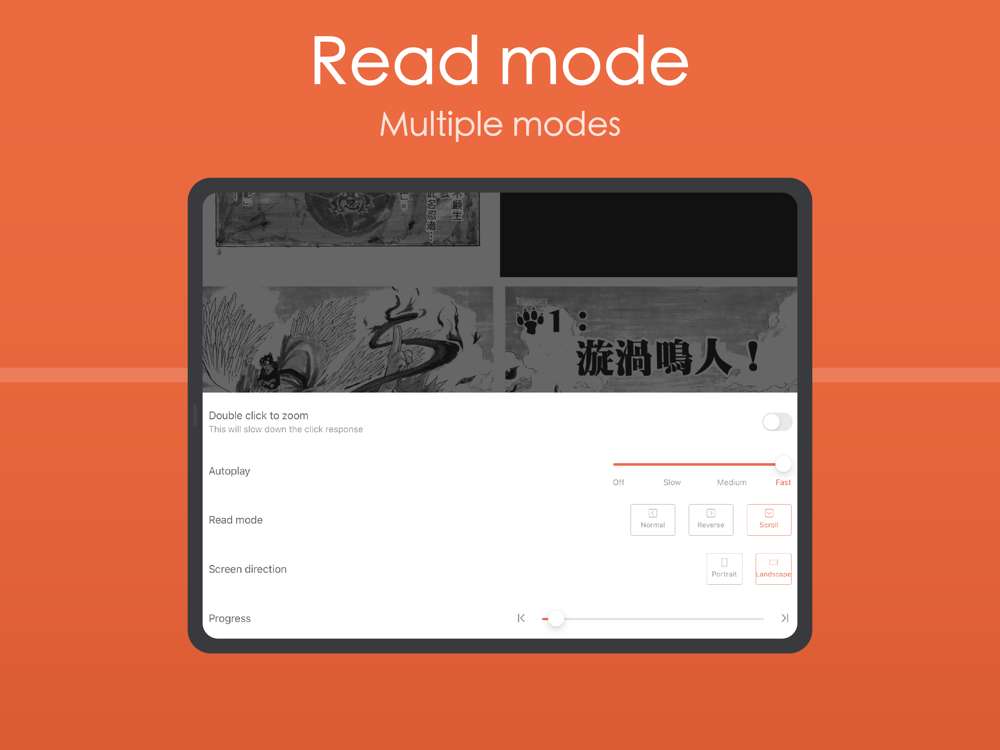
Reading mode: support a variety of reading modes to achieve comic freedom!
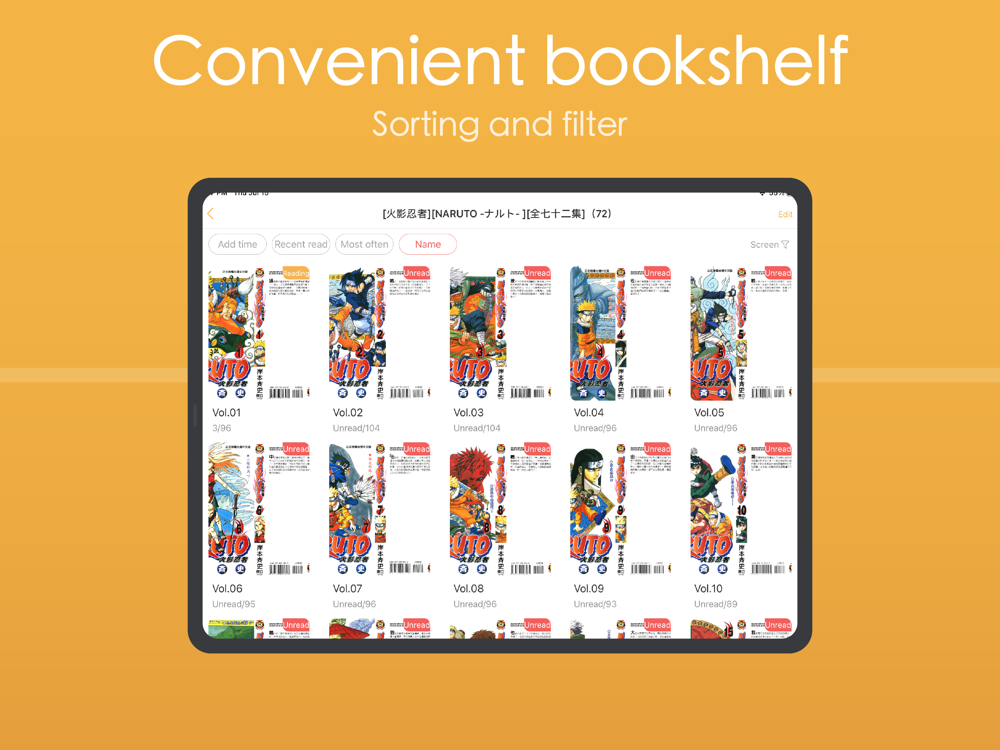
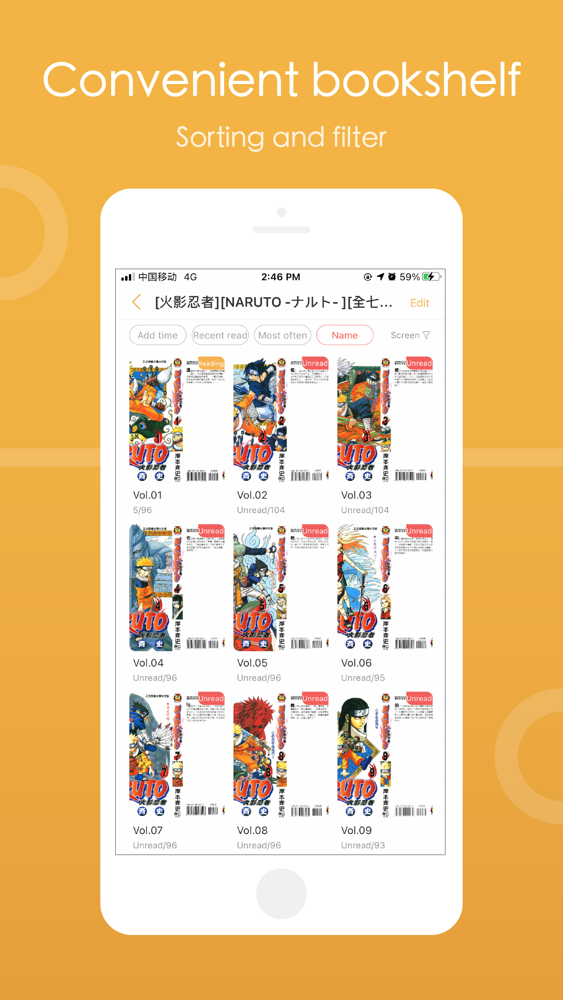
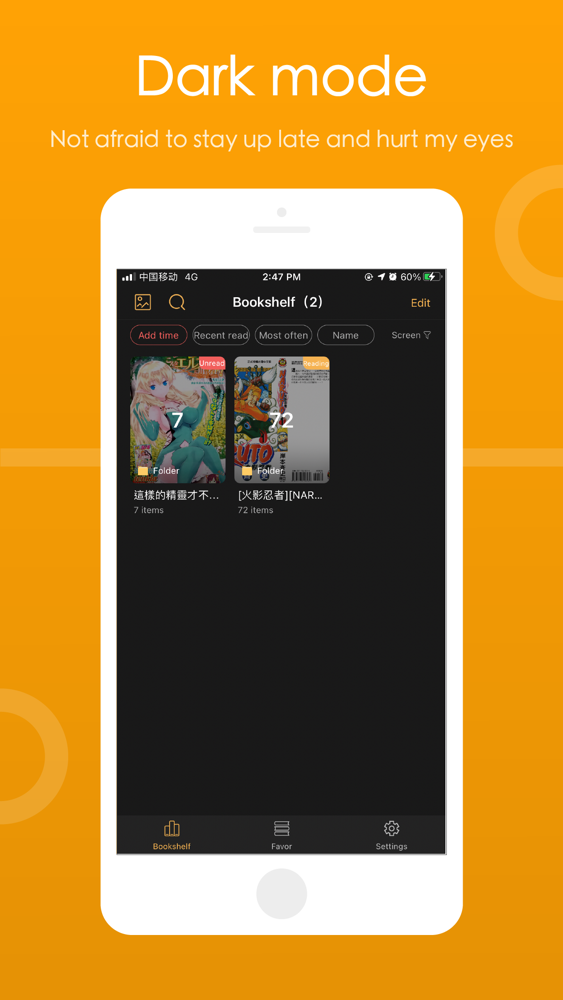
Shortcut bookshelf: provide comic list function, and provide a variety of sorting filtering function;
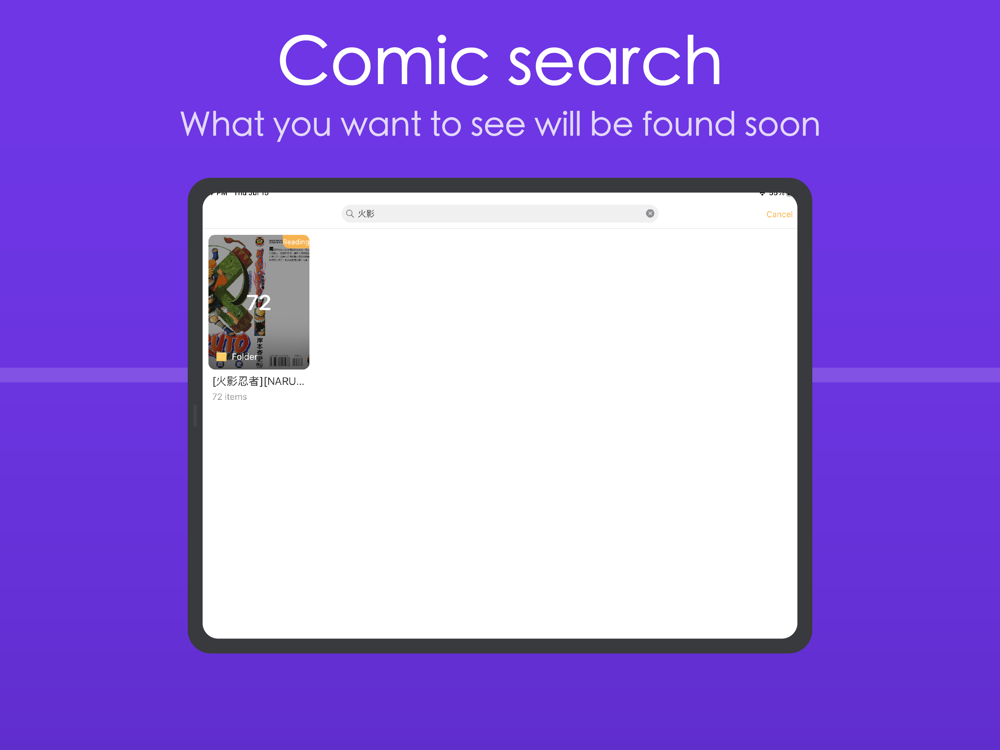
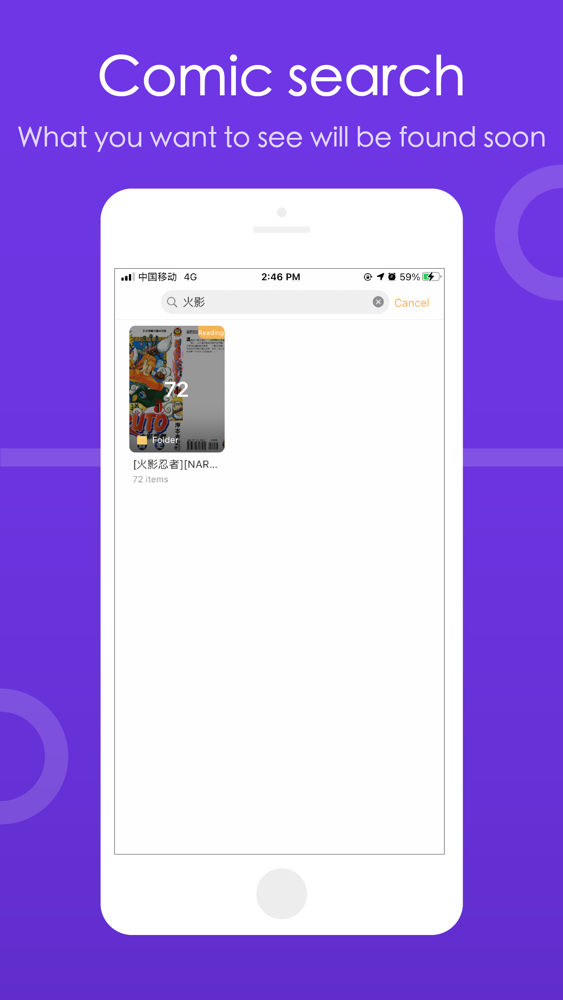
Cartoon search: support cartoon search, want to see at any time to see;
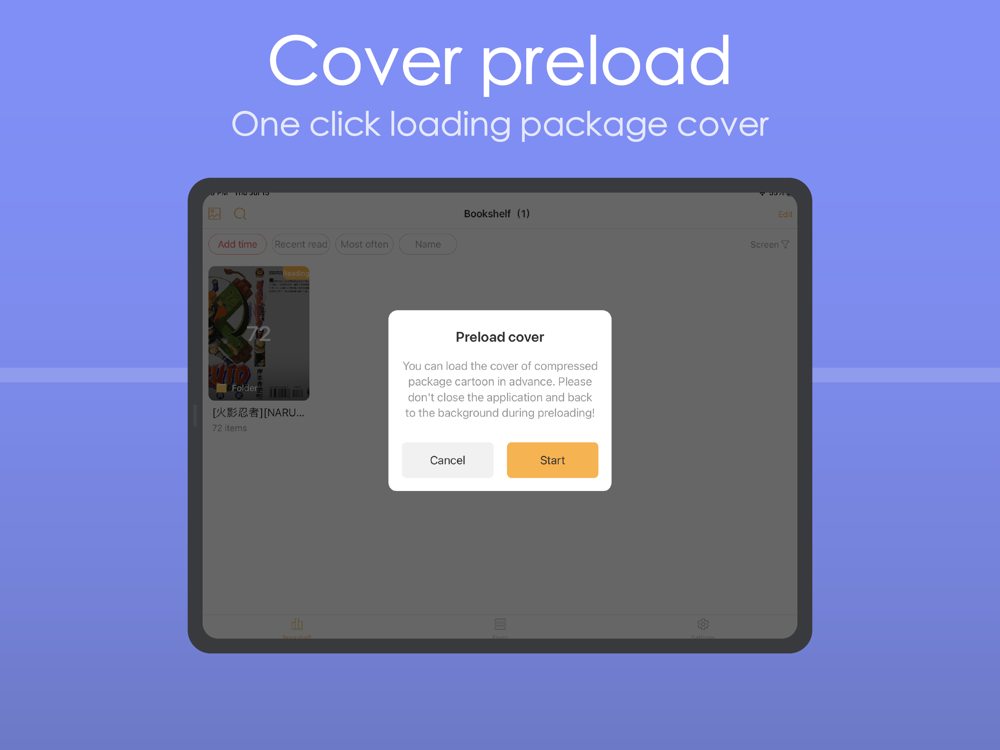
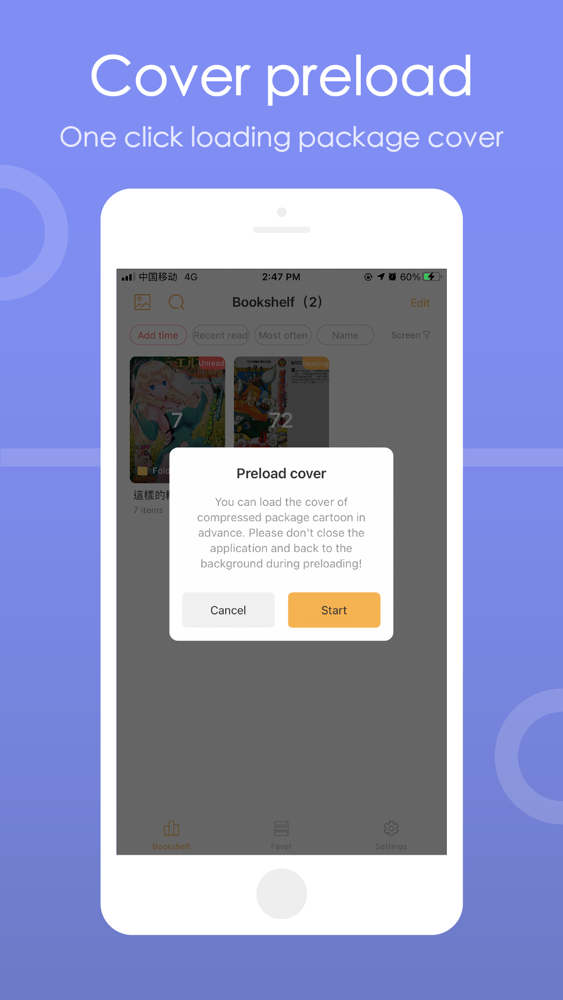
Cover preload: preload the cover of the cartoon in the compressed package without clicking one by one;
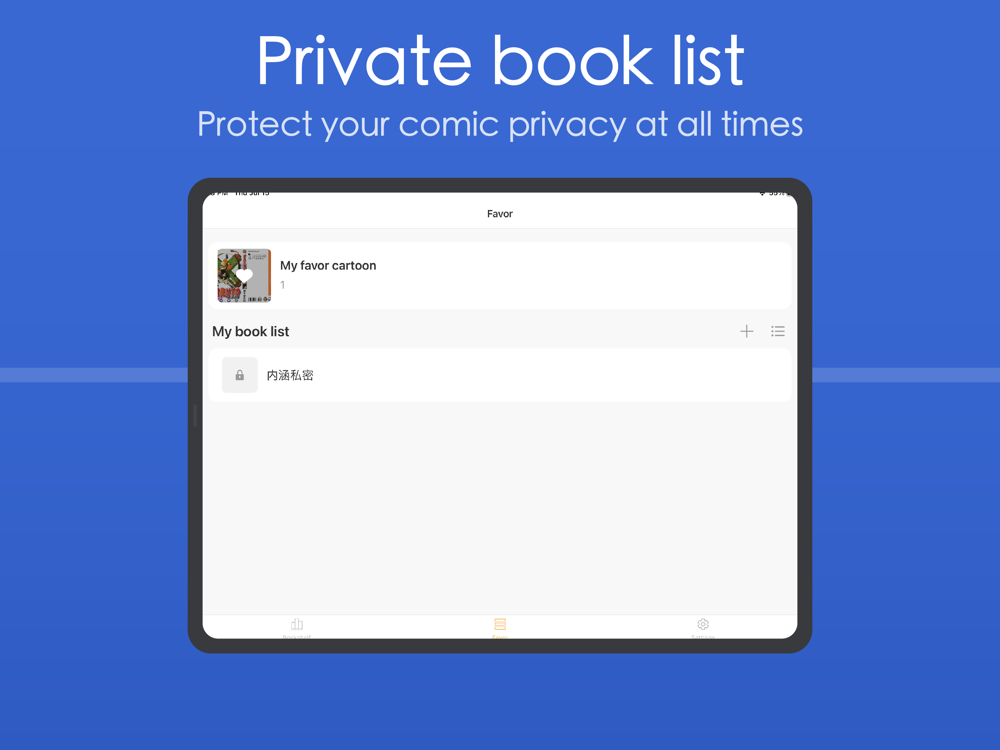
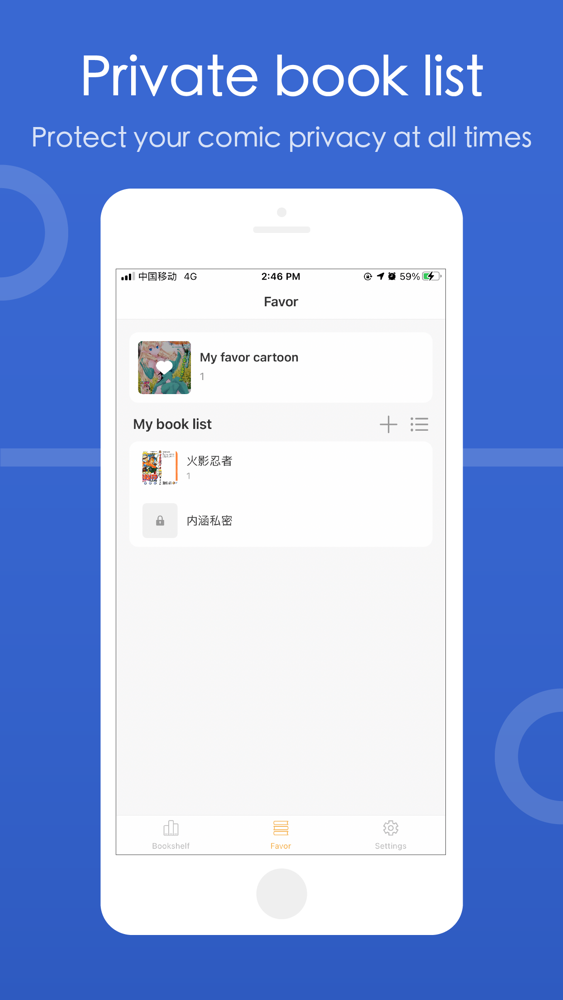
Private book list: good looking comics that are reluctant to share are put here. It's very safe!
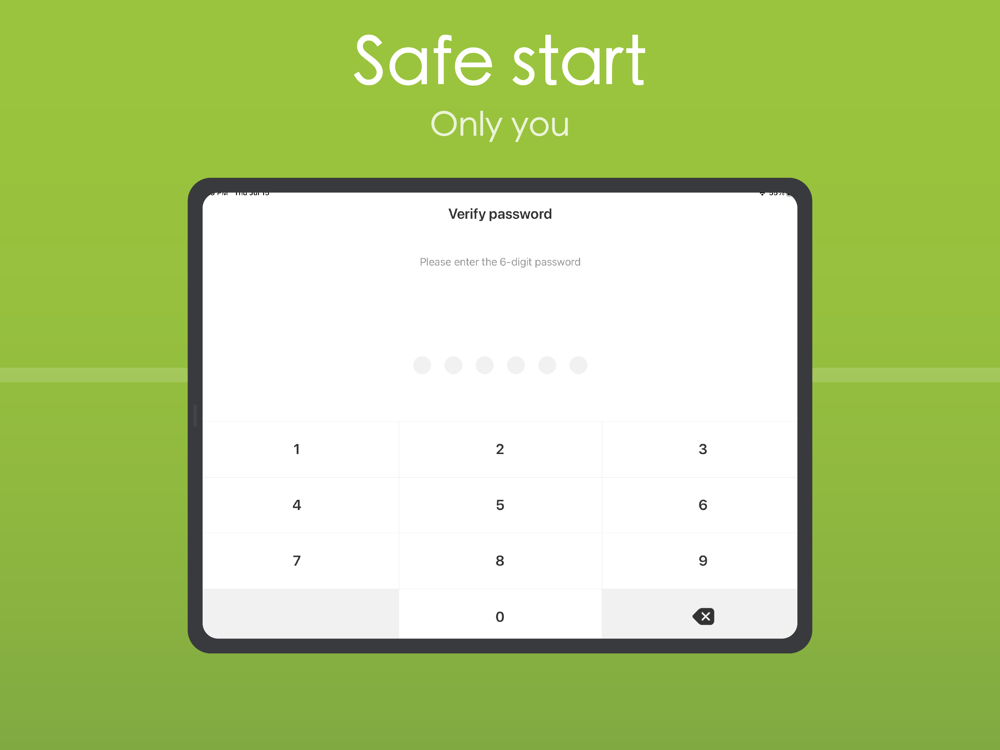
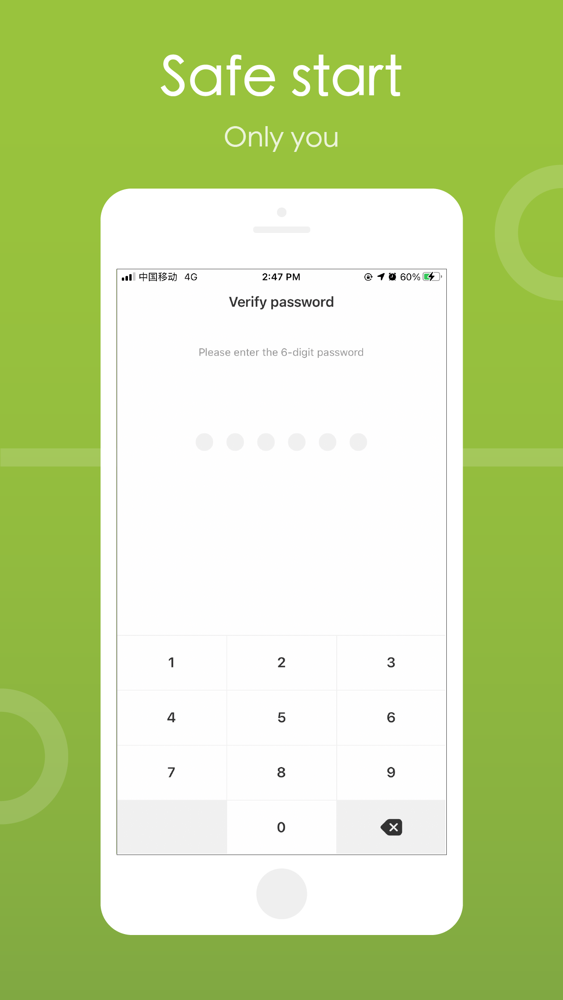
Safe start: a variety of ways to unlock to protect your comic privacy;
A variety of import methods: support the import of iTunes, file sharing;
Support a variety of image formats: zip / rar / jpeg / PNG / Web / GIF and other common image formats;
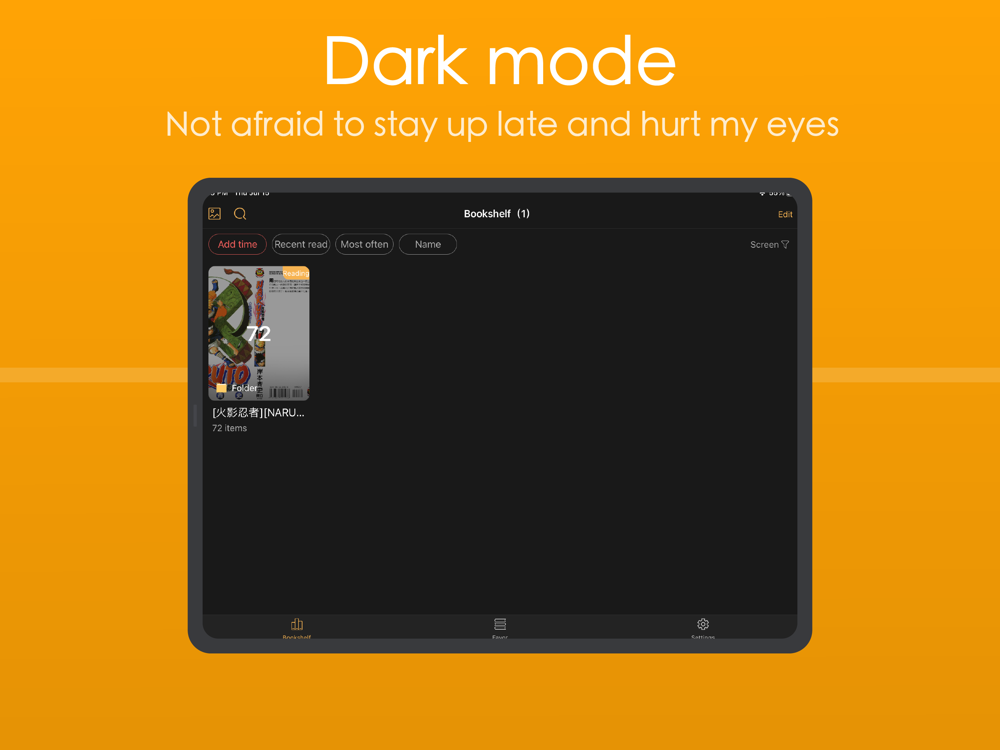
Dark mode: mom no longer has to be afraid that I will hurt my eyes by staying up late reading comics.
How to import comics
1. Through QQ / wechat and other communication tools, or in the form of e-mail attachment, use PC to send compressed package, and then select to use "DoDo" reader to open it, then you can import comic;
2. Import zip / rar package and other resource files through iTunes;
3. Import resource files through the file system of the system.
[tips]
1. Compressed package only supports pictures! It is recommended to decompress and import more than one comic book in the compressed package;
2. Different words of the same comic book can be put in the same folder and then imported;
3. If you found don't support cartoon format, please give us feedback and we will deal with it as soon as possible;
4. This tool does not provide any comic resources.
If you have any good ideas or suggestions for improvement in the process of using the app, please let us know through the "problems and feedback" function in the app.

[Product function]
Reading mode: support a variety of reading modes to achieve comic freedom!
Shortcut bookshelf: provide comic list function, and provide a variety of sorting filtering function;
Cartoon search: support cartoon search, want to see at any time to see;
Cover preload: preload the cover of the cartoon in the compressed package without clicking one by one;
Private book list: good looking comics that are reluctant to share are put here. It's very safe!
Safe start: a variety of ways to unlock to protect your comic privacy;
A variety of import methods: support the import of iTunes, file sharing;
Support a variety of image formats: zip / rar / jpeg / PNG / Web / GIF and other common image formats;
Dark mode: mom no longer has to be afraid that I will hurt my eyes by staying up late reading comics.
How to import comics
1. Through QQ / wechat and other communication tools, or in the form of e-mail attachment, use PC to send compressed package, and then select to use "DoDo" reader to open it, then you can import comic;
2. Import zip / rar package and other resource files through iTunes;
3. Import resource files through the file system of the system.
[tips]
1. Compressed package only supports pictures! It is recommended to decompress and import more than one comic book in the compressed package;
2. Different words of the same comic book can be put in the same folder and then imported;
3. If you found don't support cartoon format, please give us feedback and we will deal with it as soon as possible;
4. This tool does not provide any comic resources.
If you have any good ideas or suggestions for improvement in the process of using the app, please let us know through the "problems and feedback" function in the app.
Show More
What's New in the Latest Version 1.6
Last updated on Aug 6, 2021
Old Versions
1. More read mode for Japanese comic!
2. Autoplay comic, more convenient.
3.Fix some bug.
2. Autoplay comic, more convenient.
3.Fix some bug.
Show More
Version History
1.6
Aug 6, 2021
1. More read mode for Japanese comic!
2. Autoplay comic, more convenient.
3.Fix some bug.
2. Autoplay comic, more convenient.
3.Fix some bug.
DoDo - Comic Reader FAQ
Click here to learn how to download DoDo - Comic Reader in restricted country or region.
Check the following list to see the minimum requirements of DoDo - Comic Reader.
iPhone
iPad
DoDo - Comic Reader supports Chinese, English