Dotrix: Vector Editor

Dotrix: Vector Editor


$0.99

1.0.2for iPhone
Age Rating
4+
Apps in this category do not contain restricted content.
9+
Apps in this category may contain mild or occasional cartoon, fantasy or real-life violence, as well as occasional or mild adult, sexually suggestive or horrifying content and may not be suitable for children under 9 years of age.
12+
Apps in this category may contain occasional mild indecent language, frequent or intense cartoon or real-life violence, minor or occasional adult or sexually suggestive material, and simulated gambling, and may be for children under 12 years of age.
17+
You must be at least 17 years old to access this App.
Apps in this category may contain frequent and intense offensive language; Frequent and intense cartoon, fantasy or realistic violence: frequent and intense adult, scary and sexually suggestive subjects: as well as sexual content, nudity, tobacco, alcohol and drugs, may not be suitable for children under 17 years of age.
Dotrix: Vector Editor Screenshots
Dotrix: Vector Editor posterDotrix: Vector Editor posterDotrix: Vector Editor posterDotrix: Vector Editor posterDotrix: Vector Editor poster

About Dotrix: Vector Editor

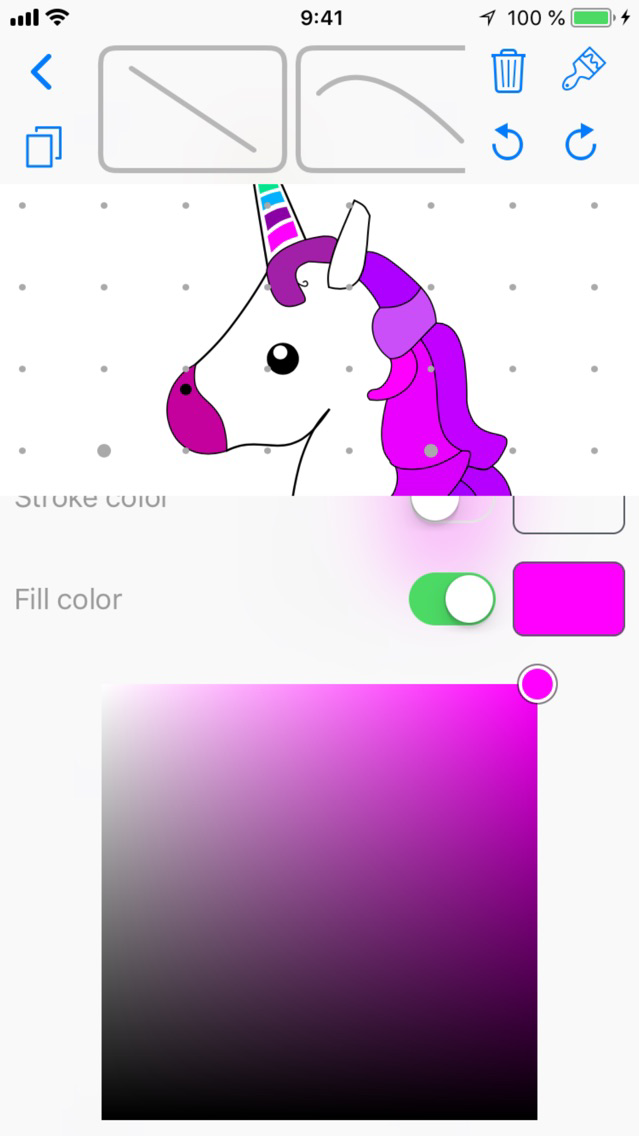
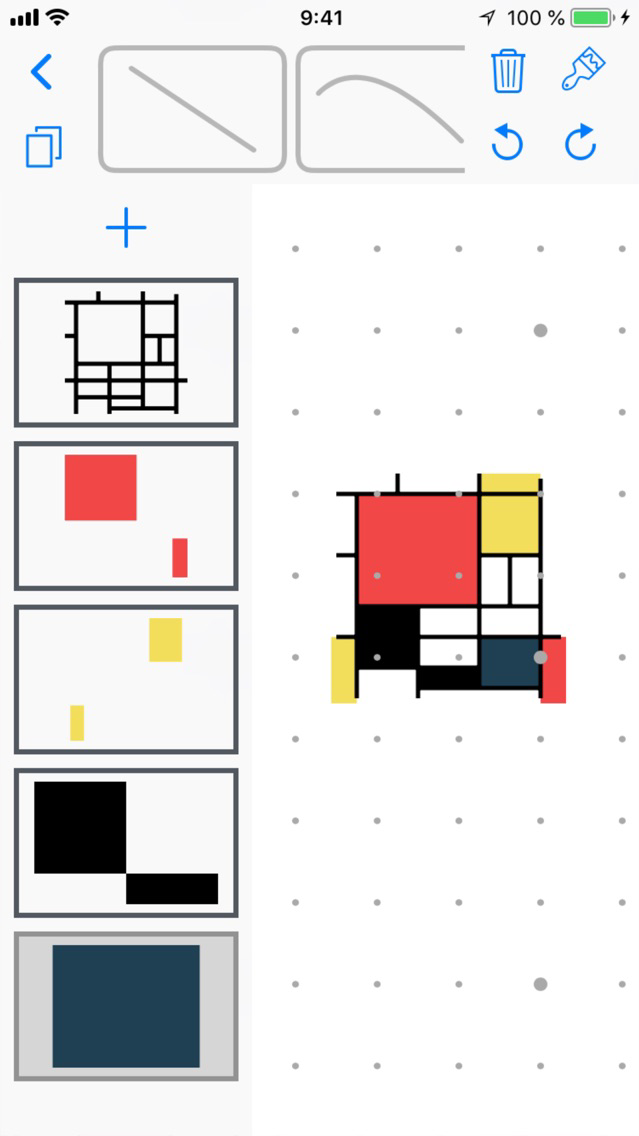
Dotrix is an innovative vector drawing app rethought from the ground up for touch user interactions.

Traditionally vector drawing applications were designed to work with a pointing device and a keyboard. This approach doesn’t translate well to the touch paradigm. While other editors have adapted the interaction model from personal computers, Dotrix was designed for touch from the very beginning.

Export formats:
- png
- jpeg
- svg
- pdf

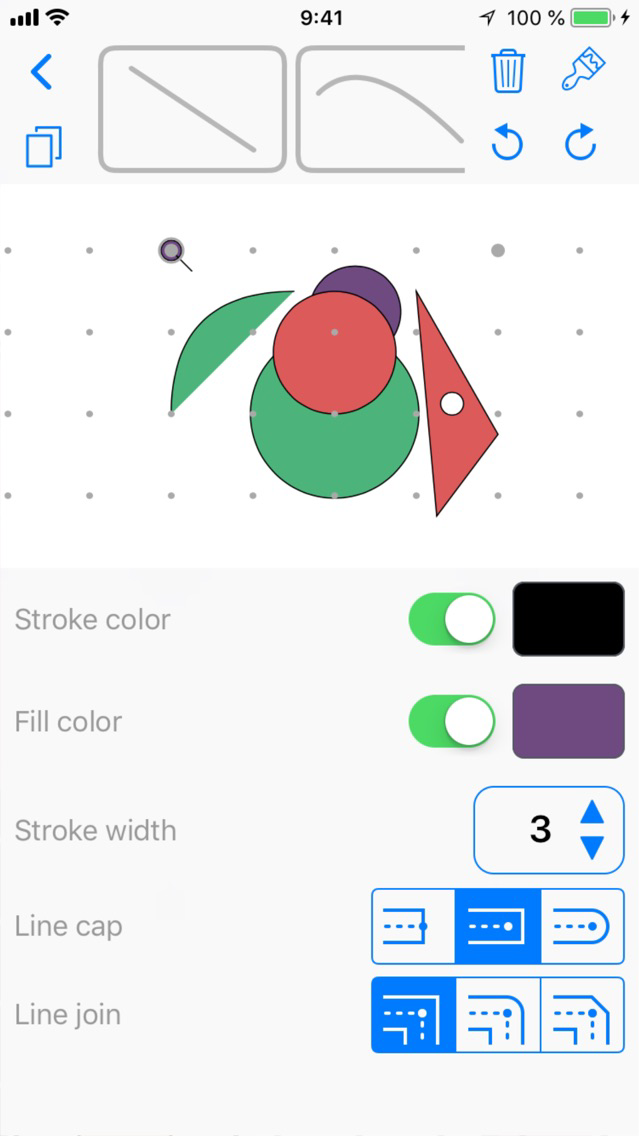
Select points in your image and then choose how the points should be interpreted. Each layer is automatically combined into one shape regardless of how and in which order the path segments were added. Customize the properties of each layer separately.

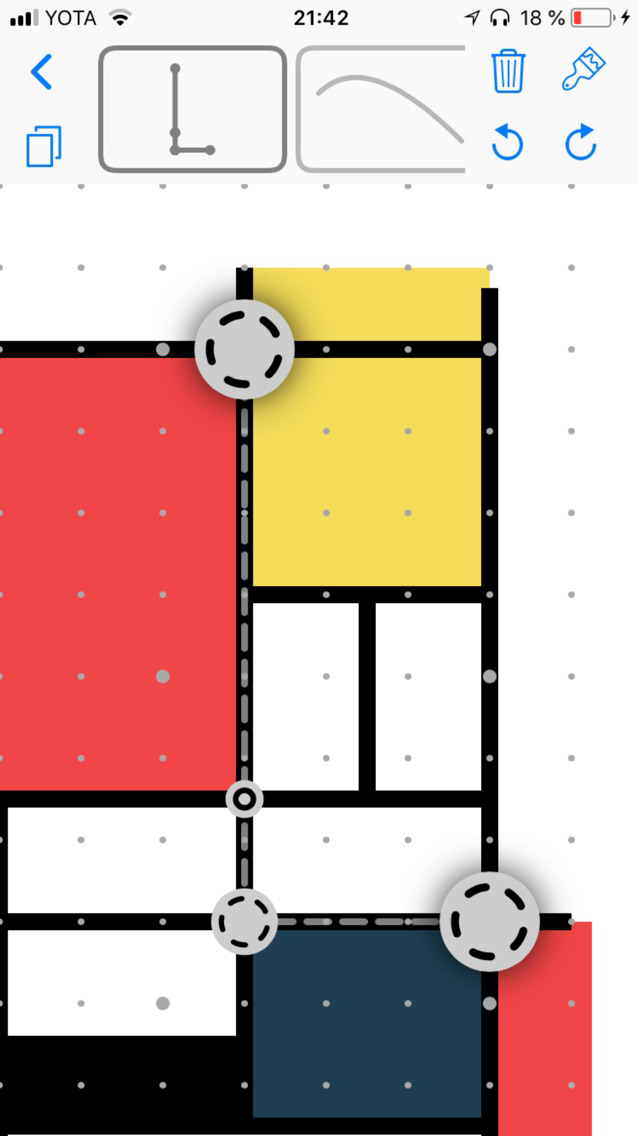
Tap and hold an already used point to lift it from the canvas and change its position, which will be reflected in the underlying shape. While you are lifting a point, tap another to move multiple points simultaneously.

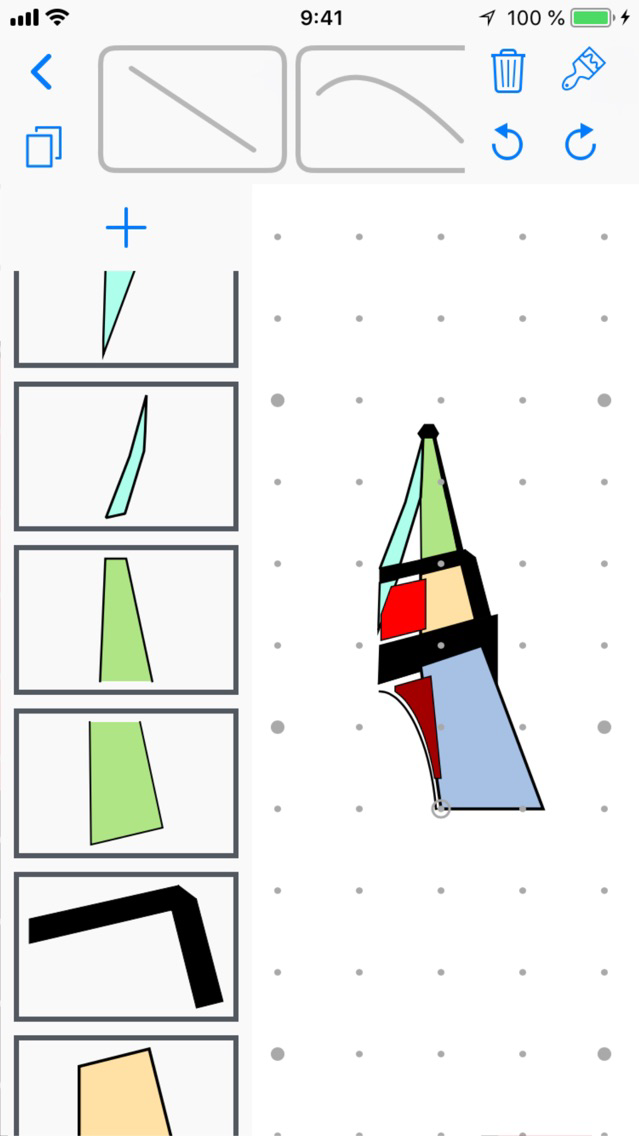
Tap and hold on a layer or color to move them within a document, or even bring them into another document.

After you have finished editing your image you can test it in the real world using augmented reality on supported devices. After a plane has been detected tap anywhere on the screen to place your image on the selected spot.

Show More

What's New in the Latest Version 1.0.2

Last updated on Sep 7, 2018
Old Versions
You can now view your images in augmented reality on supported devices. Minor improvements.
Show More
Version History
1.0.2
Aug 7, 2018
You can now view your images in augmented reality on supported devices. Minor improvements.

Dotrix: Vector Editor FAQ

Click here to learn how to download Dotrix: Vector Editor in restricted country or region.
Check the following list to see the minimum requirements of Dotrix: Vector Editor.
iPhone
Dotrix: Vector Editor supports English

Dotrix: Vector Editor Alternative

You May Also Like

Get more from Ilya Kostyuchenko