Driver · App v26
Free
1.6.0for iPhone, iPad
Age Rating
Driver · App v26 Screenshots
About Driver · App v26
Use it Branded on your business at no cost.
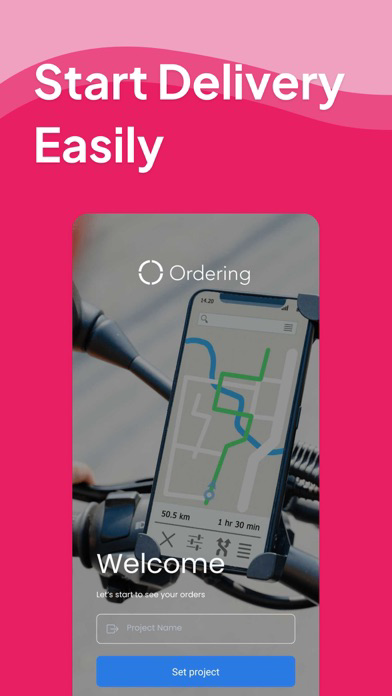
All you need to do is use the Driver Credentials that you currently have on your Dashboard.
How it Works:
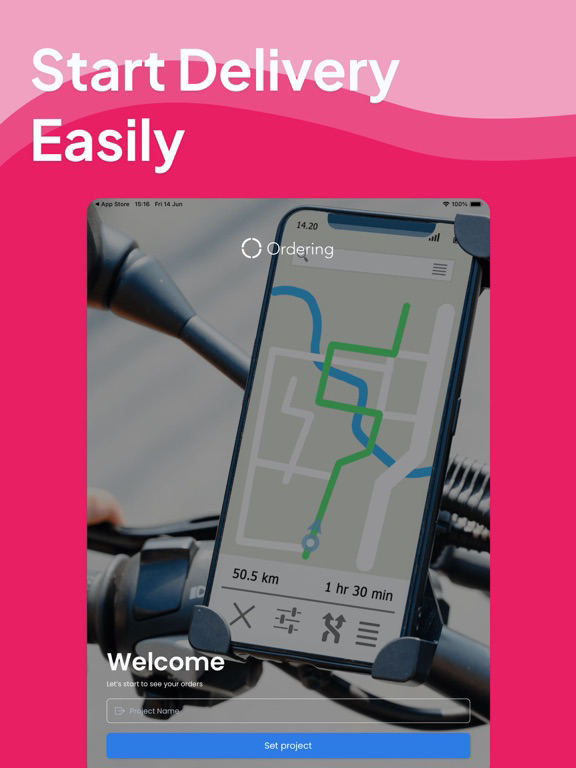
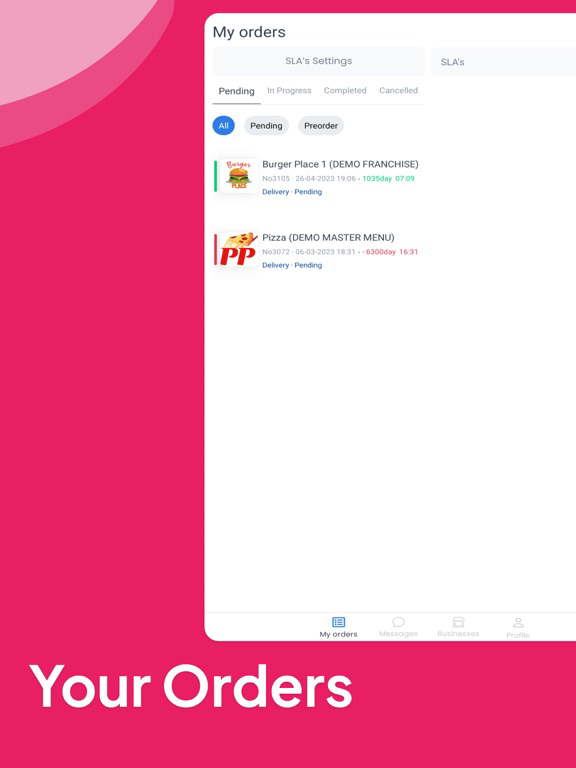
When a user orders from your website or native apps, the business owner will have the ability to assign that order to a driver, and this will be shown on the driver's mobile device.
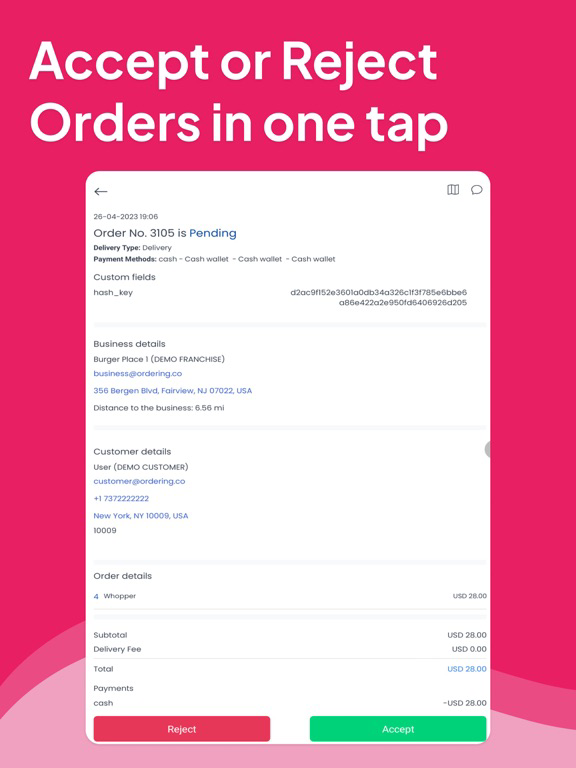
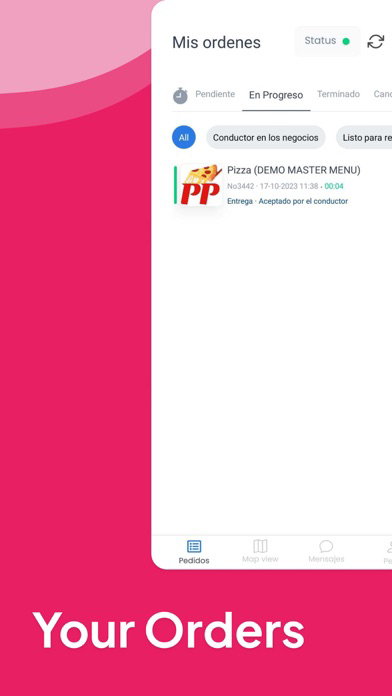
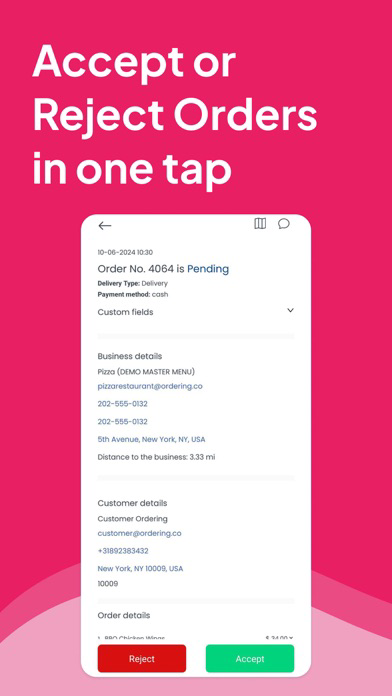
The order will show on the driver's app; here, the driver will accept or reject the pickup of the order. After this was accepted, they would see the customer's order (name, phone number, address) and delivery details (address, etc.).
The driver fills in the estimated order pickup or delivery time and clicks on the accepted button. The customer will instantly receive an email with the confirmation of the order, together with the estimated time for pickup or delivery.
Features
● The assigned smartphone becomes an order for delivery machine
● The driver can update the status of the delivery easily & fast.
● Drivers can manage multiple pending deliveries simultaneously, making the most out of your workforce.
● Add secret notes, signatures & pictures to get the app also works as a record of orders.
● All deliveries are synced whit your business.
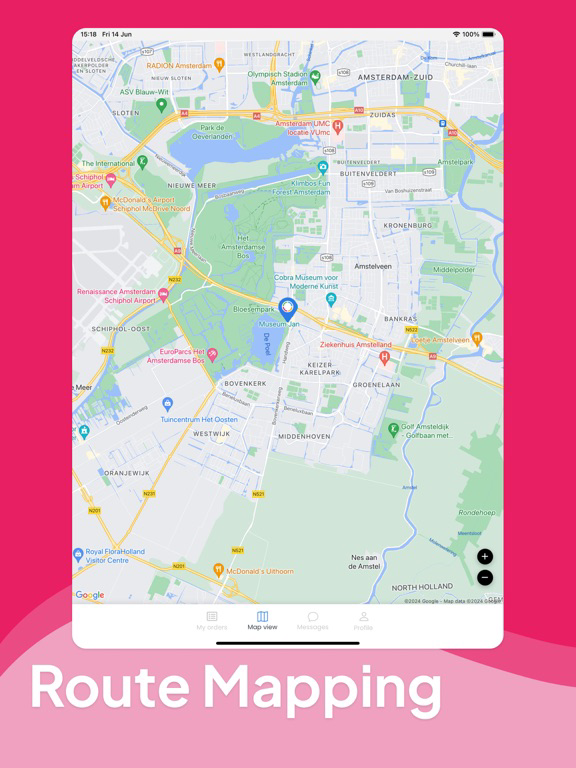
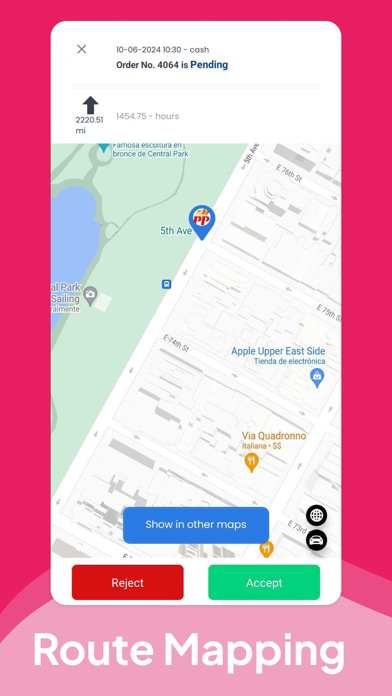
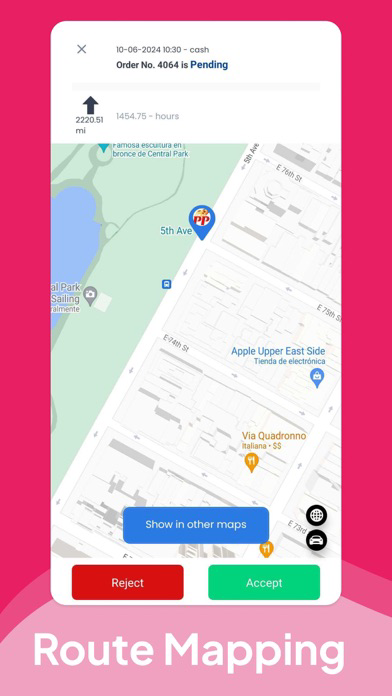
● Route Map available to see which would be the best route to take for the driver.
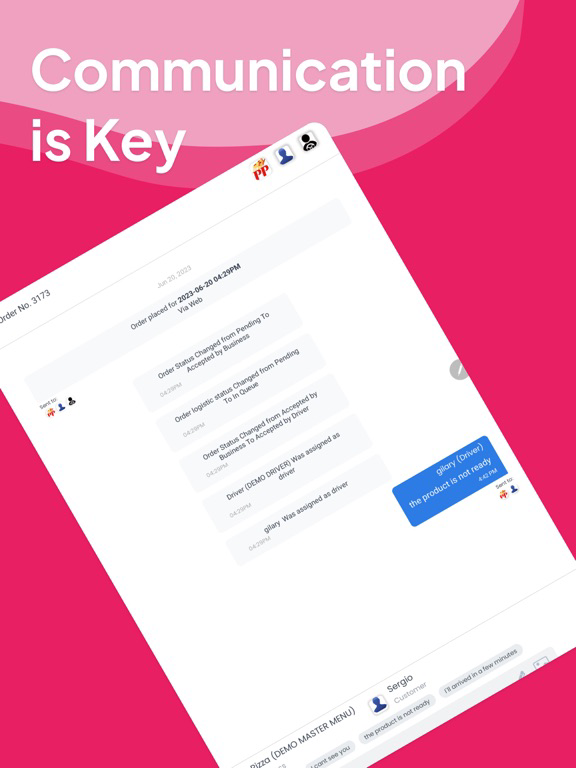
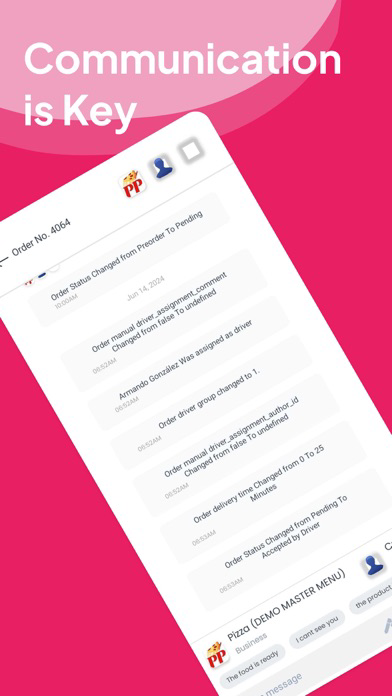
● Messages: Chat with the business owner and the customer in a simple, straightforward interface.
Disclaimer
"Continued use of GPS running in the background can dramatically decrease battery life."

All you need to do is use the Driver Credentials that you currently have on your Dashboard.
How it Works:
When a user orders from your website or native apps, the business owner will have the ability to assign that order to a driver, and this will be shown on the driver's mobile device.
The order will show on the driver's app; here, the driver will accept or reject the pickup of the order. After this was accepted, they would see the customer's order (name, phone number, address) and delivery details (address, etc.).
The driver fills in the estimated order pickup or delivery time and clicks on the accepted button. The customer will instantly receive an email with the confirmation of the order, together with the estimated time for pickup or delivery.
Features
● The assigned smartphone becomes an order for delivery machine
● The driver can update the status of the delivery easily & fast.
● Drivers can manage multiple pending deliveries simultaneously, making the most out of your workforce.
● Add secret notes, signatures & pictures to get the app also works as a record of orders.
● All deliveries are synced whit your business.
● Route Map available to see which would be the best route to take for the driver.
● Messages: Chat with the business owner and the customer in a simple, straightforward interface.
Disclaimer
"Continued use of GPS running in the background can dramatically decrease battery life."
Show More
What's New in the Latest Version 1.6.0
Last updated on Sep 26, 2025
Old Versions
Bug fixes and improvements
Show More
Version History
1.6.0
Sep 26, 2025
Bug fixes and improvements
Driver · App v26 FAQ
Click here to learn how to download Driver · App v26 in restricted country or region.
Check the following list to see the minimum requirements of Driver · App v26.
iPhone
iPad