Easy Flight Timer

Easy Flight Timer


Free

1.4for iPhone, iPad
Age Rating
4+
Apps in this category do not contain restricted content.
9+
Apps in this category may contain mild or occasional cartoon, fantasy or real-life violence, as well as occasional or mild adult, sexually suggestive or horrifying content and may not be suitable for children under 9 years of age.
12+
Apps in this category may contain occasional mild indecent language, frequent or intense cartoon or real-life violence, minor or occasional adult or sexually suggestive material, and simulated gambling, and may be for children under 12 years of age.
17+
You must be at least 17 years old to access this App.
Apps in this category may contain frequent and intense offensive language; Frequent and intense cartoon, fantasy or realistic violence: frequent and intense adult, scary and sexually suggestive subjects: as well as sexual content, nudity, tobacco, alcohol and drugs, may not be suitable for children under 17 years of age.
Easy Flight Timer Screenshots
Easy Flight Timer posterEasy Flight Timer posterEasy Flight Timer posterEasy Flight Timer poster

About Easy Flight Timer

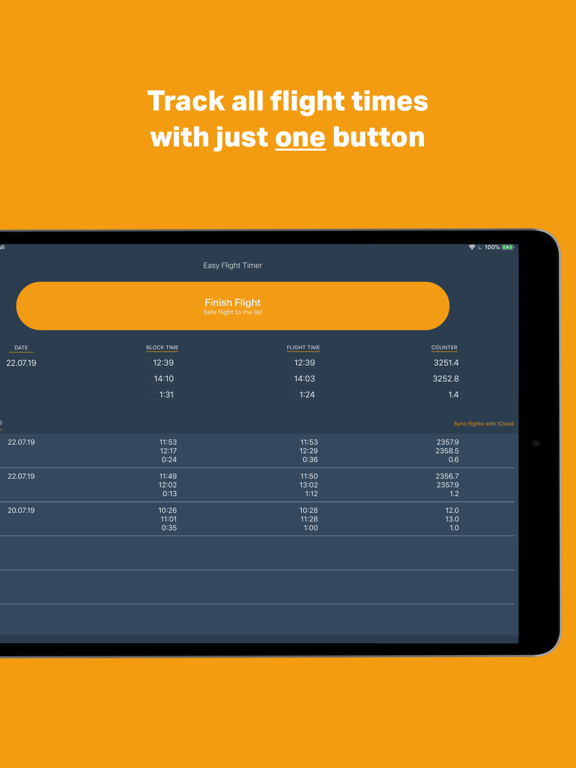
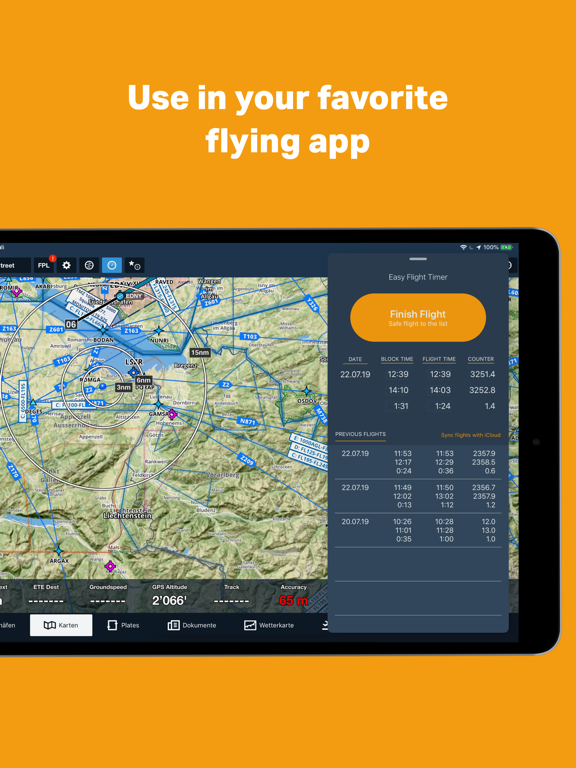
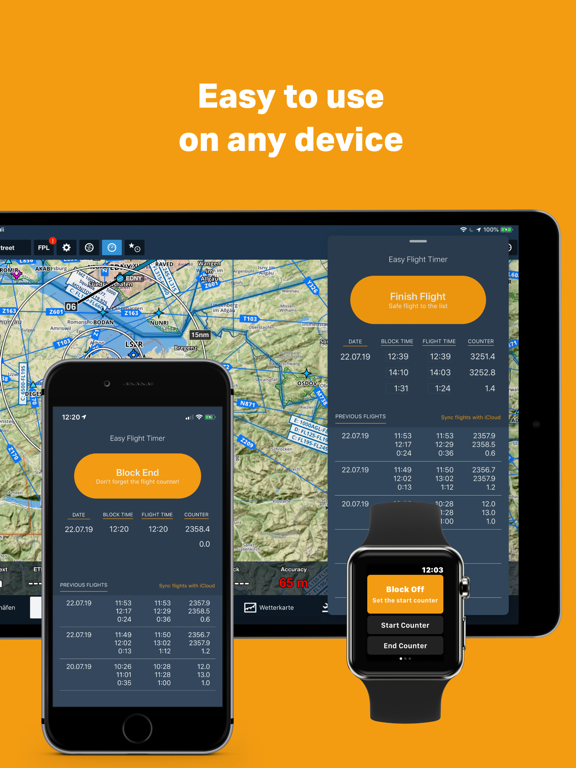
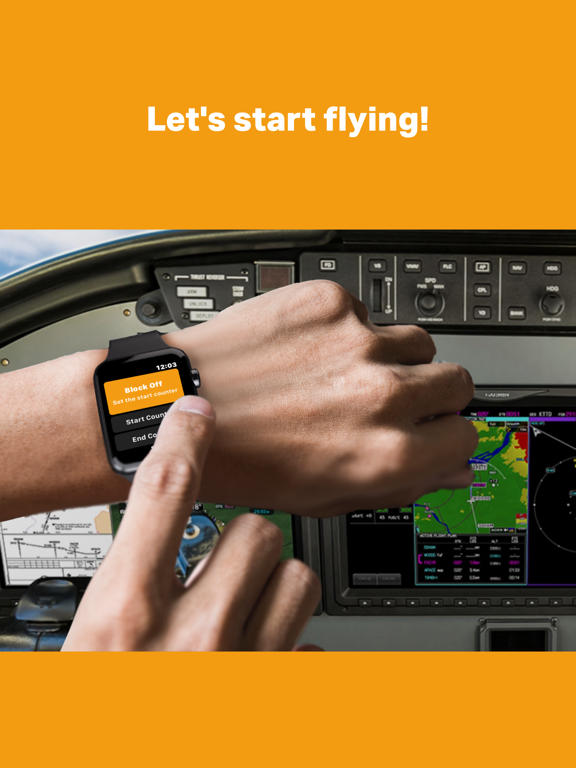
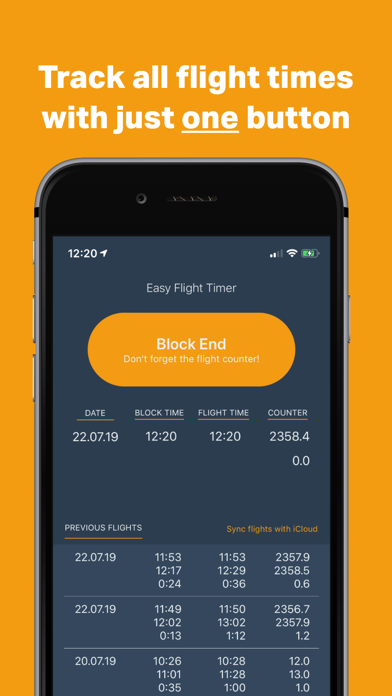
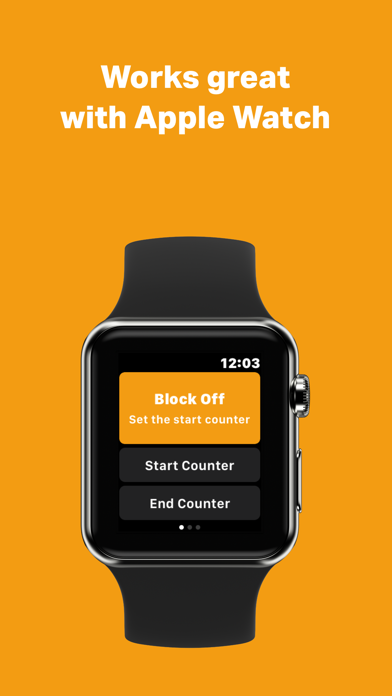
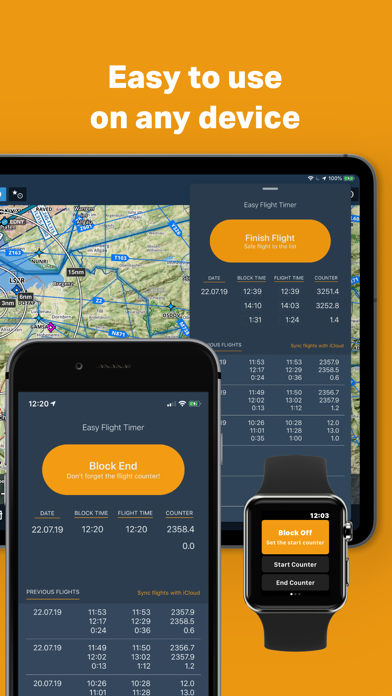
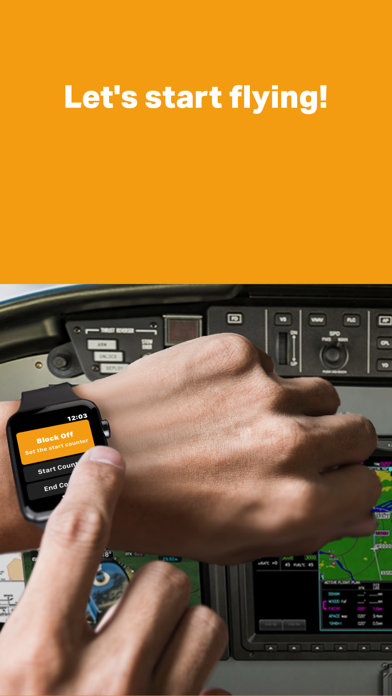
Easy Flight Timer lets you easily track your flight times with just one button. Focus on flying while you are in the cockpit, not on writing flight times. The app works with the iPhone, on your iPad together with your favorite navigation app or - what I like most - with the apple watch. 

Follow those easy steps: 
1. Enter the actual counter (tach/hobbs) of the airplane
2. Press “Block Start“ when ready to taxi for departure
3. Press “Take Off” when taking off
4. Once landed and parked at your final position, enter the new counter (tach/hobbs) of the airplane (flight times are calculated accordingly)
5. Press “Block End” to finish the flight 

Before saving entries to the list, you can easily adjust all times. Easy Flight Timer keeps track of total times and dependencies!

Long press the screen to reset all entries and start over.

The app synchronizes all flight times via iCloud (please make sure you have iCloud enabled for the app).

Set the app to UTC mode via the iPhone preferences or on the last screen on the Apple Watch (this setting is not synchronized between devices).  

I have developed Easy Flight Timer with the European private pilots in mind. In Europe, the airplane counter usually counts the effective air time from take-off to landing. The app automatically calculates the flight time/air time based on the counter entered.

I appreciate any feedback. Thanks.

Keep flying!

Show More

What's New in the Latest Version 1.4

Last updated on Nov 14, 2025
Old Versions
This app will no longer be supported after January 1st, 2026. The successor app is FlightTimer26 and is already available in the App Store. Important note: Saved flight entries cannot be transferred to the new app. Also, Apple Watch support will be discontinued.
-> Link to new App is implemented
Show More
Version History
1.4
Nov 14, 2025
This app will no longer be supported after January 1st, 2026. The successor app is FlightTimer26 and is already available in the App Store. Important note: Saved flight entries cannot be transferred to the new app. Also, Apple Watch support will be discontinued.
-> Link to new App is implemented

Easy Flight Timer FAQ

Click here to learn how to download Easy Flight Timer in restricted country or region.
Check the following list to see the minimum requirements of Easy Flight Timer.
iPhone
iPad

Easy Flight Timer Alternative

You May Also Like

Get more from Christian Heim