ELMC for Ecamm Live
Free
4.1.1for iPhone, iPad
Age Rating
ELMC for Ecamm Live Screenshots
About ELMC for Ecamm Live
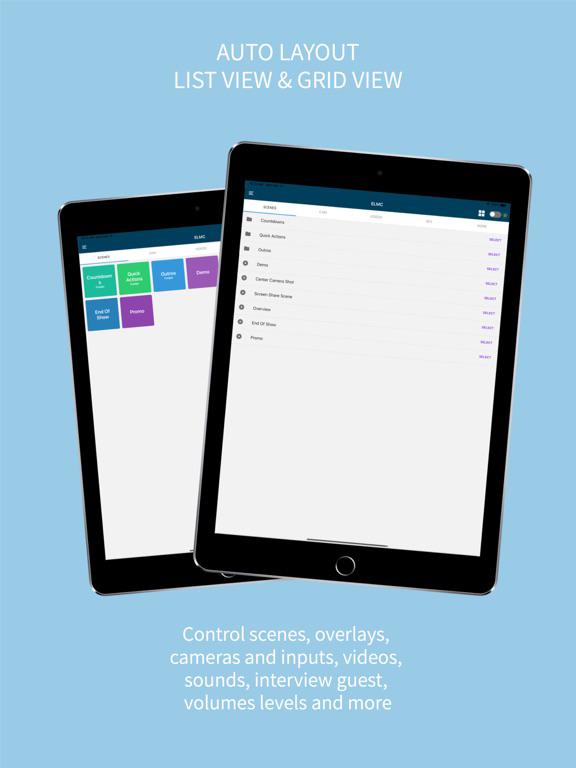
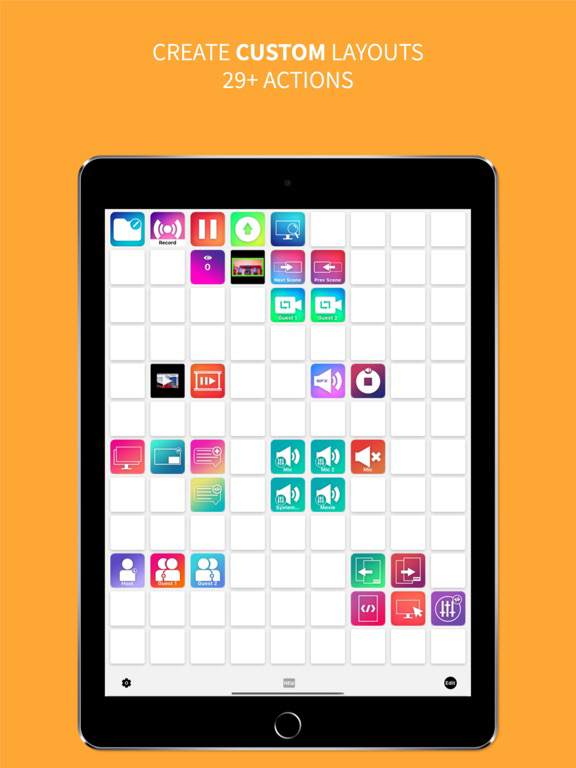
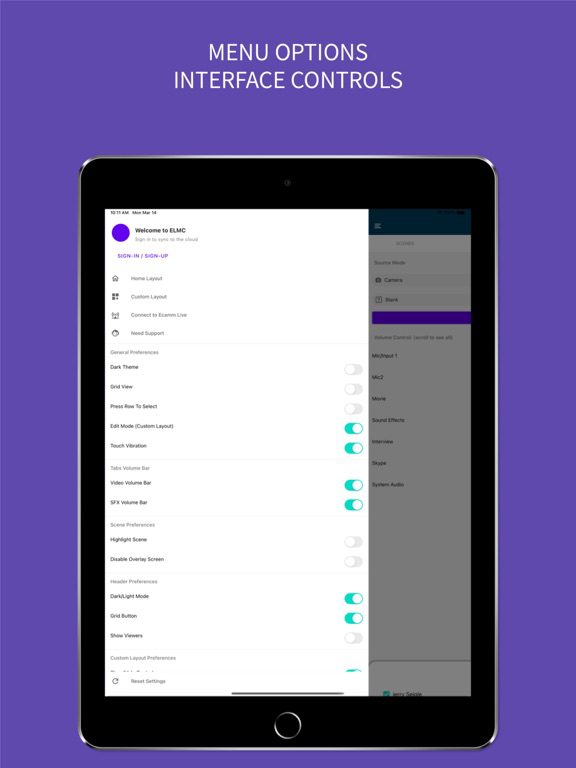
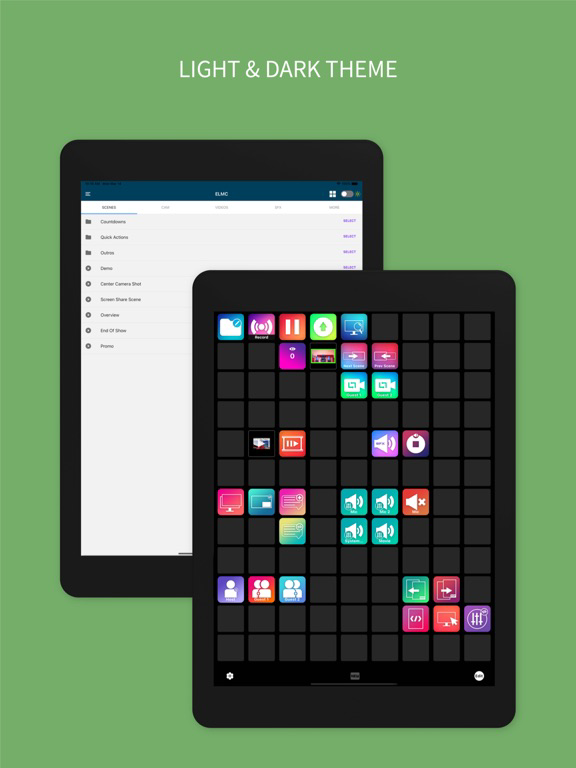
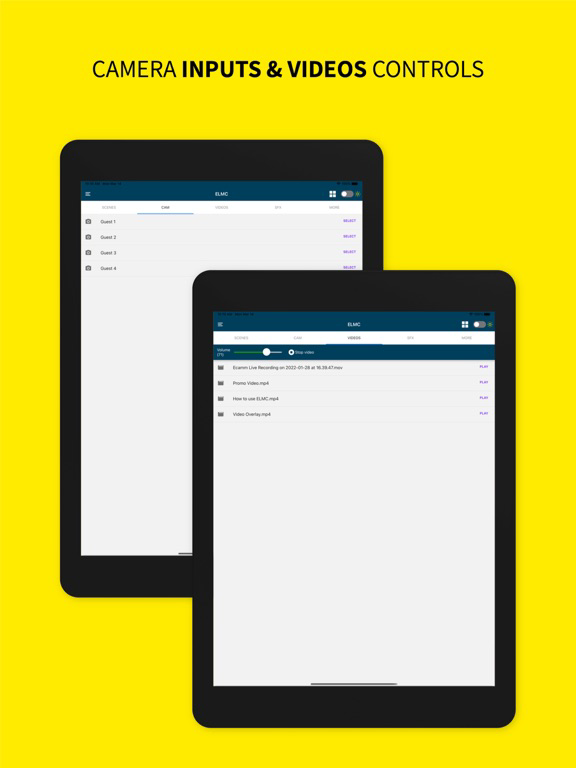
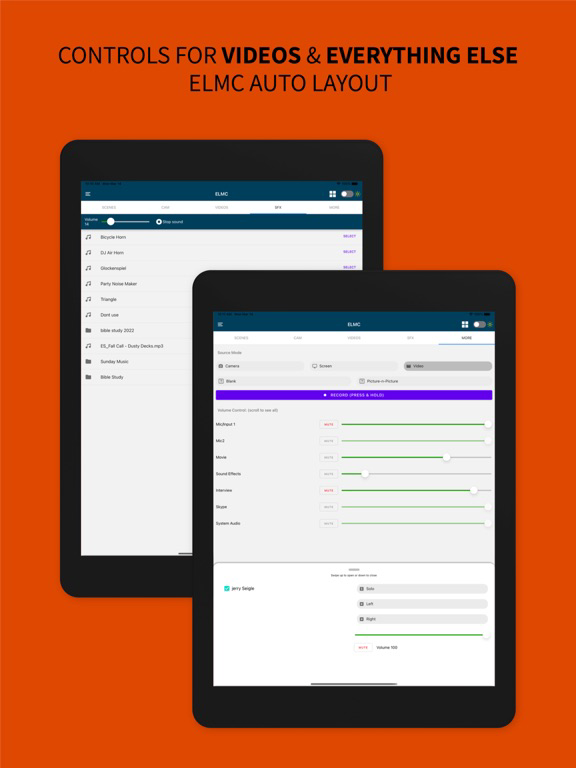
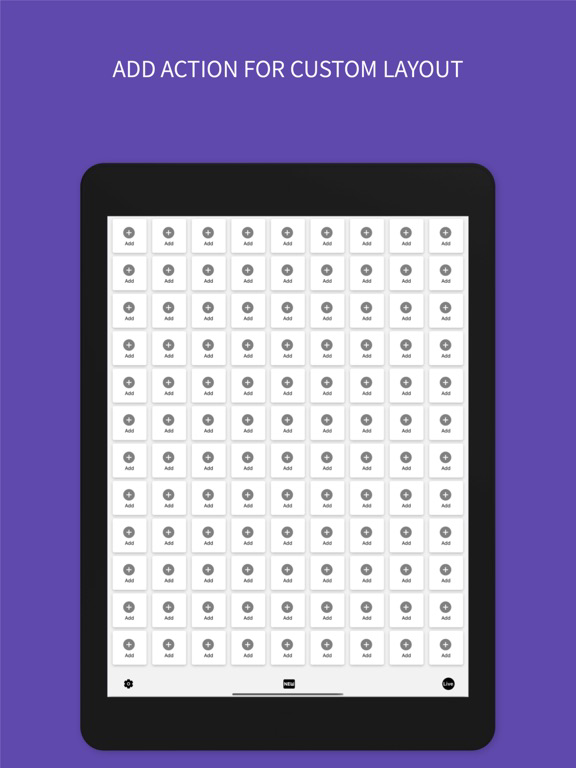
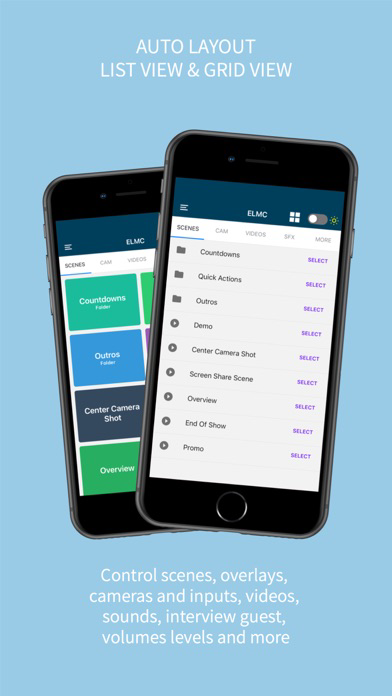
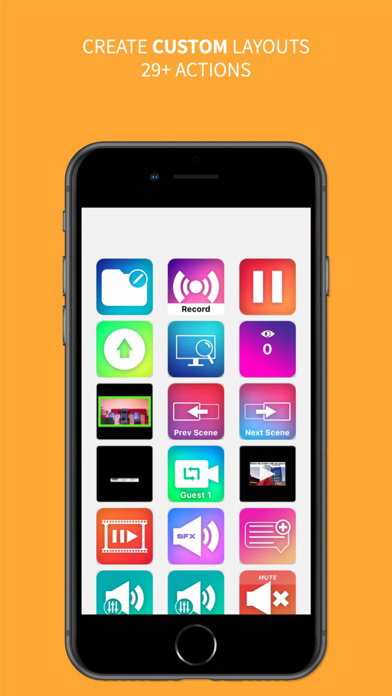
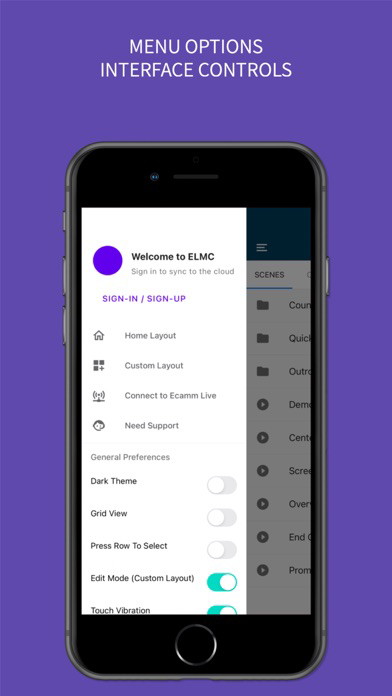
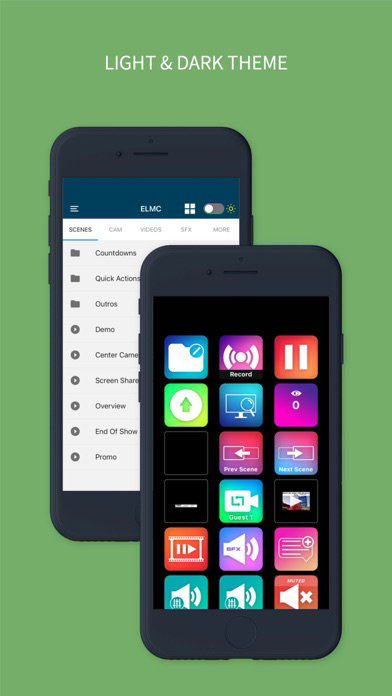
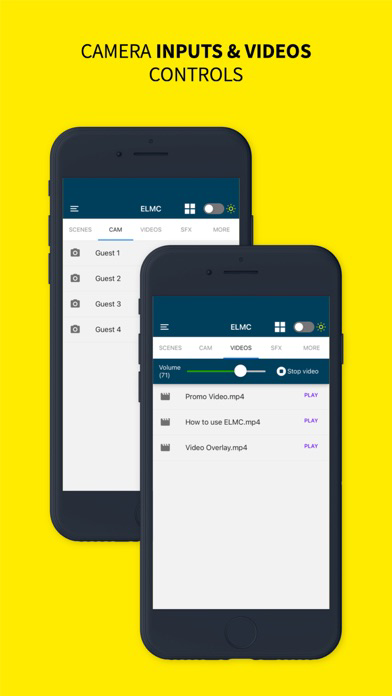
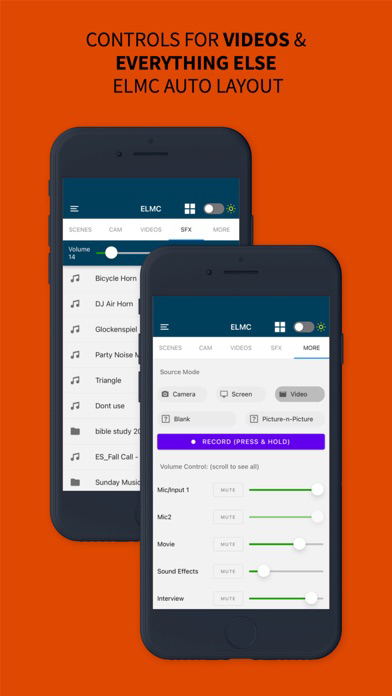
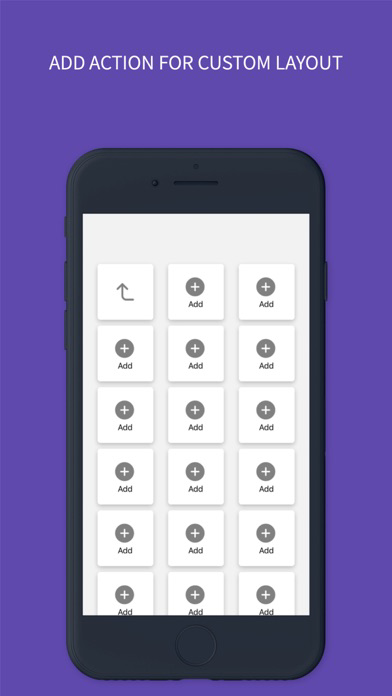
Control Ecamm Live using any iOS mobile device. With ELMC you will be able to control all aspects of Ecamm Live: Select between different scenes, trigger overlays by turning them on or off, select inputs (cameras, interview guest, NDI sources, etc), play and stop videos and sounds. You can control all volume levels independently. With this app you will be able to switch between different source modes such as camera mode, screen share mode, video mode, and blank source mode. The app gives your controls to toggle on or off the picture-in-picture feature. You can start or stop your recordings or live stream. ELMC provides over 29 actions to control Ecamm live. The ELMC app now supports two layout formats: Auto Layout & Custom Layouts Visit https://elmc.app/elmc-mobile-app for a complete list of actions.

Show More
What's New in the Latest Version 4.1.1
Last updated on Jul 25, 2023
Old Versions
- Enhanced Remote Location Functionality: Seamlessly control Ecamm from any location using the dedicated companion app (New companion app)
- Advanced Custom Layout Options: Easily add markers, change profiles, and post comments with new tools
Note: To utilize the Remote Location feature, please download the necessary companion app - ELMC Remote Bridge: https://apps.apple.com/us/app/elmc-remote-bridge/id1661405162
- Advanced Custom Layout Options: Easily add markers, change profiles, and post comments with new tools
Note: To utilize the Remote Location feature, please download the necessary companion app - ELMC Remote Bridge: https://apps.apple.com/us/app/elmc-remote-bridge/id1661405162
Show More
Version History
4.1.1
Jul 25, 2023
- Enhanced Remote Location Functionality: Seamlessly control Ecamm from any location using the dedicated companion app (New companion app)
- Advanced Custom Layout Options: Easily add markers, change profiles, and post comments with new tools
Note: To utilize the Remote Location feature, please download the necessary companion app - ELMC Remote Bridge: https://apps.apple.com/us/app/elmc-remote-bridge/id1661405162
- Advanced Custom Layout Options: Easily add markers, change profiles, and post comments with new tools
Note: To utilize the Remote Location feature, please download the necessary companion app - ELMC Remote Bridge: https://apps.apple.com/us/app/elmc-remote-bridge/id1661405162
ELMC for Ecamm Live FAQ
Click here to learn how to download ELMC for Ecamm Live in restricted country or region.
Check the following list to see the minimum requirements of ELMC for Ecamm Live.
iPhone
iPad