Age Rating
4+
Apps in this category do not contain restricted content.
9+
Apps in this category may contain mild or occasional cartoon, fantasy or real-life violence, as well as occasional or mild adult, sexually suggestive or horrifying content and may not be suitable for children under 9 years of age.
12+
Apps in this category may contain occasional mild indecent language, frequent or intense cartoon or real-life violence, minor or occasional adult or sexually suggestive material, and simulated gambling, and may be for children under 12 years of age.
17+
You must be at least 17 years old to access this App.
Apps in this category may contain frequent and intense offensive language; Frequent and intense cartoon, fantasy or realistic violence: frequent and intense adult, scary and sexually suggestive subjects: as well as sexual content, nudity, tobacco, alcohol and drugs, may not be suitable for children under 17 years of age.
Editorial Screenshots
Editorial posterEditorial posterEditorial posterEditorial posterEditorial poster

About Editorial

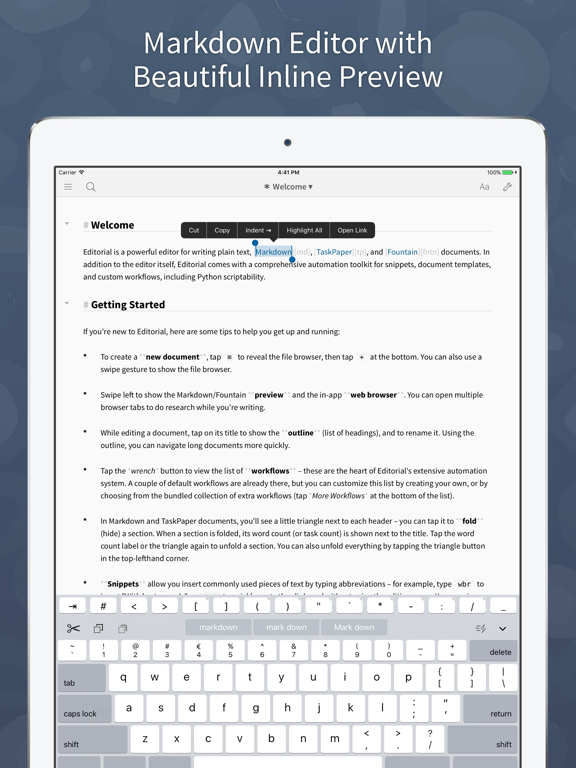
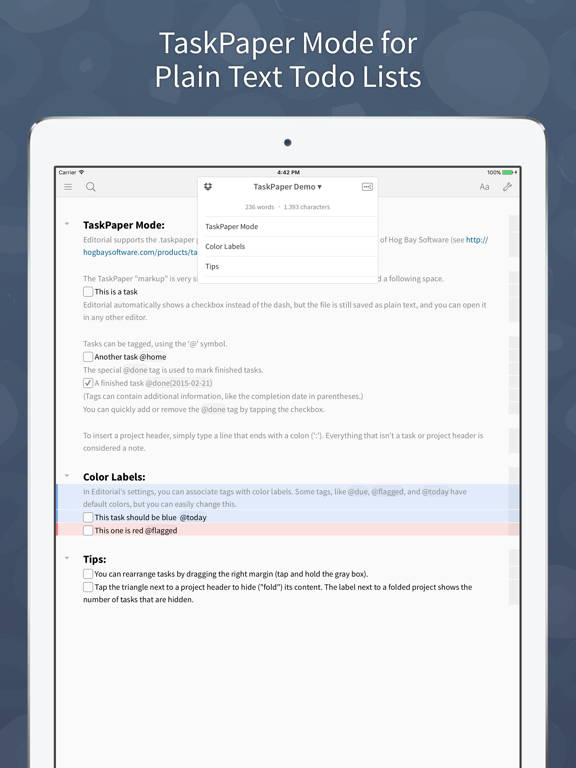
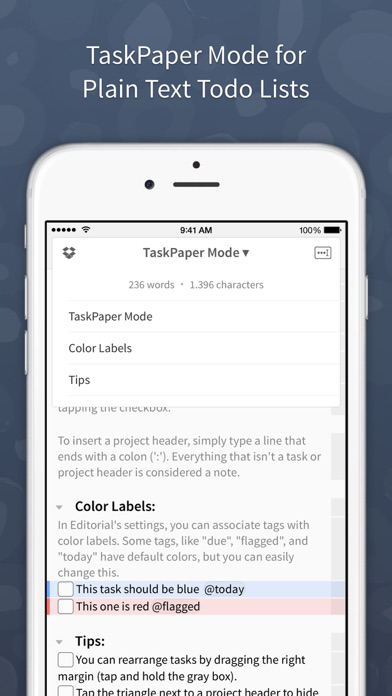
Editorial is a plain text editor for iOS with powerful automation tools and a beautiful inline preview for Markdown, TaskPaper, and Fountain documents.

Features:

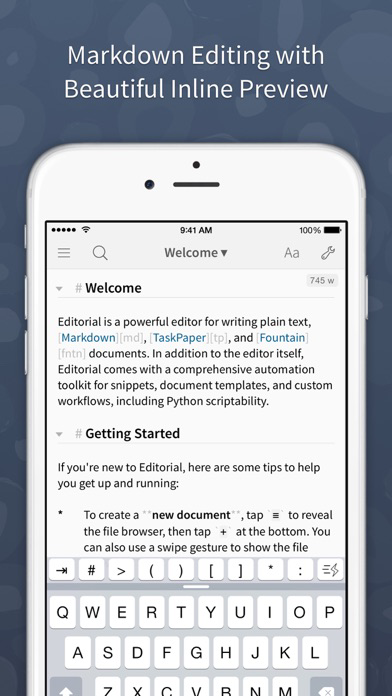
* Inline Markdown/Fountain Preview – With Editorial's subtle syntax highlighting, you can see your document's formatting immediately while you're writing. And when you need a full HTML preview, it's just a swipe away.

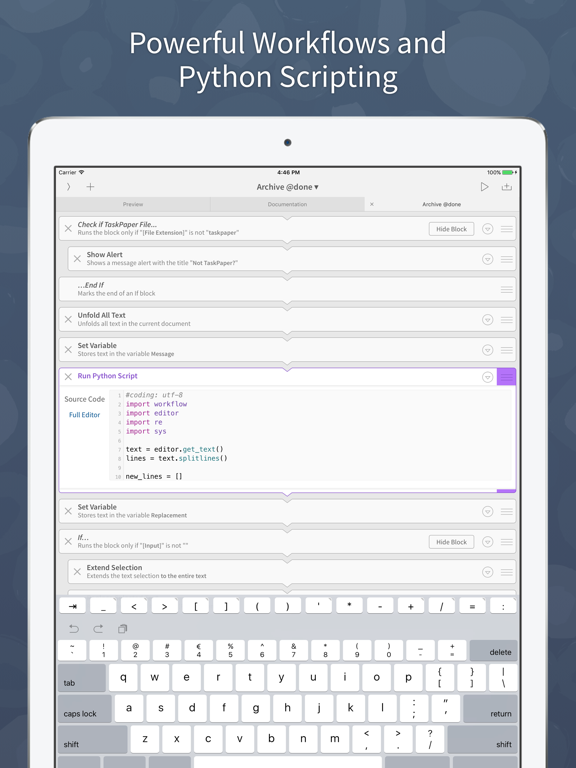
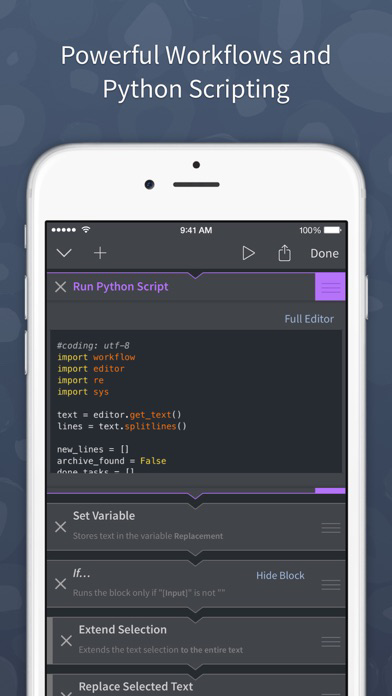
* Extensible with Workflows and Scripts – Select from over 50 text processing actions to create your own workflows for extending Editorial's feature set. For even more advanced automation, you can write Python scripts with an integrated code and UI editor.

* Dropbox Sync – The sync folder is customizable, so you can easily edit your documents with multiple apps.

* Smart Keyboard – The extended keyboard was specifically designed for writing Markdown and includes all the special characters you need. You can also control the cursor with simple swipe gestures.

* Snippets – Quickly insert frequently-used pieces of text by typing abbreviations. Snippets can include dynamic text, e.g. the current date or clipboard contents. TextExpander™ snippets are also supported.

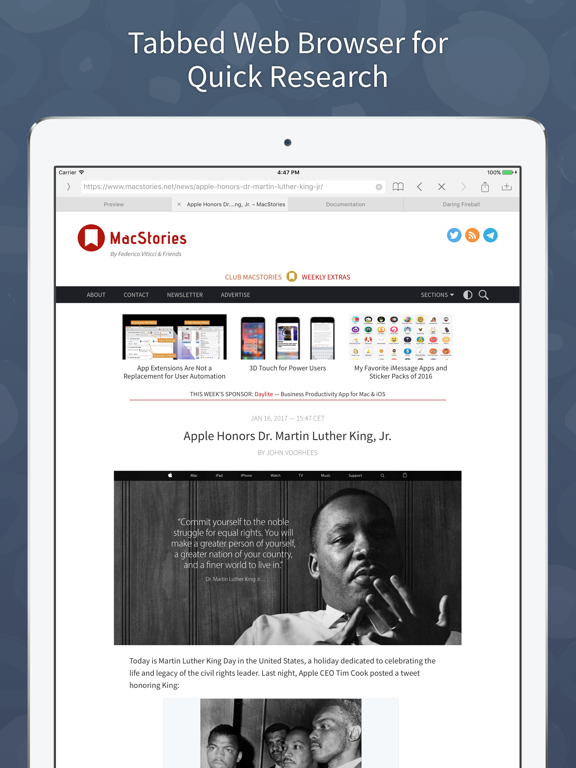
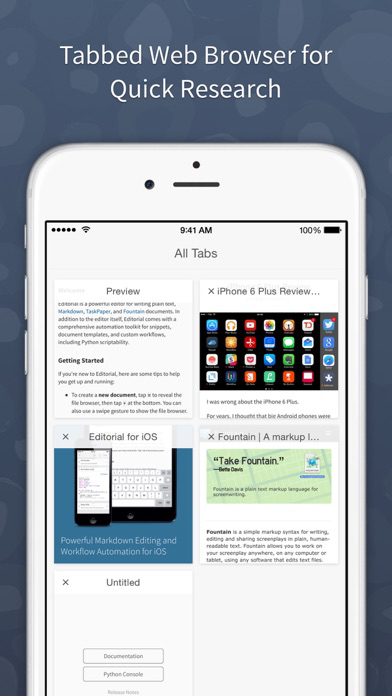
* In-App Browser – If you need to do some quick research while writing, you don't have to leave the app for that. You can even open multiple tabs.

* "Folding" allows you to quickly hide individual sections of your document while you're writing.

*** *** ***

“It would be hard to imagine a better editor, let alone recommend one that actually exists.” — The Verge

“This is it. Editorial sets a new standard for third-party iOS automation, and, for me, there’s no going back.” — Federico Viticci, MacStories

“Editorial just reinvented iOS text editing.” — Merlin Mann

Show More

What's New in the Latest Version 1.3.4

Last updated on Feb 7, 2020
Old Versions
This update from Apple will improve the functionality of this app. No new features are included.

• Added support for the iPhone X with its native resolution.
• Changed toolbar color in the preview/accessory panel – this makes it easier to distinguish the preview from the editor.
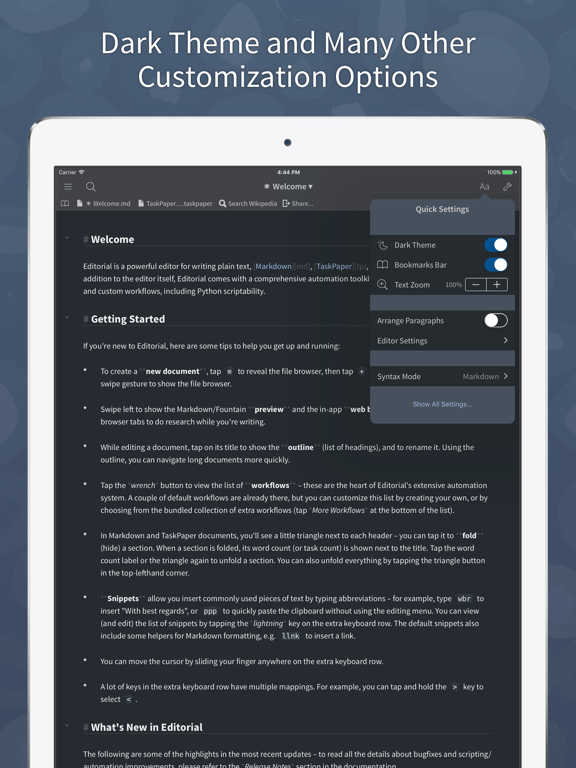
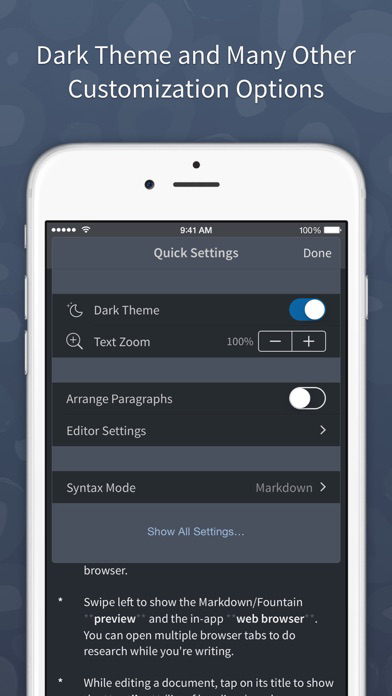
• Improved performance for switching between dark and light mode.
• The accessory panel (preview, in-app browser...) uses the same tab bar UI on iPhone and iPad now.
• Removed support for the public workflow directory. Your shared workflows will remain online for the foreseeable future, but the directory will soon become read-only. You can still share workflows using the "Copy Workflow" feature, of course, which is more flexible anyway, as it allows you to put your workflows in any plain text file.
• Fixed an issue with explanatory text in the settings being displayed incorrectly (particularly on small screens).
• Fixed footnote navigation in Markdown preview.
• Fixed table view actions not being executed in "Custom UI" workflow actions.
• Fixed a few issues with inline boneyard in Fountain documents.
Show More
Version History
1.3.4
Feb 7, 2020
This update from Apple will improve the functionality of this app. No new features are included.

• Added support for the iPhone X with its native resolution.
• Changed toolbar color in the preview/accessory panel – this makes it easier to distinguish the preview from the editor.
• Improved performance for switching between dark and light mode.
• The accessory panel (preview, in-app browser...) uses the same tab bar UI on iPhone and iPad now.
• Removed support for the public workflow directory. Your shared workflows will remain online for the foreseeable future, but the directory will soon become read-only. You can still share workflows using the "Copy Workflow" feature, of course, which is more flexible anyway, as it allows you to put your workflows in any plain text file.
• Fixed an issue with explanatory text in the settings being displayed incorrectly (particularly on small screens).
• Fixed footnote navigation in Markdown preview.
• Fixed table view actions not being executed in "Custom UI" workflow actions.
• Fixed a few issues with inline boneyard in Fountain documents.

Editorial Price

Today:
Free
Lowest:
Free
Highest:
$4.99

Editorial FAQ

Click here to learn how to download Editorial in restricted country or region.
Check the following list to see the minimum requirements of Editorial.
iPhone
iPad

Editorial Alternative

You May Also Like

Get more from omz:software