Encoda - Encrypt/Encode texts
Crypto/Encryption/ASE Cipher
Free
1.03for iPhone, iPad and more
1.9
1 Ratings
Pujana Paliyawan
Developer
25.1 MB
Size
Sep 11, 2021
Update Date
Utilities
Category
4+
Age Rating
Age Rating
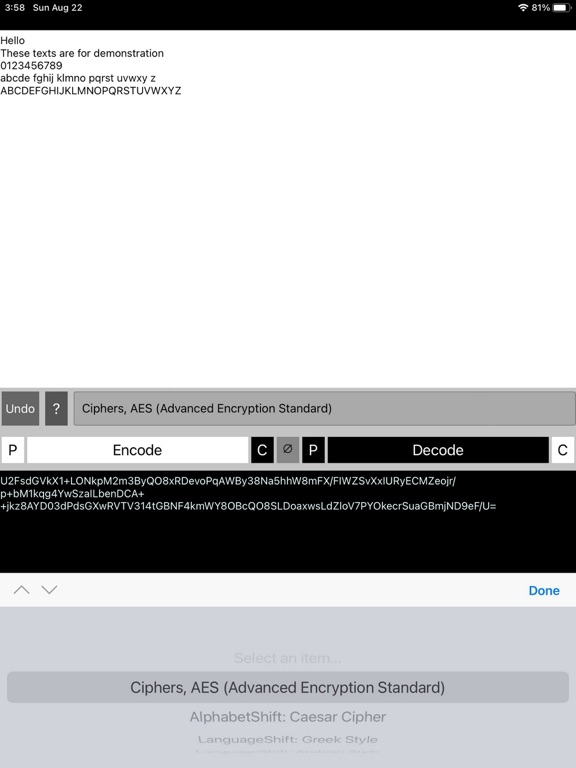
Encoda - Encrypt/Encode texts Screenshots
About Encoda - Encrypt/Encode texts
Encrypt/Encode your message to hide contents
Simple and straight forward. No Ads and easy-to-use interface.
Online Manual: https://p-library.com/a/encoda/
Sample Usage: You write your diary, or gonna send messages or a password to someone, but you don't want them to be found by other people? With this tool, you can hide the contents.
====================
Encryption/Encoding Methods
[Key-based] a key is required
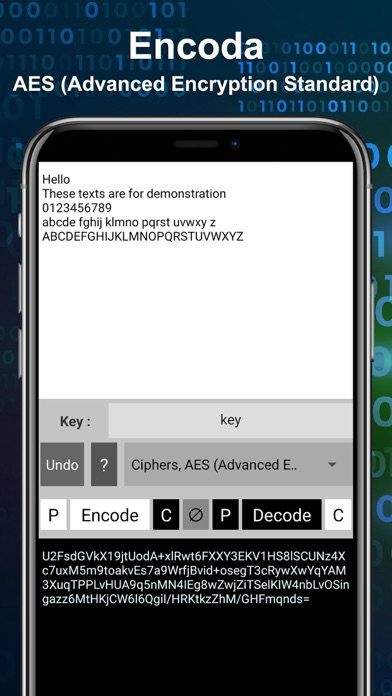
- Ciphers, AES (Advanced Encryption Standard) : Specify a “key” for encrypt and decrypt messages
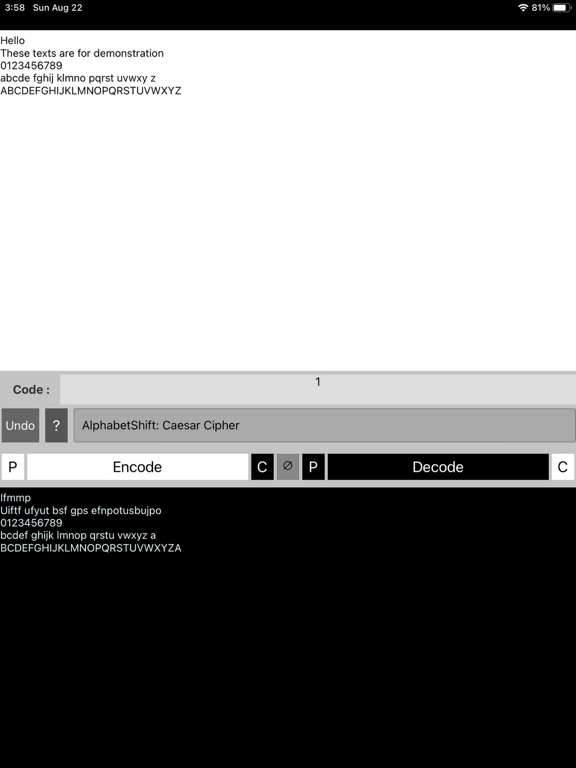
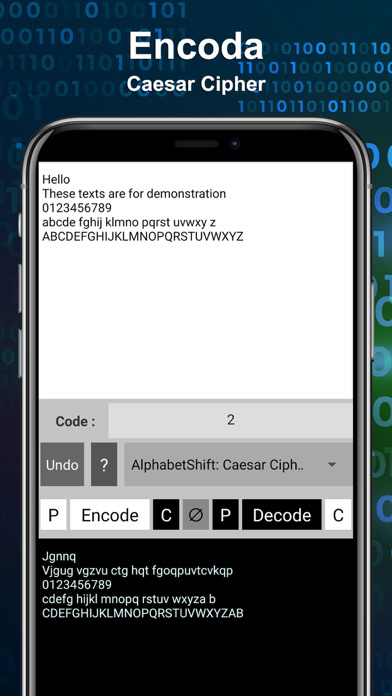
- AlphabetShift: Caesar Cipher : Shift English alphabets by a given amount (“code”)
[LanguageShift] hide contents in the form of non-English alphabets
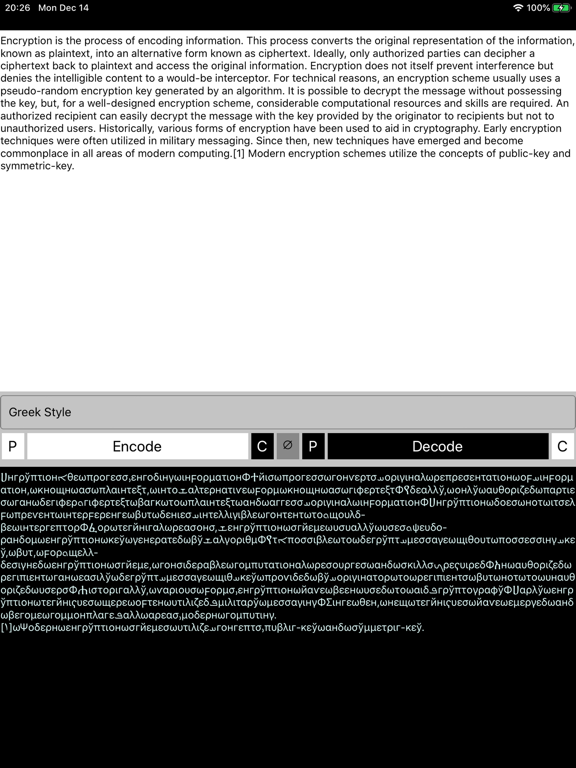
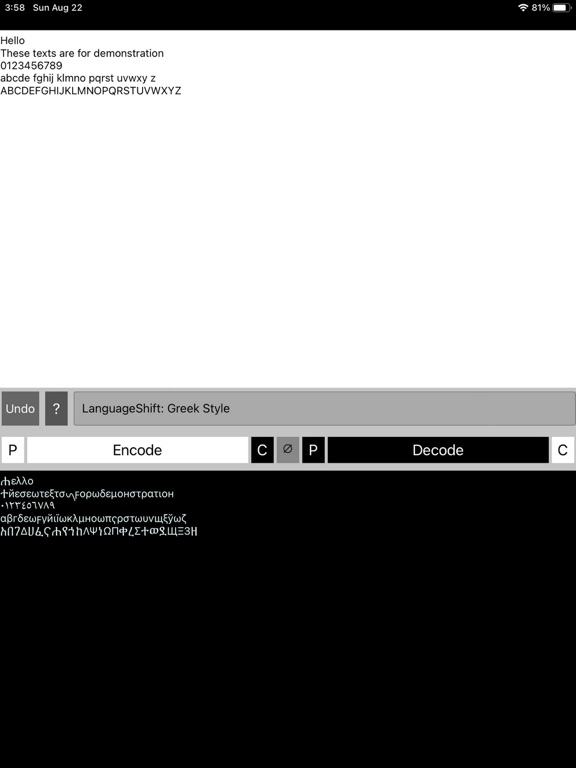
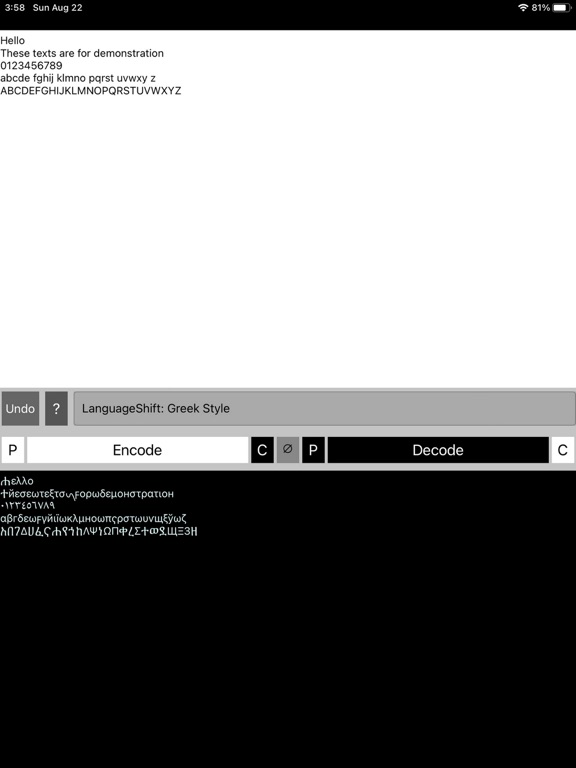
- Greek Style : A combination of Greek, Persian, Syriac, Ge'ez, Cyrillic, and Syriac alphabets.
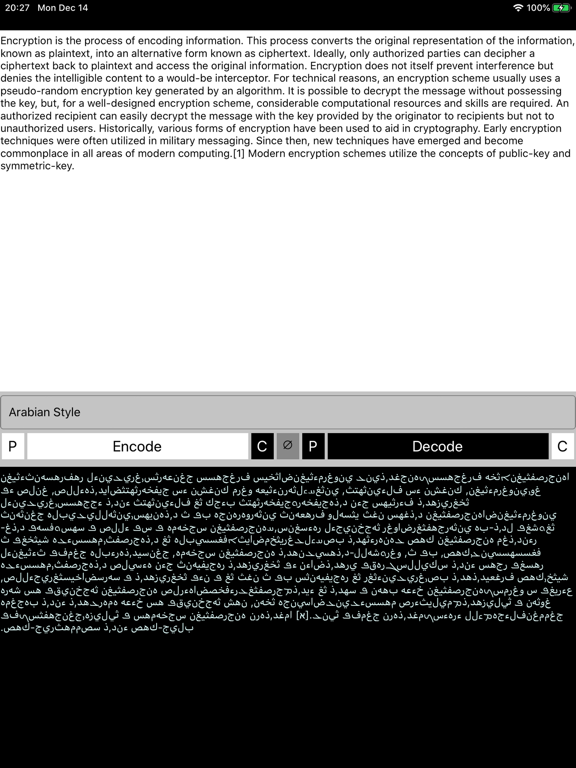
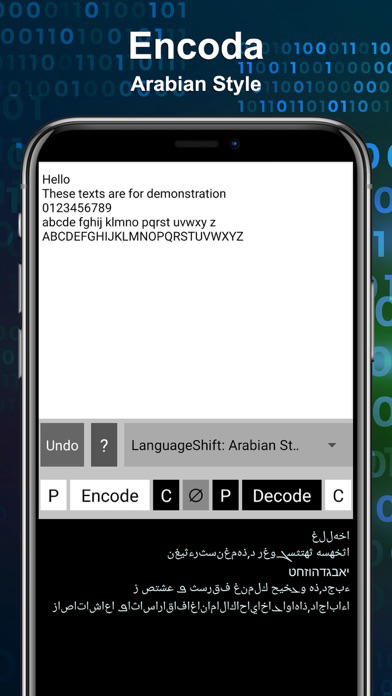
- Arabian Style : A combination of Arabic and Hebrew alphabets. Preserve capital and non-capital characters.
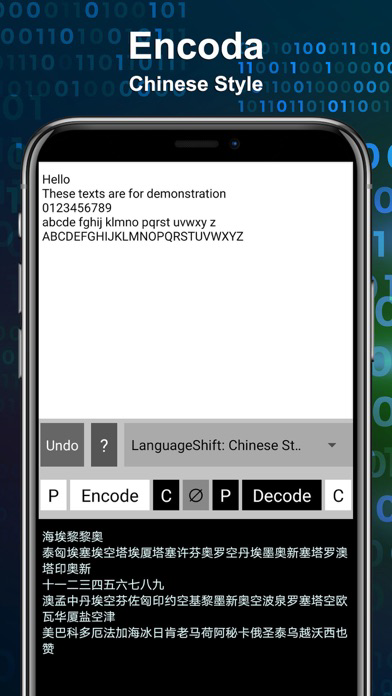
- Chinese Style : Encode messages to Chinese-like messages.
- Khmer Style : Encode messages to Khmer-like messages.
[Others]
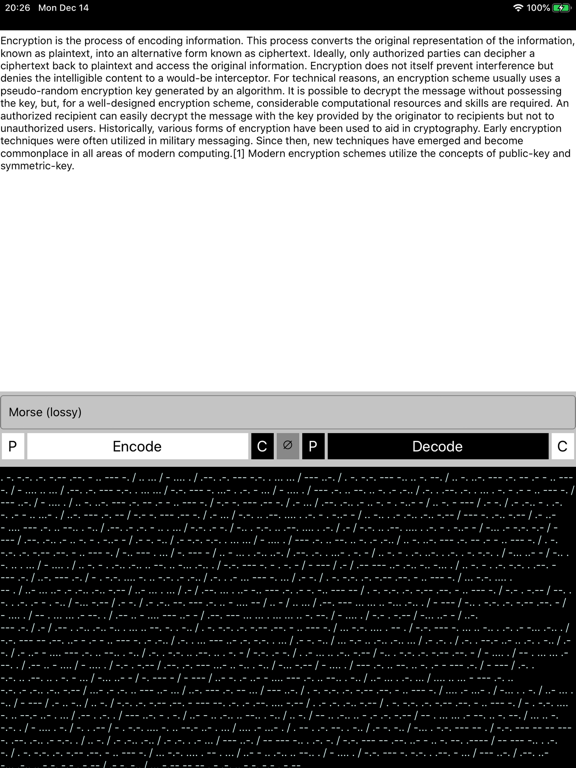
- Morse Code (lossy) : Encode texts to Morse Code (Lossy: capital letters and special characters will be lost).
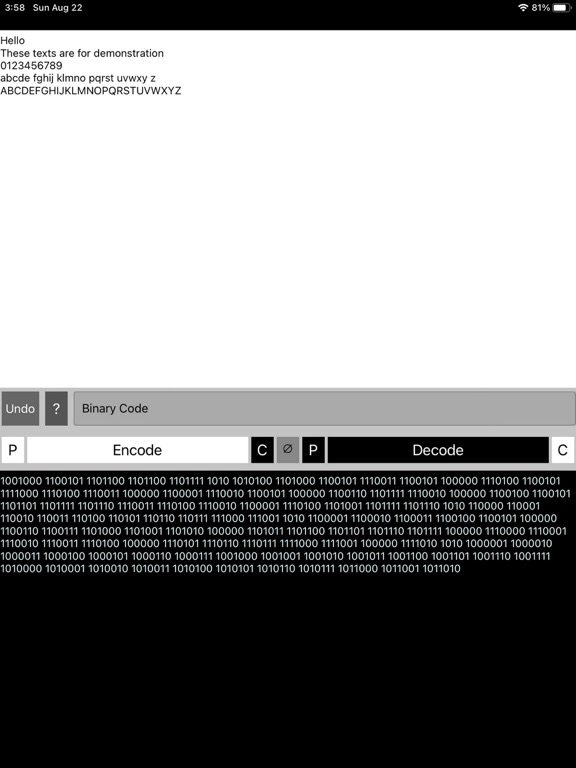
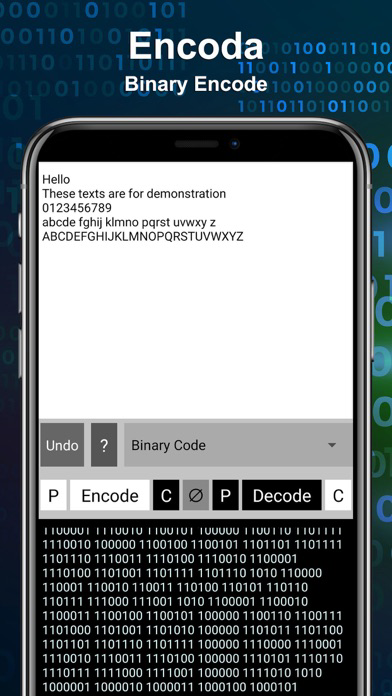
- Binary Code : Encode texts to Binary Code
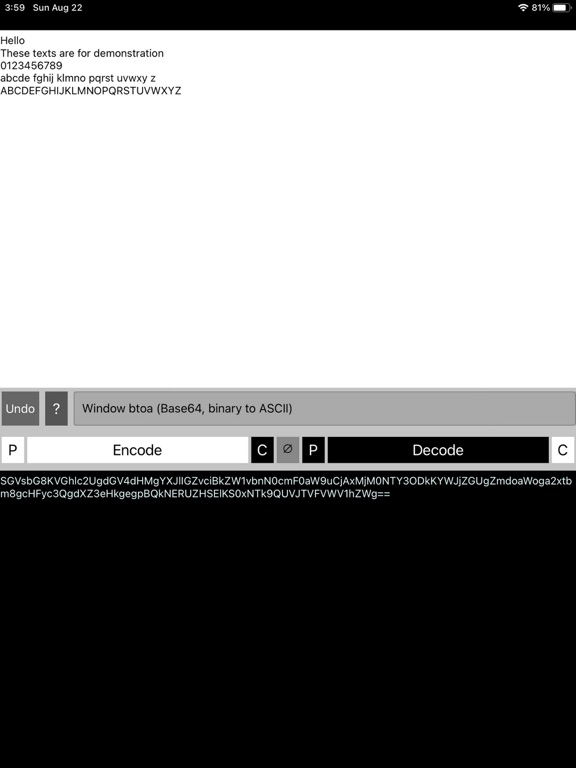
- Window btoa (Base64, binary to ASCII) : Encode texts based on Window Base64 standard
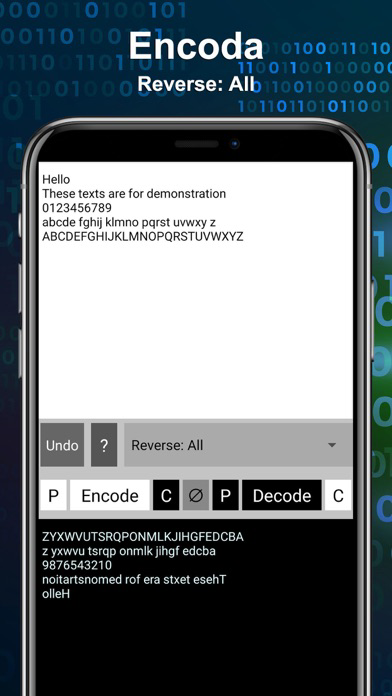
- Reverse: All : Reverse all texts at once
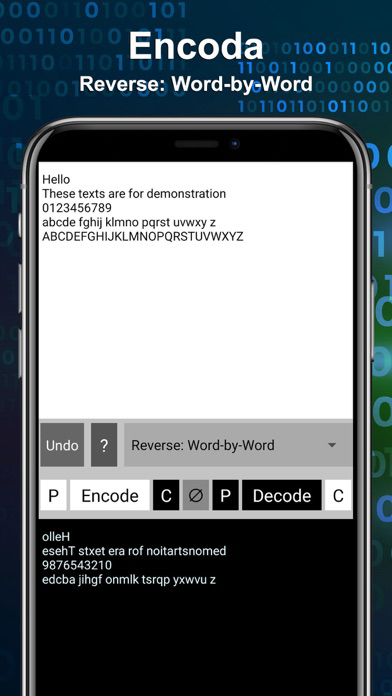
- Reverse: Word-by-Word : Reverse texts, word-by-word
** You can combine them to form a more complex encryption **
====================
Interface (Menu rows in the middle)
ROW0 (Appear only in some mode) : Set Key for encrypt/decrypt
ROW1 : Select Methods
ROW2 : Contains menu for copy-paste and encode/decode (encrypt/decrypt)
White text area: original messages
Black text area: encoded messages
∅: Clear both textboxes
P: Paste from clipboard to the white/black box
C: Copy to clipboard from the white/black box
* If you have the original text on clipboard >> Use the first 3 buttons in row to encode and get it copied to clipboard
* If you have encoded text on clipboard >> Use the last 3 buttons in row to decode and get it copied to clipboard

Simple and straight forward. No Ads and easy-to-use interface.
Online Manual: https://p-library.com/a/encoda/
Sample Usage: You write your diary, or gonna send messages or a password to someone, but you don't want them to be found by other people? With this tool, you can hide the contents.
====================
Encryption/Encoding Methods
[Key-based] a key is required
- Ciphers, AES (Advanced Encryption Standard) : Specify a “key” for encrypt and decrypt messages
- AlphabetShift: Caesar Cipher : Shift English alphabets by a given amount (“code”)
[LanguageShift] hide contents in the form of non-English alphabets
- Greek Style : A combination of Greek, Persian, Syriac, Ge'ez, Cyrillic, and Syriac alphabets.
- Arabian Style : A combination of Arabic and Hebrew alphabets. Preserve capital and non-capital characters.
- Chinese Style : Encode messages to Chinese-like messages.
- Khmer Style : Encode messages to Khmer-like messages.
[Others]
- Morse Code (lossy) : Encode texts to Morse Code (Lossy: capital letters and special characters will be lost).
- Binary Code : Encode texts to Binary Code
- Window btoa (Base64, binary to ASCII) : Encode texts based on Window Base64 standard
- Reverse: All : Reverse all texts at once
- Reverse: Word-by-Word : Reverse texts, word-by-word
** You can combine them to form a more complex encryption **
====================
Interface (Menu rows in the middle)
ROW0 (Appear only in some mode) : Set Key for encrypt/decrypt
ROW1 : Select Methods
ROW2 : Contains menu for copy-paste and encode/decode (encrypt/decrypt)
White text area: original messages
Black text area: encoded messages
∅: Clear both textboxes
P: Paste from clipboard to the white/black box
C: Copy to clipboard from the white/black box
* If you have the original text on clipboard >> Use the first 3 buttons in row to encode and get it copied to clipboard
* If you have encoded text on clipboard >> Use the last 3 buttons in row to decode and get it copied to clipboard
Show More
What's New in the Latest Version 1.03
Last updated on Sep 11, 2021
Old Versions
11 Text Encryption/Encode Methods
Show More
Version History
1.03
Sep 11, 2021
11 Text Encryption/Encode Methods
1.0
Dec 15, 2020
Encoda - Encrypt/Encode texts FAQ
Click here to learn how to download Encoda - Encrypt/Encode texts in restricted country or region.
Check the following list to see the minimum requirements of Encoda - Encrypt/Encode texts.
iPhone
Requires iOS 10.0 or later.
iPad
Requires iPadOS 10.0 or later.
iPod touch
Requires iOS 10.0 or later.
Encoda - Encrypt/Encode texts supports English