Execute: Daily Planner
Free
1.4.3for iPhone
Age Rating
Execute: Daily Planner Screenshots
About Execute: Daily Planner
Execute helps you plan your day and run your projects—fast. Turn tasks into interactive cards you can drag, time-block, and track across flexible views. Stay focused, avoid decision fatigue, and finish the right work at the right time.
Work your way
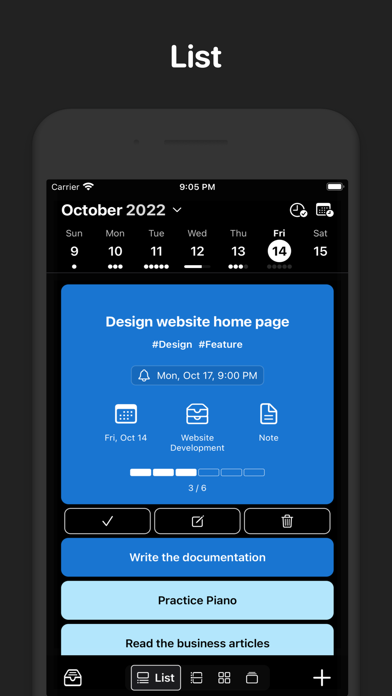
- List View: Create, edit, and reorder with effortless drag-and-drop. Clean, fast, and reliable.
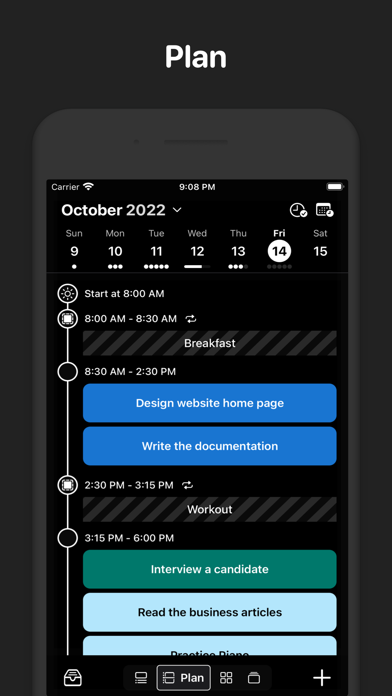
- Plan View: Time-block your day on a timeline. See system calendar events, personal reservations, and tasks in one place.
- Precise Planning (Pro): Estimate durations and fit tasks like puzzle pieces to build a realistic schedule.
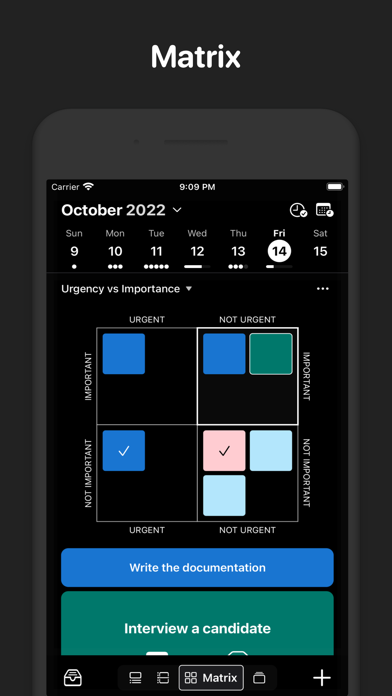
- Matrix View: Prioritize with the Eisenhower matrix (urgent vs. important). Create custom matrices for your workflow.
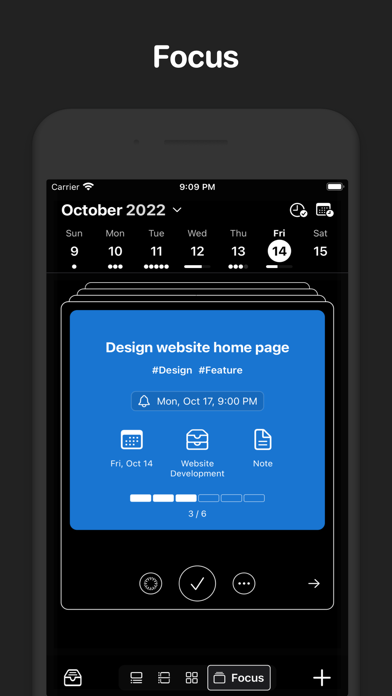
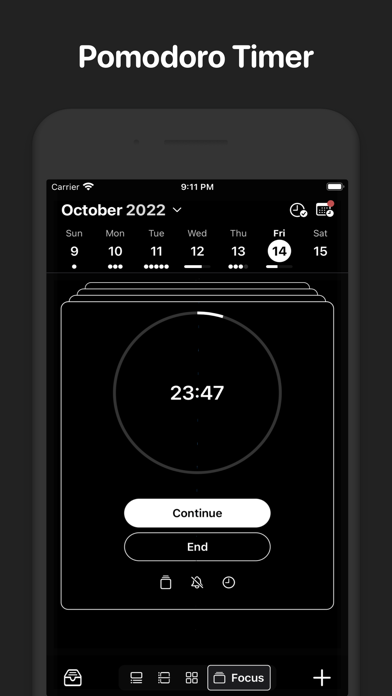
- Focus View: Swipe through tasks like a deck of cards and stay in flow with the built-in Pomodoro timer.
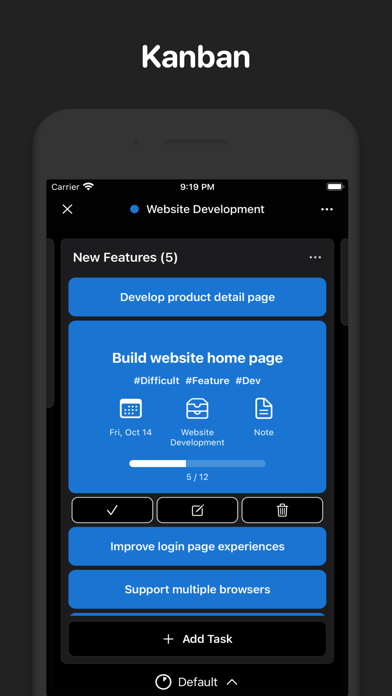
- Kanban: Move work through stages with a swipe. Visual progress, zero friction.
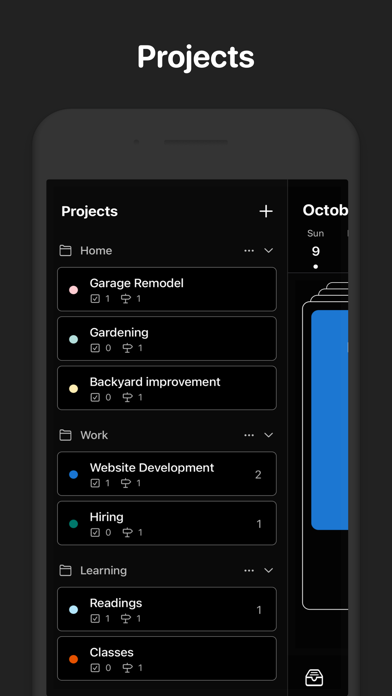
Manage projects with clarity
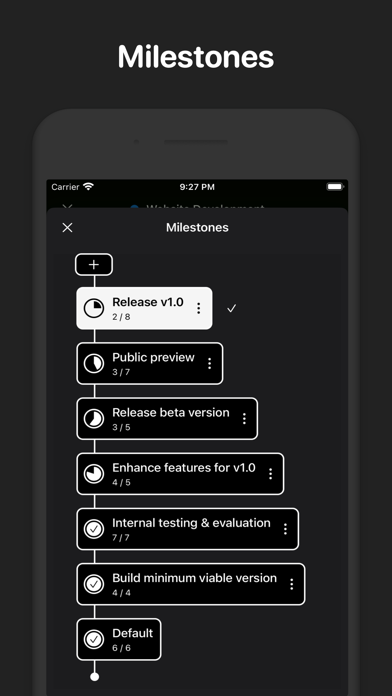
- Milestones: See where your project stands and what’s next.
- Dependencies: Understand what’s blocked and why—avoid surprises.
- Step Templates: Standardize recurring processes to save time and reduce errors.
Why Execute
- Fast setup: Add tasks in seconds and start planning immediately.
- One place for the day: Calendar, time blocks, and tasks together.
- Built for focus: Views that reduce context switching and keep you moving.
Start planning with confidence and finish more of what matters—download Execute today.

Work your way
- List View: Create, edit, and reorder with effortless drag-and-drop. Clean, fast, and reliable.
- Plan View: Time-block your day on a timeline. See system calendar events, personal reservations, and tasks in one place.
- Precise Planning (Pro): Estimate durations and fit tasks like puzzle pieces to build a realistic schedule.
- Matrix View: Prioritize with the Eisenhower matrix (urgent vs. important). Create custom matrices for your workflow.
- Focus View: Swipe through tasks like a deck of cards and stay in flow with the built-in Pomodoro timer.
- Kanban: Move work through stages with a swipe. Visual progress, zero friction.
Manage projects with clarity
- Milestones: See where your project stands and what’s next.
- Dependencies: Understand what’s blocked and why—avoid surprises.
- Step Templates: Standardize recurring processes to save time and reduce errors.
Why Execute
- Fast setup: Add tasks in seconds and start planning immediately.
- One place for the day: Calendar, time blocks, and tasks together.
- Built for focus: Views that reduce context switching and keep you moving.
Start planning with confidence and finish more of what matters—download Execute today.
Show More
What's New in the Latest Version 1.4.3
Last updated on Aug 31, 2025
Old Versions
Some improvements and fixes
Show More
Version History
1.4.3
Aug 31, 2025
Some improvements and fixes
Execute: Daily Planner FAQ
Click here to learn how to download Execute: Daily Planner in restricted country or region.
Check the following list to see the minimum requirements of Execute: Daily Planner.
iPhone
Related Videos
Latest introduction video of Execute: Daily Planner on iPhone