EzyTracking
Free
1.1for iPhone, iPad
Age Rating
EzyTracking Screenshots
About EzyTracking
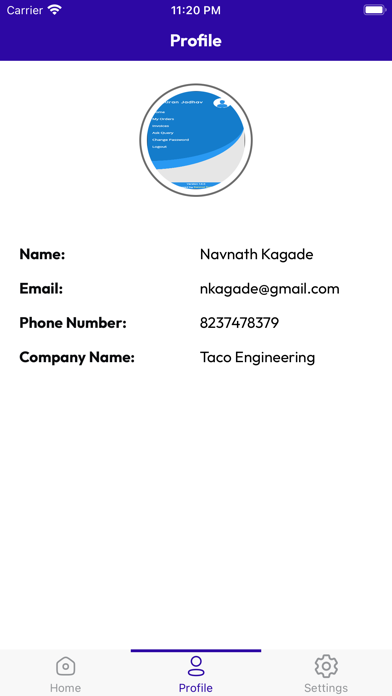
EzyTracking is a mobile application designed to assist on-field technicians in managing their work schedules and tracking their real-time locations. It offers a user-friendly interface that empowers technicians to access their schedules, optimize routes, and share their locations with their employers or managers.
Key Features:
1. Technician Dashboard:
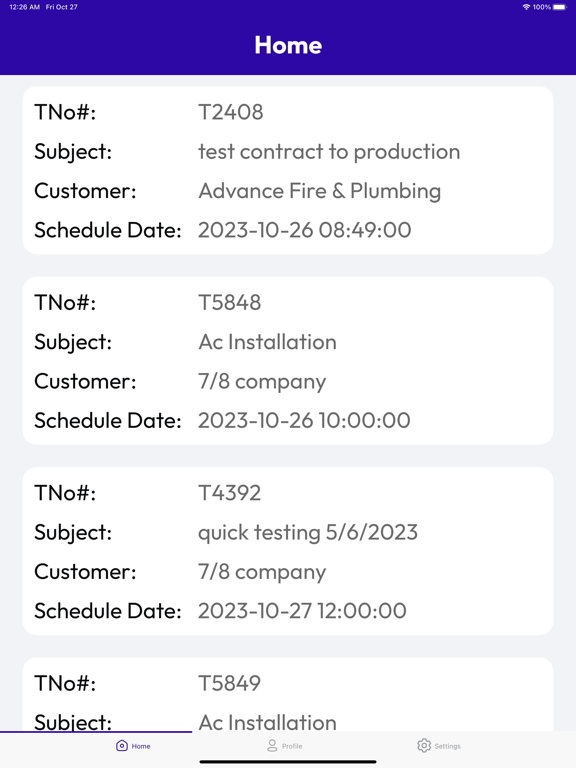
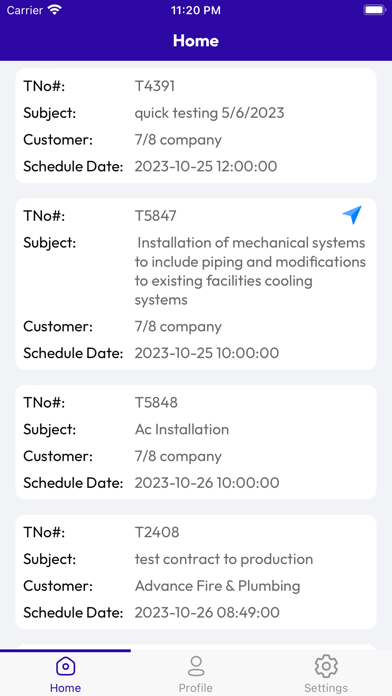
Provide each technician with a personalized dashboard displaying their daily or weekly schedules and relevant job details.
2. Scheduling:
Technicians can view their assigned jobs and appointments, along with scheduled dates, times, and job descriptions.
3. Real-Time GPS Tracking:
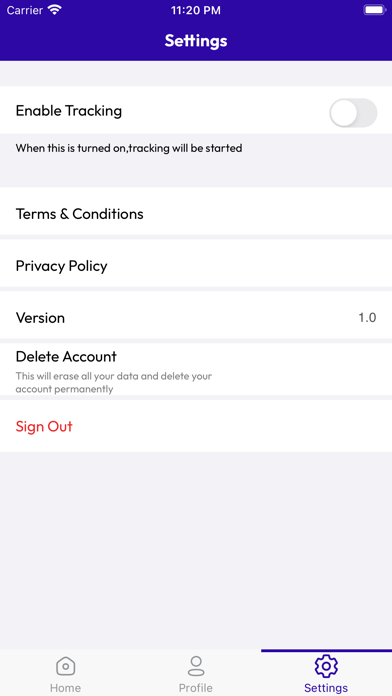
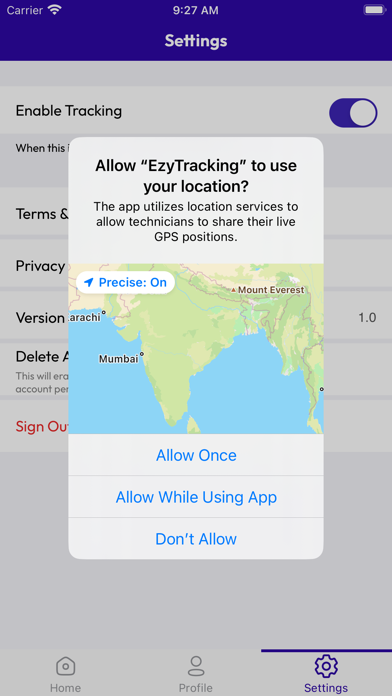
Enable technicians to share their real-time GPS locations, allowing managers to monitor their positions.
4. Route Optimization:
Suggest the most efficient route to the next job or appointment to save time and fuel costs.
5. Status Updates:
Allow technicians to update their status (e.g., en route, on-site, job completed) for real-time communication with managers.
6. Location History:
Store historical location data for each technician for reference and auditing purposes.
7. Privacy and Security:
Implement robust privacy and security measures to ensure that location data is only accessible by authorized individuals

Key Features:
1. Technician Dashboard:
Provide each technician with a personalized dashboard displaying their daily or weekly schedules and relevant job details.
2. Scheduling:
Technicians can view their assigned jobs and appointments, along with scheduled dates, times, and job descriptions.
3. Real-Time GPS Tracking:
Enable technicians to share their real-time GPS locations, allowing managers to monitor their positions.
4. Route Optimization:
Suggest the most efficient route to the next job or appointment to save time and fuel costs.
5. Status Updates:
Allow technicians to update their status (e.g., en route, on-site, job completed) for real-time communication with managers.
6. Location History:
Store historical location data for each technician for reference and auditing purposes.
7. Privacy and Security:
Implement robust privacy and security measures to ensure that location data is only accessible by authorized individuals
Show More
What's New in the Latest Version 1.1
Last updated on Nov 23, 2023
Old Versions
Minor issue fixes & improvements.
Show More
Version History
1.1
Nov 23, 2023
Minor issue fixes & improvements.
EzyTracking FAQ
Click here to learn how to download EzyTracking in restricted country or region.
Check the following list to see the minimum requirements of EzyTracking.
iPhone
iPad