Fernando K
Communicate to ESP32-ESP8266
Free
1.4for iPhone, iPad and more
Fernando A. M. Koyanagi Tecnologia
Developer
13 MB
Size
Apr 30, 2019
Update Date
Utilities
Category
4+
Age Rating
Age Rating
Fernando K Screenshots
About Fernando K
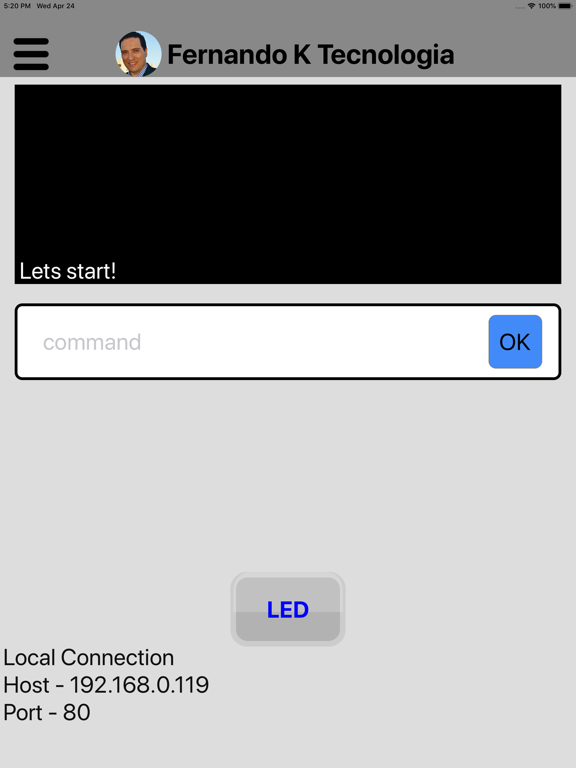
Application to communicate with ESP32 and ESP8266.
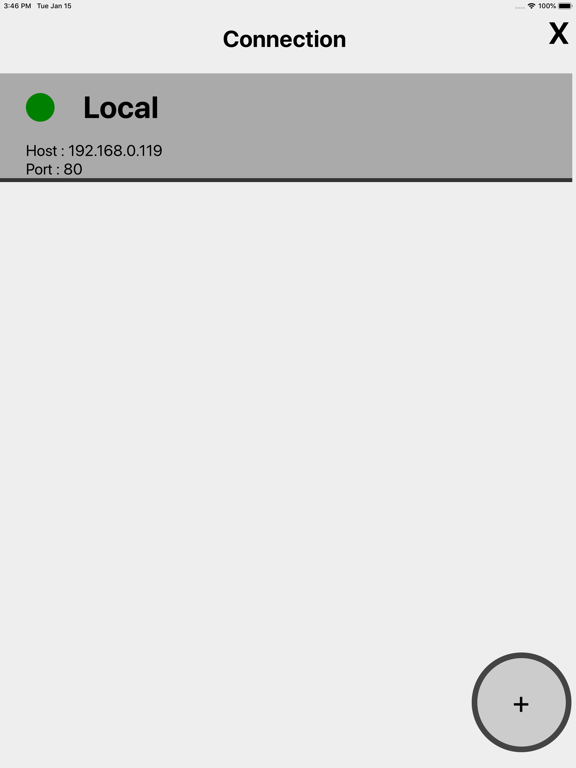
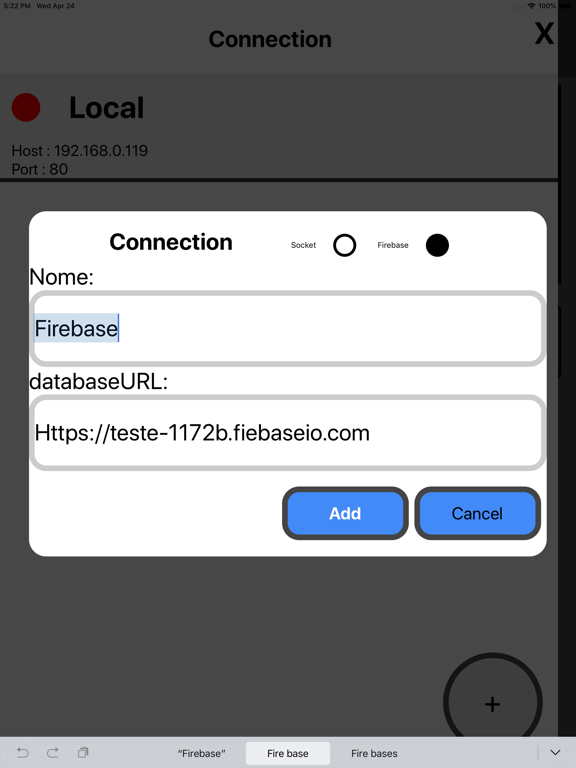
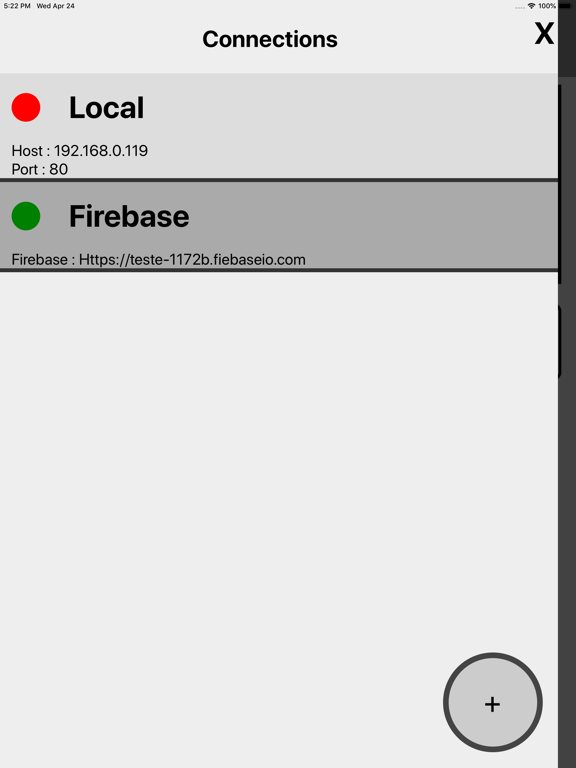
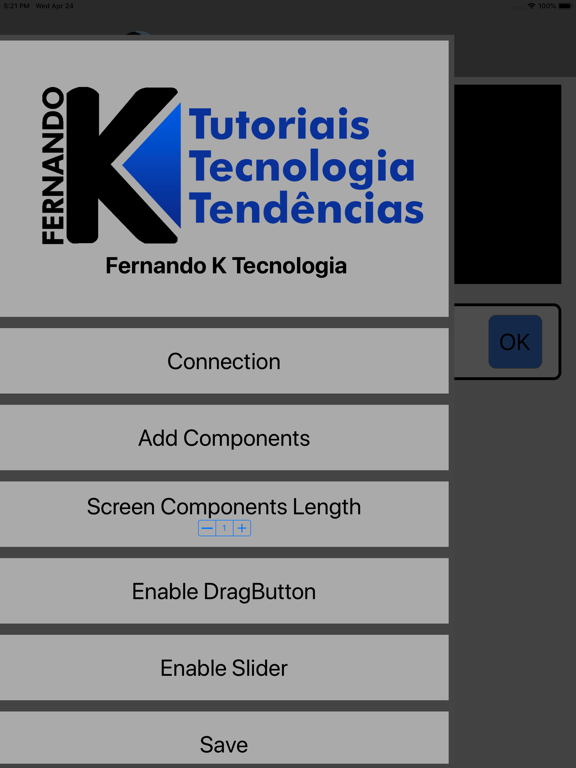
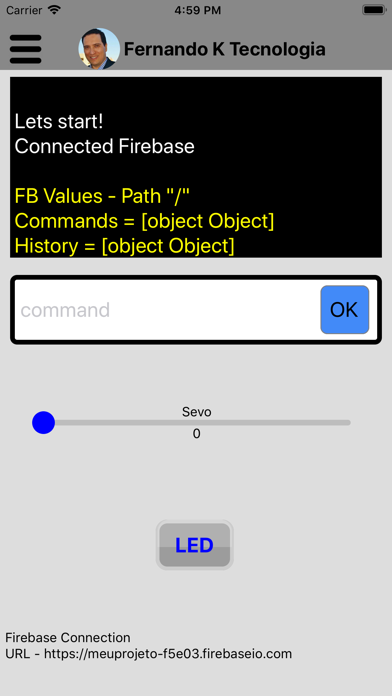
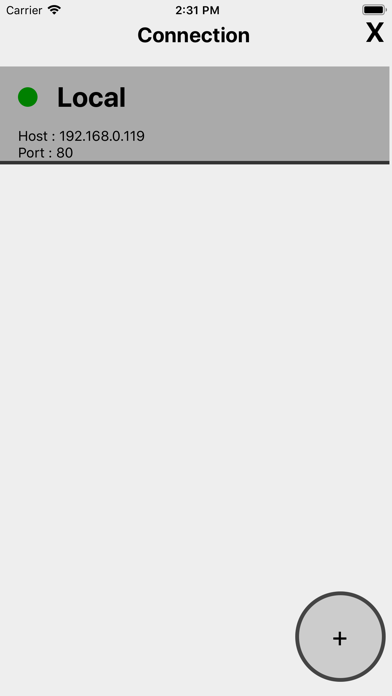
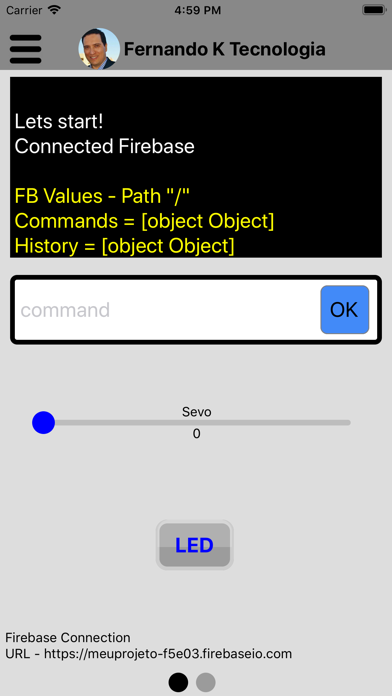
Have multiple custom connections listed, you can create, change status, and delete connection. You can connection with Wi-fi socket and Firebase Realtime database.
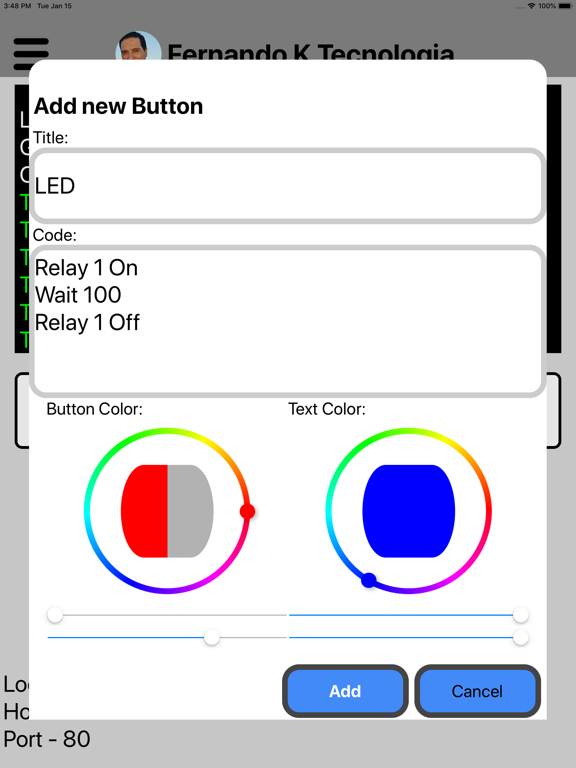
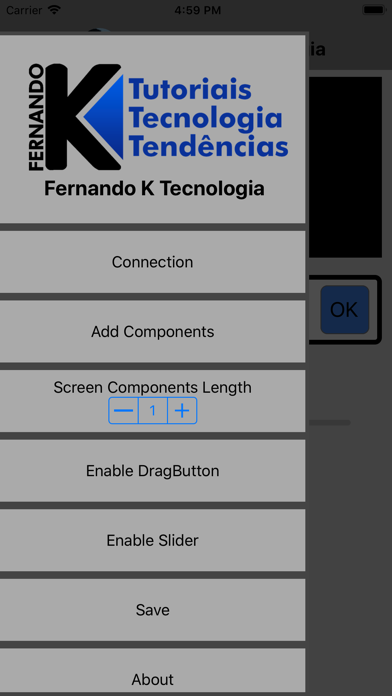
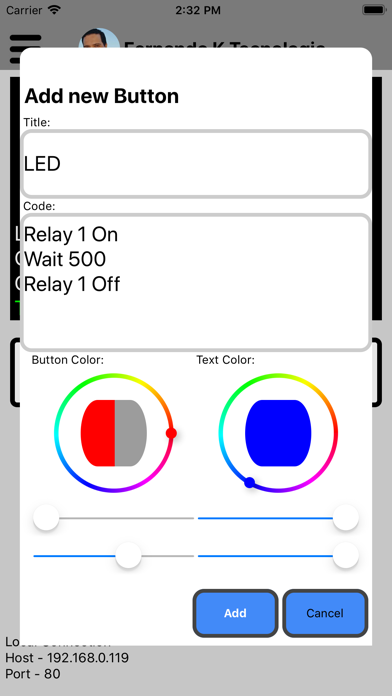
Add custom buttons, containing title, code, screen position, button color, and text color. Possible to change and delete already created buttons.
Add custom sliders, containing title, min value, max value, screen position, color, and marker color. Possible to change and delete already created sliders.
Save your connections, sliders, pagination and buttons in the device memory so you do not have to create them all the time.
Create multiple screens to put different components.
You can create button backups online, and you can create, search, and change the backup.
*To communication works the microcontroller ESP and the device running the APP must be connected on the same wi-fi and have to programmer the ESP before the connection to have a communication, the both having the same host and port in connection socket.

Have multiple custom connections listed, you can create, change status, and delete connection. You can connection with Wi-fi socket and Firebase Realtime database.
Add custom buttons, containing title, code, screen position, button color, and text color. Possible to change and delete already created buttons.
Add custom sliders, containing title, min value, max value, screen position, color, and marker color. Possible to change and delete already created sliders.
Save your connections, sliders, pagination and buttons in the device memory so you do not have to create them all the time.
Create multiple screens to put different components.
You can create button backups online, and you can create, search, and change the backup.
*To communication works the microcontroller ESP and the device running the APP must be connected on the same wi-fi and have to programmer the ESP before the connection to have a communication, the both having the same host and port in connection socket.
Show More
What's New in the Latest Version 1.4
Last updated on Apr 30, 2019
Old Versions
Firebase connection
Firebase Log
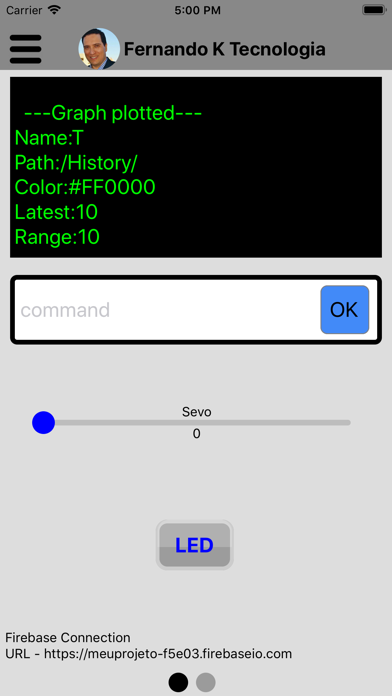
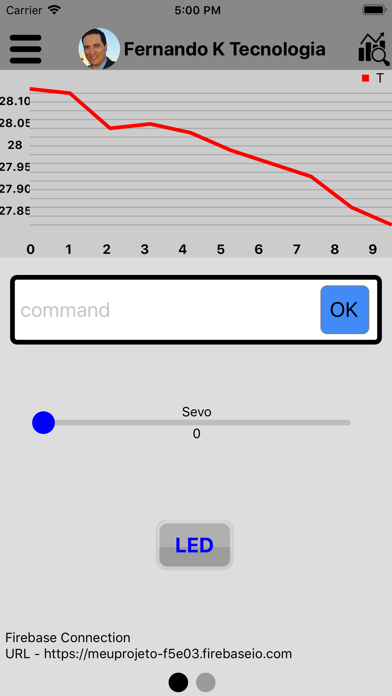
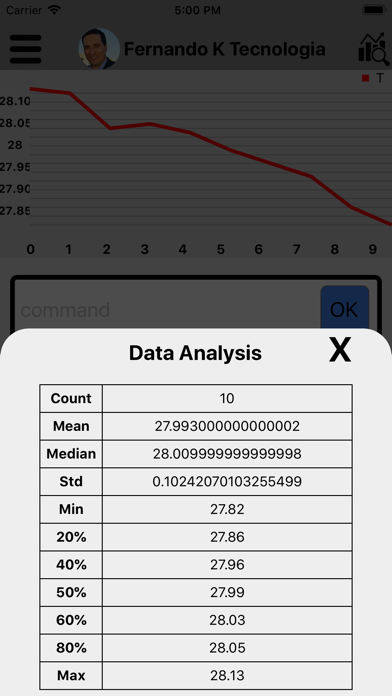
Plot Graphic
Firebase Log
Plot Graphic
Show More
Version History
1.4
Apr 30, 2019
Firebase connection
Firebase Log
Plot Graphic
Firebase Log
Plot Graphic
1.3
Feb 20, 2019
Bug correction in drag buttons
1.2
Feb 13, 2019
- New connection mode - Firebase Realtime
- New component to communicate with ESP32 and ESP3286- Slider
- New pagination mode. Now you can have multiples screens to put your components.
- New component to communicate with ESP32 and ESP3286- Slider
- New pagination mode. Now you can have multiples screens to put your components.
1.0
Jan 18, 2019
Fernando K FAQ
Click here to learn how to download Fernando K in restricted country or region.
Check the following list to see the minimum requirements of Fernando K.
iPhone
Requires iOS 9.0 or later.
iPad
Requires iPadOS 9.0 or later.
iPod touch
Requires iOS 9.0 or later.
Fernando K supports English