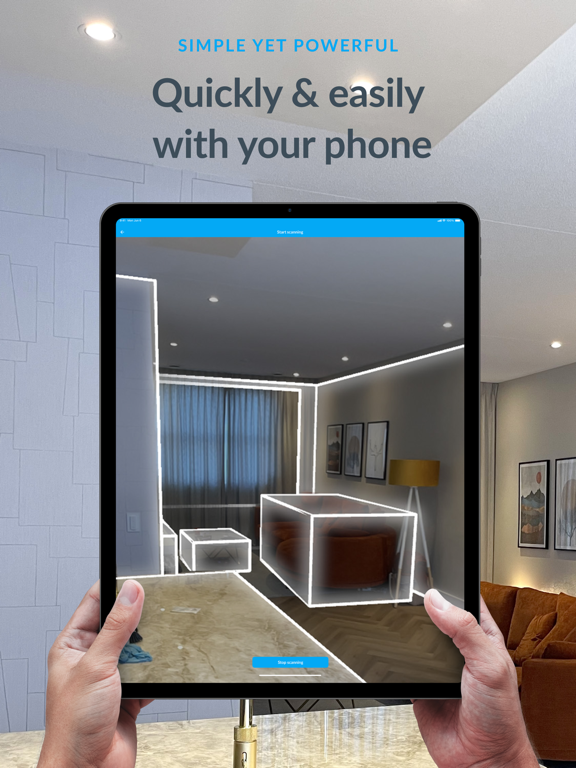
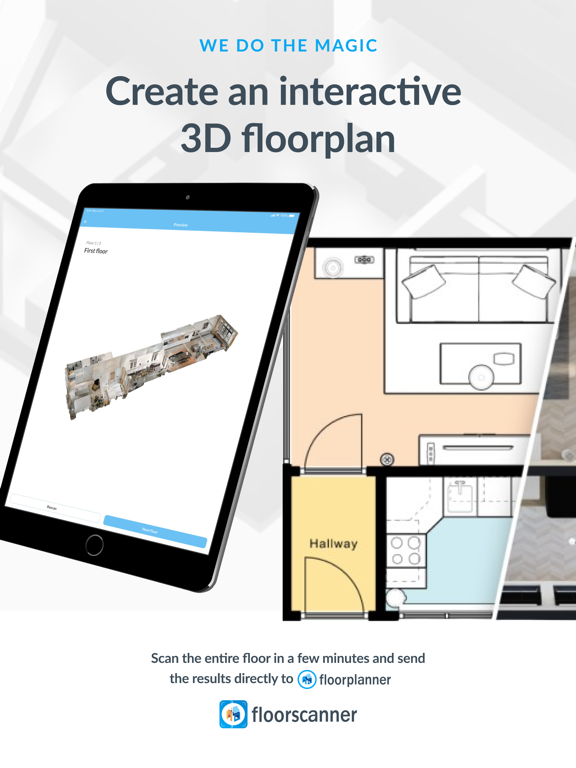
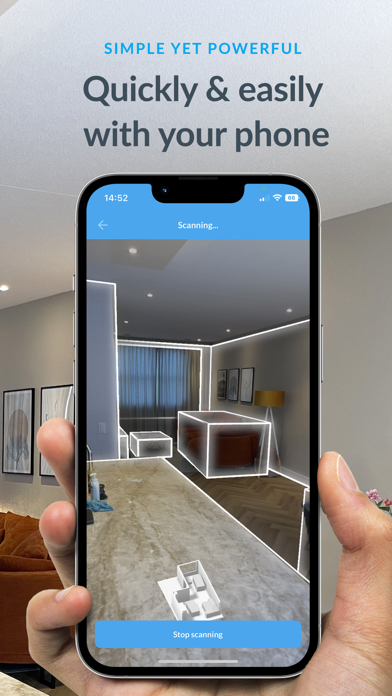
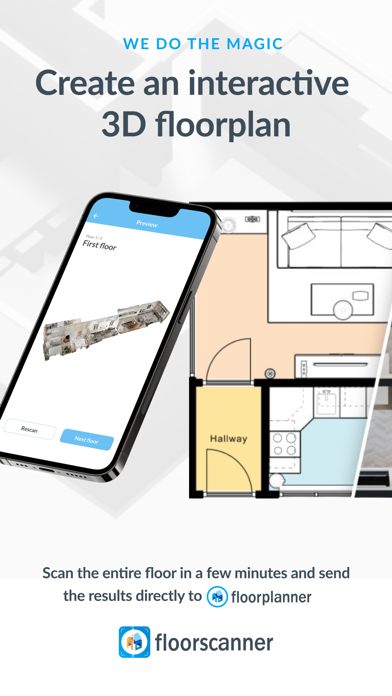
No floor plan? No problem. Floorscanner allows you to scan any indoor space within a few minutes and turn it into an accurate and interactive floor plan. Whether you're preparing a real estate listing, planning a renovation, or simply redecorating, Floorscanner is easy to use, offers versatile options to meet your needs, and delivers floor plans that seamlessly integrate with Floorplanner, empowering you to accomplish more than with conventional floor plans.
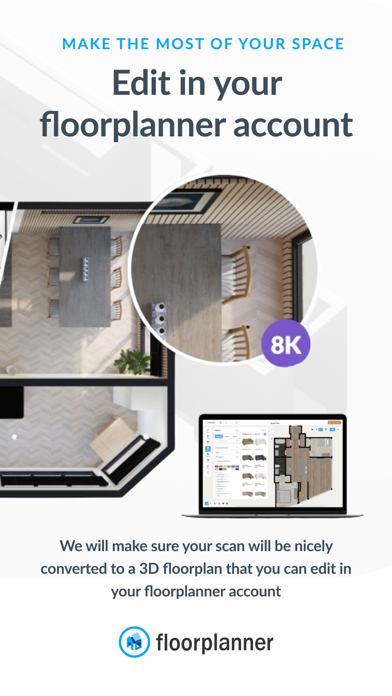
Floorscanner is a helpful companion app for Floorplanner, the 2D and 3D floor planning and design platform used by over 25 million people worldwide. By using LiDAR technology, Floorscanner is here to put an end to the days of fumbling around with finicky tape and laser measurers; turning your space into a 2D floor plan and/or 3D model with accurate dimensions and layout is now as simple as scan, submit, and voila! Once your space has been converted, you can use your 2D floor plan as is, or jump into the created Floorplanner project, where you can edit dimensions and/or structural components, customize wall and floor finishes, and fully furnish and decorate to meet your needs!
Floorscanner offers two scan options:
• Free option (RoomPlan): Entirely free, with results delivered within just seconds (now supports multi-room scanning).
• Paid option (WeScan): For enhanced accuracy, with results delivered within 2-3 days (pricing in credits is dependent on subscription type and the number of floors being scanned). For the highest degree of accuracy, simply provide two real-world measurements after scanning for results that are 99% accurate!
For your convenience, you can now make a scan without logging in, giving you the ability to easily test the Floorscanner app; to upload your scan and get your results, you will need to log in or sign up. While you do need at least a free, basic Floorplanner account to fully utilize Floorscanner, you will be emailed a black-and-white 2D copy of your floor plan, so there is no need to use Floorplanner if you only require the floorplan itself.
Already have a Floorplanner account? Perfect! Floorscanner is designed to work seamlessly with Floorplanner, meaning all converted floor plans will be available in your Floorplanner account where you can interact with them like any other Floorplanner project.
For streamlined client interaction, provide customers with access via an invitation code. This allows them to scan and upload without logging in, with results automatically sent to your Floorplanner account.