Fruit Turtle
Catch fruit! Shoot dynamite!
Free
1.0.4for iPhone, iPad
Age Rating
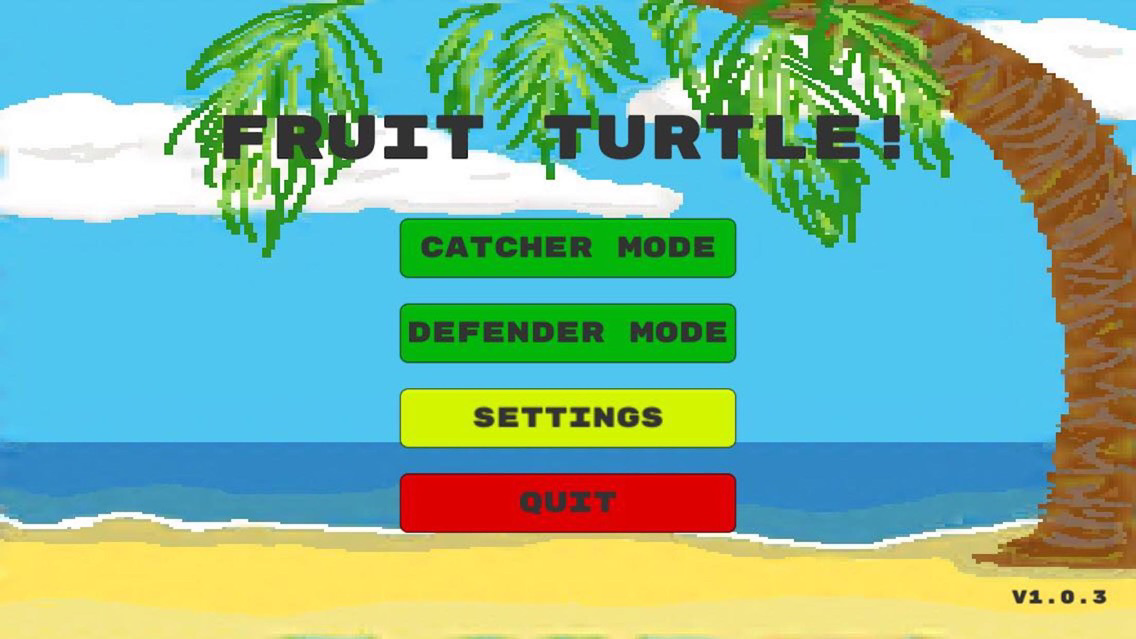
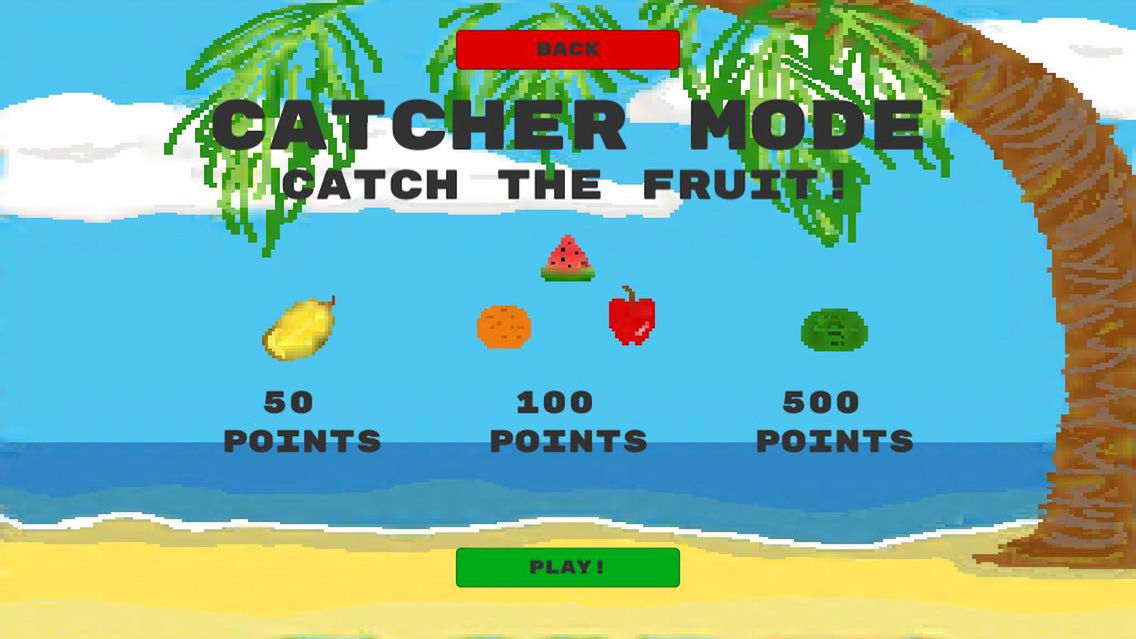
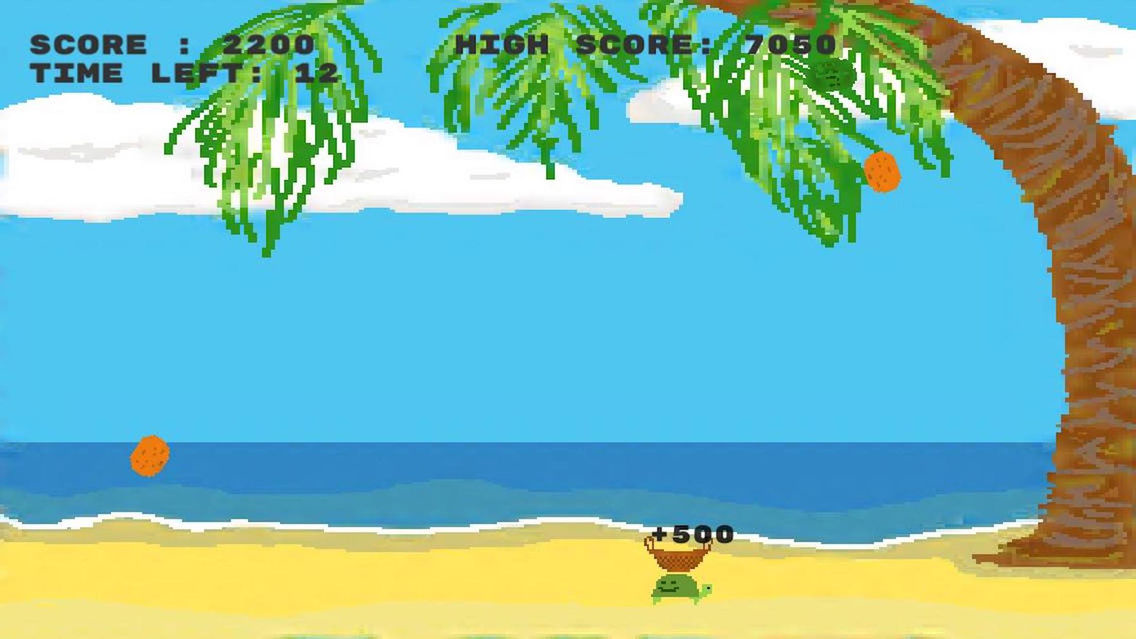
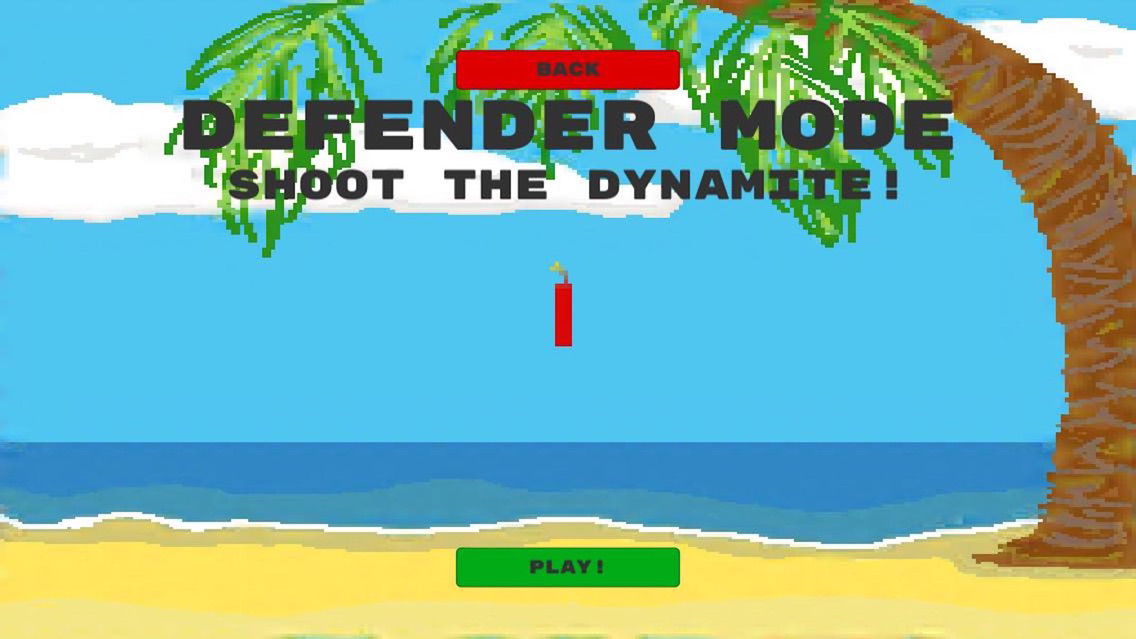
Fruit Turtle Screenshots
About Fruit Turtle
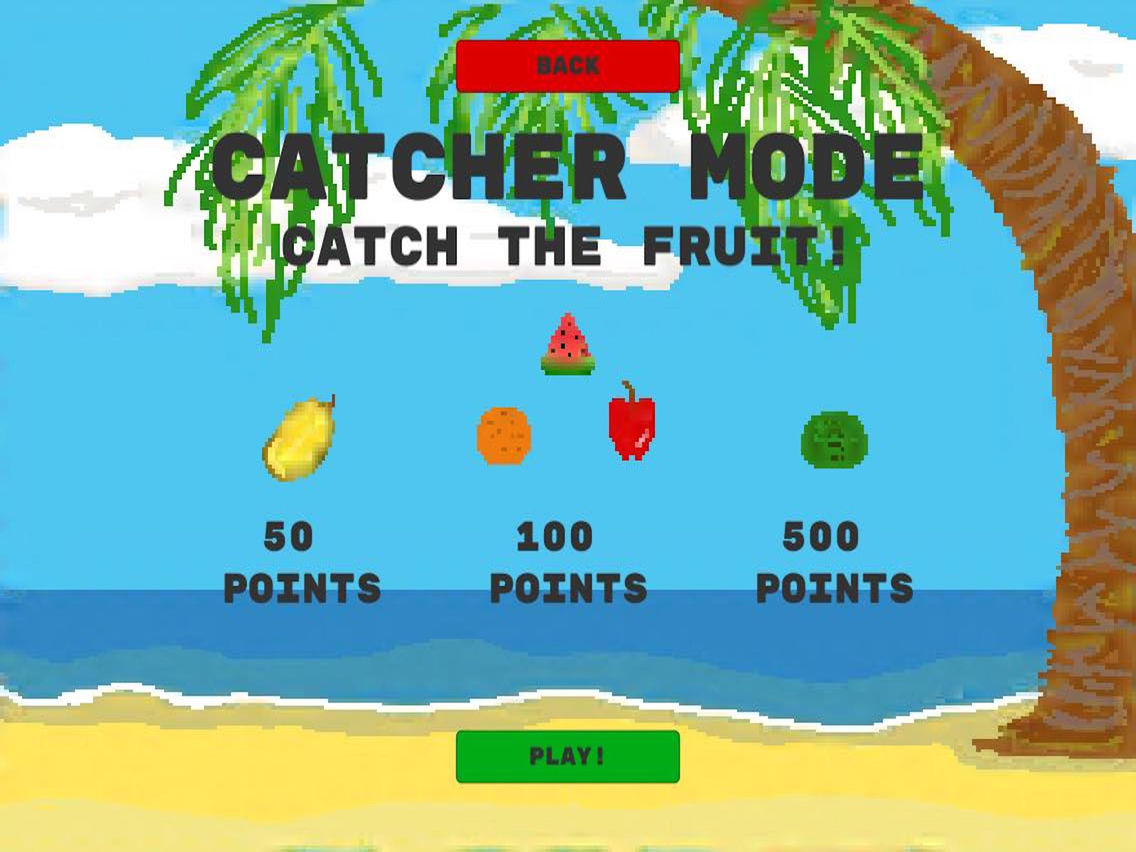
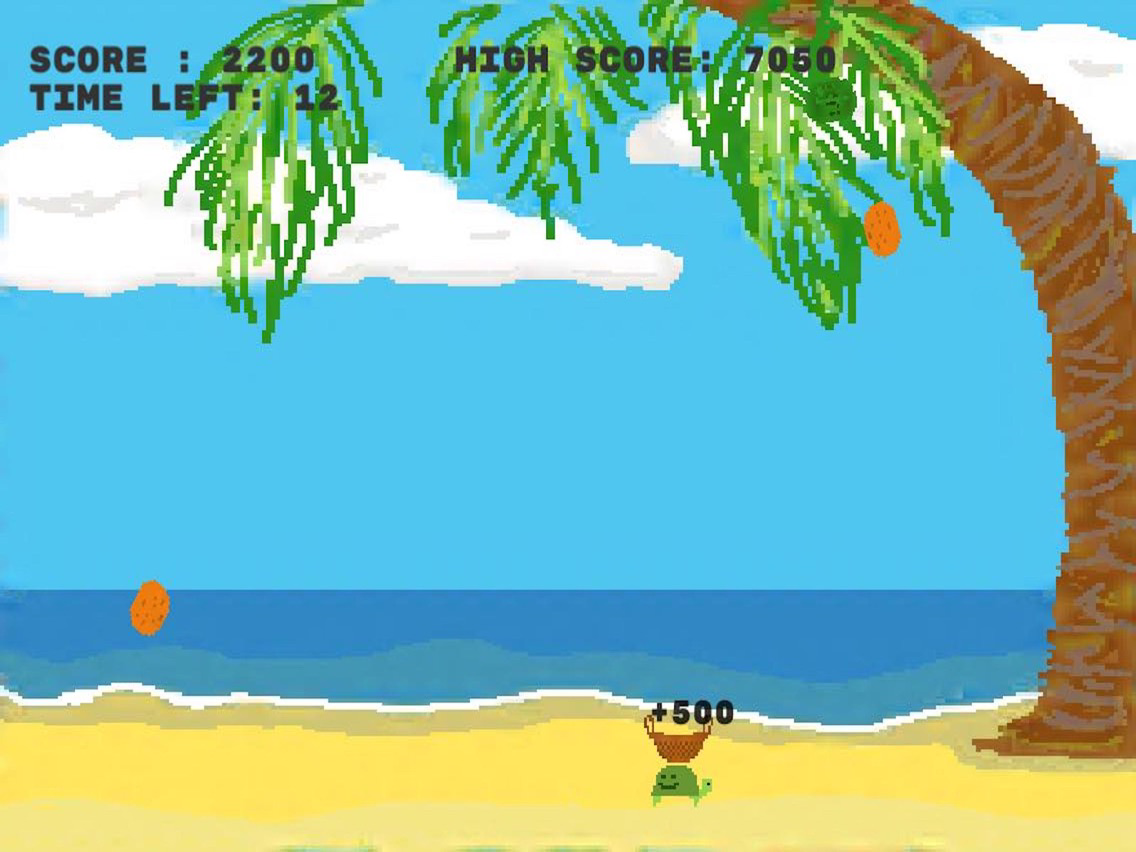
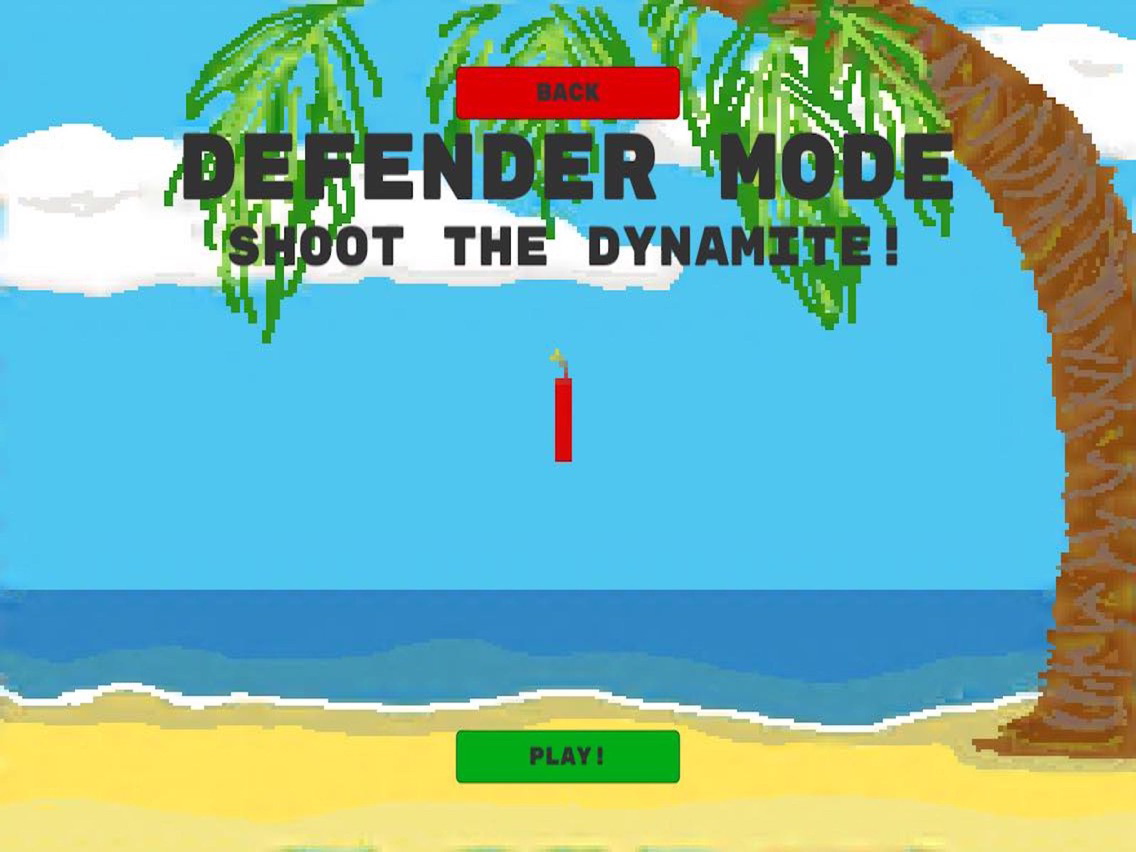
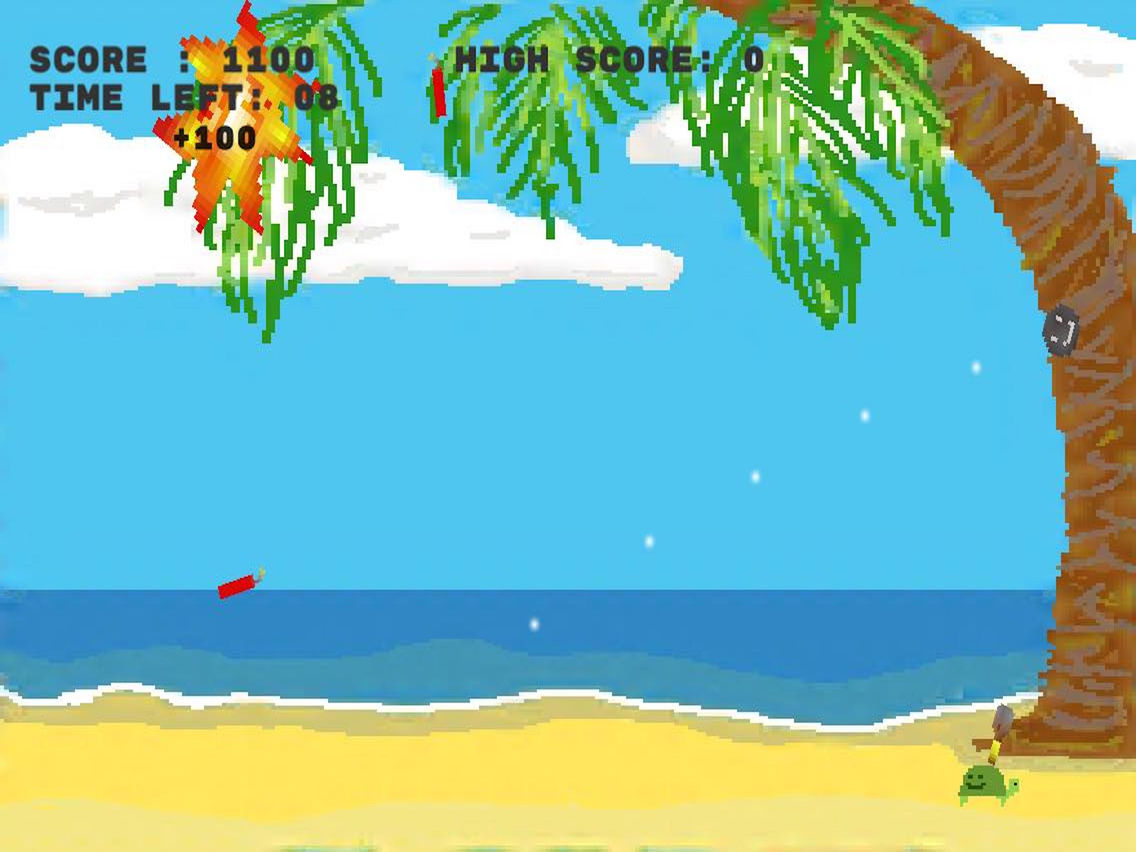
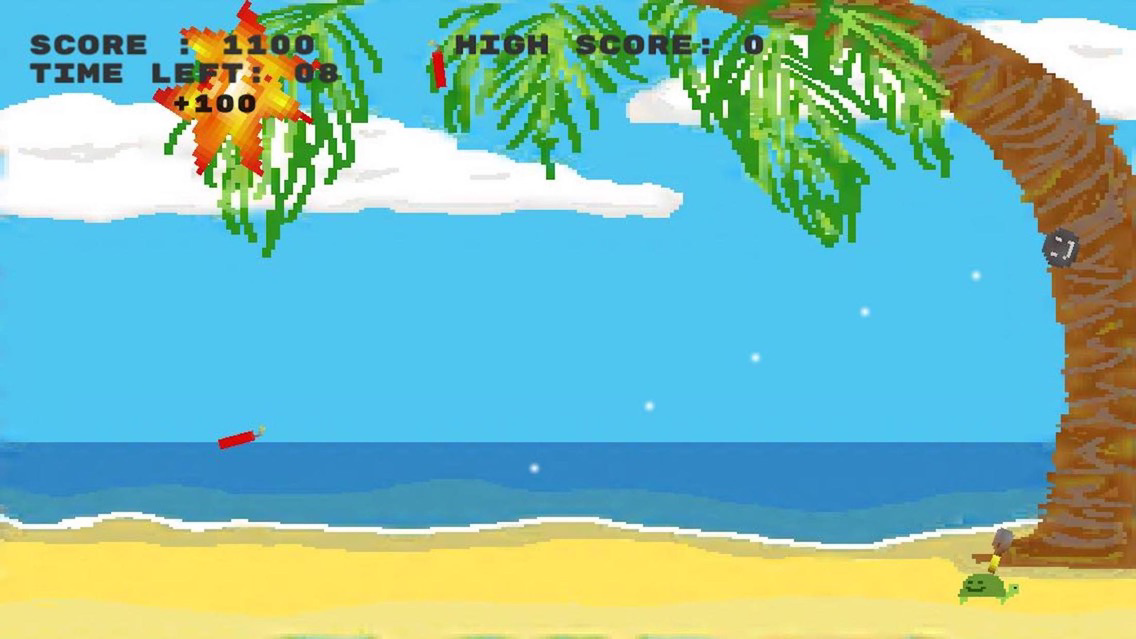
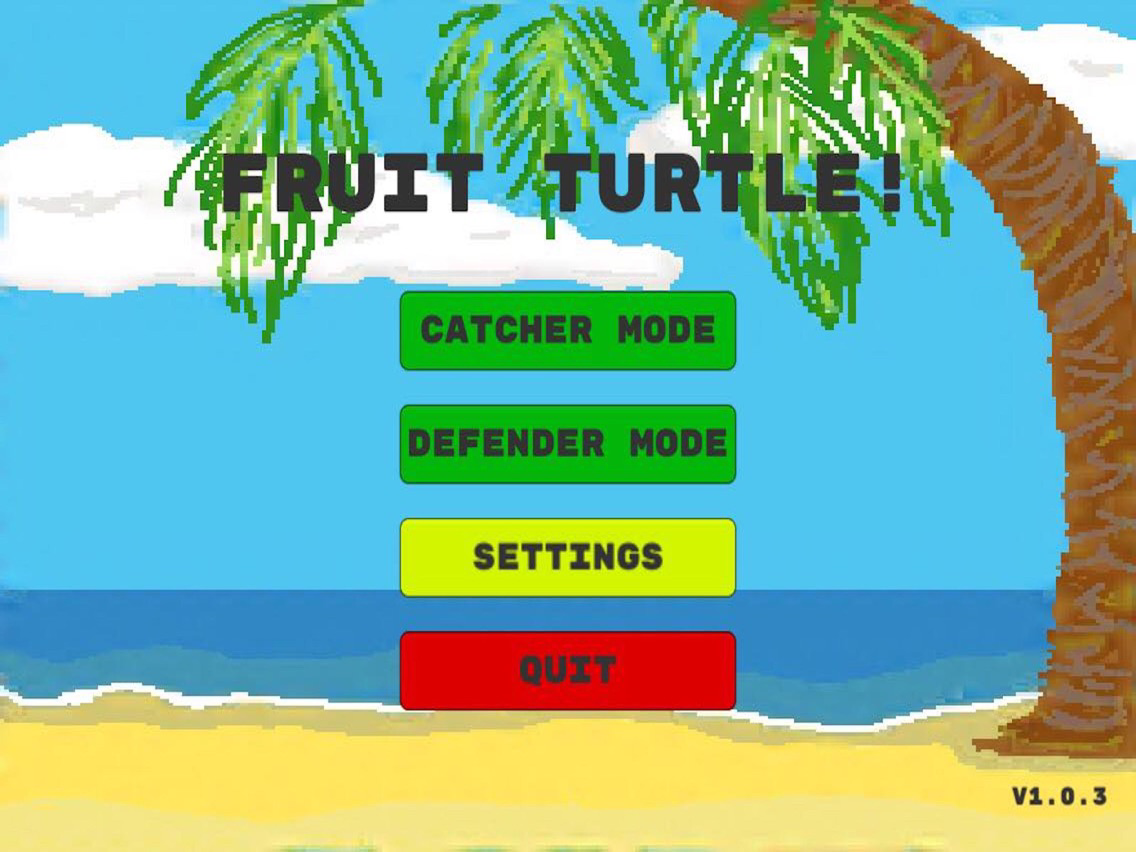
Fruit turtle needs your help! Help Fruit Turtle catch the falling fruit in Catcher Mode, or defend his island in Defender Mode.
Catcher Mode Controls:
Touch the left half of the screen to move left
Touch the right half of the screen to move right
Defender Mode Controls:
Touch the left half of the screen to move left
Touch the right half of the screen to move right
Tap the sky to shoot a cannonball in that direction
Programmed by:
Thomas Tran
Davey Jay Belliss
Art and music by:
passivepotato

Catcher Mode Controls:
Touch the left half of the screen to move left
Touch the right half of the screen to move right
Defender Mode Controls:
Touch the left half of the screen to move left
Touch the right half of the screen to move right
Tap the sky to shoot a cannonball in that direction
Programmed by:
Thomas Tran
Davey Jay Belliss
Art and music by:
passivepotato
Show More
What's New in the Latest Version 1.0.4
Last updated on Apr 22, 2018
Old Versions
Added app previews for Catcher and Defender modes. Updated splash screen screenshot. Updated description to have instructions for how to play Catcher and Defender modes.
Show More
Version History
1.0.4
Apr 22, 2018
Added app previews for Catcher and Defender modes. Updated splash screen screenshot. Updated description to have instructions for how to play Catcher and Defender modes.
1.0.3
Apr 18, 2018
Fruit Turtle FAQ
Click here to learn how to download Fruit Turtle in restricted country or region.
Check the following list to see the minimum requirements of Fruit Turtle.
iPhone
iPad
Fruit Turtle supports English