Game Points
Free
1.5.0for iPhone, iPad
Age Rating
Game Points Screenshots
About Game Points
Want to keep an aggregate score of a game more easily?
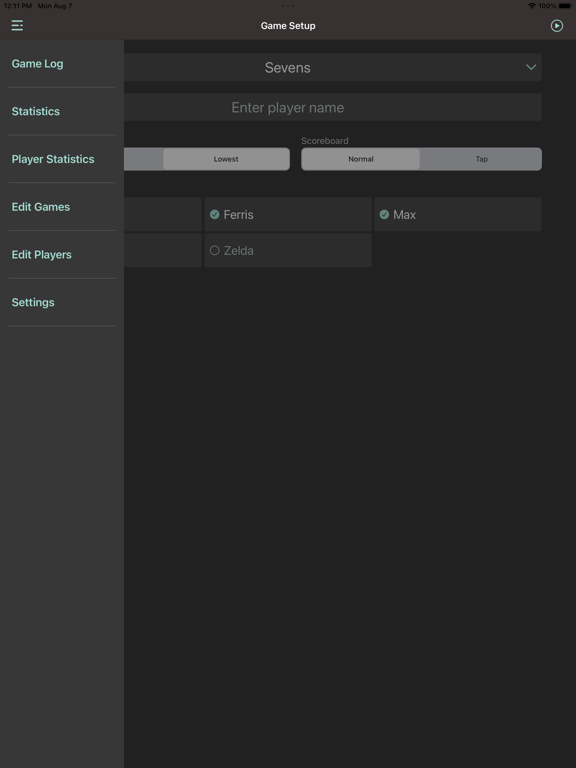
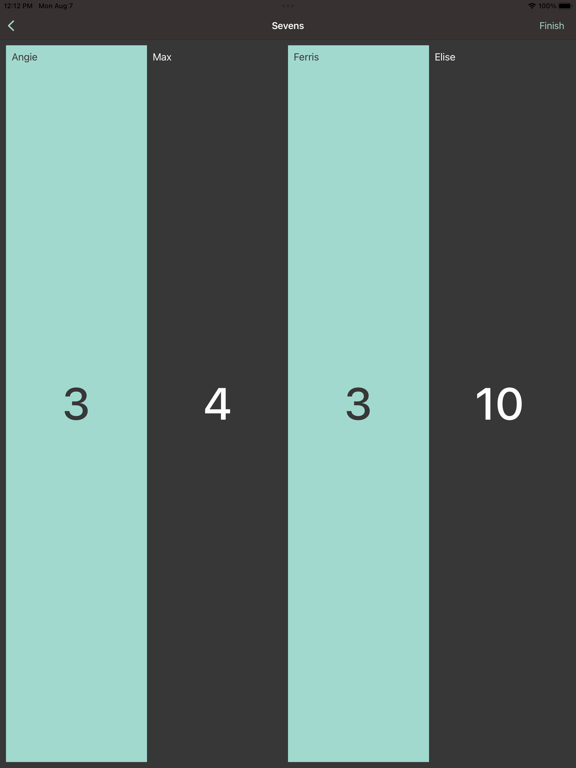
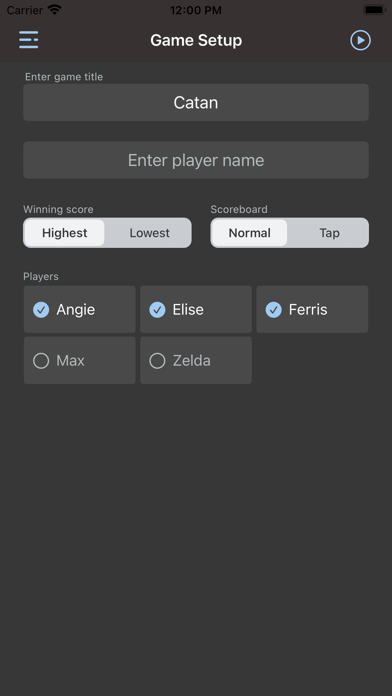
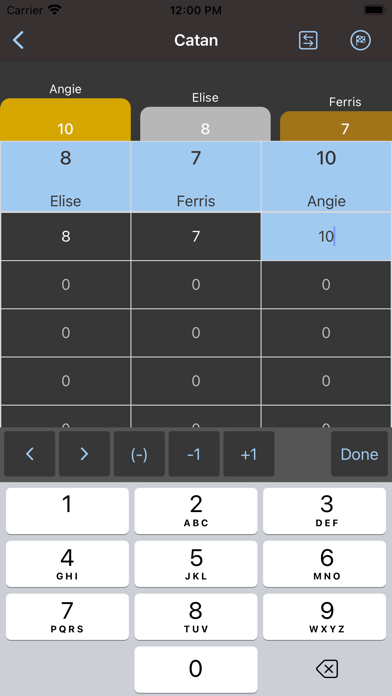
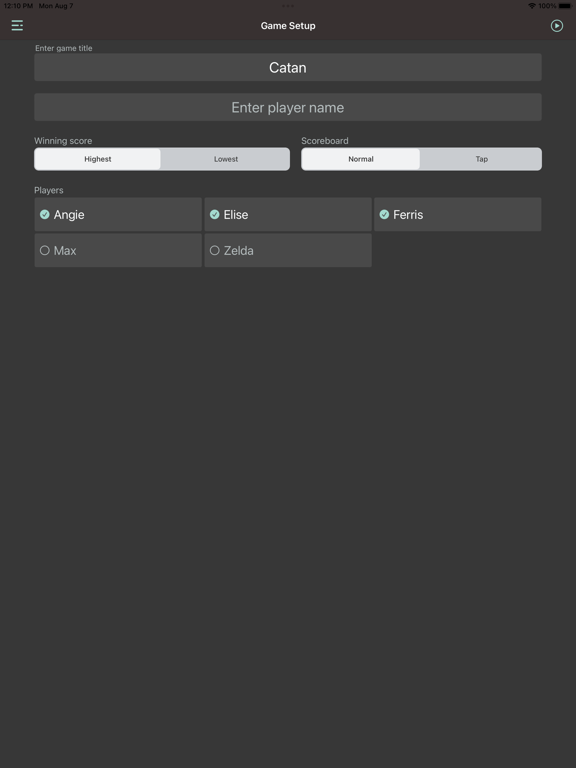
Set your game, add your players, select play and you're ready. If you need more rows on your scoreboard, select Add Row to increase the amount of rows/rounds in your game.
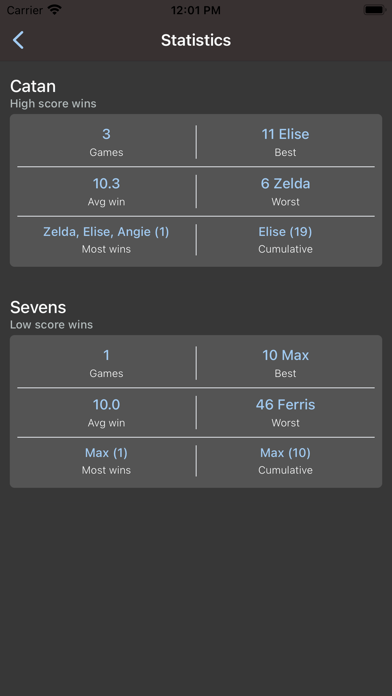
Want to save the game to see overall statistics? (Best score, worst score, average win score, most wins, and cumulative points)
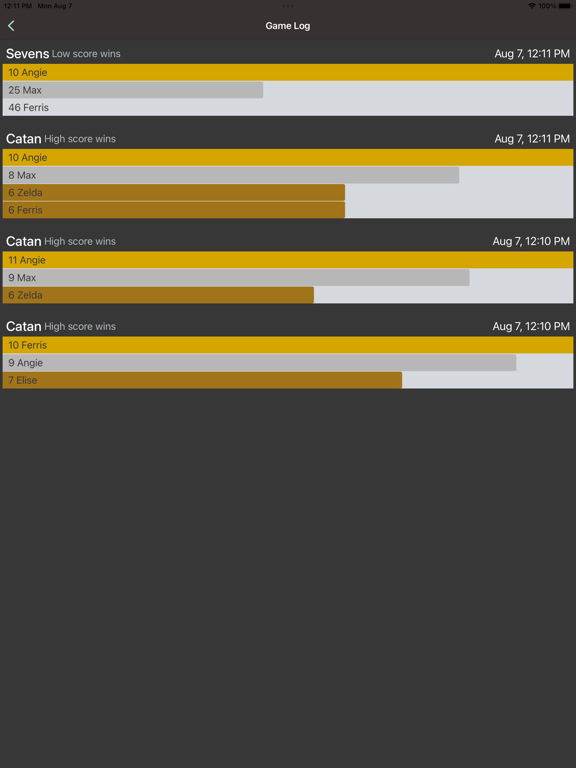
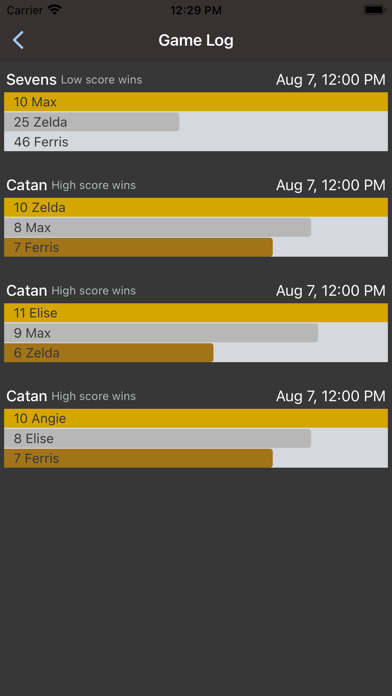
Save your game on your device, then view the Game Log for a history of all games or view the Statistics to see data for each type of game played.
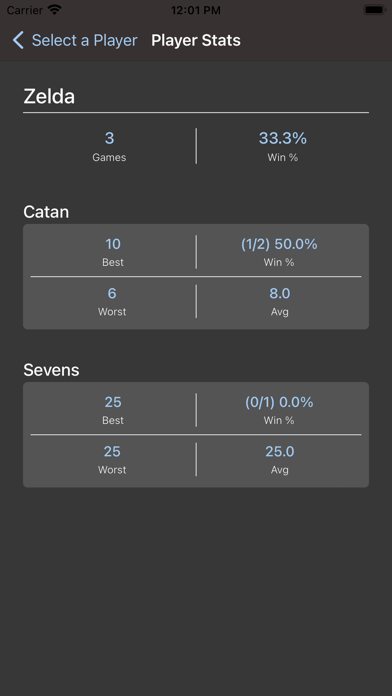
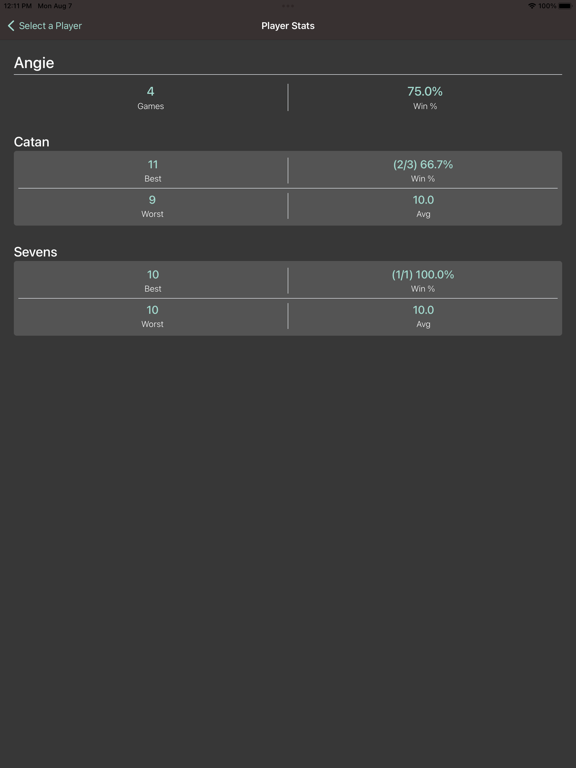
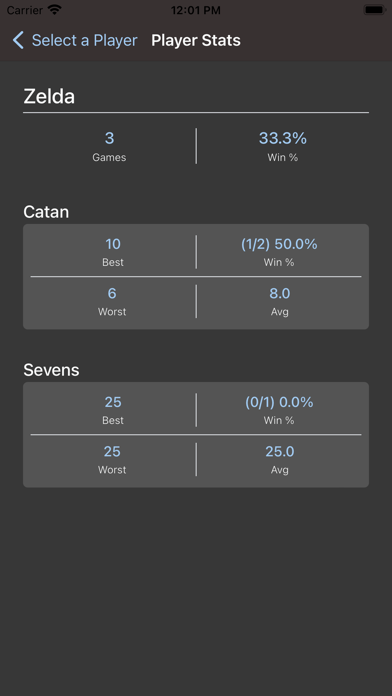
Want to see your individual player statistics for each game you've saved?
Navigate to the Player Statistics screen, then select a player to see how your individual statistics.
Features:
- Keep aggregate score of a game
- Save game data on your device and display game history
- See each game statistics (Best score, worst score, average win score, most wins, cumulative score, and total games played)
- See individual player statistics (Best score, worst score, win percentage, average score)
- Ability to change game title and style
- Ability to change high or low score wins the game
- Ability to enter negative scores
- Ability to reorder players
- Ability to save scores as multiple games
- Ability to hide/delete players
- Ability to change the app tint color to a color of your choice
In-App Purchase Features:
- Create an account & username
- Save games in the cloud
- Access account from other iOS devices
- Link games with other player accounts
*Supports up to 20 players in a game

Set your game, add your players, select play and you're ready. If you need more rows on your scoreboard, select Add Row to increase the amount of rows/rounds in your game.
Want to save the game to see overall statistics? (Best score, worst score, average win score, most wins, and cumulative points)
Save your game on your device, then view the Game Log for a history of all games or view the Statistics to see data for each type of game played.
Want to see your individual player statistics for each game you've saved?
Navigate to the Player Statistics screen, then select a player to see how your individual statistics.
Features:
- Keep aggregate score of a game
- Save game data on your device and display game history
- See each game statistics (Best score, worst score, average win score, most wins, cumulative score, and total games played)
- See individual player statistics (Best score, worst score, win percentage, average score)
- Ability to change game title and style
- Ability to change high or low score wins the game
- Ability to enter negative scores
- Ability to reorder players
- Ability to save scores as multiple games
- Ability to hide/delete players
- Ability to change the app tint color to a color of your choice
In-App Purchase Features:
- Create an account & username
- Save games in the cloud
- Access account from other iOS devices
- Link games with other player accounts
*Supports up to 20 players in a game
Show More
What's New in the Latest Version 1.5.0
Last updated on Nov 22, 2024
Old Versions
- Add capability to save scores as multiple games
- Fix issue where a hidden player would stay in the game after saving
Show More
Version History
1.5.0
Nov 22, 2024
- Add capability to save scores as multiple games
- Fix issue where a hidden player would stay in the game after saving
Game Points FAQ
Click here to learn how to download Game Points in restricted country or region.
Check the following list to see the minimum requirements of Game Points.
iPhone
iPad