Gametimer is a unique kids tech tool for parents and kids to address the issue of gaming and screen time in an interactive and educational way.
• Protects children against the negative effects of prolonged gaming.
• Puts an end to unnecessary arguments between parents and children.
• Ensures that agreements made about gaming times are adhered to.
• Encourages children to take responsibility for their daily gaming.
• Teaches, in an educational way, to better organize screen time.
Gametimer is the perfect tool to help children of all ages manage their daily gaming time.
• Can be used for any screen or electronic device.
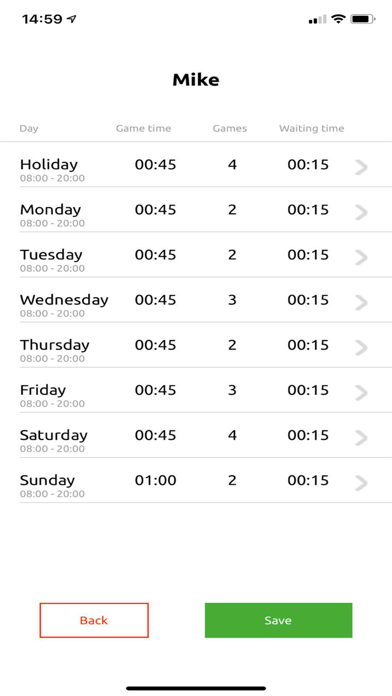
• Has a programmable weekly clock and is easy to set up.
• User must take a mandatory break after each gaming session.
• Enables children to independently manage their allowed gaming time.
• Advanced timer with a visual and audio countdown.
Gametimer does not switch off screens or devices.
RED is STOP and GREEN is PLAY.
The aim of Gametimer is to teach children how to manage their allotted screen time. It gives them the freedom to independently organize their day and when to use their allocated screen time. Children can easily become dependent on technology for entertainment. Because the GameTimer forces children to take a break from their devices, they will be encouraged to spend time on activities that don’t involve screens.
The player can’t change any of the program settings on the Gametimer. There are no control buttons. For young children who can’t tell time yet, the device works as a visual, electronic hourglass. There is a display which indicates the time, measured in minutes and seconds, in a fun way.
Gametimer makes time awareness easy to understand and monitor by providing clear, visual feedback of time remaining. Children can also view the total game time already elapsed. When the game time limit has been reached, or if it is time for a break, an alarm will sound.
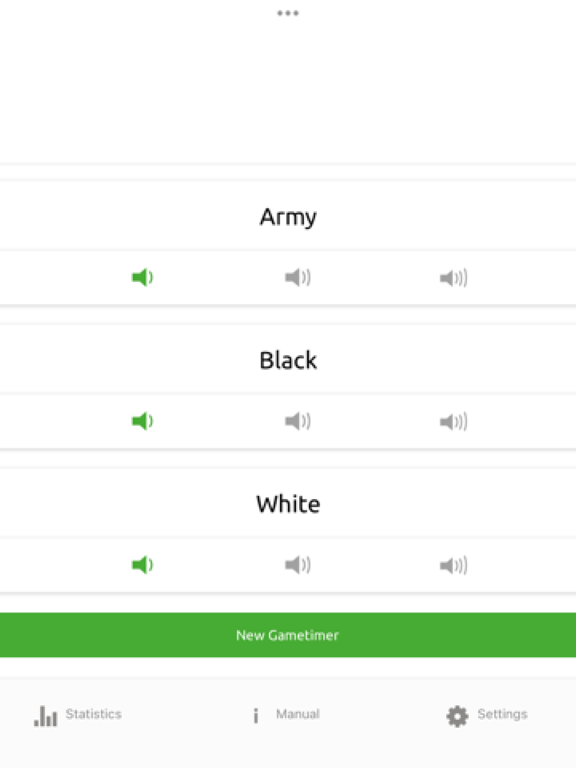
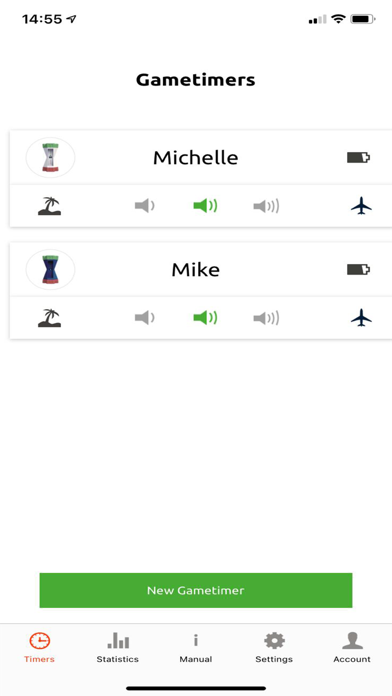
Gametimer is cloud based and the settings can be changed in the Gametimer app. This is password protected. When the parental controls are set or changed, confirmation will be sent by e-mail.
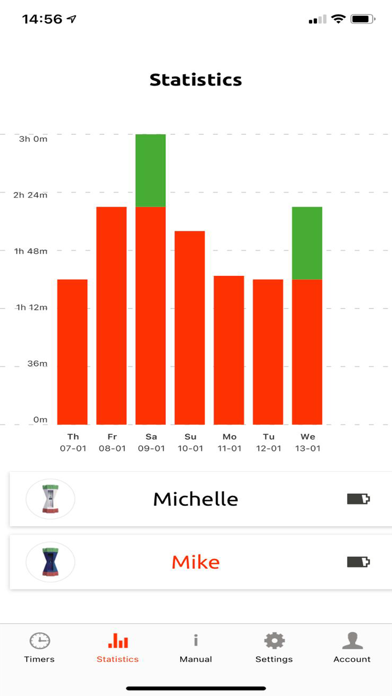
In the Gametimer app, parents can manage the account, change the weekly clock, and download any necessary software updates. It’s also possible to monitor your child’s device usage and even compare this with other Gametimer users. For example: you can view statistics on how much gaming time, on average, a 13-year-old is allocated by their parents.