Gate Reporting
Free
1.2.1for iPhone, iPad
Age Rating
Gate Reporting Screenshots
About Gate Reporting
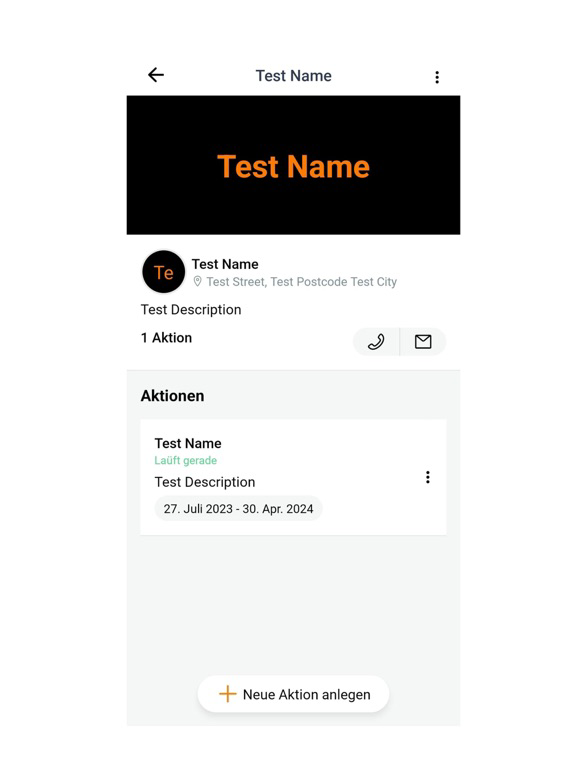
Gate Reporting is a reporting management application designed to help various companies create and manage real-time reports on their activities. We have three user interfaces:
Project Manager: Responsible for creating and managing specific actions from start to finish for different companies. They are the platform administrator and can perform several other operations such as adding, deleting, or modifying a user, an action, or a company. They have a comprehensive statistical overview of the development of all reports on the platform. The user has the ability to perform searches and sort or filter the lists based on very specific criteria.
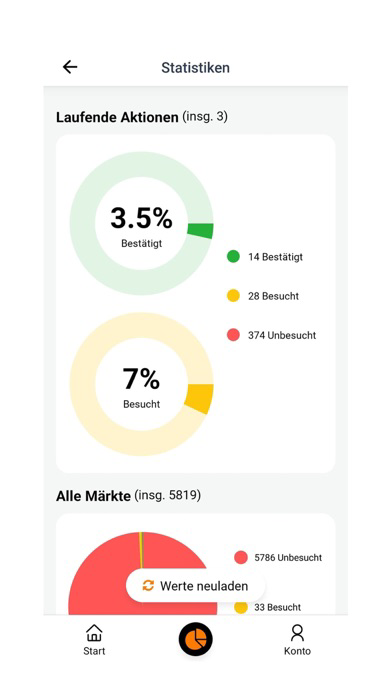
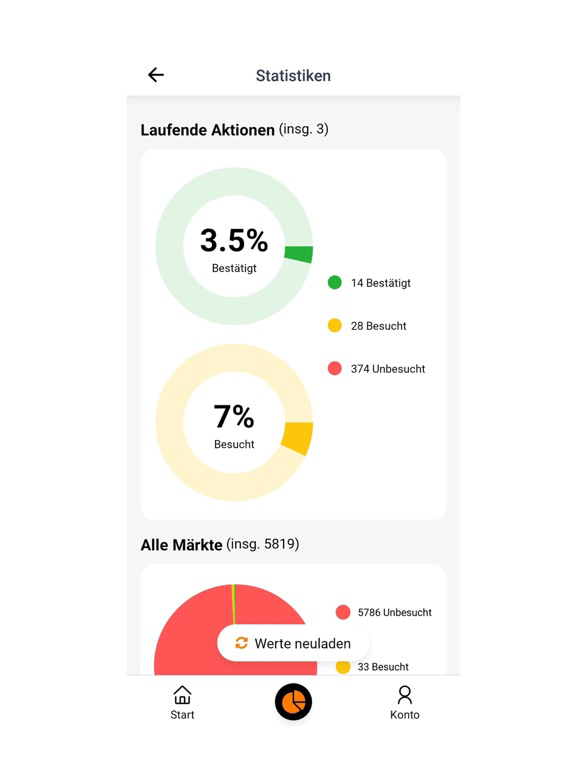
Field Agent: When a new action is created, the user is assigned to several markets where they must operate during the action in order to create reports according to a questionnaire previously defined by the responsible project manager. This employee must therefore answer several questions related to the market they are in. The reported information may include text, multiple choice, or photos. The user only has access to the actions and markets to which they are assigned. The user has a statistical overview of the progress of their reports. The user can perform searches and sort or filter the lists based on specific criteria.
Company: Has an overall view of the actions associated with them. They can track the development of reports in real time with relevant statistical values. The user has the ability to search, sort, and filter the lists based on very specific criteria. The user can export the various reports in Excel format and use them for further analysis.

Project Manager: Responsible for creating and managing specific actions from start to finish for different companies. They are the platform administrator and can perform several other operations such as adding, deleting, or modifying a user, an action, or a company. They have a comprehensive statistical overview of the development of all reports on the platform. The user has the ability to perform searches and sort or filter the lists based on very specific criteria.
Field Agent: When a new action is created, the user is assigned to several markets where they must operate during the action in order to create reports according to a questionnaire previously defined by the responsible project manager. This employee must therefore answer several questions related to the market they are in. The reported information may include text, multiple choice, or photos. The user only has access to the actions and markets to which they are assigned. The user has a statistical overview of the progress of their reports. The user can perform searches and sort or filter the lists based on specific criteria.
Company: Has an overall view of the actions associated with them. They can track the development of reports in real time with relevant statistical values. The user has the ability to search, sort, and filter the lists based on very specific criteria. The user can export the various reports in Excel format and use them for further analysis.
Show More
What's New in the Latest Version 1.2.1
Last updated on Apr 15, 2025
Old Versions
- New font,
- New roles in the app,
- Sharing the form between different roles
- New roles in the app,
- Sharing the form between different roles
Show More
Version History
1.2.1
Apr 15, 2025
- New font,
- New roles in the app,
- Sharing the form between different roles
- New roles in the app,
- Sharing the form between different roles
Gate Reporting FAQ
Click here to learn how to download Gate Reporting in restricted country or region.
Check the following list to see the minimum requirements of Gate Reporting.
iPhone
iPad