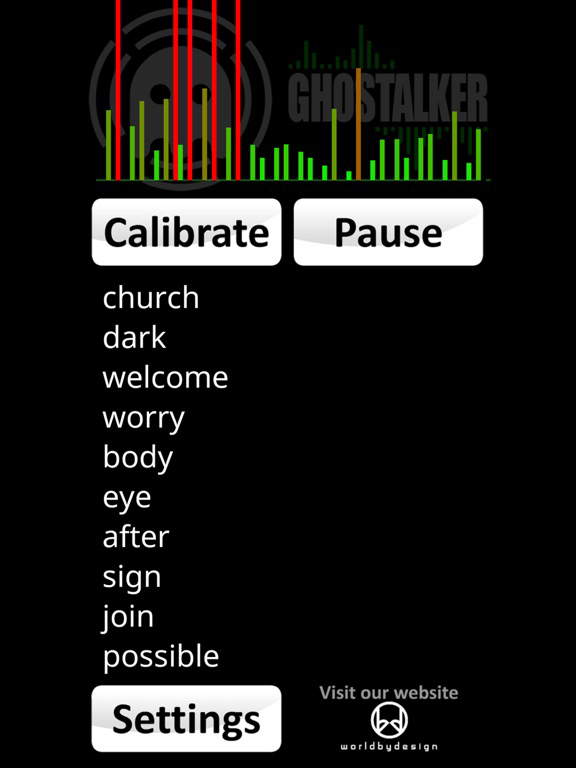
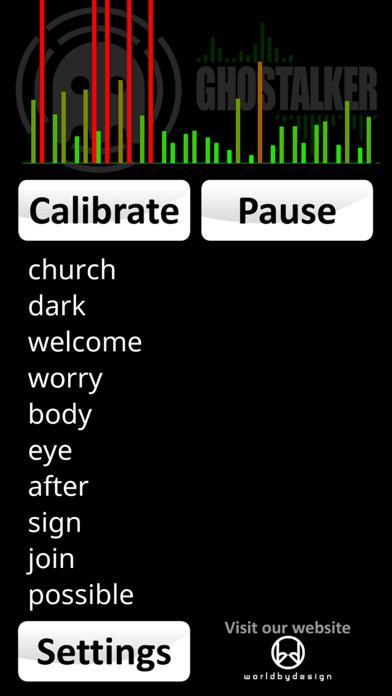
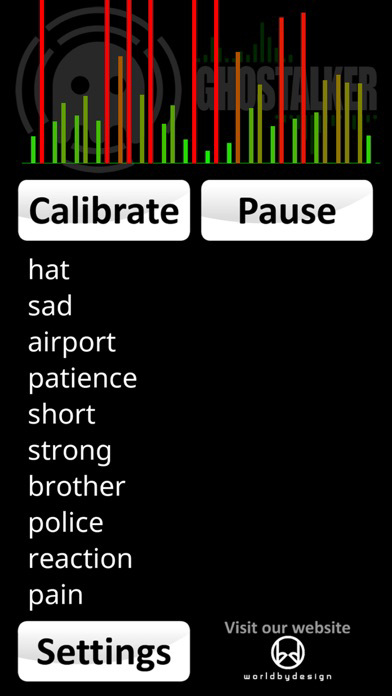
Whether you are a professional Paranormal Investigator, a hobbyist or just want to have some fun, this app works like a "Spirit Box" reading data from your sensors and turning it into spoken words.
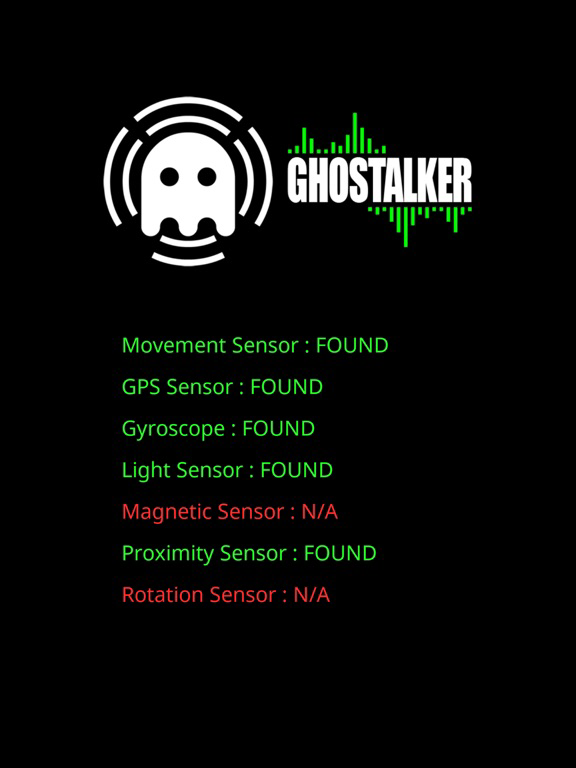
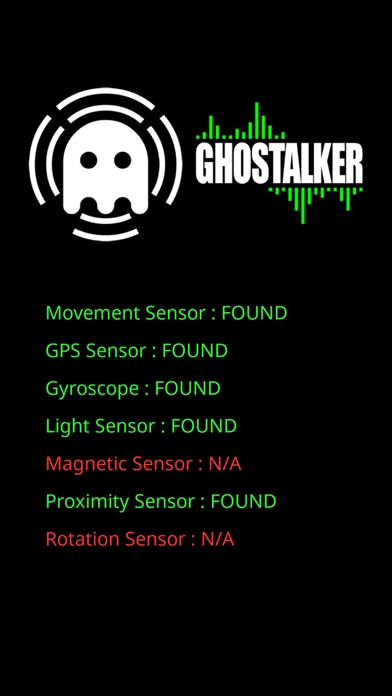
With a database of over a thousand commonly used words, Ghostalker will read changes in all of the sensors it can find in your device. This includes sensors for the tiniest amount of vibration, rotation, GPS, gyroscope, light, magnetic fields, proximity etc. and convert them to words which it will display and speak. This app uses the actual raw data from the sensors to determine what to say, rather than picking words at random like some other apps.
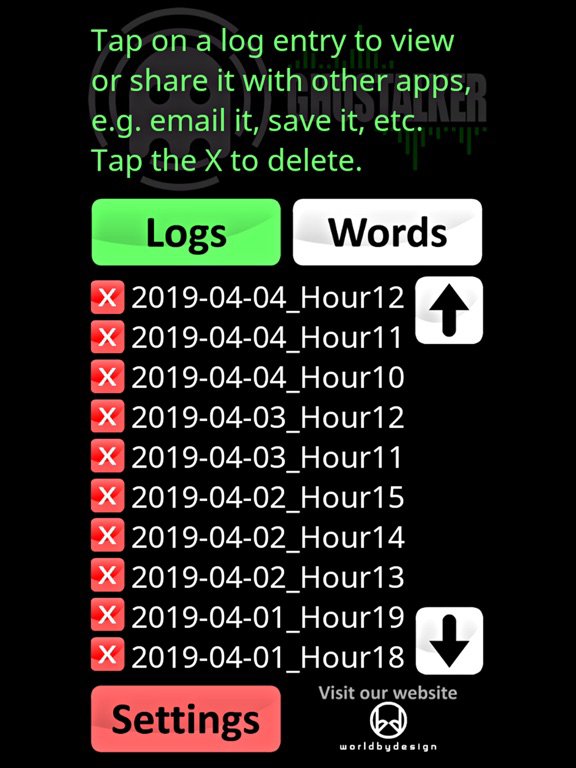
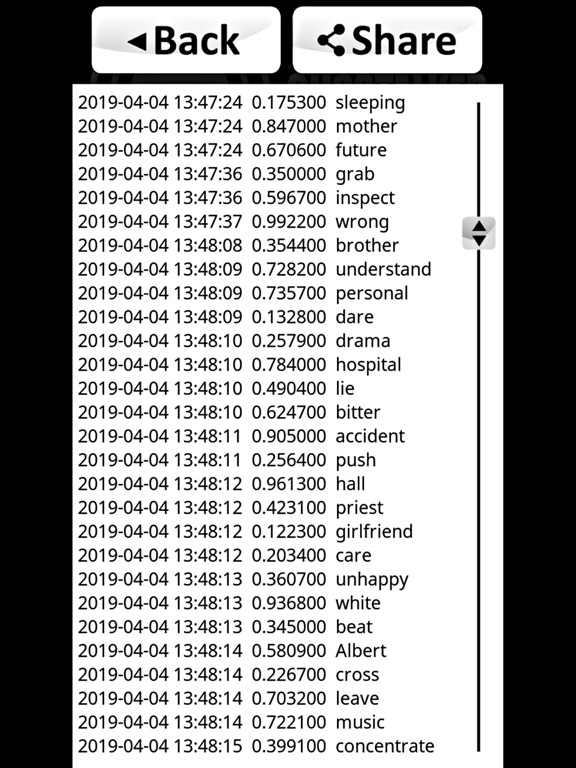
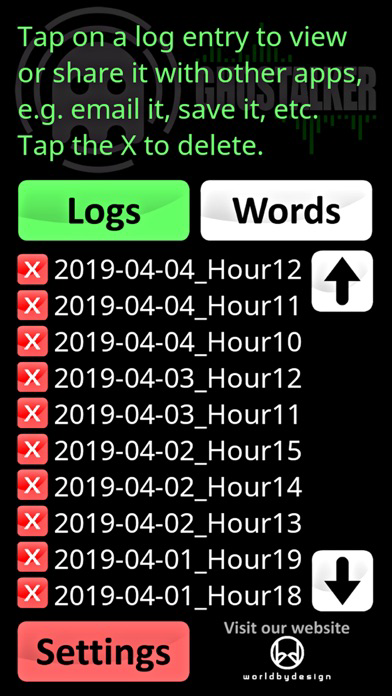
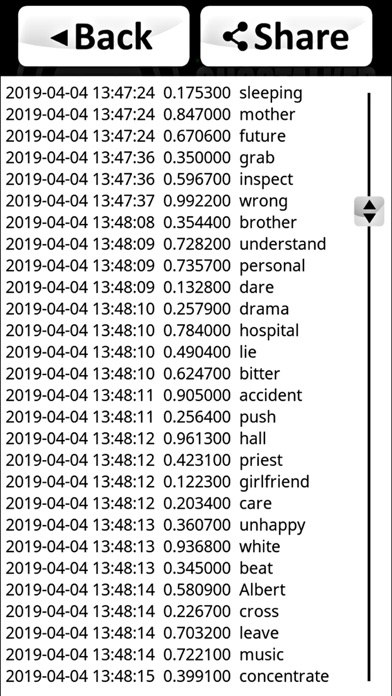
LOGGING: This is the full version of the app so it logs the words spoken for you to view, save, email, delete etc. at a later time. There is also a built-in log viewer. The date and time is logged, along with the combined change in sensor readings (so you can see how big a change was picked up) and the word. The log files are in CSV format so you can import them into your favourite spreadsheet (e.g. MS Excel or Google Sheets).
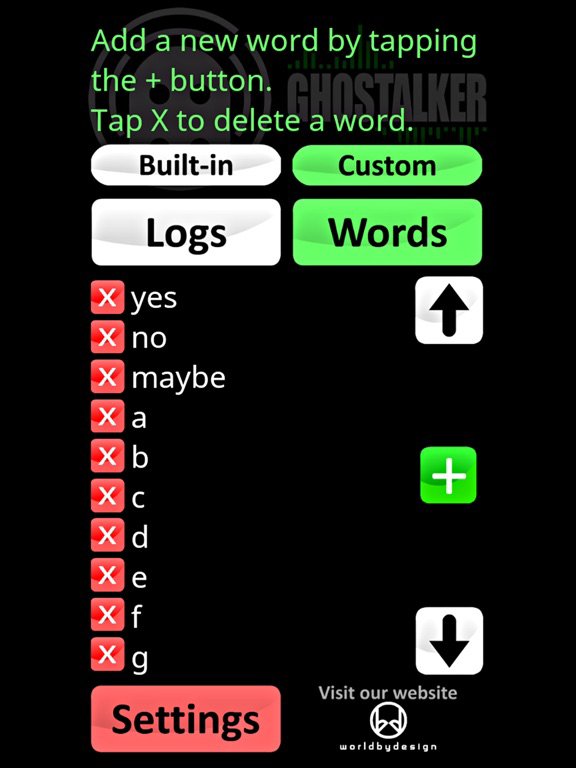
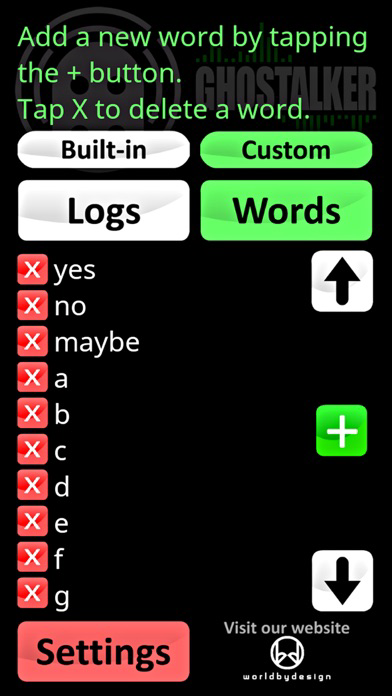
DICTIONARY: You can also manage your own custom dictionary of words so you can make your own special list of replies. You can flick between the in-built dictionary, your own custom dictionary or both combined (from v0.5) at any time.
This app is not designed to form complete sentences so it is up to you to interpret what it says in your own way. Top end phones and tablets tend to have more sensors than low end ones but the app is designed to work with whatever it can find. The sensitivity of sensors will also vary between devices.
TIP 1: Using the custom dictionary you can have it reply with special limited words, for example 'yes', 'no' and 'maybe' when you ask it questions. Or add a series of digits and get it to pick your lottery numbers. Or add the letters of the alphabet so it can work like a Ouija board.
TIP 2: Paranormal investigators believe that leaving such devices running for as long as possible will allow "spirits" to learn what energy is required to trigger certain words.
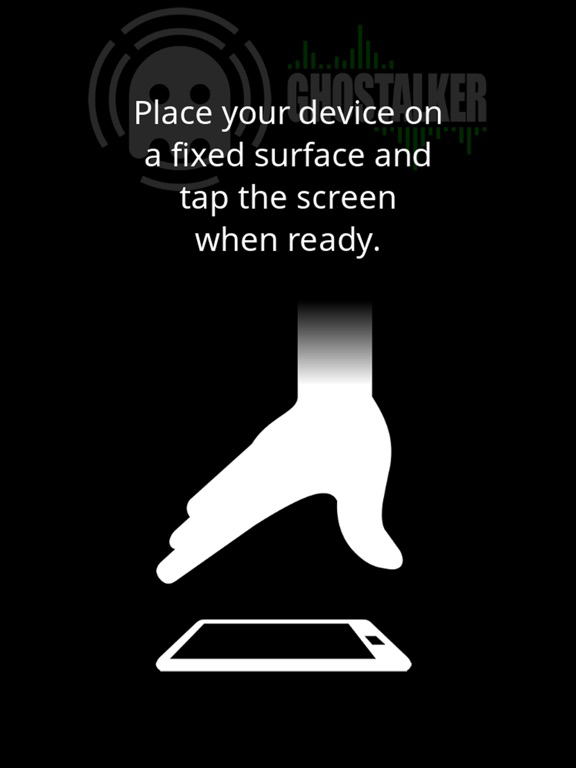
TIP 3: If it starts to trigger words constantly you may be getting interference from something close by. Try moving the device somewhere else or tap the 'Calibrate' button to get it to tune out background variance (although you will lose some sensitivity).
TIP 4: NEW - Keep lists of custom words in text files. Each word should be on its own line or separated by a space. Select all of the words and copy them to the clipboard. You can then import them into Ghostalker by pasting them from the clipboard. You can also copy word lists from the web, an email, or anywhere you can copy text.
If the app does not do what you were expecting, or there is an issue with it running on your device, please contact us for help.
There are no adverts in this software. If you would like to try the free version first (without the logging or custom dictionary functionality), it is listed under "Ghostalker Lite".