GoBetween
Free
1.1.9for iPhone, iPad and more
Age Rating
GoBetween Screenshots
About GoBetween
Thanks for downloading GoBetween!
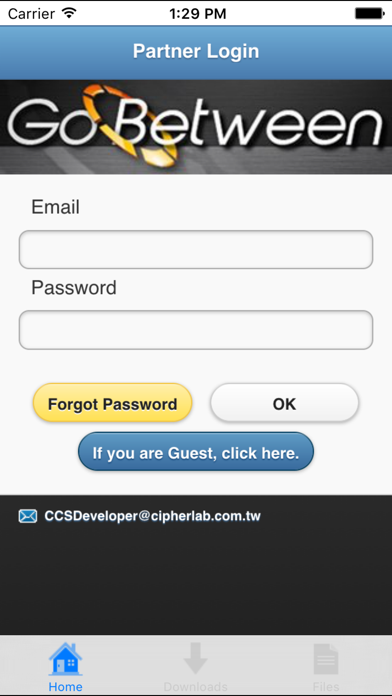
Stay on top of newly released software, breaking news and the latest information. GoBetween is your window to Cipherlab’s extensive support and update system.
This app is specifically designed for Cipherlab’s partners, whenever you need a brochure, a marketing video or just want to check any new posts.
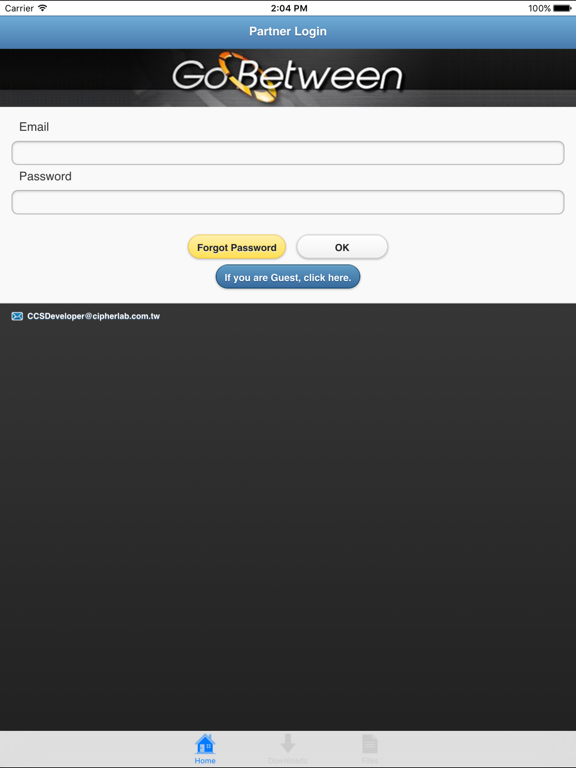
For visitors, please tap Guest Login.
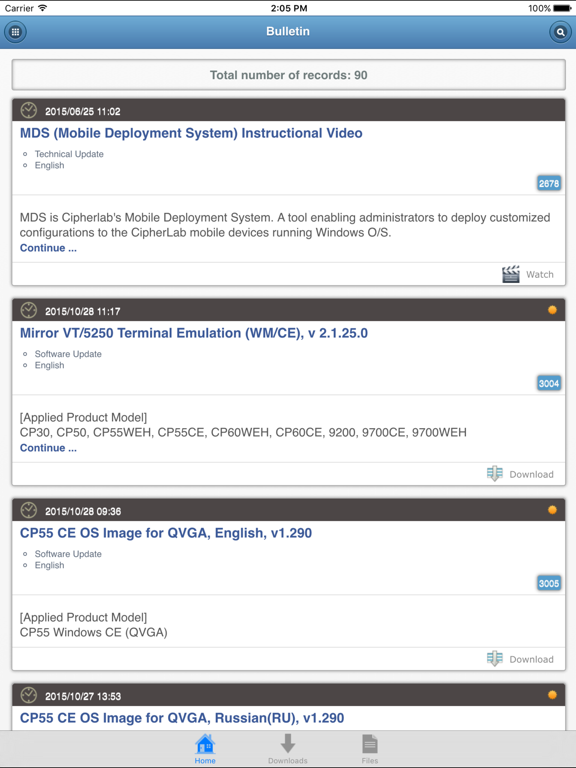
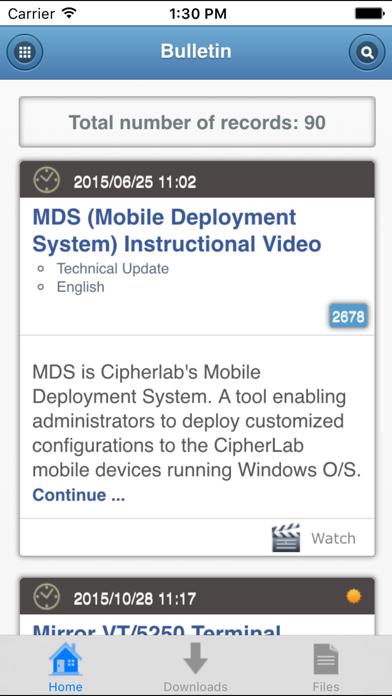
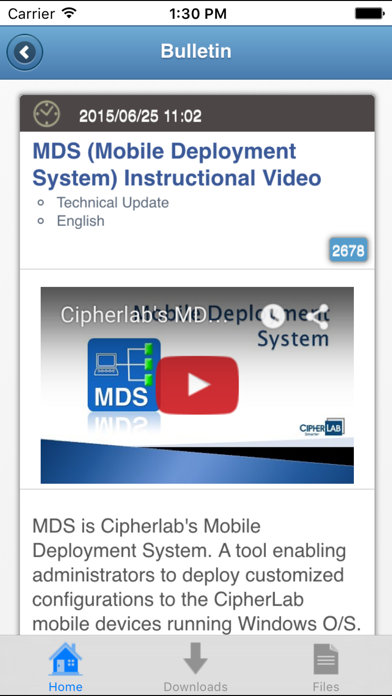
-Once login, all the bulletin posts are displayed on the main screen, each with its ID highlighted white-on-blue.
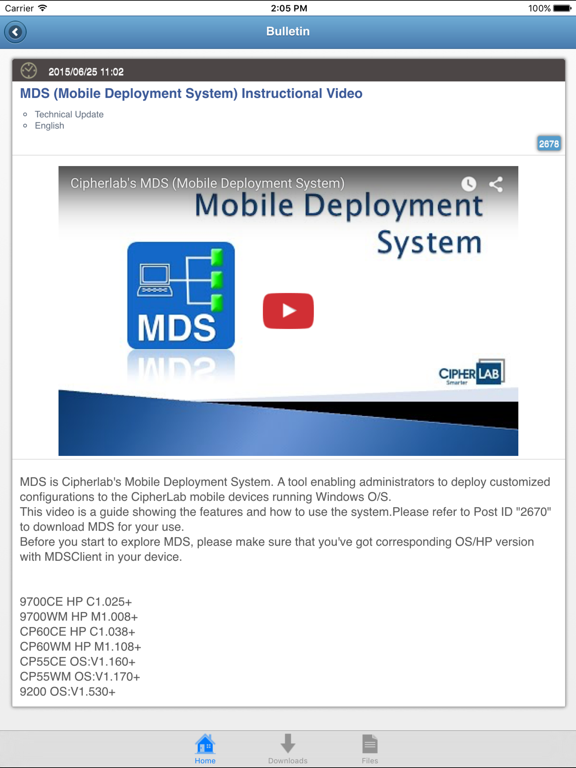
-Tap Continue… or tap the subject (headline) to read full text of a bulletin post.
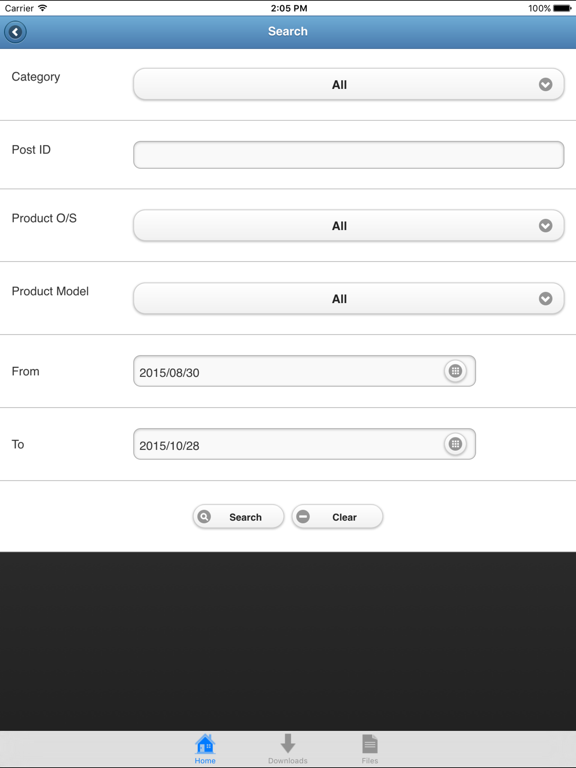
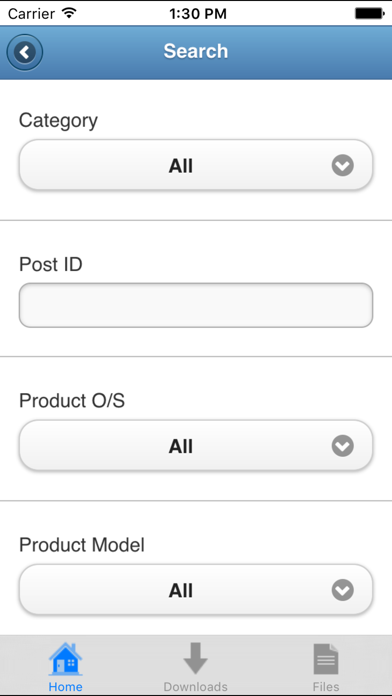
-Tap the Search button on the upper-right corner, the Search screen lets you define your search criteria. Then, tap the Search button on the bottom and go for a search.
-Tap the Watch button to view a video.
-Tap the Download button to download a file.
◇To check out the download progress, tap the Downloads button on the bottom. Tap the Remove History button to clear the download history if necessary.
◇To open a downloaded file, tap the Files button on the bottom and select the file from the list. Slide to delete a file from the list if necessary.
◇To return to the main screen, tap the Home button on the bottom.
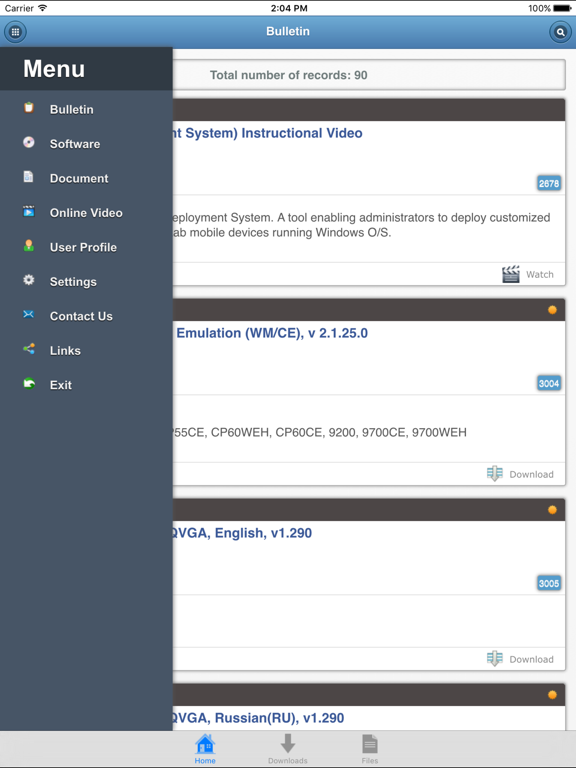
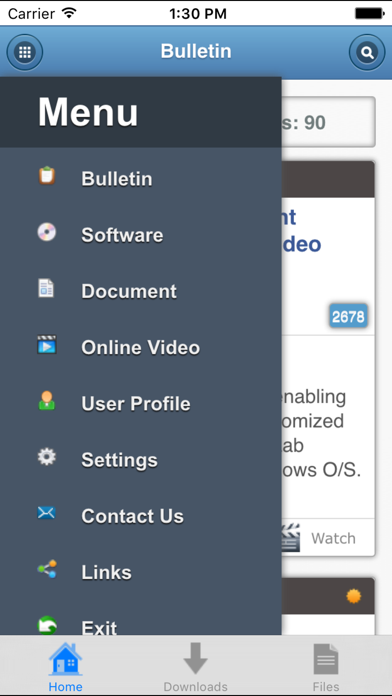
-Tap the Menu button on upper-left corner, the menu slides out from left edge and offers available items for navigation.
◇To read document-related posts, select Document from the Menu.
◇To read video-related posts, select Online Video from the Menu.
◇To send feedback, select Contact Us from the Menu.
◇To return to the login screen, select Exit from the Menu.

Stay on top of newly released software, breaking news and the latest information. GoBetween is your window to Cipherlab’s extensive support and update system.
This app is specifically designed for Cipherlab’s partners, whenever you need a brochure, a marketing video or just want to check any new posts.
For visitors, please tap Guest Login.
-Once login, all the bulletin posts are displayed on the main screen, each with its ID highlighted white-on-blue.
-Tap Continue… or tap the subject (headline) to read full text of a bulletin post.
-Tap the Search button on the upper-right corner, the Search screen lets you define your search criteria. Then, tap the Search button on the bottom and go for a search.
-Tap the Watch button to view a video.
-Tap the Download button to download a file.
◇To check out the download progress, tap the Downloads button on the bottom. Tap the Remove History button to clear the download history if necessary.
◇To open a downloaded file, tap the Files button on the bottom and select the file from the list. Slide to delete a file from the list if necessary.
◇To return to the main screen, tap the Home button on the bottom.
-Tap the Menu button on upper-left corner, the menu slides out from left edge and offers available items for navigation.
◇To read document-related posts, select Document from the Menu.
◇To read video-related posts, select Online Video from the Menu.
◇To send feedback, select Contact Us from the Menu.
◇To return to the login screen, select Exit from the Menu.
Show More
What's New in the Latest Version 1.1.9
Last updated on Aug 4, 2020
Old Versions
- File download enhancement
- Fix receiving notification issue
- Sign in with Apple for guest login
- Fix receiving notification issue
- Sign in with Apple for guest login
Show More
Version History
1.1.9
Aug 4, 2020
- File download enhancement
- Fix receiving notification issue
- Sign in with Apple for guest login
- Fix receiving notification issue
- Sign in with Apple for guest login
1.1.8
Apr 30, 2019
Fix the issue of downloading files on iOS 12.2
1.1.7
Apr 10, 2019
Improve user experience of security
1.1.6
Nov 27, 2018
Improve user experience by correcting notification number shown
1.1.5
Nov 5, 2015
- Fixed 'Unable to open PDF file' bug.
- UI adjustments
- Added tap gesture recognition to file icons.
- UI adjustments
- Added tap gesture recognition to file icons.
1.1.4
Jul 6, 2015
- Fixed the bug which the first document is always open instead of the selected one.
1.1.3
Jun 20, 2015
- Supports iOS 8 push notification
1.1.2
Oct 30, 2013
- iOS 7 compatibility fixes
- Minor bug fixes
- Minor bug fixes
1.1.1
Oct 12, 2013
- Minor bug fixes
- Add push notification feature
- Enhance guest login feature
- Add push notification feature
- Enhance guest login feature
1.0
Jul 4, 2013
GoBetween FAQ
Click here to learn how to download GoBetween in restricted country or region.
Check the following list to see the minimum requirements of GoBetween.
iPhone
Requires iOS 8.0 or later.
iPad
Requires iPadOS 8.0 or later.
iPod touch
Requires iOS 8.0 or later.
GoBetween supports English, German, Simplified Chinese, Traditional Chinese