HackCam
Visualizer in your pocket
Free
2.1for iPhone, iPod touch
Age Rating
HackCam Screenshots
About HackCam
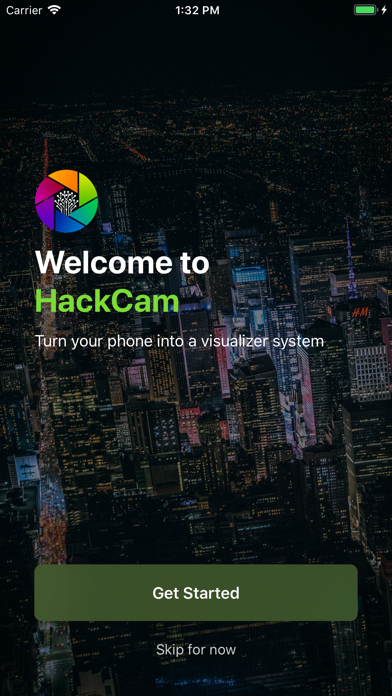
HackCam - Turns your phone into a visualizer system.
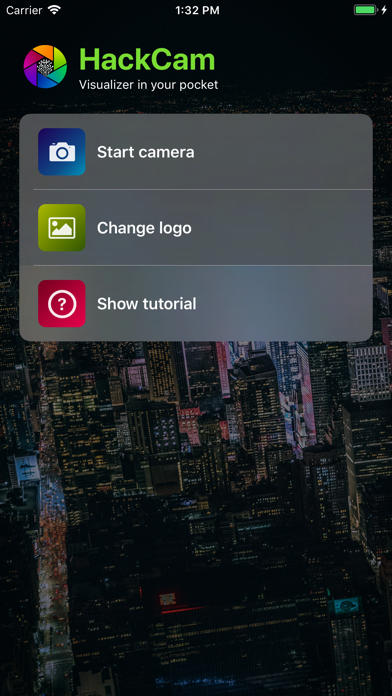
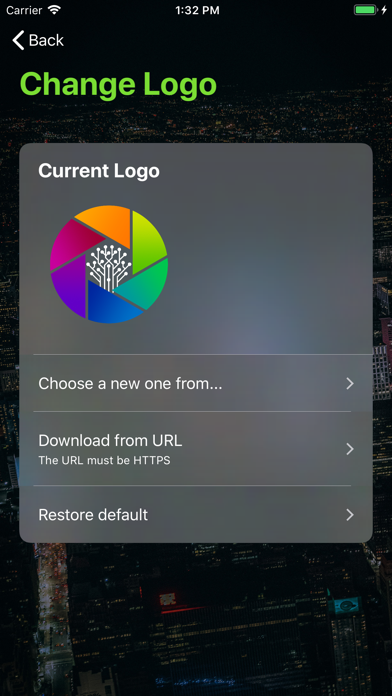
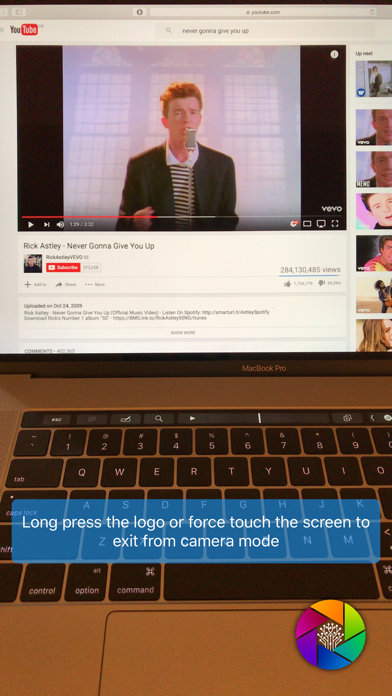
Want to use your iPhone as a video camera and project the real-time image to your screen? You just need a Mac, an iPhone, a cable, and HackCam. HackCam is perfect for recording and mirroring what the iPhone camera captures. Also, you can put your own logo on the bottom right corner.
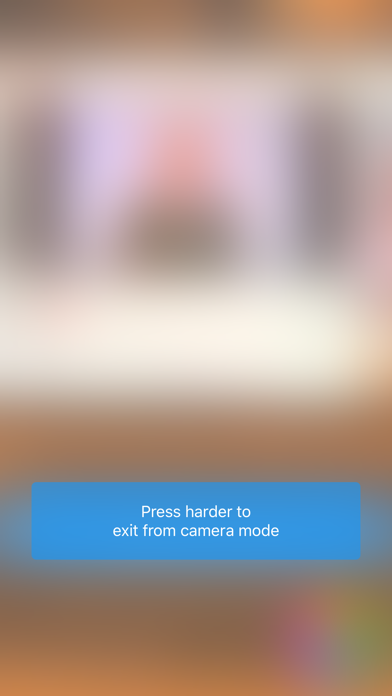
By tapping the logo, the whole camera view will be blurred just in case you would like to "mute the screen". Your logo will shown right in the middle. It is perfect for use cases like a conferences and presentations.
HackCam was inspired by members of KCL Tech Society at King's College London. The app was developed during the preparation of HackLondon, the most anticipated student hackathon in UK and EU. HackLondon adopted the app and used it as a "connector" between presenters' laptops/devices and the projector screen. So devices did not have to be connected and disconnected back and forth.

Want to use your iPhone as a video camera and project the real-time image to your screen? You just need a Mac, an iPhone, a cable, and HackCam. HackCam is perfect for recording and mirroring what the iPhone camera captures. Also, you can put your own logo on the bottom right corner.
By tapping the logo, the whole camera view will be blurred just in case you would like to "mute the screen". Your logo will shown right in the middle. It is perfect for use cases like a conferences and presentations.
HackCam was inspired by members of KCL Tech Society at King's College London. The app was developed during the preparation of HackLondon, the most anticipated student hackathon in UK and EU. HackLondon adopted the app and used it as a "connector" between presenters' laptops/devices and the projector screen. So devices did not have to be connected and disconnected back and forth.
Show More
What's New in the Latest Version 2.1
Last updated on May 13, 2019
Old Versions
We updated the look of the app and started supporting bigger iPhones! Also you will find it more smooth when changing orientation in the camera view. There are more ways to import you logo - now including importing from Files (iCloud Drive).
Show More
Version History
2.1
May 13, 2019
We updated the look of the app and started supporting bigger iPhones! Also you will find it more smooth when changing orientation in the camera view. There are more ways to import you logo - now including importing from Files (iCloud Drive).
2.0.2
Nov 15, 2017
HackCam is renamed to... HackXam. For the iPhone X.
2.0.1
Jul 3, 2017
If this update was not about bug fixes, the version number would be 2.1 ;)
2.0
Feb 15, 2017
"Bug fixes." -- This is not enough for version 2.0.
So we finally fixed issues with device orientations. Now you can just turn your phone in whichever direction you like and the camera view will always follow your movement. Also we have much more tips in the app, so check them out, especially the 3D Touch one -- you'll never get stuck in the camera view. That means you can change logo - go to camera view to check - go back - change for another logo. Back and forth. Such a fluid process.
The camera view itself is something completely new, and it's so different than it used to be. So AE/AF lock and tap to focus is currently not supported. What? Yeah, we learned from a company that cut off the 3.5mm audio jack from their flagship mobile phones so we think there should be some subtraction in the app :P Don't worry, the new camera view can handle the exposure pretty well, and the lost features will make their returns.
So we finally fixed issues with device orientations. Now you can just turn your phone in whichever direction you like and the camera view will always follow your movement. Also we have much more tips in the app, so check them out, especially the 3D Touch one -- you'll never get stuck in the camera view. That means you can change logo - go to camera view to check - go back - change for another logo. Back and forth. Such a fluid process.
The camera view itself is something completely new, and it's so different than it used to be. So AE/AF lock and tap to focus is currently not supported. What? Yeah, we learned from a company that cut off the 3.5mm audio jack from their flagship mobile phones so we think there should be some subtraction in the app :P Don't worry, the new camera view can handle the exposure pretty well, and the lost features will make their returns.
1.2
Oct 18, 2015
HackCam now is fully compatible with iOS 9! Also we fixed an issue that could freeze the user interface on your Apple Watch.
1.1
Jul 11, 2015
HackCam now supports Apple Watch! Please read the recipe below...
Wait, you don’t have a watch?
No problem. It works like your TV. You can still control your TV if you lose the remote control, can’t ya? Well, that’s just a little bit harder.
Wait, you just ordered one? Cool, here's the recipe:
1. Use it as a remote control (turn blur mode on/off)!
2. Use it as a timer (control the length of each presentation)!
3 = 1 + 2 = It will automatically turn on/off based on the status of timer.
Also, don't forget the great feature on the watch - force touch. If you feel 30 seconds are too short for one presentation, hit the screen (but please do not break it).
Wait, you don’t have a watch?
No problem. It works like your TV. You can still control your TV if you lose the remote control, can’t ya? Well, that’s just a little bit harder.
Wait, you just ordered one? Cool, here's the recipe:
1. Use it as a remote control (turn blur mode on/off)!
2. Use it as a timer (control the length of each presentation)!
3 = 1 + 2 = It will automatically turn on/off based on the status of timer.
Also, don't forget the great feature on the watch - force touch. If you feel 30 seconds are too short for one presentation, hit the screen (but please do not break it).
1.0.1
Jun 10, 2015
The hint got stuck on your camera view? Yeah, that WAS annoying.
1.0
Jun 9, 2015
HackCam FAQ
Click here to learn how to download HackCam in restricted country or region.
Check the following list to see the minimum requirements of HackCam.
iPhone
Requires iOS 10.0 or later.
iPod touch
Requires iOS 10.0 or later.
HackCam supports English