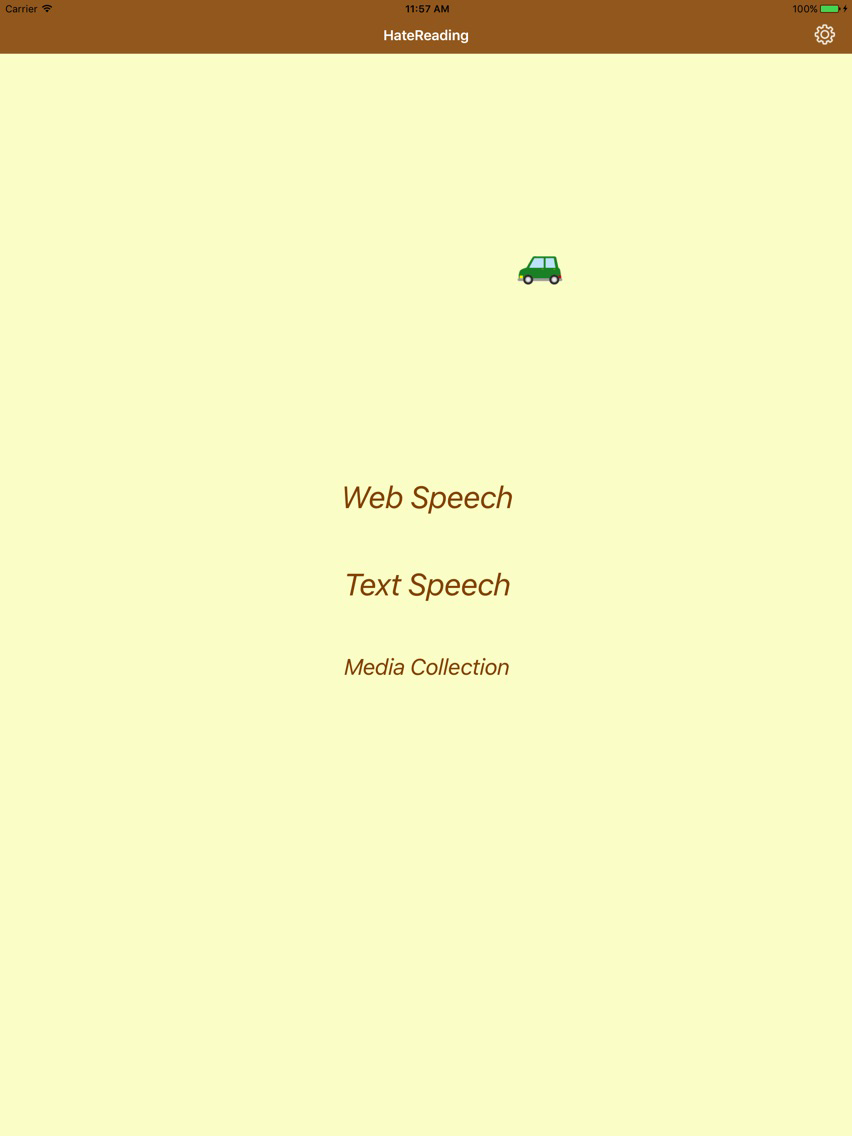
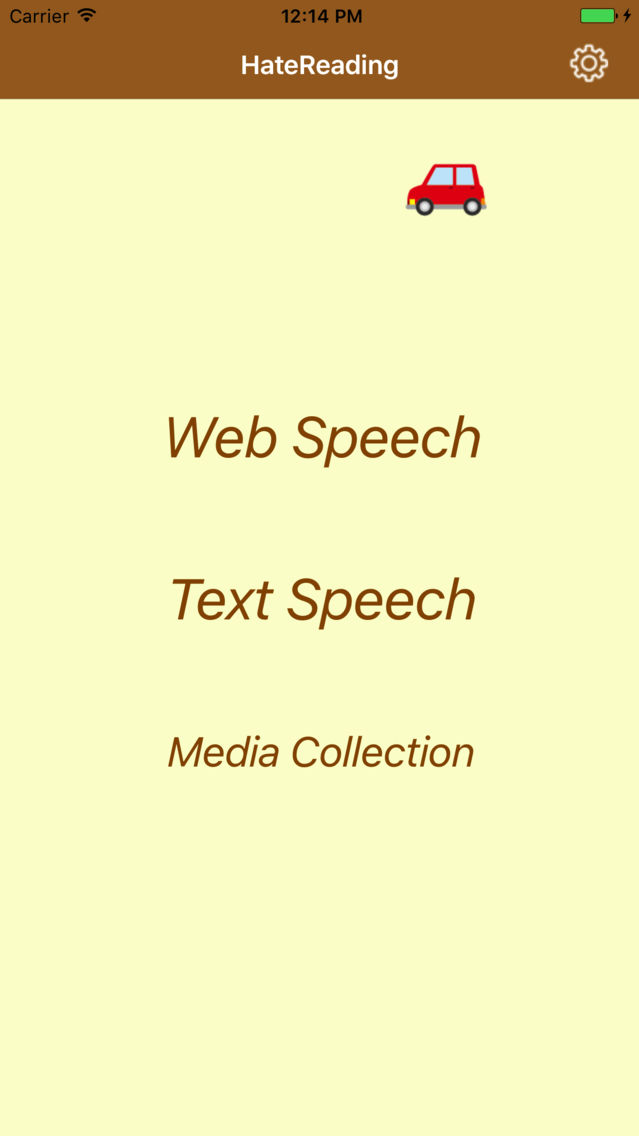
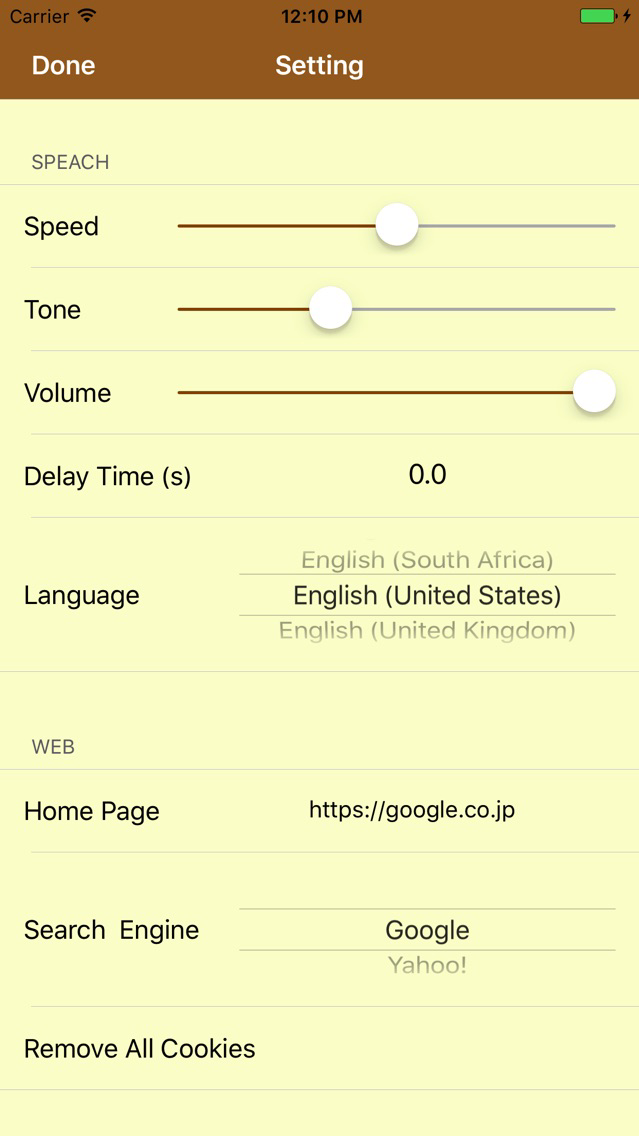
This application can read aloud the contents of website and text files. It consists of three items Web Speech, Text Speech, and Media Collection. Reading languages correspond to 36 countries around the world.
Has not it become troublesome to read when browsing the Website?
In such a case, we recommend you listen with this application “Web Speech”. You can understand the contents of website as if you are listening to the radio.
In addition, "Text Speech" can read text input by oneself or by copying and pasting, so it can be used for checking input contents and proofreading of documents.
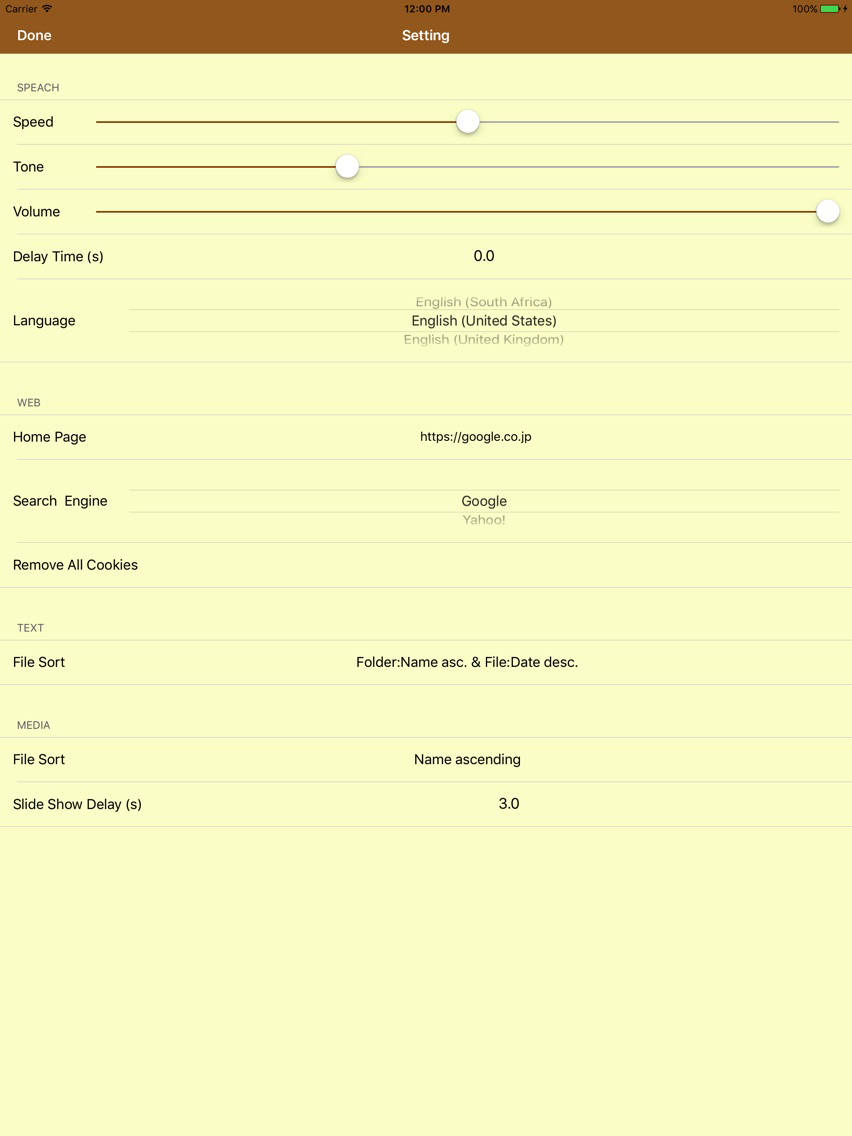
Both "Web Speech" and "Text Speech" can change the speech speed, which makes it ideal for hearing studies in foreign languages.
In addition, since we have a Media Collection as a bonus feature, you can enjoy media files such as jpg, png, pdf, xlsx, mp3, mp4 etc. (However, media files can not be read aloud.)
Please understand the following Notes thoroughly, please install this application after agreeing.
[[Example of use]]
“Web Speech”
· Instead of standard browsers use it and listen to the web.
· While commuting to work or going to school, I listen to news and novel sites on the train.
· To make listen the child's liked site to the whining child.
· I go to a foreign site and listen the language I have not heard.
“Text Speech”
· Instead of Notepad use it normally.
· Used to check sentences of submitted documents.
· Practice hearing by copying and pasting foreign language text.
· Listen the content of the presentation for the memorization.
“Media Collection”
· Enjoy the slideshow of the pictures you like.
· Enjoy continuous playback and random playback of movies.
· Enjoy browsing pdf files.
· Save your favorite images and movies in the camera roll.
[[How to Use]]
1. Launch the application.
2. From the three items of Web Speech, Text Speech, and Media Collection, tap the item you want to use.
“Web Speech”
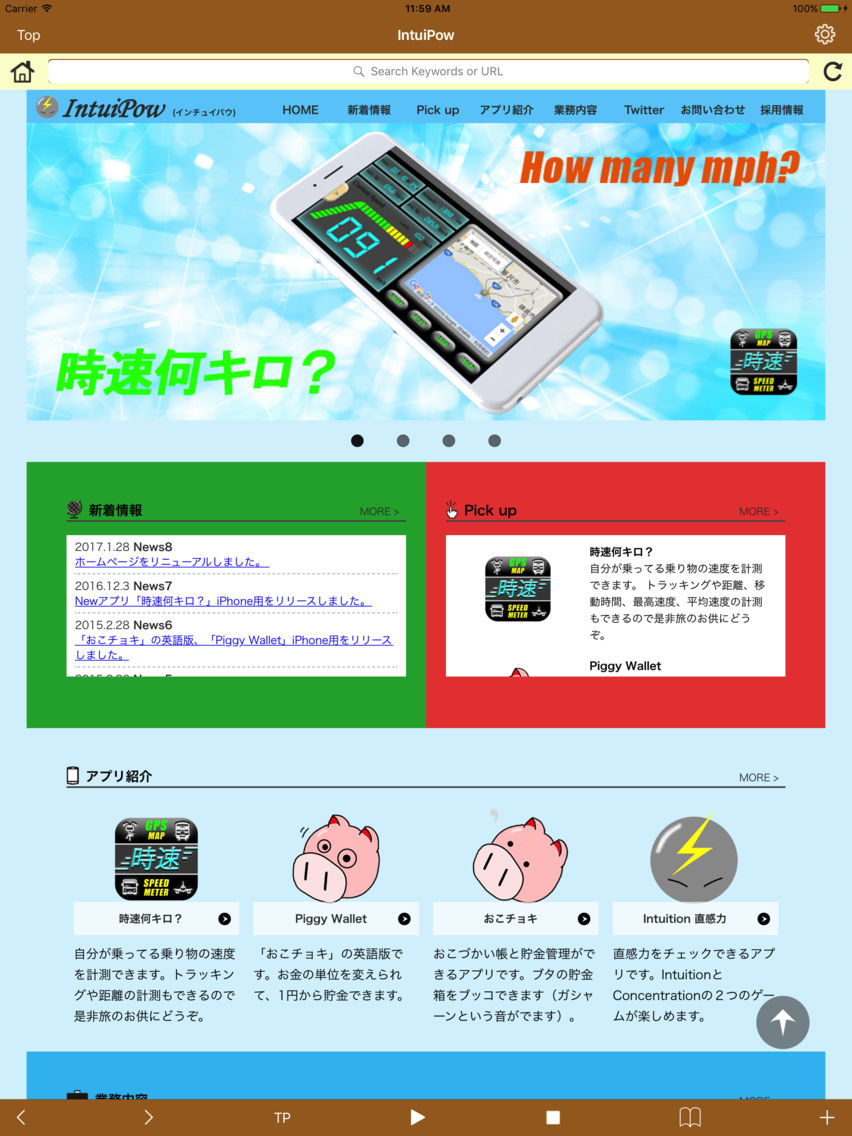
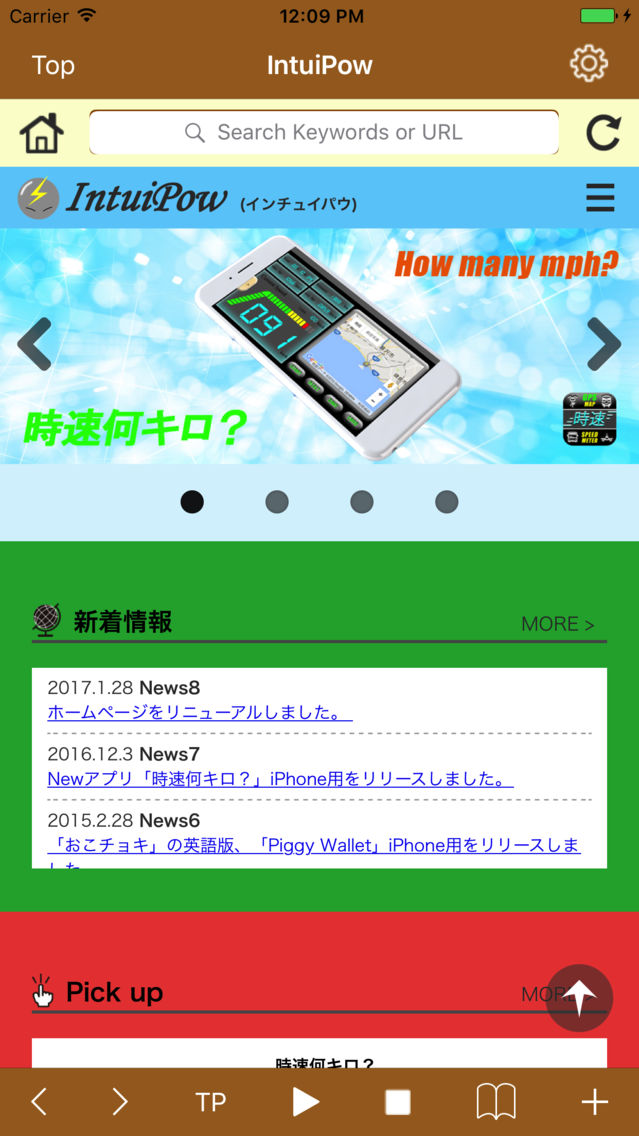
· It is a Web browser with reading aloud function.
· You can listen the text part of the site with play button.
· You can bookmark sites you like with the + button.
· You can search by entering keywords and URLs in the search bar.
· You can listen the copied text with the TP button. (You can listen while browsing the Web.)
· You can save images like standard browsers.
“Text Speech”
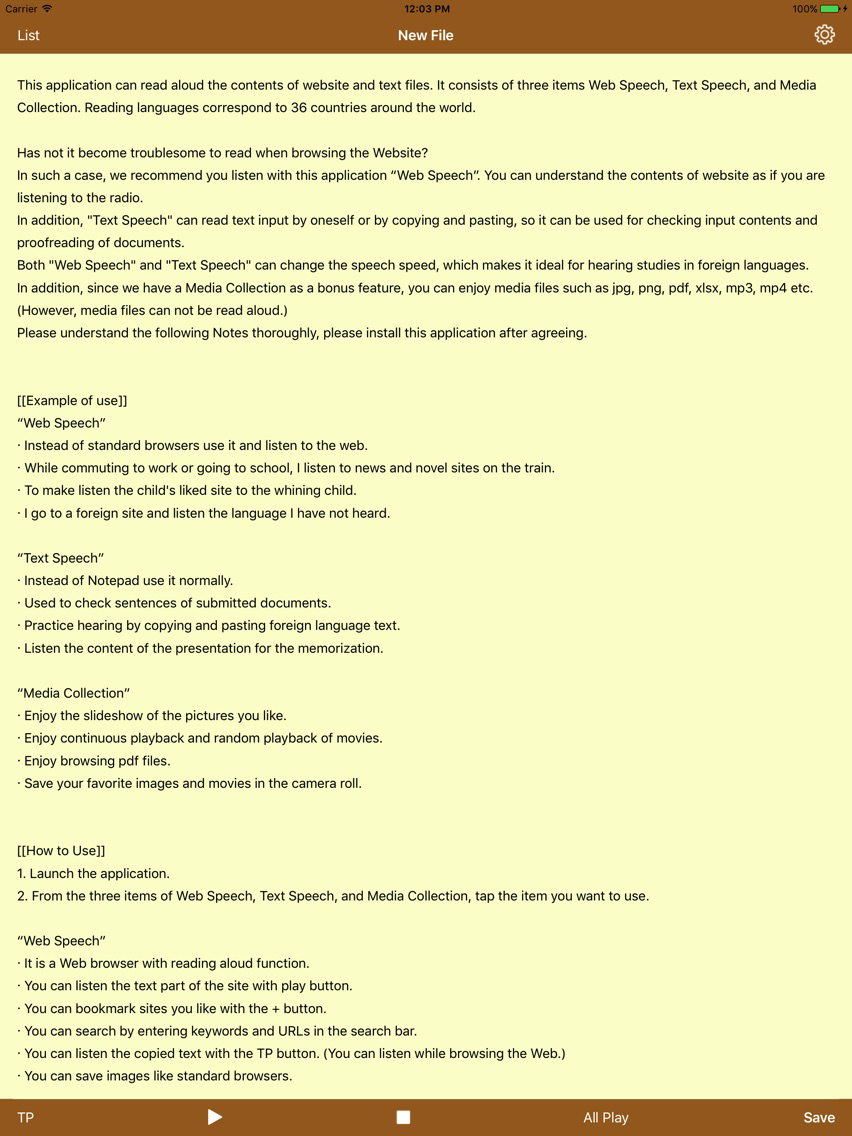
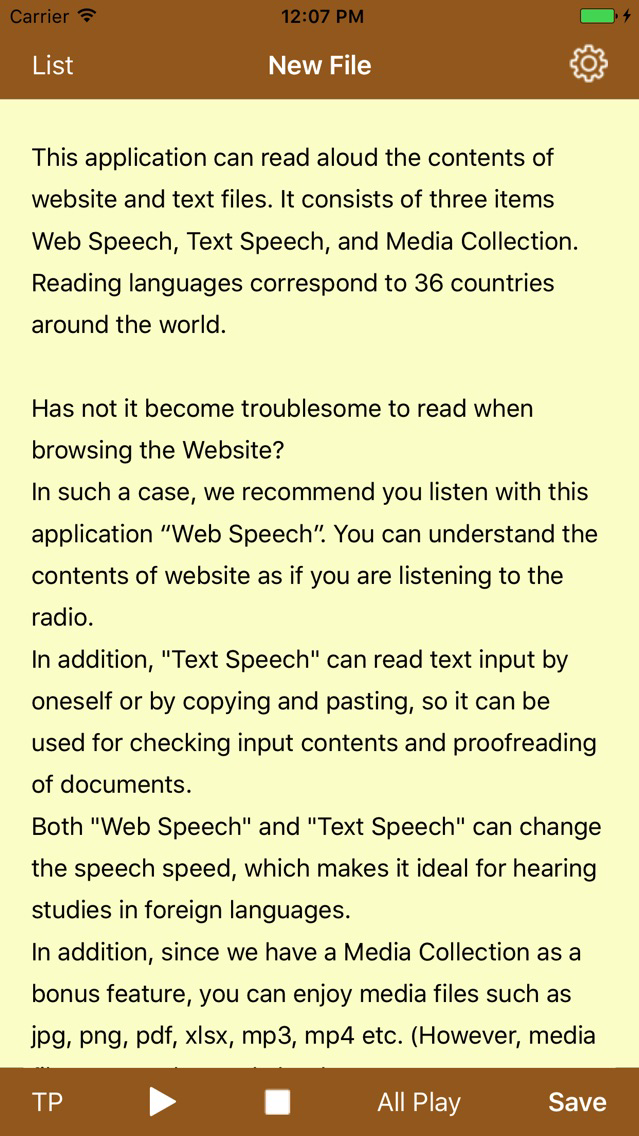
· It is a text viewer with reading function.
· You can listen the displayed text with play button.
· You can erase the displayed text and paste the copied text, when you press with TP button. And you can listen its contents. (Note that the displayed text will be erased.)
“Media Collection”
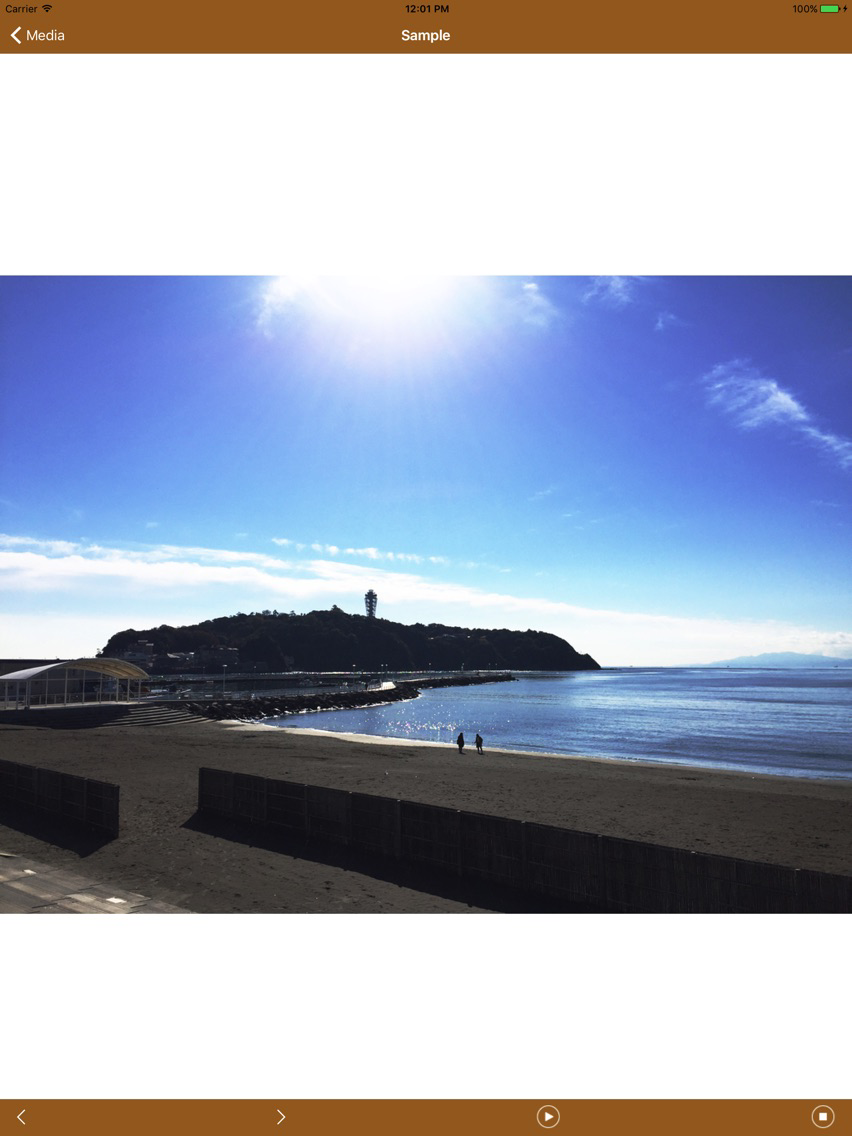
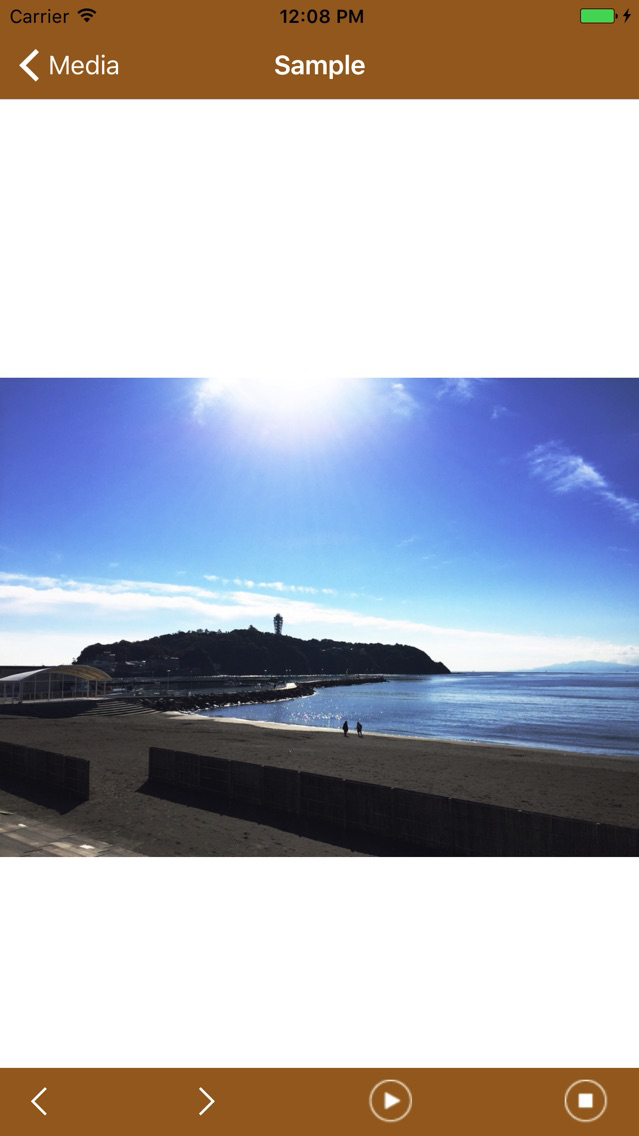
· You can browse saved media files.
[Image, pdf, Excel file]
· You can view all the files in the folder in a slideshow.
· The file can be switched and displayed with the arrow buttons.
· Two-finger swipe can switch file display.
[Movie file]
· Continuous playback and random playback of files in folders are
possible.
· Rewind and fast forward playback at intervals of 10 seconds are
possible so you can quickly find places you want to see.
[[Notes]]
Since this application has a function to save images and movie files in the camera roll for backup, we ask for permission to access the camera roll.
Data and files are to be used by users themselves to the extent that they do not violate criminal law, copyright law, terms of use on site, other laws and regulations. We shall assume no responsibility on our side.
Data and files shall be managed by the users themselves. Even if data and files are lost due to change, interruption, abolition, unforeseen circumstances of the application not limited to your own responsibility, we assume no responsibility.
This application read aloud from the beginning of the website or text. We do not read aloud from the part you like or identify the text being read aloud (change color, draw a line, etc.). Please understand in order to improving the reading speed of the site and ensuring reading performance.