IMS Ticker
Free
2.01for iPhone, iPad
Age Rating
IMS Ticker Screenshots
About IMS Ticker
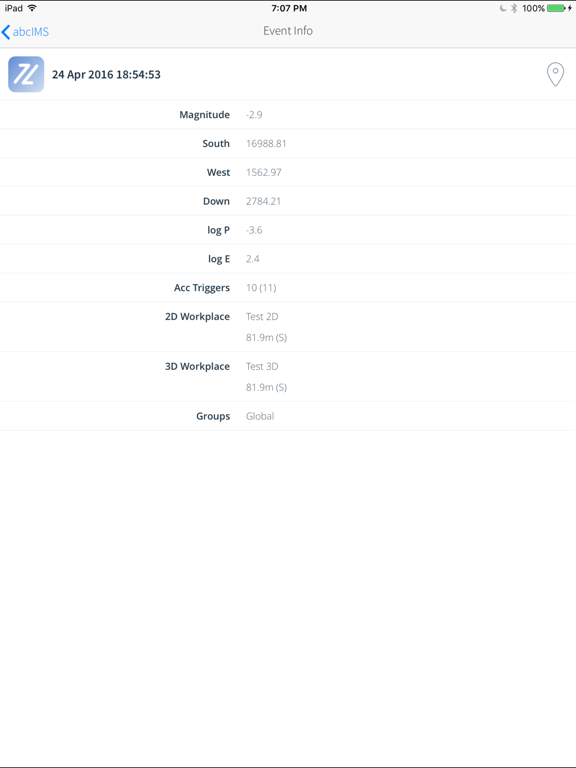
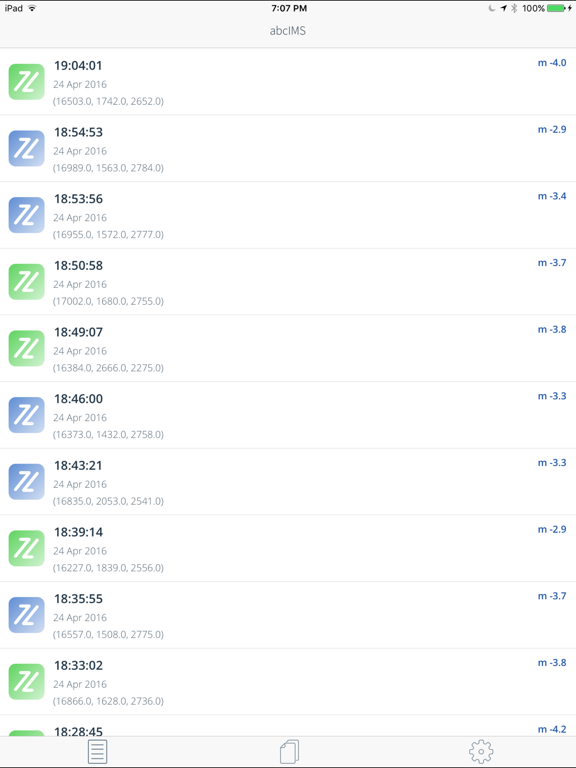
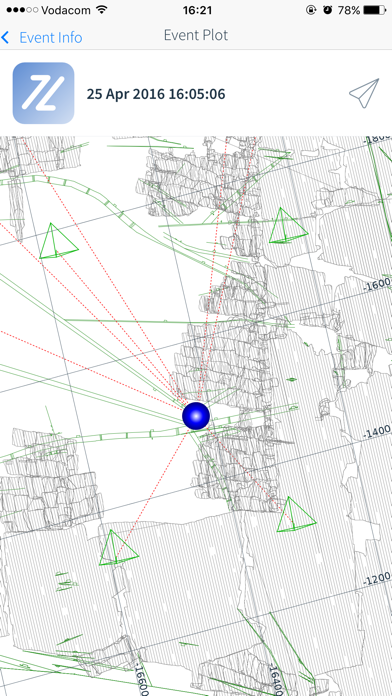
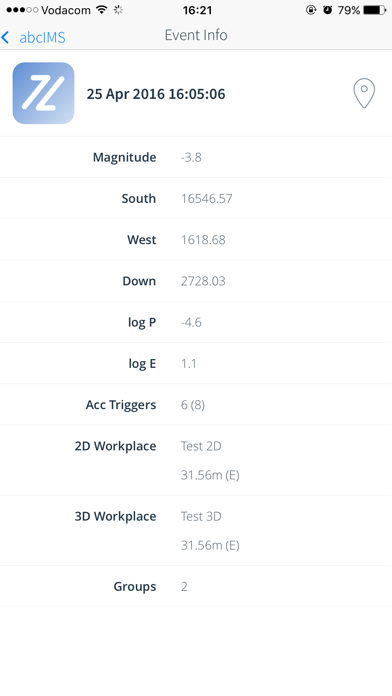
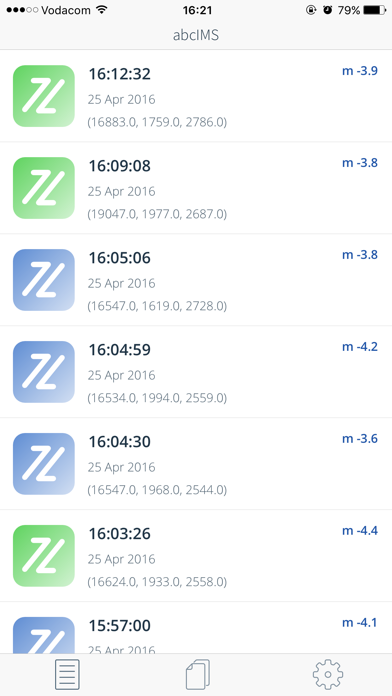
IMS Ticker allows you to view live events as they are recorded by the IMS seismic system. Events include automatically processed events, events marked as blasts and events processed by human processors. You can view detailed information about individual events, as well as display event location on a 2D map of the area. Events of interest can be e-mailed to your contacts and you can receive notifications of significant events.
Please note that this application is available to IMS Services customers only.
Features:
After registering to receive live seismic event information as recorded by the system, you can:
* View detailed event information, including the number of seismic stations triggered, location, source parameters, the nearest 2D and/or 3D workplace and the association group it belongs to
* Filter the displayed events
* Switch between databases if more than one database is available
* Receive significant event notifications
* E-mail events of interest to your contacts
* View system health information
* Transfer data securely over SSL

Please note that this application is available to IMS Services customers only.
Features:
After registering to receive live seismic event information as recorded by the system, you can:
* View detailed event information, including the number of seismic stations triggered, location, source parameters, the nearest 2D and/or 3D workplace and the association group it belongs to
* Filter the displayed events
* Switch between databases if more than one database is available
* Receive significant event notifications
* E-mail events of interest to your contacts
* View system health information
* Transfer data securely over SSL
Show More
What's New in the Latest Version 2.01
Last updated on Jan 20, 2022
Old Versions
The Single Event Plot window now allows you to swipe left to display additional views of the event. Available view directions include Plan View and Looking East, North, South and West. Specify the view directions you would like to see in the Settings window.
Show More
Version History
2.01
Jan 20, 2022
The Single Event Plot window now allows you to swipe left to display additional views of the event. Available view directions include Plan View and Looking East, North, South and West. Specify the view directions you would like to see in the Settings window.
IMS Ticker FAQ
Click here to learn how to download IMS Ticker in restricted country or region.
Check the following list to see the minimum requirements of IMS Ticker.
iPhone
iPad