OVERVIEW
InRemote is a high-performing and secure remote access, remote support and collaboration solution that addresses IT management needs of small and medium businesses, IT service providers, professionals and individuals across all industrial sectors and geographic regions. InRemote was built with information security and user privacy as a top priority using NIST approved standards and best practices in the field of cybersecurity.
FEATURES
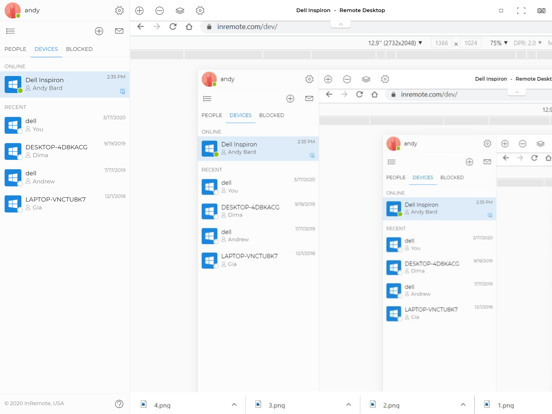
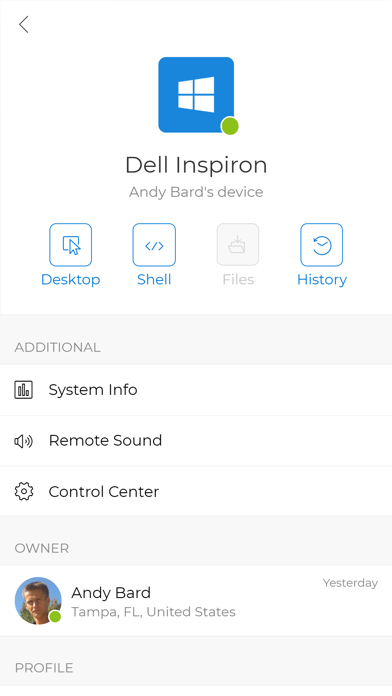
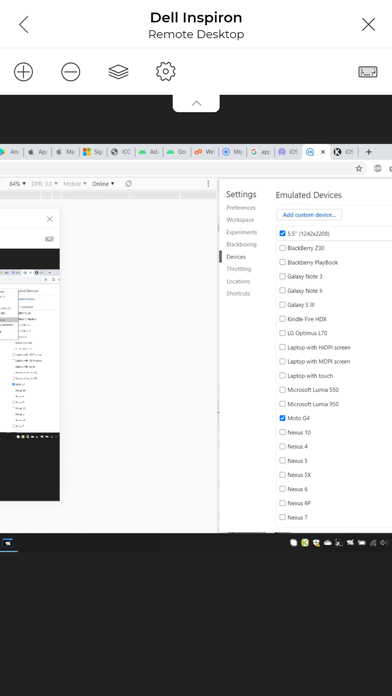
- Remote Desktop (screen, keyboard, mouse, sound, clipboard)
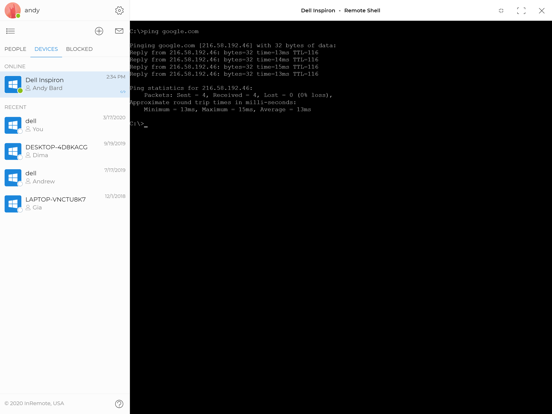
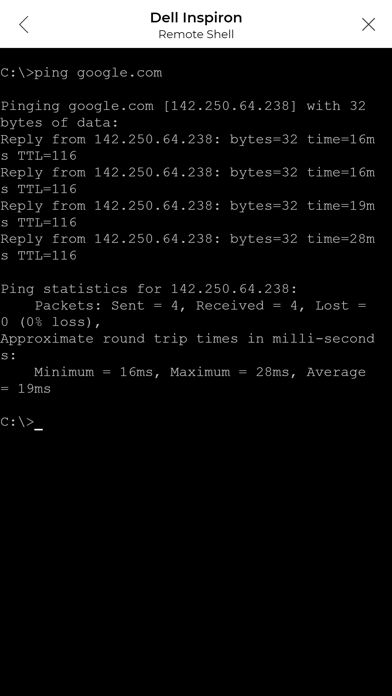
- Remote PowerShell (remote command execution)
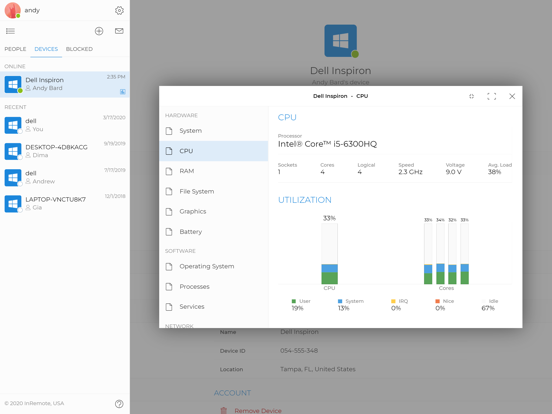
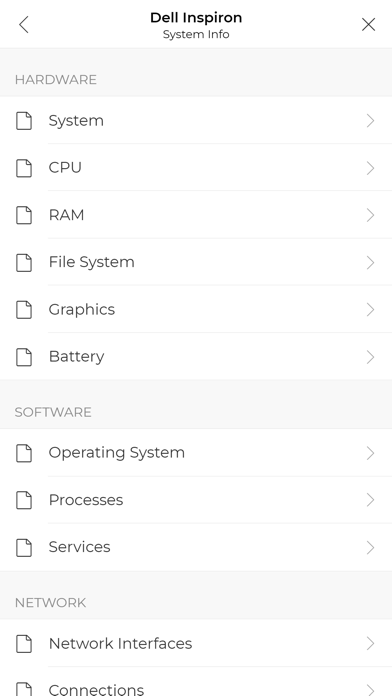
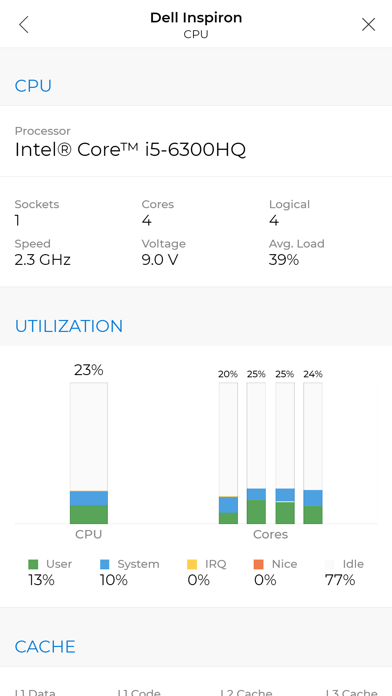
- Remote System Info (software, hardware, firmware, network info, etc.)
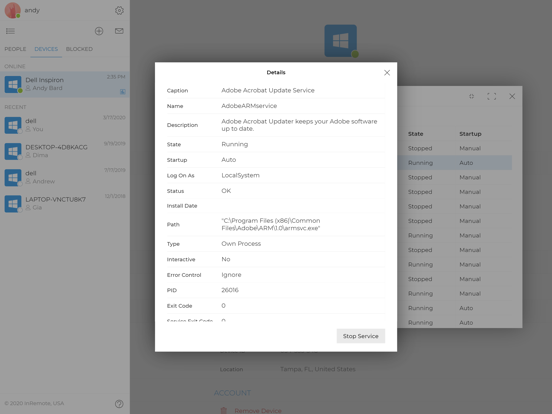
- Remote Process and Service Management
- Remote Camera and Microphone
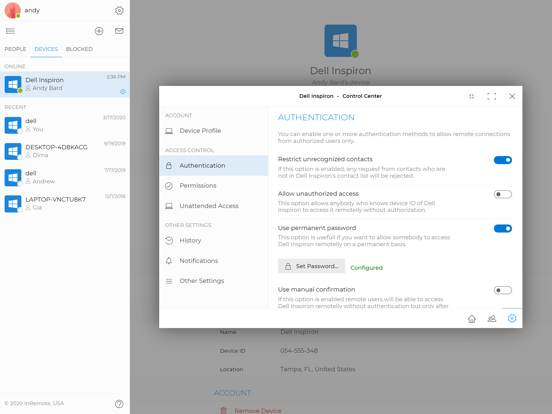
- Remote Access Rights Configuration
- High-quality audio and video calls
- Screen Sharing
- Instant Messaging (chat)
- Bi-directional File Transfer
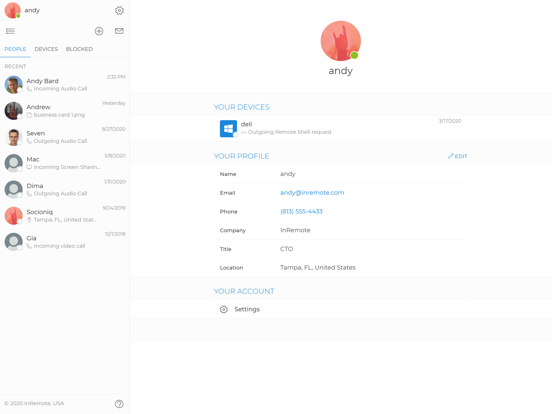
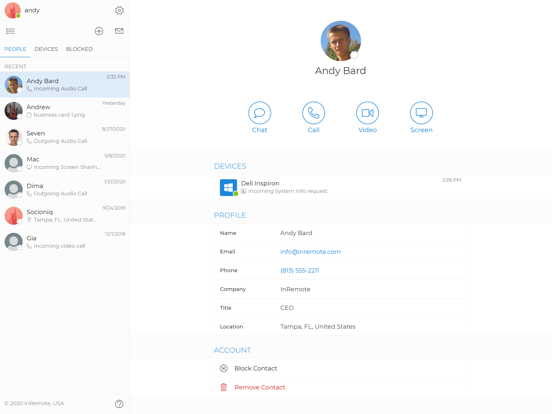
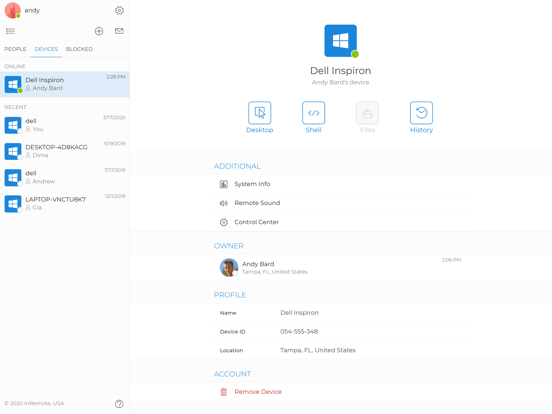
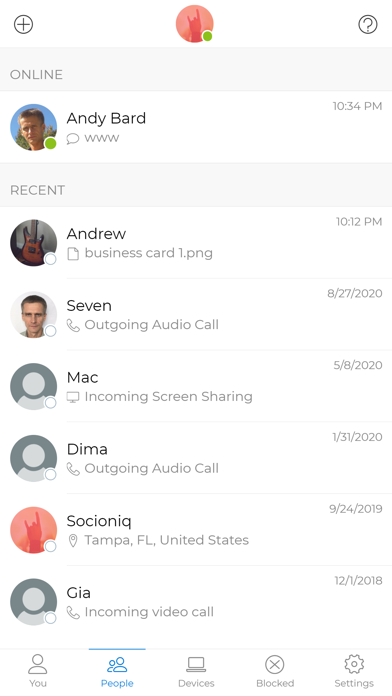
- Interactive Contact and Device List and many others
ACCESS CONTROL
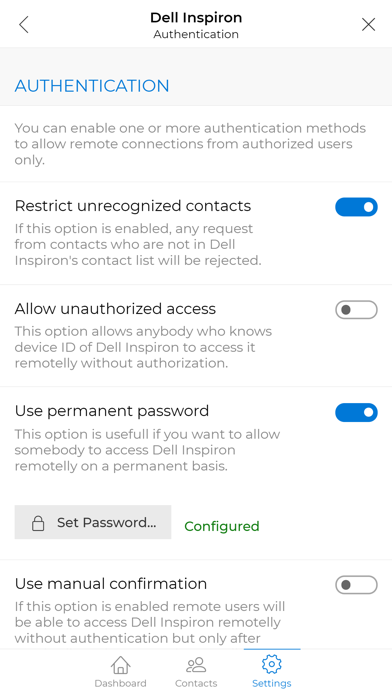
InRemote enables end-users who receive remote support from their service providers to granularly control access rights to their computers. End-users can setup different authentication methods, such as one-time tokens, passwords, manual confirmation of access that can be provided in real-time directly from the user's mobile device. They can control what kind of remote management features can be used by service provider. In addition, InRemote provides a capability to enable an unattended privileged access to remote computers that is useful for server administrators and internal IT departments as well as individual users accessing their own computers remotelly.
CONFIDENTIALITY
InRemote encrypts all communication channels including audio and video calls, instant messages, screen sharing, remote desktop sessions, file transfer, and others using strong and standardized data encryption algorithms and protocols. Moreover, all data and media, which is transmitting between InRemote users, flows directly from peer to peer that additionally increases the level of confidentiality.
RELIABILITY
InRemote is deployed on Amazon Web Services (AWS) cloud infrastructure, that guarantees availability and reliability of InRemote services as well as provides first-class intrusion detection and prevention mechanisms to protect the server infrastructure from unauthorized access and other cyber threats.
MULTIPLATFORM
InRemote allows to provide technical support and manage remote computers from almost any device running any operating system using our desktop and mobile applications as well as any modern browser, such as Chrome, Safari, Firefox.