IPM My SmartTask

IPM My SmartTask


Free

1.4.4for iPhone, iPad and more
Skillweb co uk ltd
Developer
72.4 MB
Size
Nov 22, 2017
Update Date
Business
Category
4+
Age Rating
Age Rating
4+
Apps in this category do not contain restricted content.
9+
Apps in this category may contain mild or occasional cartoon, fantasy or real-life violence, as well as occasional or mild adult, sexually suggestive or horrifying content and may not be suitable for children under 9 years of age.
12+
Apps in this category may contain occasional mild indecent language, frequent or intense cartoon or real-life violence, minor or occasional adult or sexually suggestive material, and simulated gambling, and may be for children under 12 years of age.
17+
You must be at least 17 years old to access this App.
Apps in this category may contain frequent and intense offensive language; Frequent and intense cartoon, fantasy or realistic violence: frequent and intense adult, scary and sexually suggestive subjects: as well as sexual content, nudity, tobacco, alcohol and drugs, may not be suitable for children under 17 years of age.
IPM My SmartTask Screenshots
IPM My SmartTask posterIPM My SmartTask posterIPM My SmartTask poster

About IPM My SmartTask

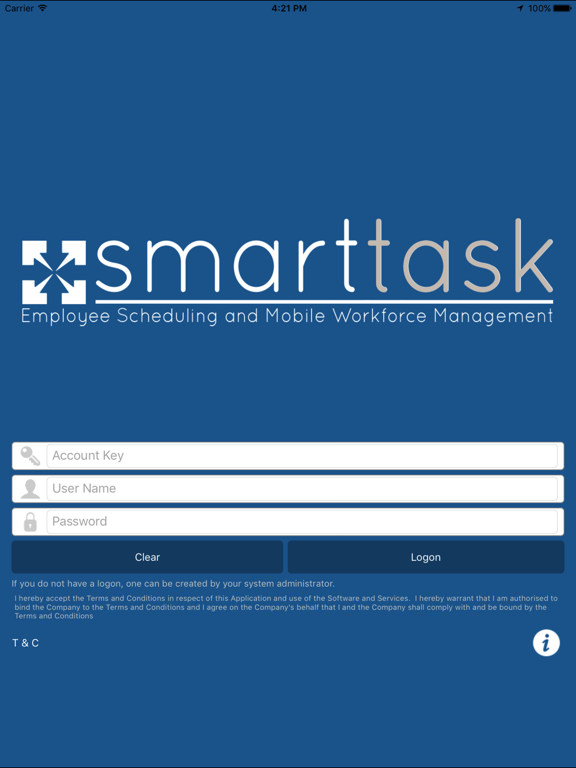
IPM My SmartTask is a companion app to the SmartTask employee scheduling and mobile workforce management solution and forms part of the Smart control room module

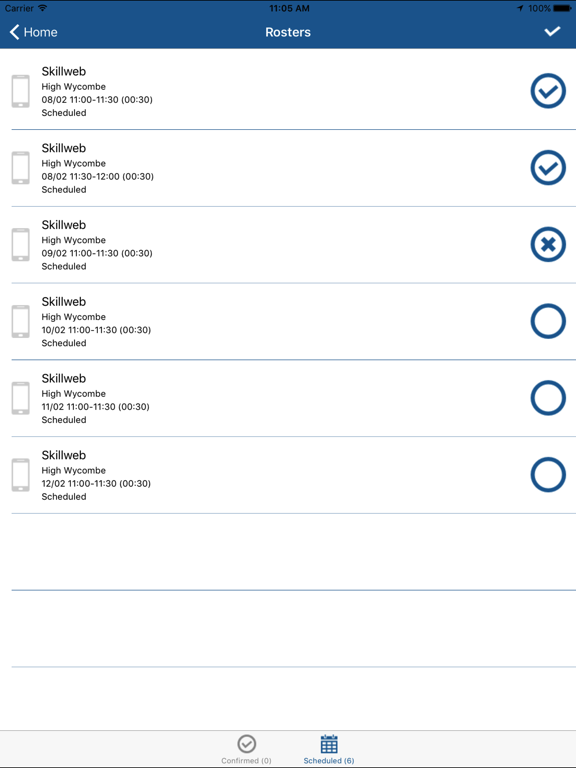
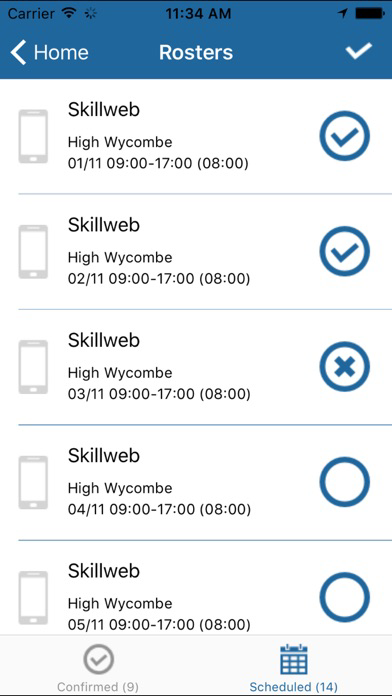
It allows workers to receive their rosters and confirm availability on their personal Smartphones, reducing telephone calls and saving administrative staff time chasing up staff to confirm their availability for shifts

Simply enable the employees as mobile users in SmartTask to allow them to logon to IPM My SmartTask , once their roster has been scheduled or confirmed in SmartTask you can send it to them using the roster notify button which will appear on the employee timesheet screen. With configurable employee suggestion rules SmartTask can if you wish automatically schedule and notify employees, further minimising the time it takes to fill rosters

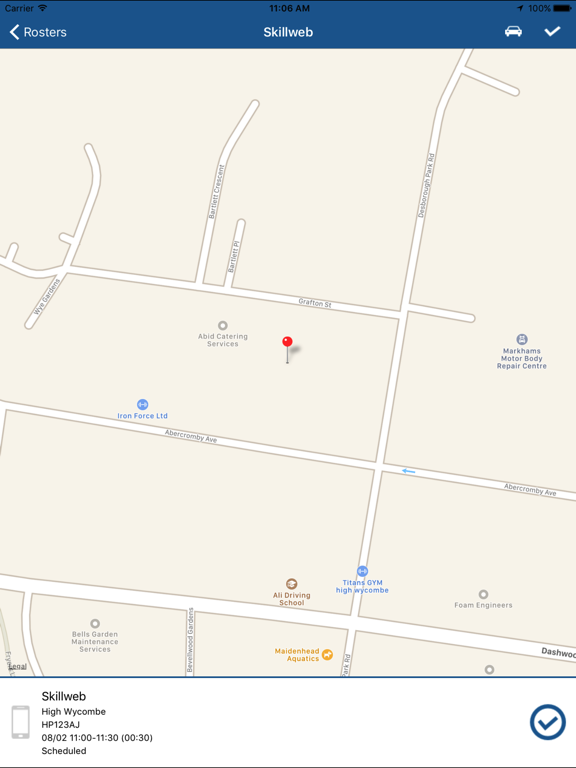
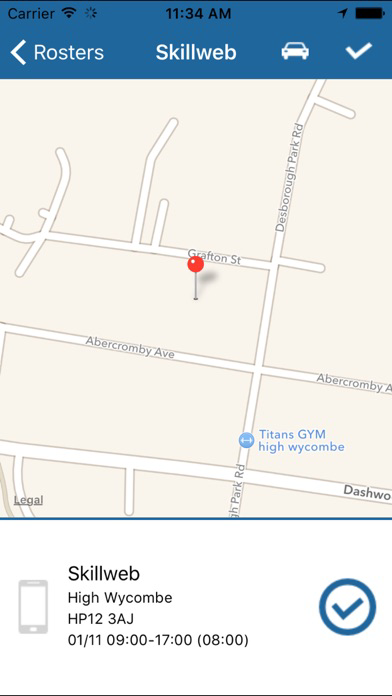
Once you are logged in to the app on your Smartphone you will receive notifications of roster changes and be able to confirm or decline your scheduled shifts without speaking to the control room, it will also show you a map of where to find your shifts and help you to call or email the control room if you need to.

Show More

What's New in the Latest Version 1.4.4

Last updated on Nov 22, 2017
Old Versions
This app has been updated by Apple to display the Apple Watch app icon.

Improved User Interface Feedback - A "Please Wait" message is now displayed when a user starts or ends a shift. The message automatically disappears once the shift has been successfully started/ended.

A shift that is in progress is now always displayed a the top of the shift list
Show More
Version History
1.4.4
Nov 22, 2017
This app has been updated by Apple to display the Apple Watch app icon.

Improved User Interface Feedback - A "Please Wait" message is now displayed when a user starts or ends a shift. The message automatically disappears once the shift has been successfully started/ended.

A shift that is in progress is now always displayed a the top of the shift list
1.4.2
Oct 6, 2017
Bug Fixes
1.4.1
Oct 5, 2017
Roster Notifications can now be received even when the application is in a closed state
1.3.4
Sep 12, 2017
* Remove Unwanted Text From Login Form
* Only one roster notification pop up now displayed when multiple notifications received in quick succession
1.3.3
May 26, 2017
Bug fixes
1.0.4
Feb 28, 2017
Bug fixes
1.0.3
Feb 10, 2017

IPM My SmartTask FAQ

Click here to learn how to download IPM My SmartTask in restricted country or region.
Check the following list to see the minimum requirements of IPM My SmartTask.
iPhone
Requires iOS 7.1 or later.
iPad
Requires iPadOS 7.1 or later.
iPod touch
Requires iOS 7.1 or later.
IPM My SmartTask supports English

IPM My SmartTask Alternative

You May Also Like

Get more from Skillweb co uk ltd