IposVision
Free
1.13.3for iPhone, iPad
Age Rating
IposVision Screenshots
About IposVision
IposVision is an app created for optical stores.
Why choose IposVision? Because you can execute POS operation directly from your device, without needing to buy a cash register. The operations are more intuitive and easy, so you will avoid long sales lines at your register. With IposVision you get the power and functionality of a traditional POS system integrated in a flexible hand held device.
The app comes with the following features:
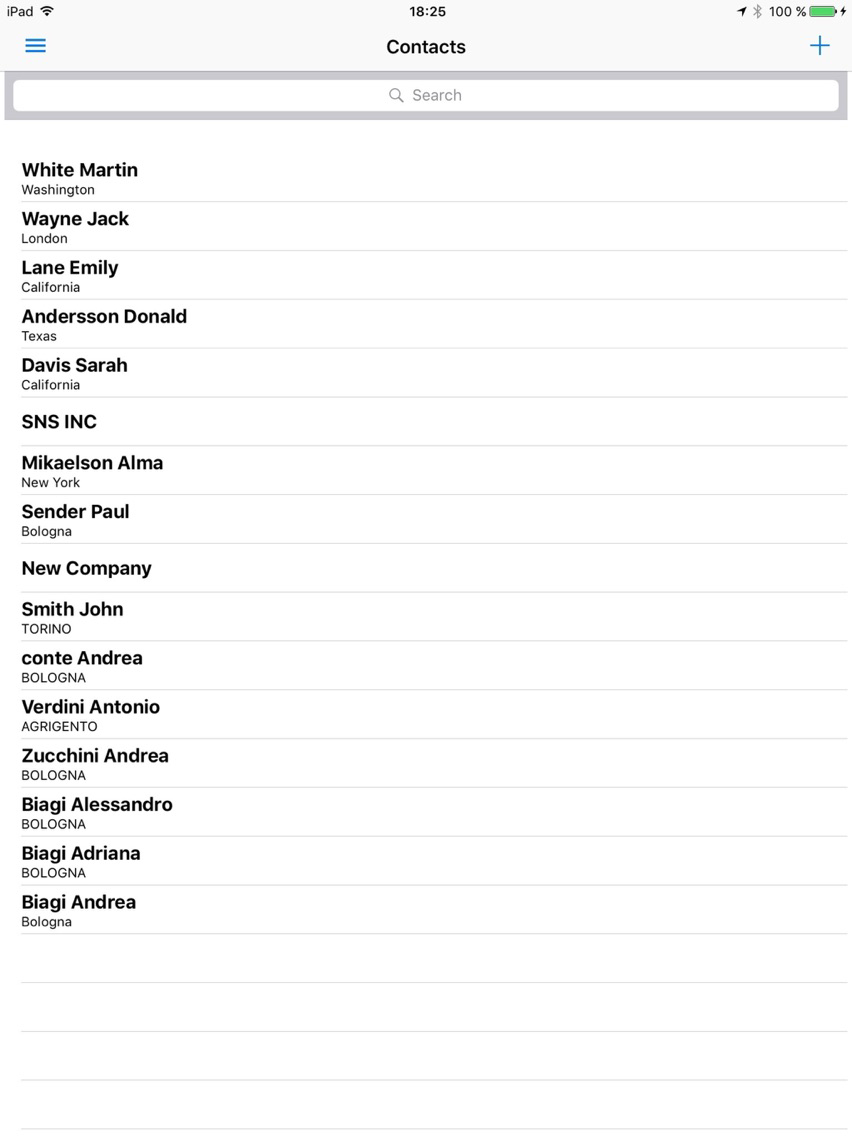
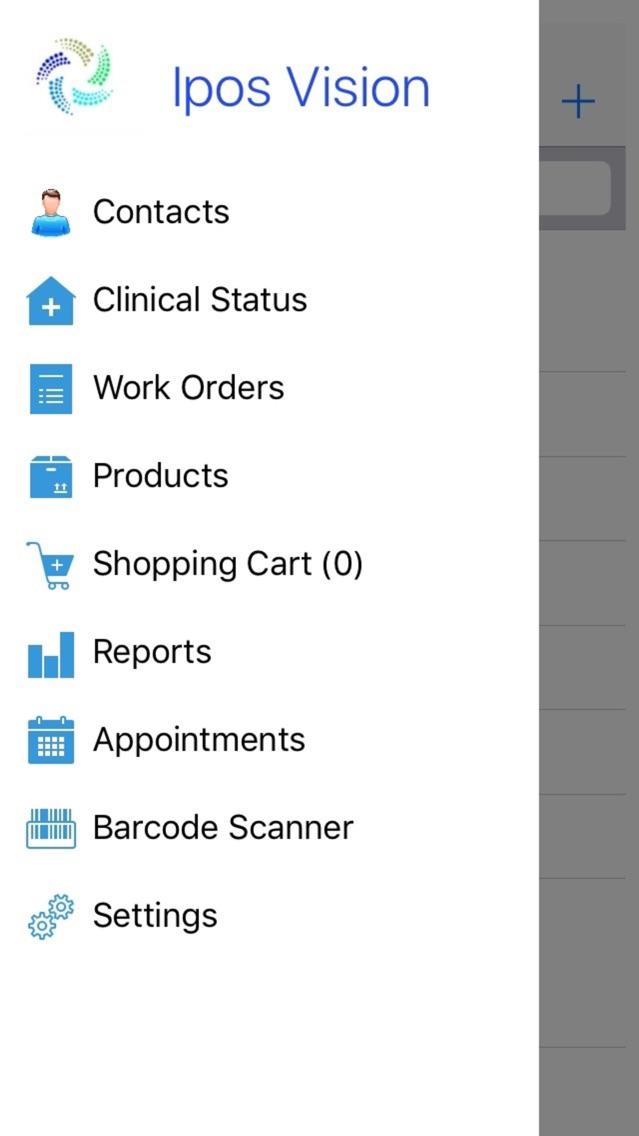
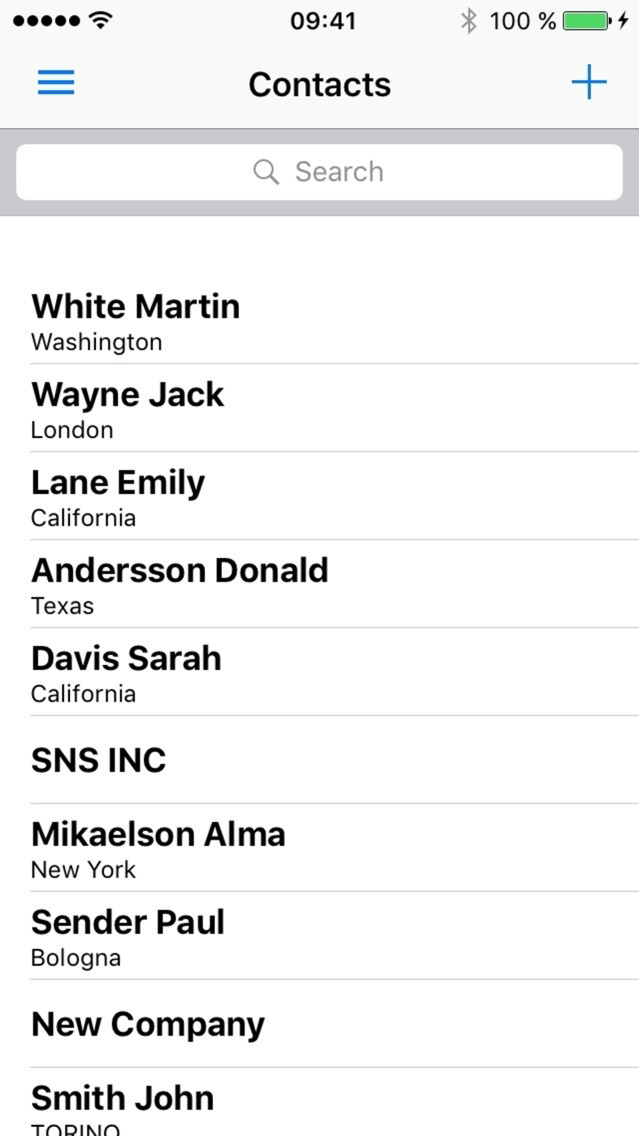
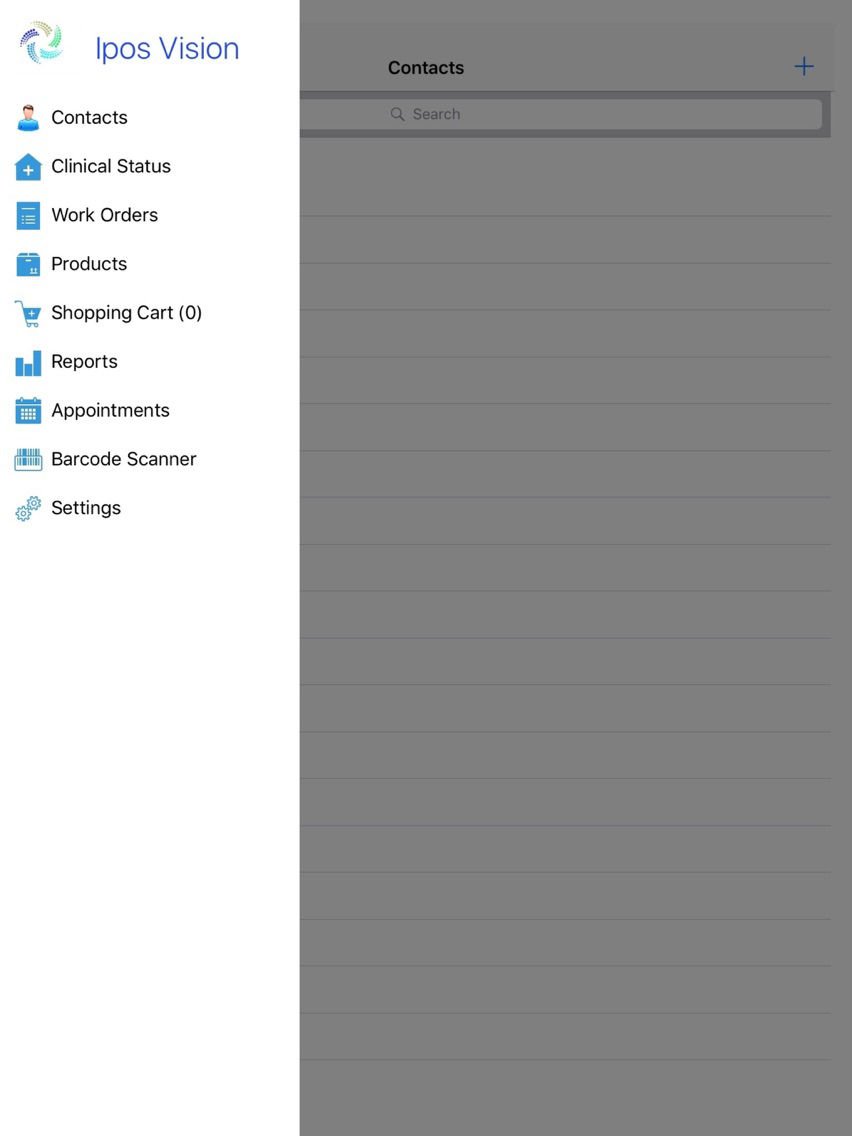
* Create, modify and delete contacts
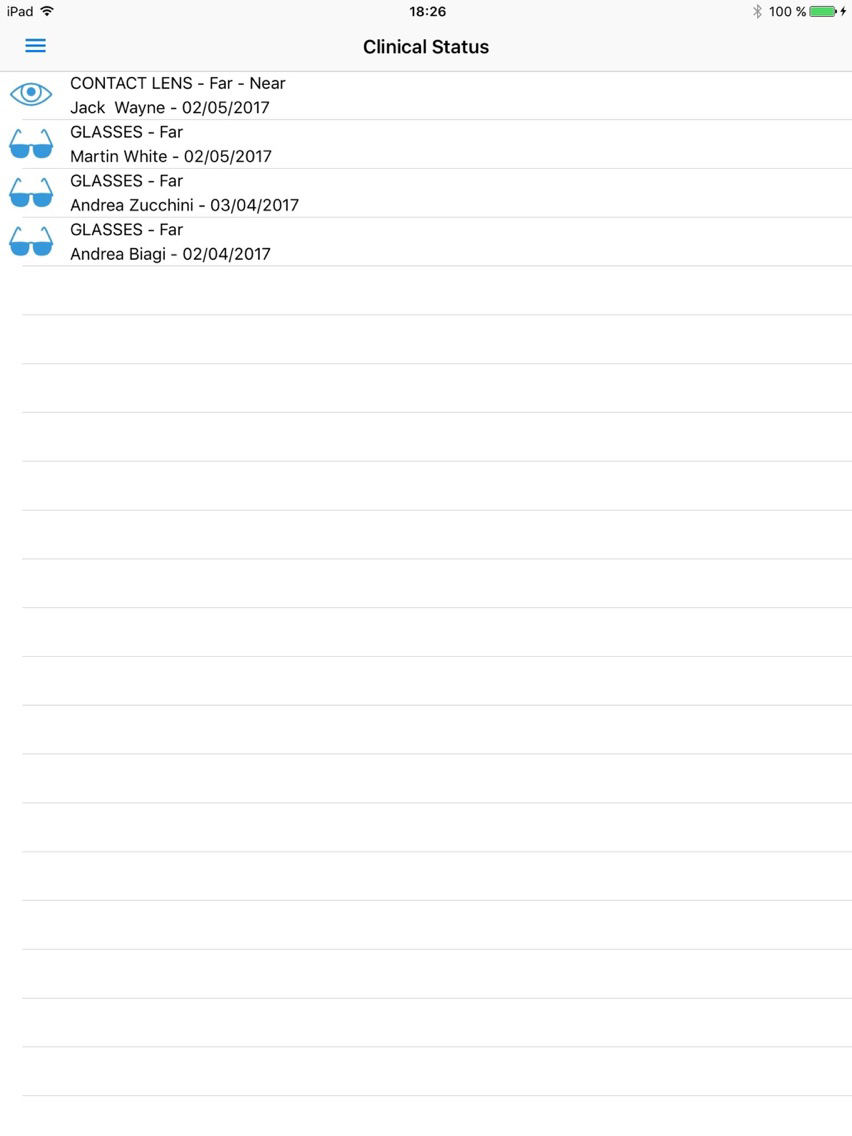
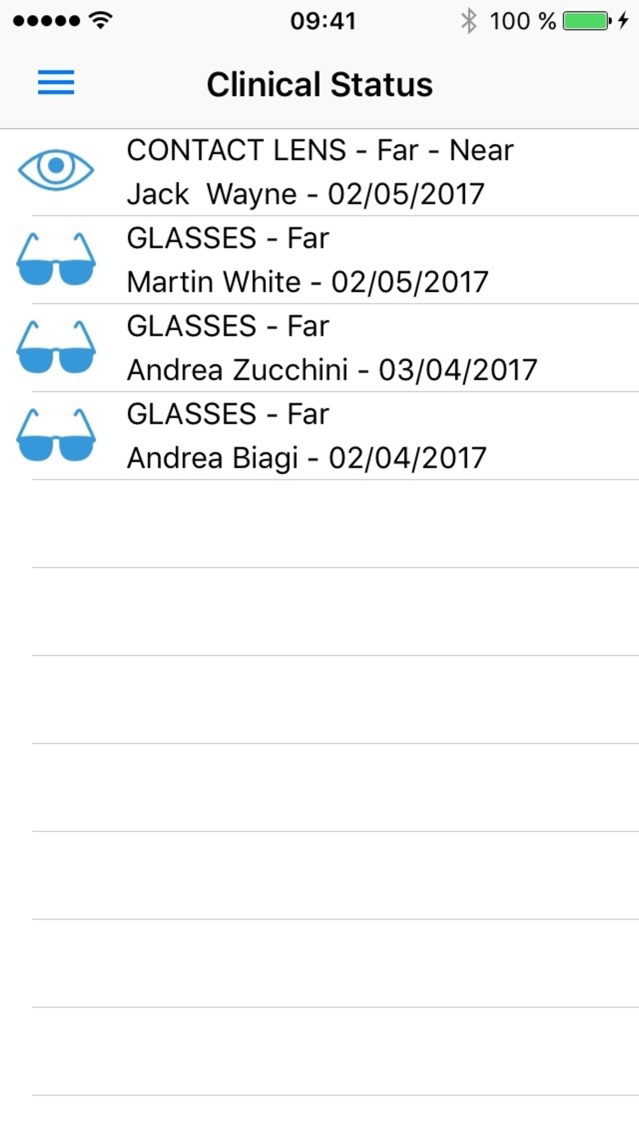
* Create and modify clinical statuses
* Create appointments
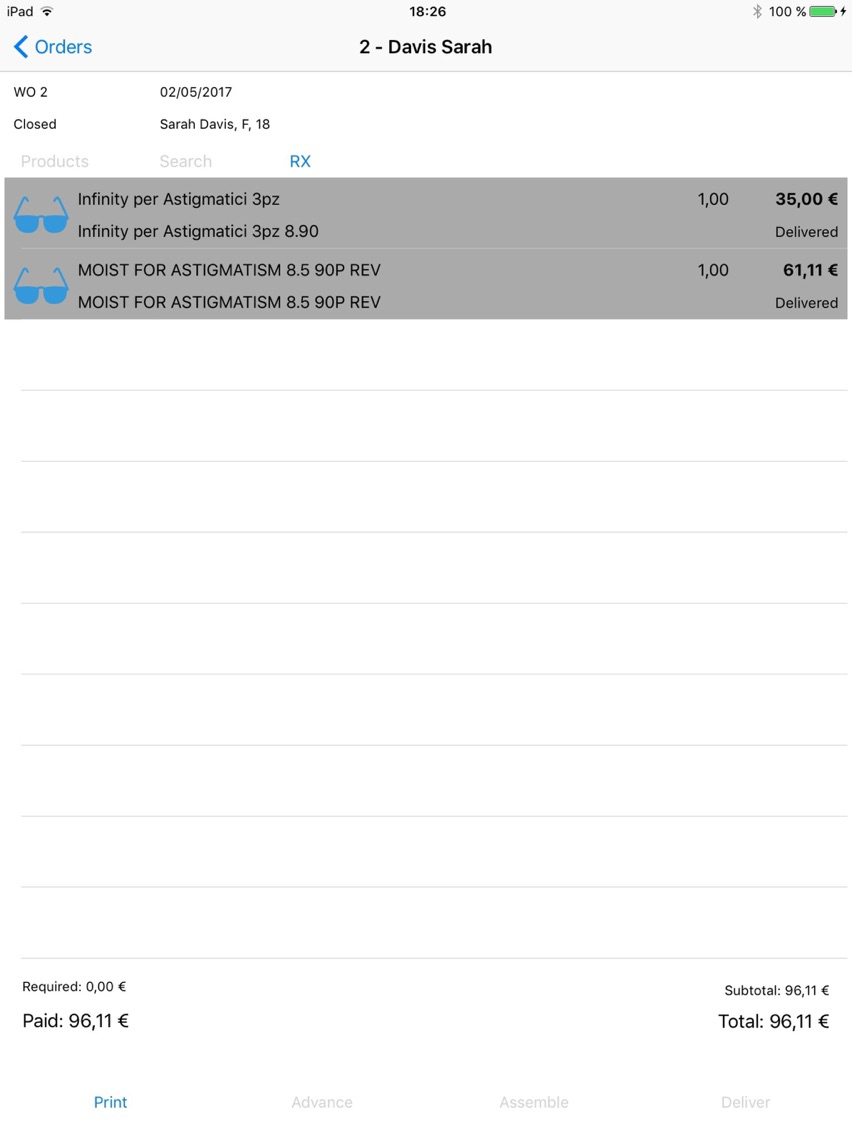
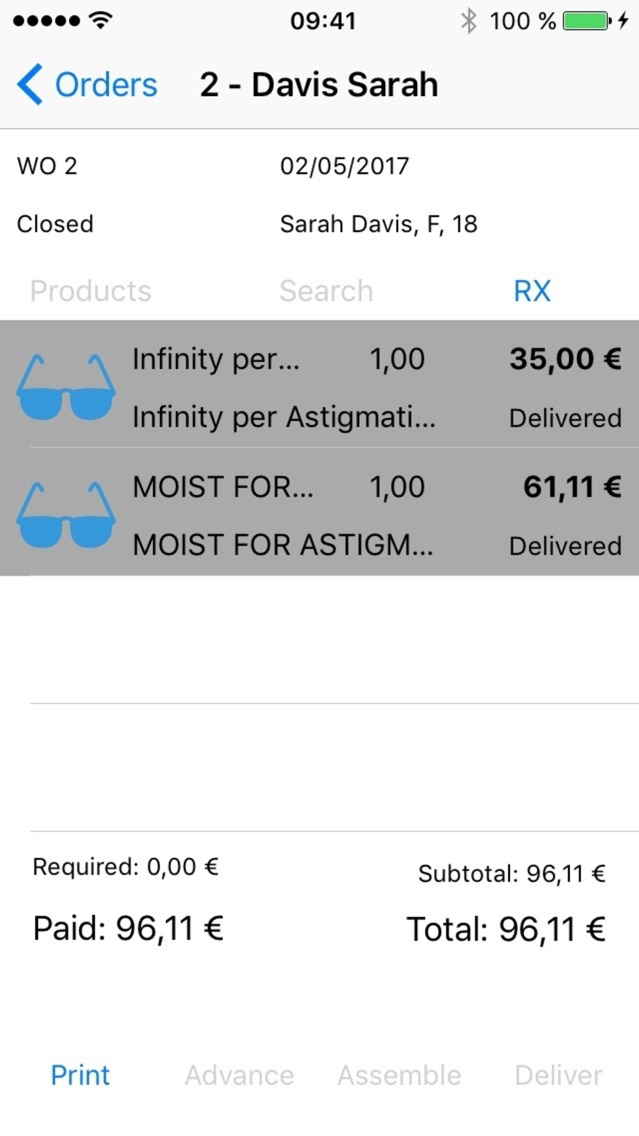
* Create and modify orders
* Execute different operations on orders (require advance payment, notify the customer when a product is ready to be picked up, ...)
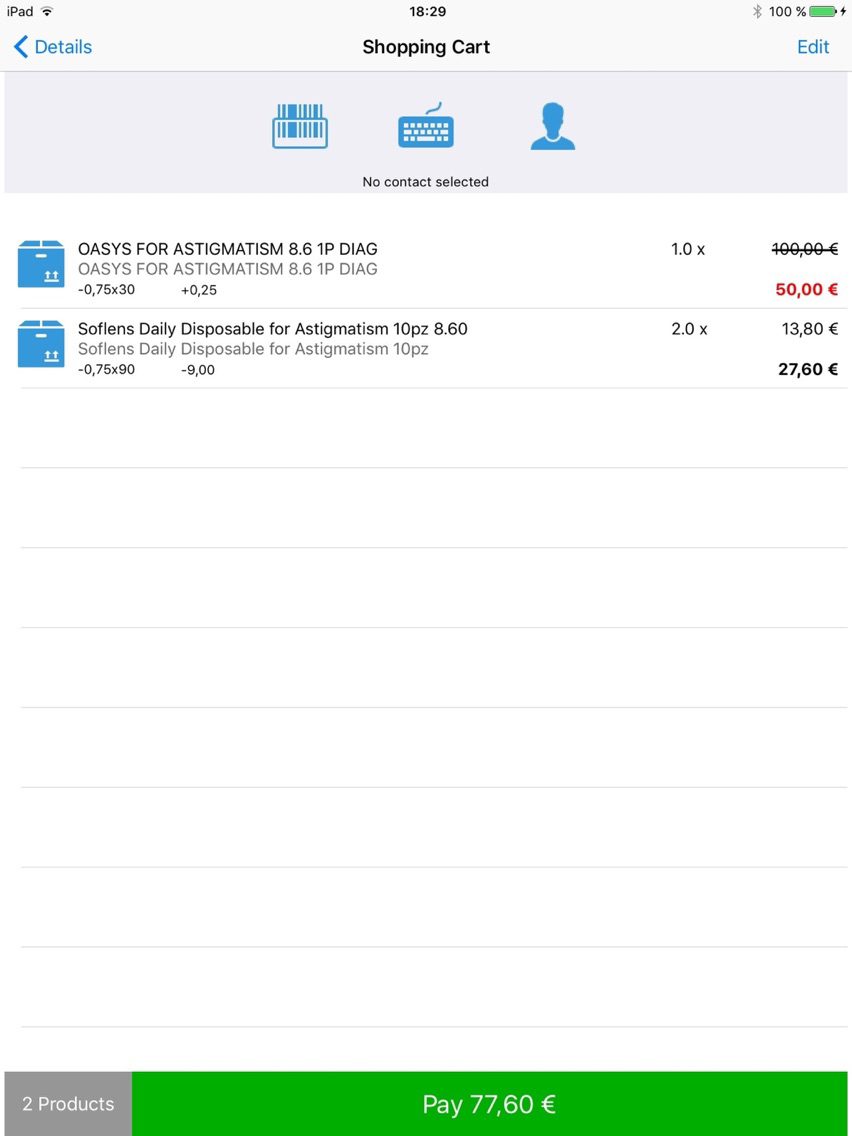
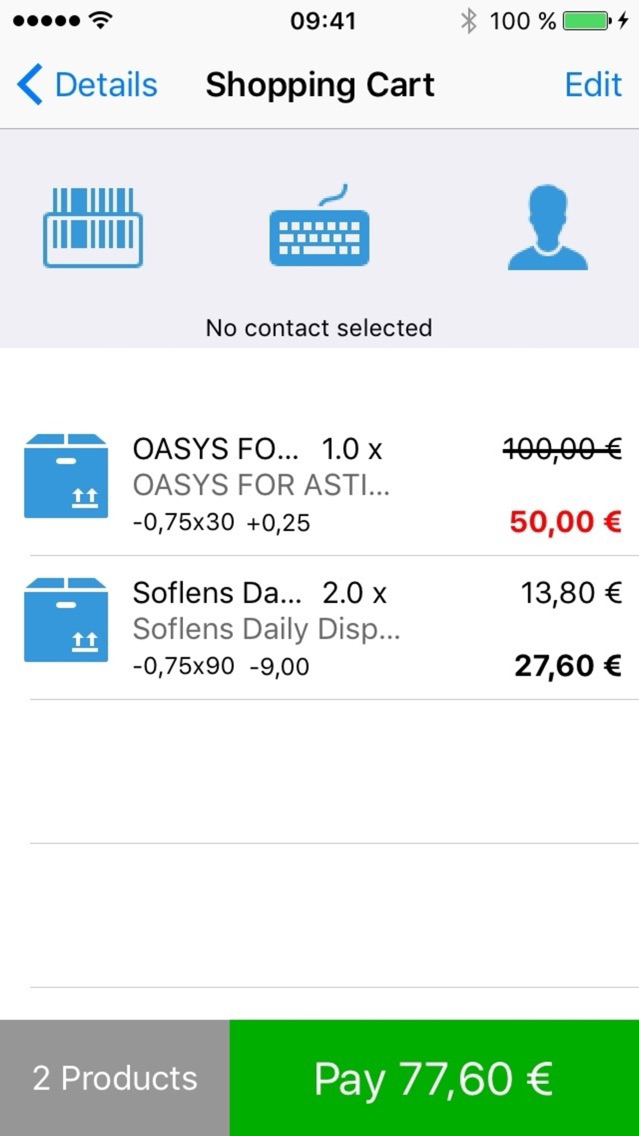
* Sell products from shopping cart. For each product you can modify the price, the size and/or the color.
* Scan barcodes (product barcode, receipt barcode, customer's health card)
* Show reports of sales and orders
At every sale the app prints a receipt and/or an invoice. The invoice can also be sent by email.
The app handles many payment types, including credit and debit card processing using either Ingenico payment terminals or SumUp.

Why choose IposVision? Because you can execute POS operation directly from your device, without needing to buy a cash register. The operations are more intuitive and easy, so you will avoid long sales lines at your register. With IposVision you get the power and functionality of a traditional POS system integrated in a flexible hand held device.
The app comes with the following features:
* Create, modify and delete contacts
* Create and modify clinical statuses
* Create appointments
* Create and modify orders
* Execute different operations on orders (require advance payment, notify the customer when a product is ready to be picked up, ...)
* Sell products from shopping cart. For each product you can modify the price, the size and/or the color.
* Scan barcodes (product barcode, receipt barcode, customer's health card)
* Show reports of sales and orders
At every sale the app prints a receipt and/or an invoice. The invoice can also be sent by email.
The app handles many payment types, including credit and debit card processing using either Ingenico payment terminals or SumUp.
Show More
What's New in the Latest Version 1.13.3
Last updated on Apr 17, 2018
Old Versions
- New work order configurator
- New user interface for products, clinical statuses, settings, contact details, reports
- New entry in main menu : Fiscal day closes and Help
- In Fiscal day closes menu you can see a history of them filtered by date or create new ones
- In Help menu you can find more information about us, about the application or report a problem
- Add or modify products
- Additional bug fixes and stability improvements
- New user interface for products, clinical statuses, settings, contact details, reports
- New entry in main menu : Fiscal day closes and Help
- In Fiscal day closes menu you can see a history of them filtered by date or create new ones
- In Help menu you can find more information about us, about the application or report a problem
- Add or modify products
- Additional bug fixes and stability improvements
Show More
Version History
1.13.3
Apr 17, 2018
- New work order configurator
- New user interface for products, clinical statuses, settings, contact details, reports
- New entry in main menu : Fiscal day closes and Help
- In Fiscal day closes menu you can see a history of them filtered by date or create new ones
- In Help menu you can find more information about us, about the application or report a problem
- Add or modify products
- Additional bug fixes and stability improvements
- New user interface for products, clinical statuses, settings, contact details, reports
- New entry in main menu : Fiscal day closes and Help
- In Fiscal day closes menu you can see a history of them filtered by date or create new ones
- In Help menu you can find more information about us, about the application or report a problem
- Add or modify products
- Additional bug fixes and stability improvements
IposVision FAQ
Click here to learn how to download IposVision in restricted country or region.
Check the following list to see the minimum requirements of IposVision.
iPhone
iPad
IposVision supports English, Italian, Spanish