Age Rating
4+
Apps in this category do not contain restricted content.
9+
Apps in this category may contain mild or occasional cartoon, fantasy or real-life violence, as well as occasional or mild adult, sexually suggestive or horrifying content and may not be suitable for children under 9 years of age.
12+
Apps in this category may contain occasional mild indecent language, frequent or intense cartoon or real-life violence, minor or occasional adult or sexually suggestive material, and simulated gambling, and may be for children under 12 years of age.
17+
You must be at least 17 years old to access this App.
Apps in this category may contain frequent and intense offensive language; Frequent and intense cartoon, fantasy or realistic violence: frequent and intense adult, scary and sexually suggestive subjects: as well as sexual content, nudity, tobacco, alcohol and drugs, may not be suitable for children under 17 years of age.
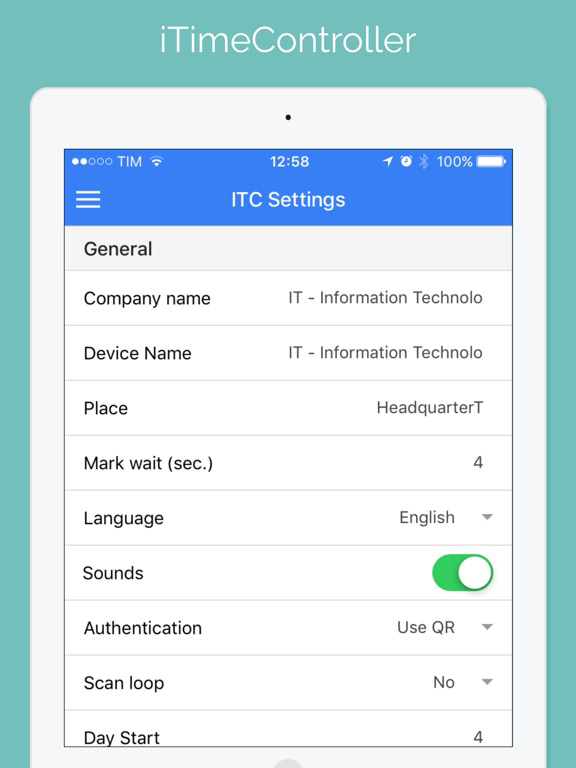
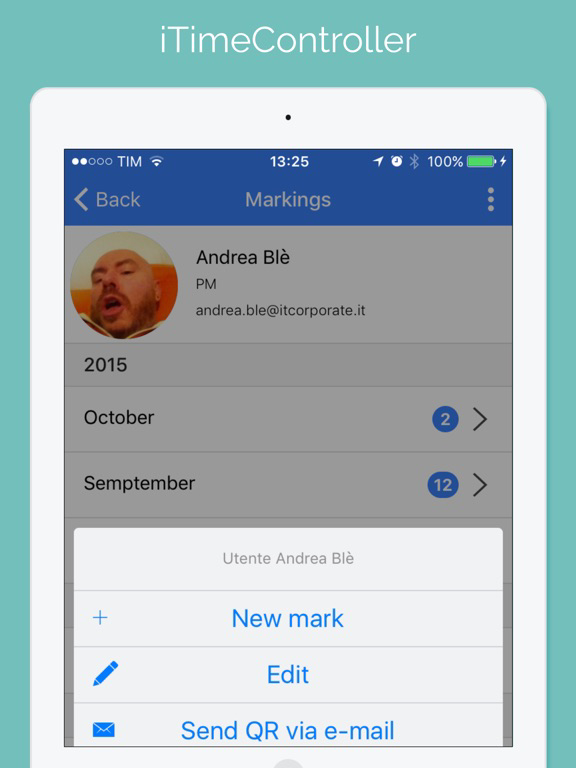
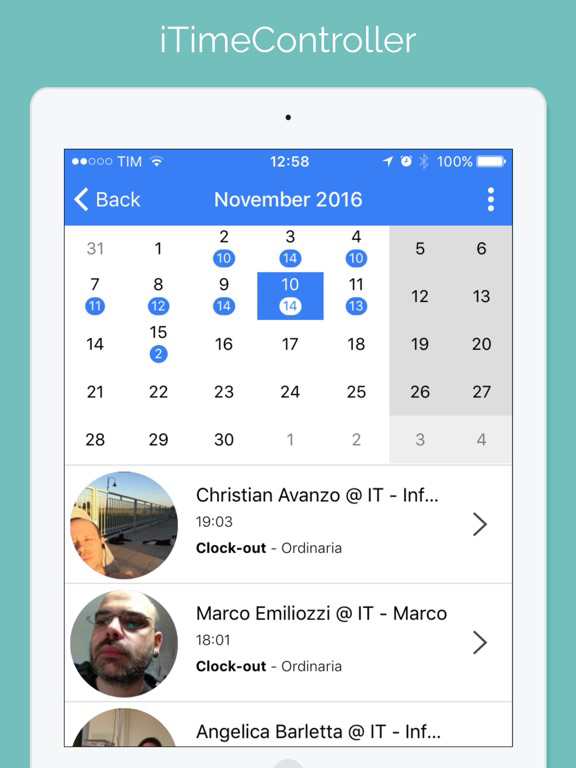
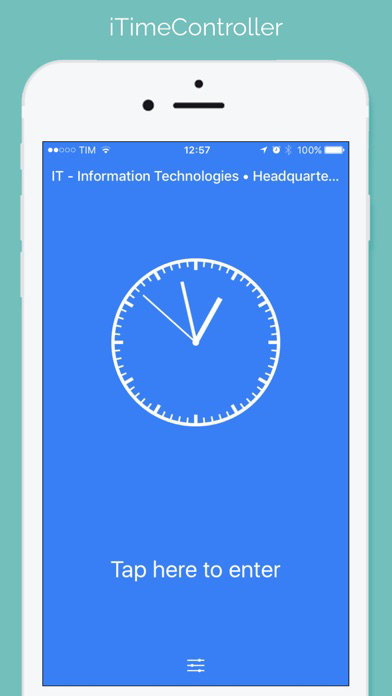
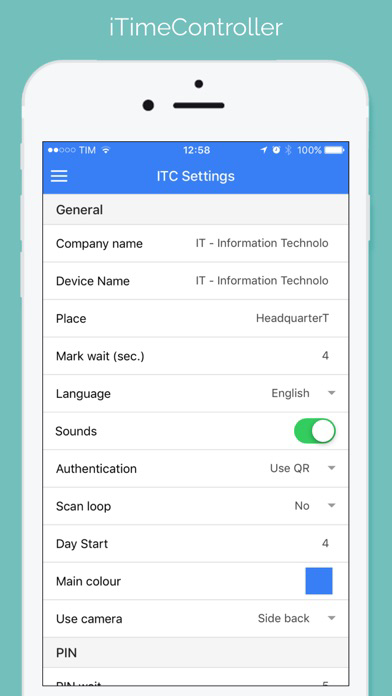
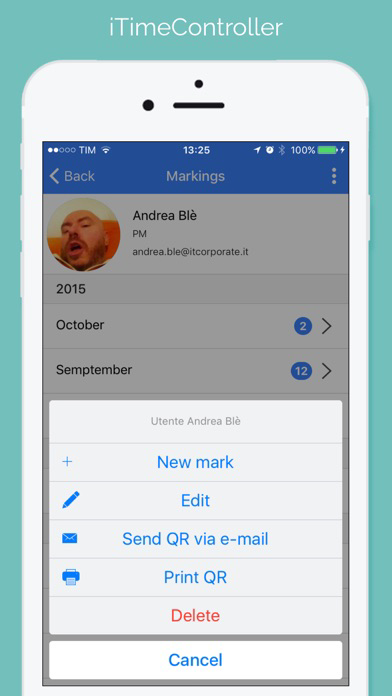
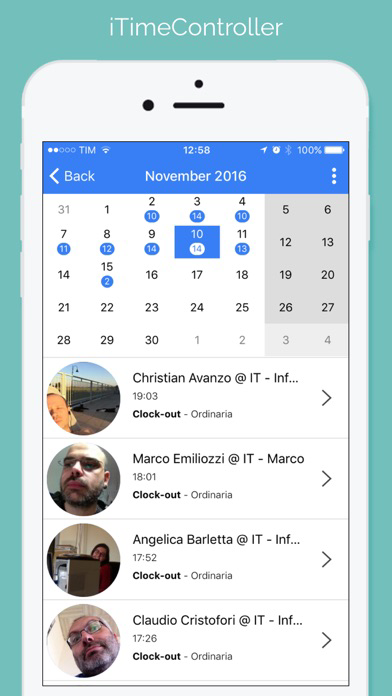
iTimeController Screenshots
iTimeController posteriTimeController posteriTimeController posteriTimeController poster

About iTimeController

Use your iPad and iPhone for monitoring your employees and personnel presence at a given location. You will have a real-time situation in each of your departments/offices. A tool to check out lunch breaks and missions. To export data into Excel for secure information. Ideal for small and medium-sized companies, but also for professional studies, training courses and conferences. Throw away your old card and track people electronically with a safe and economical QR Code.
Configuration Steps to follow:
1) Create an account (Company) by choosing an Email (to be checked) and a password.
2) Identify up to 3 "employees" with Name, Surname, Email and Serial number (the first 3 employees are for free, others can be purchased through the In-App Purchase). Send the QR code by e-mail to each "employee" by using the “Send QR” button directly from the app. They will be able to proceed with the check in.
3) Give a name to your device that will identify a check in point (presence surveyor) for your business. You can settle more "presence surveyors" for multiple locations and / or multiple entries of the same company.
4) At this point you can start using your iPad / iPhone as a presence surveyor and presence control application.

Web Backoffice
http://www.itimecontroller.com

If you have any issues or/and suggestions , please email itimecontroller@itechnologies.it for assistance.

Show More

What's New in the Latest Version 4.1.5

Last updated on May 22, 2020
Old Versions
General Fix
Show More
Version History
4.1.5
May 22, 2020
General Fix

iTimeController FAQ

Click here to learn how to download iTimeController in restricted country or region.
Check the following list to see the minimum requirements of iTimeController.
iPhone
iPad

iTimeController Alternative

You May Also Like

Get more from IT - Information Technologies srl