Age Rating
4+
Apps in this category do not contain restricted content.
9+
Apps in this category may contain mild or occasional cartoon, fantasy or real-life violence, as well as occasional or mild adult, sexually suggestive or horrifying content and may not be suitable for children under 9 years of age.
12+
Apps in this category may contain occasional mild indecent language, frequent or intense cartoon or real-life violence, minor or occasional adult or sexually suggestive material, and simulated gambling, and may be for children under 12 years of age.
17+
You must be at least 17 years old to access this App.
Apps in this category may contain frequent and intense offensive language; Frequent and intense cartoon, fantasy or realistic violence: frequent and intense adult, scary and sexually suggestive subjects: as well as sexual content, nudity, tobacco, alcohol and drugs, may not be suitable for children under 17 years of age.
Keeping! Screenshots
Keeping! posterKeeping! posterKeeping! posterKeeping! posterKeeping! poster

About Keeping!

Keeping!

※※※Features※※※

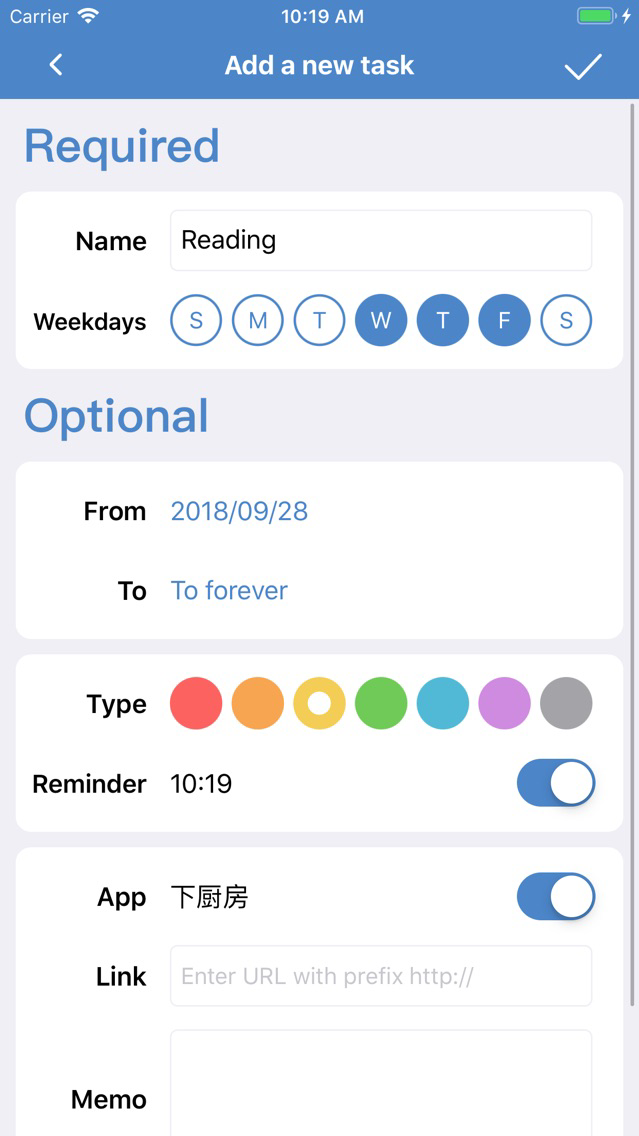
- Add a new task: You can set a variety of properties of tasks, including: on which weekday to do, end date, reminder time, category, memo, link, image, app to open, etc.

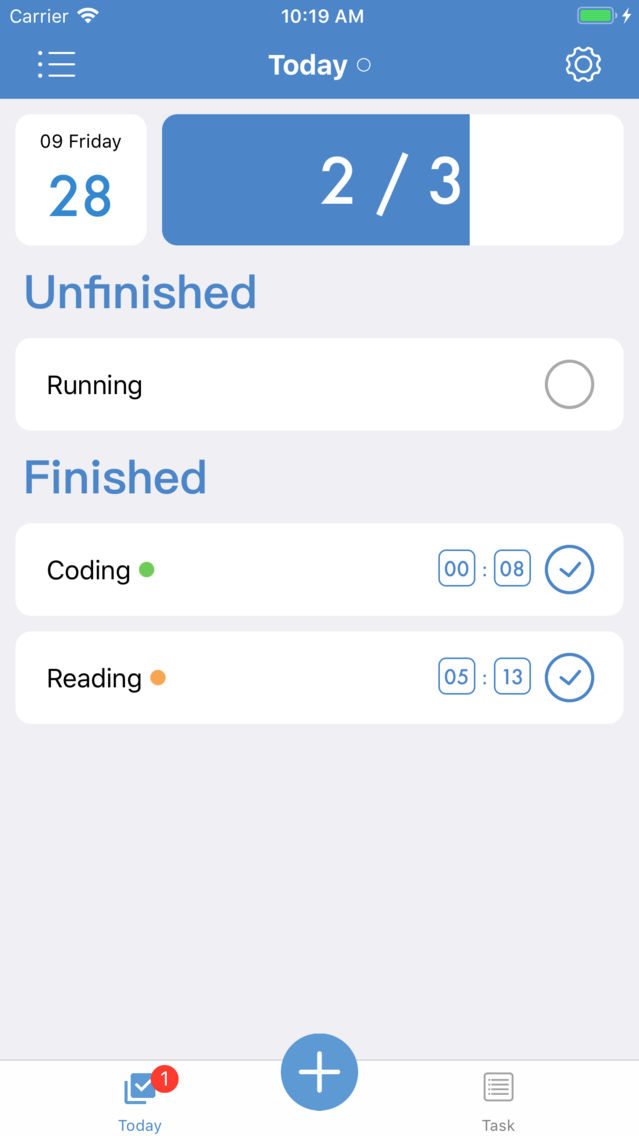
- Mark task as finished everyday: Just a tap on a button, you can mark your task as finished easily. If you tapped on the wrong task, just tap again to cancel it. You can also select another date to see how your progress is on that day.

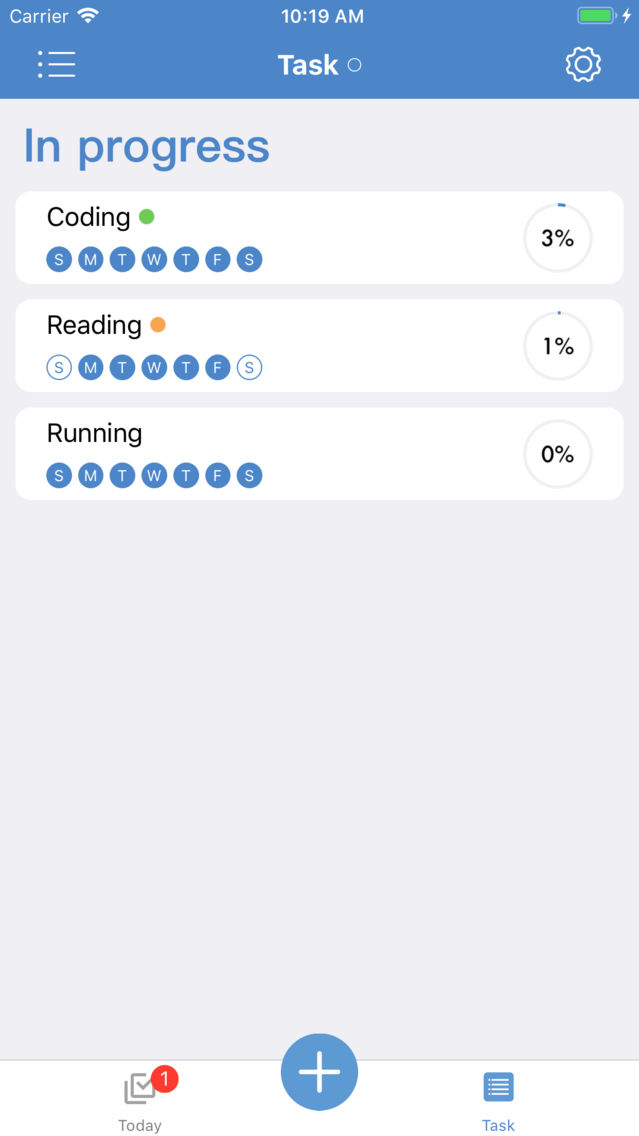
- Task management: Your own task manager, can sort tasks according to 5 properties, can edit every task after adding. Can filter tasks by weekday or category.

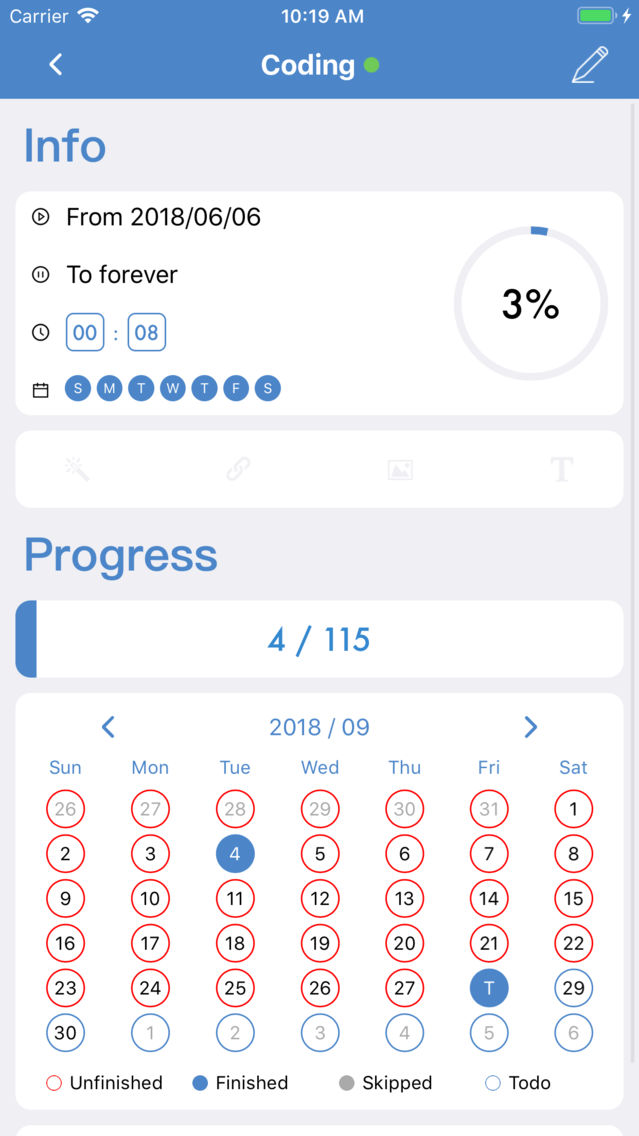
- Calendar view: Tap on a task and you can see on which days you didn't finish the task. If you forgot to mark it, you can just tap on the date and fix that little mistake. If you have something occupied on that day, you can also skip that date.

- Notification: Use 3D Touch to mark the task within 1 second!

- Widget: See your unfinished tasks today on the widget.

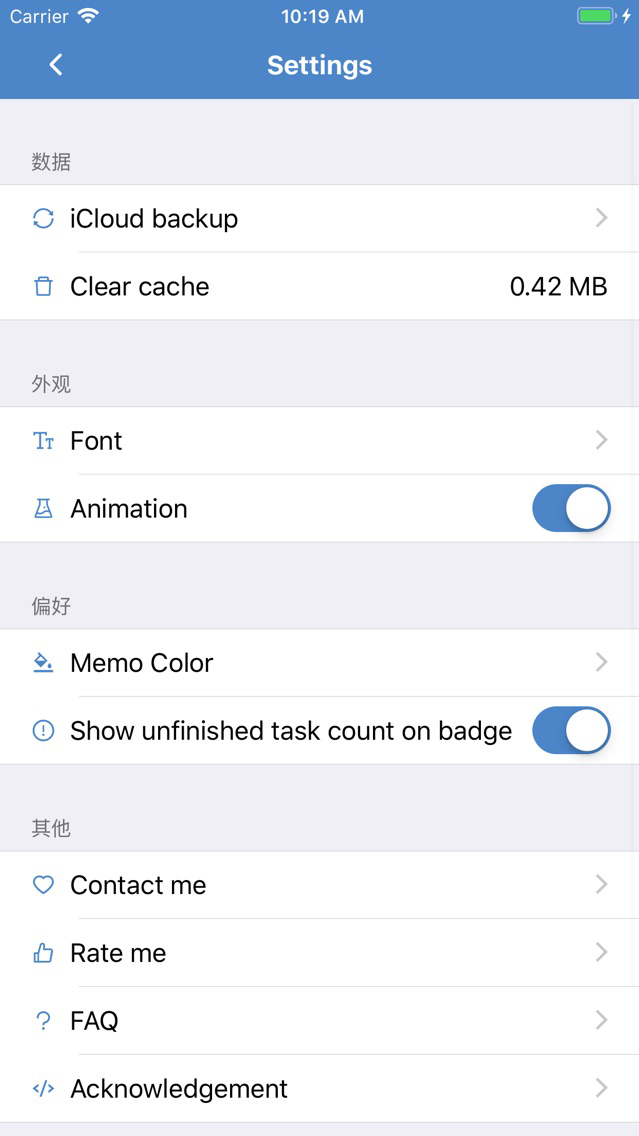
- Backup: Use iCloud to upload / download your local data.

- Apple Watch: Mark your tasks as finished on your Apple Watch!

I sincerely hope that this Keeping! app can help you manage your daily tasks, and improve your efficiency.

※※※Contact Me※※※

Email / iMessage: krayc425@gmail.com

Show More

What's New in the Latest Version 1.6.4

Last updated on Feb 16, 2019
Old Versions
※Fix bug
- Fix the bug that notifications still prompt after the end date of a task.
Show More
Version History
1.6.4
Feb 16, 2019
※Fix bug
- Fix the bug that notifications still prompt after the end date of a task.

Keeping! FAQ

Click here to learn how to download Keeping! in restricted country or region.
Check the following list to see the minimum requirements of Keeping!.
iPhone
Keeping! supports Chinese, English

Keeping! Alternative

You May Also Like

Get more from Kuixi Song