Kronos KapApp
Free
1.1for iPhone, iPad
Age Rating
Kronos KapApp Screenshots
About Kronos KapApp
NOTE: KapApp can only be used by employees of accredited Kronos Partners and Kronos Incorporated who have completed a Kronos Sizing Workshop. Questions about sizing or accreditation? Contact Kronos through your Channel Manager, the Partner Portal, or the Technology Services Management team.
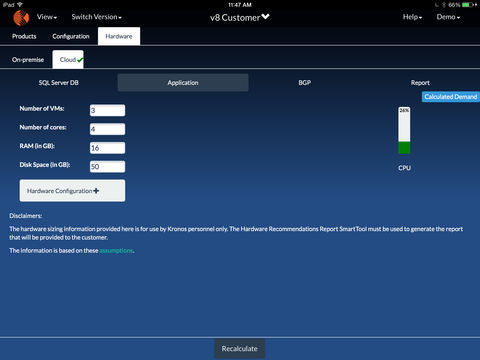
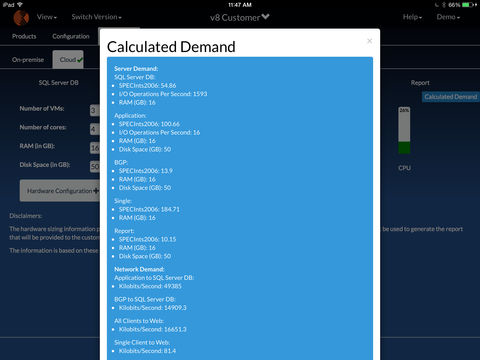
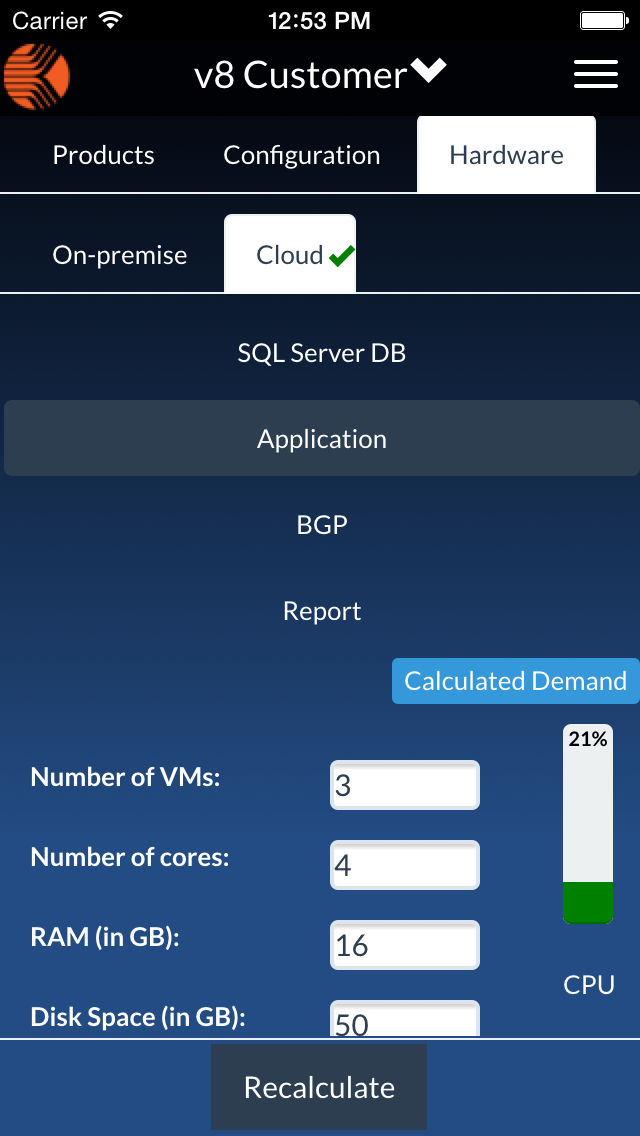
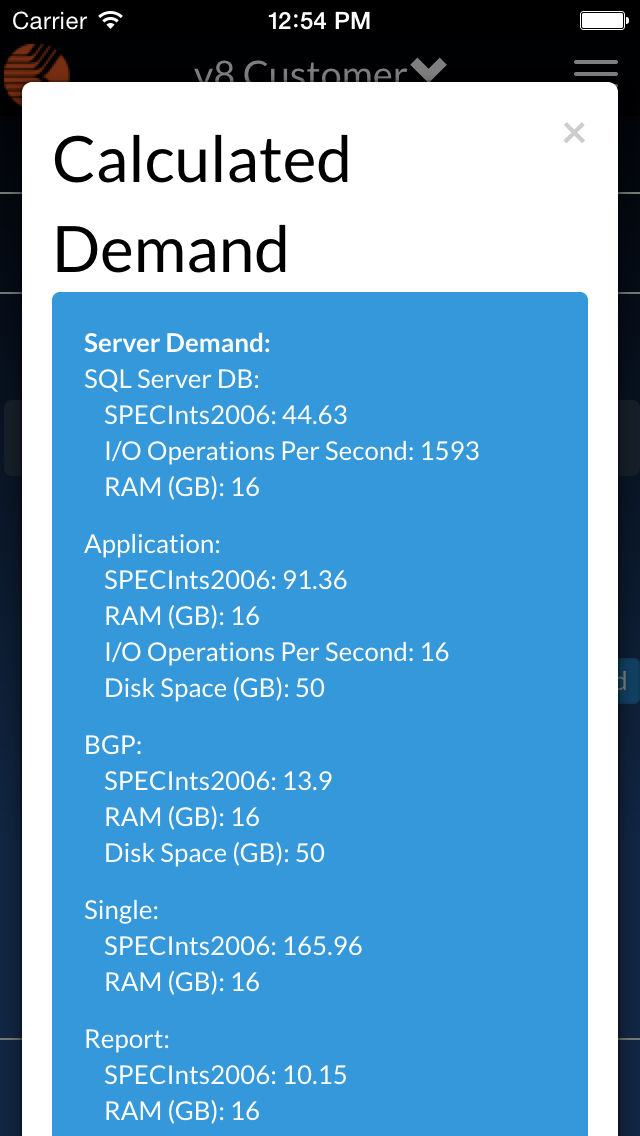
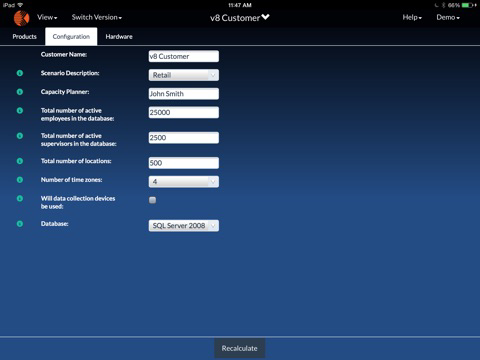
KapApp is the new, modernized capacity modeling and sizing tool for Kronos Channel Partners and employees, now available on your mobile device. Select the Kronos Workforce Central and Workforce Analytics products, answer some basic questions, and KapApp will calculate the hardware and software requirements.
Features:
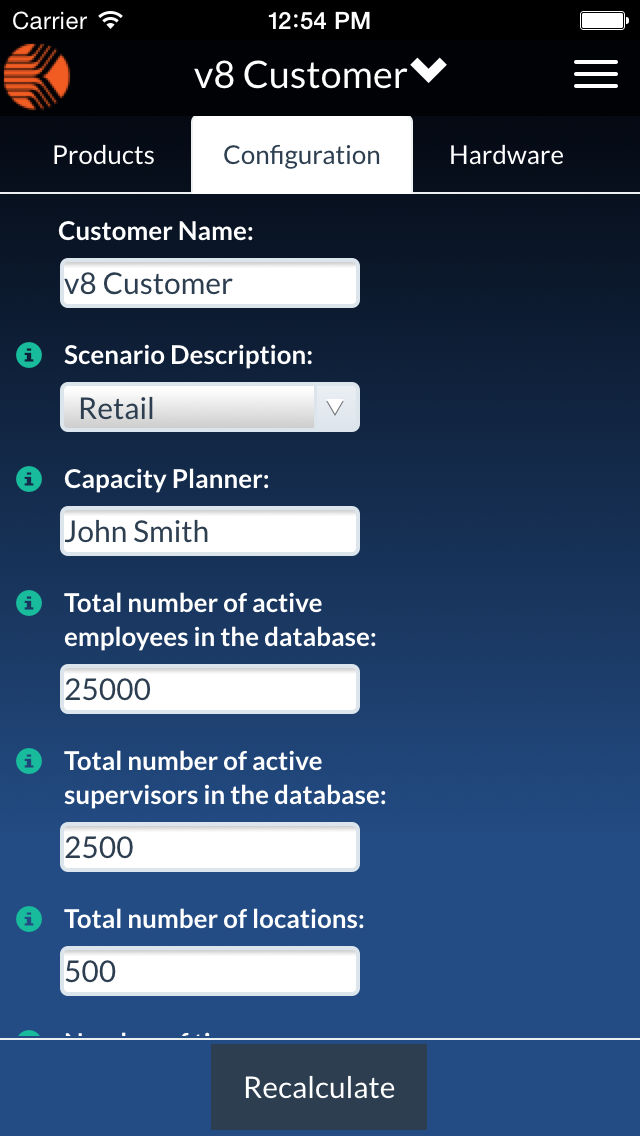
• Fast and easy to use – There are only 8 required business friendly questions you will need to answer to size a solution using KapApp.
• Online Storage of Files – Files are saved through the application and can be opened from anywhere.
• Collaboration – Files can be opened and reviewed by others without emailing the information back and forth.
• Best Practices Validation – After implementation, give the host and credentials of a customer’s Workforce Central application server, and KapApp will validate the WFC properties against Performance Best Practices and let you know if there is a missed best practice setting or if any of the settings that doesn’t match the recommended optimal settings.

KapApp is the new, modernized capacity modeling and sizing tool for Kronos Channel Partners and employees, now available on your mobile device. Select the Kronos Workforce Central and Workforce Analytics products, answer some basic questions, and KapApp will calculate the hardware and software requirements.
Features:
• Fast and easy to use – There are only 8 required business friendly questions you will need to answer to size a solution using KapApp.
• Online Storage of Files – Files are saved through the application and can be opened from anywhere.
• Collaboration – Files can be opened and reviewed by others without emailing the information back and forth.
• Best Practices Validation – After implementation, give the host and credentials of a customer’s Workforce Central application server, and KapApp will validate the WFC properties against Performance Best Practices and let you know if there is a missed best practice setting or if any of the settings that doesn’t match the recommended optimal settings.
Show More
What's New in the Latest Version 1.1
Last updated on Jun 27, 2015
Version History
1.1
Jun 27, 2015
Kronos KapApp FAQ
Click here to learn how to download Kronos KapApp in restricted country or region.
Check the following list to see the minimum requirements of Kronos KapApp.
iPhone
iPad
Kronos KapApp supports English