LBS View

LBS View


Free

1.7.0for iPhone, iPad
Techjini
Developer
Apr 14, 2021
Update Date
Business
Category
Age Rating
4+
Apps in this category do not contain restricted content.
9+
Apps in this category may contain mild or occasional cartoon, fantasy or real-life violence, as well as occasional or mild adult, sexually suggestive or horrifying content and may not be suitable for children under 9 years of age.
12+
Apps in this category may contain occasional mild indecent language, frequent or intense cartoon or real-life violence, minor or occasional adult or sexually suggestive material, and simulated gambling, and may be for children under 12 years of age.
17+
You must be at least 17 years old to access this App.
Apps in this category may contain frequent and intense offensive language; Frequent and intense cartoon, fantasy or realistic violence: frequent and intense adult, scary and sexually suggestive subjects: as well as sexual content, nudity, tobacco, alcohol and drugs, may not be suitable for children under 17 years of age.
LBS View Screenshots
LBS View posterLBS View poster
LBS View posterLBS View posterLBS View posterLBS View posterLBS View poster

About LBS View

You have people, assets and vehicles on the go and need the convenience of LBS View to enable you to track, manage and monitor the location of any GPS or cellular-enabled device. For your diverse workforce, LBS View is also available in Spanish and Portuguese.
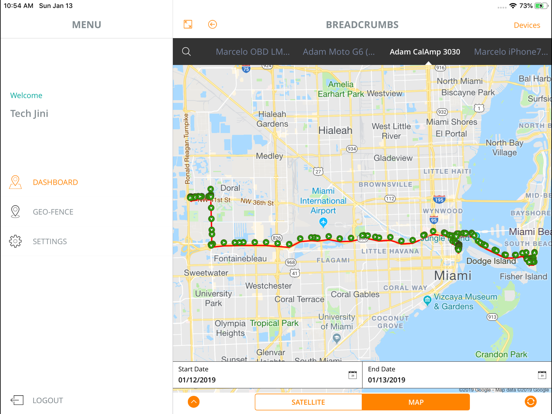
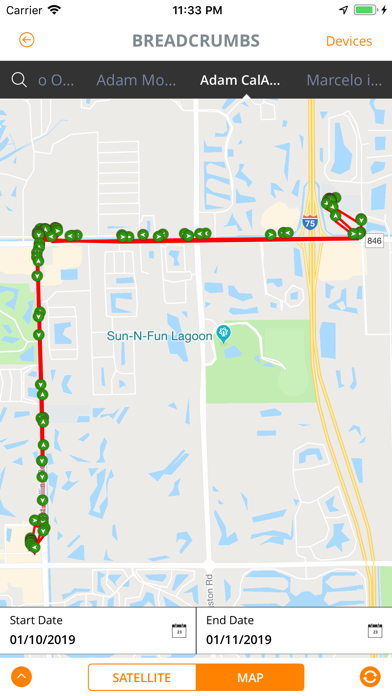
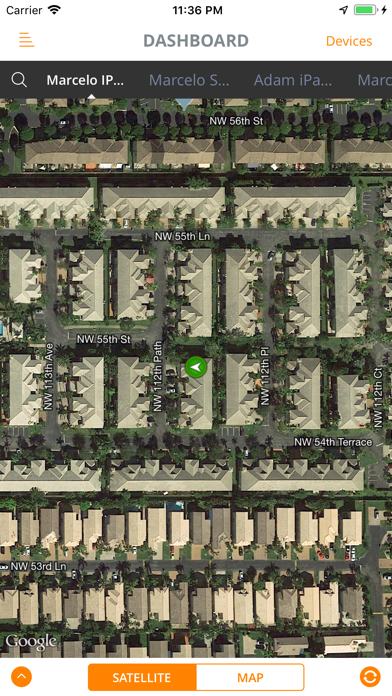
When used with a location-based-services platform, LBS View enables you to see where all your assets are located with history breadcrumbs that shows where your assets have travelled. Each time you refresh the mobile screen, you can also see your asset’s last known location. LBS View supports Google Street view, so you can experience a 360 degree realistic visual image for wherever your assets go.
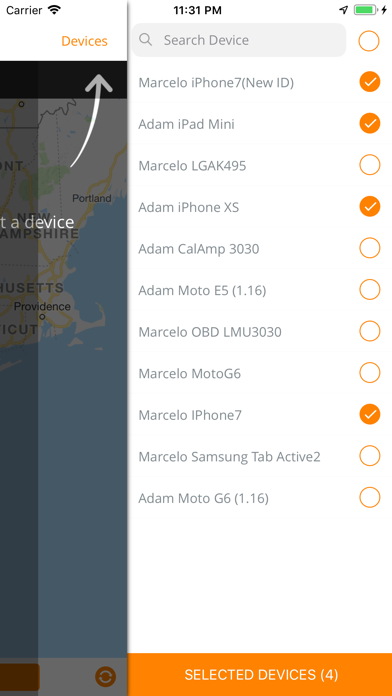
Use LBS View to display the status for your tracking devices. For vehicle telematics, you can view whatever data your devices report, such as fuel levels, battery-level, trip distance, trip duration, speed, direction and more. The application also supports reverse geo-coding, translating latitude and longitude to location addresses.

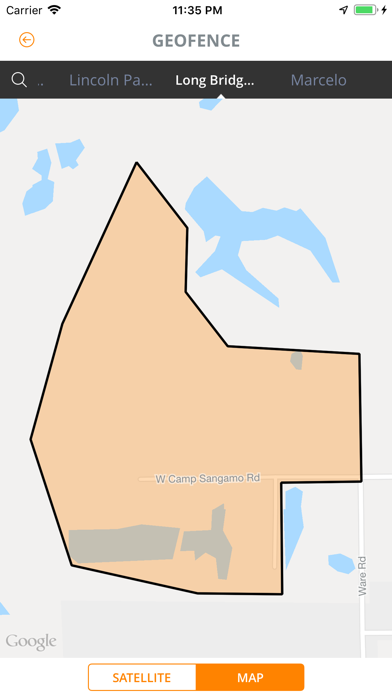
To make sure your assets are not straying to undesirable places or areas, use LBS View to view your pre-set geo-fences to see if your assets are situated where you expect them to be.
With LBS View, you have the mobility, convenience and flexibility to go anywhere, at any time, to manage your people, assets and vehicles.

Show More

What's New in the Latest Version 1.7.0

Last updated on Apr 14, 2021
Old Versions
Updated the icon.
Show More
Version History
1.7.0
Apr 14, 2021
Updated the icon.

LBS View FAQ

Click here to learn how to download LBS View in restricted country or region.
Check the following list to see the minimum requirements of LBS View.
iPhone
iPad

LBS View Alternative

You May Also Like

Get more from Techjini