Lights Master
$7.99
1.1for iPhone, iPad
Age Rating
Lights Master Screenshots
About Lights Master
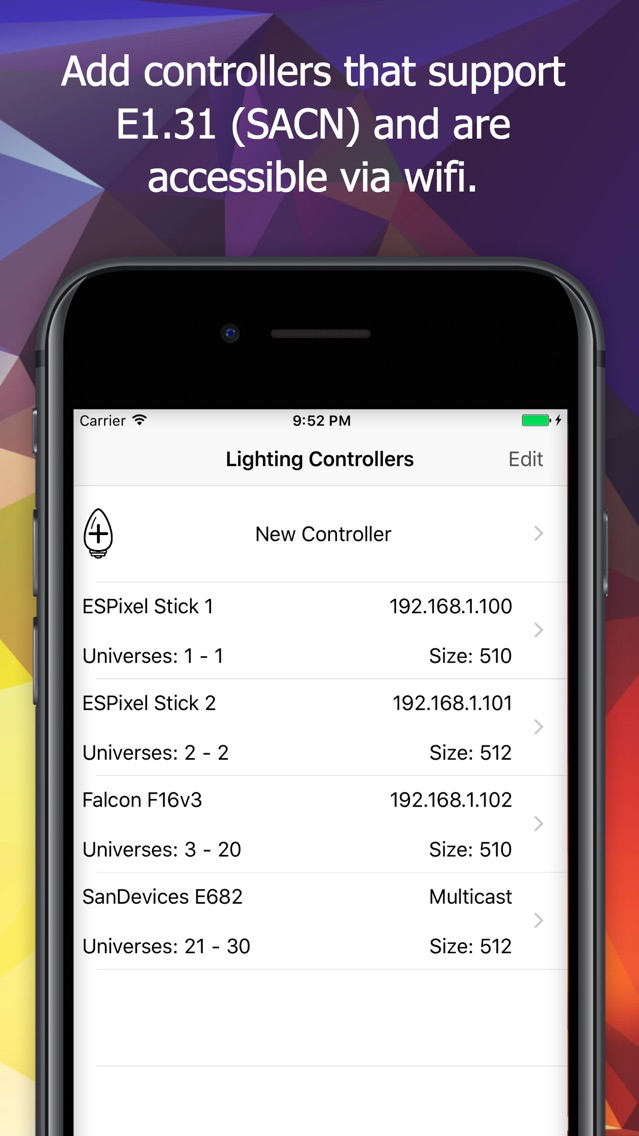
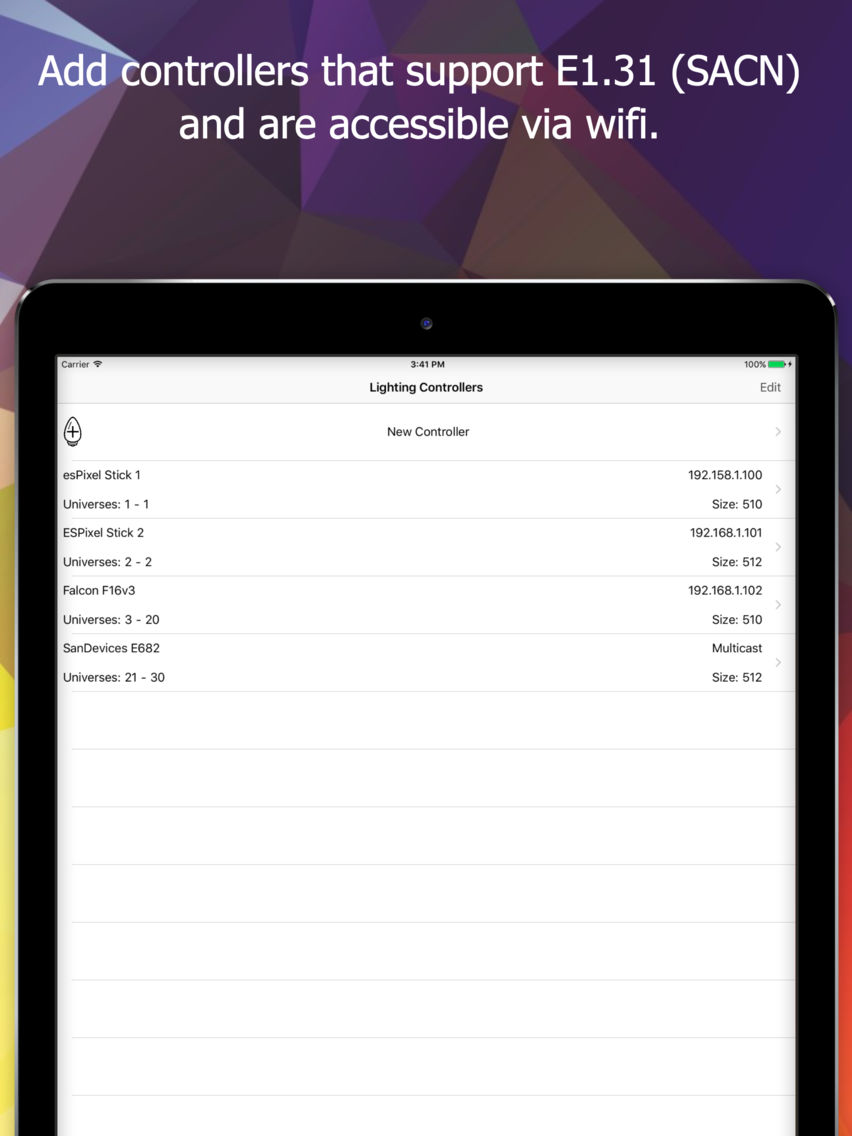
Lights Master gives users the ability to send Streaming ACN (E1.31) data to a variety of lighting controllers over a wireless network. This app is used in conjunction with RGB Pixel lighting controllers such as the Falcon F16v3 or F4v3, the San Devices E682 or E6804, ESPixelSticks, HolidayCoro's AlphaPix, Light-O-Rama's PixCon16, or any other controller that receives E1.31 (DMX over Ethernet) data.
Lights Masters allows you to:
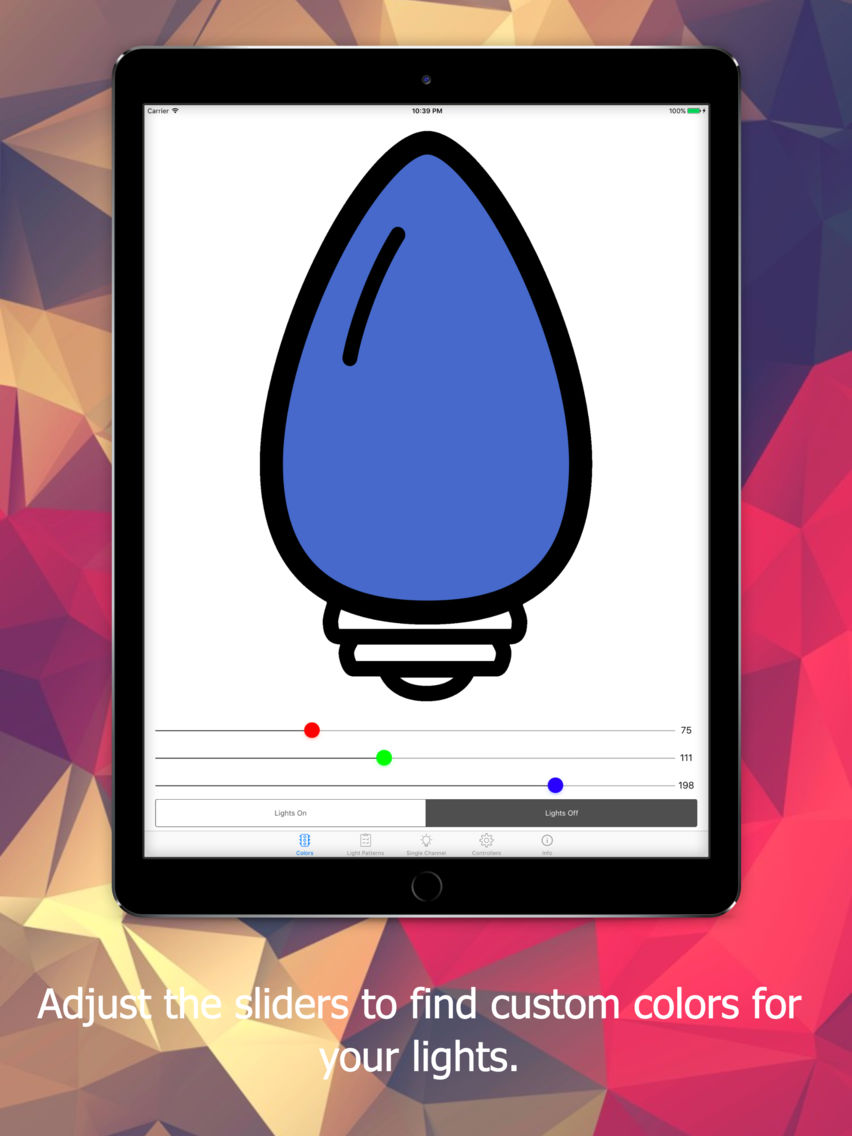
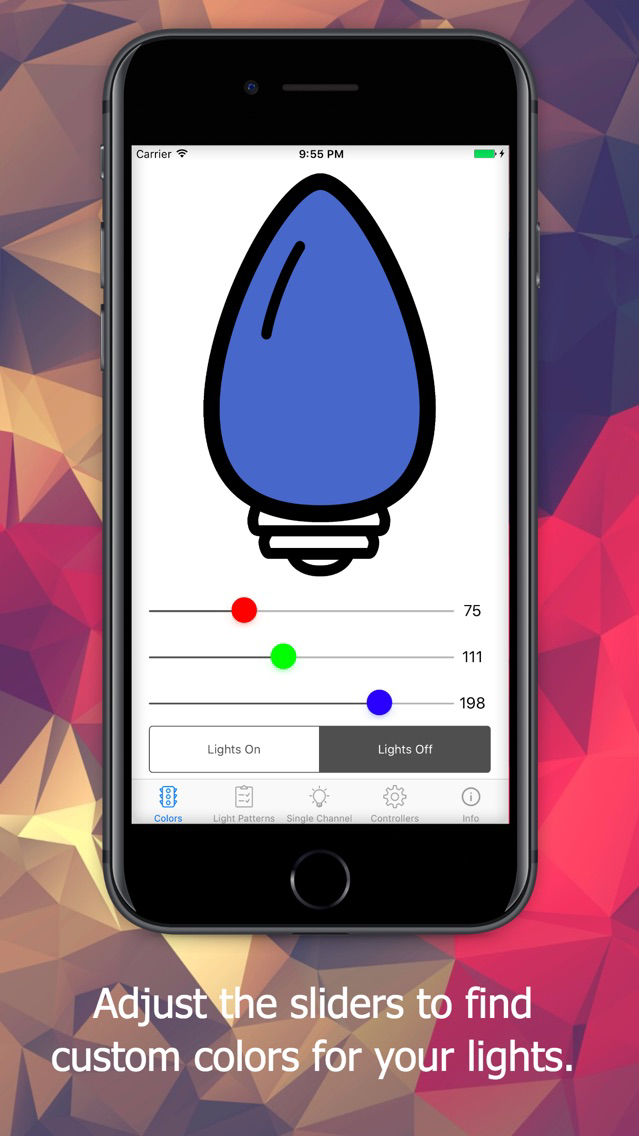
- Test colors using RGB sliders
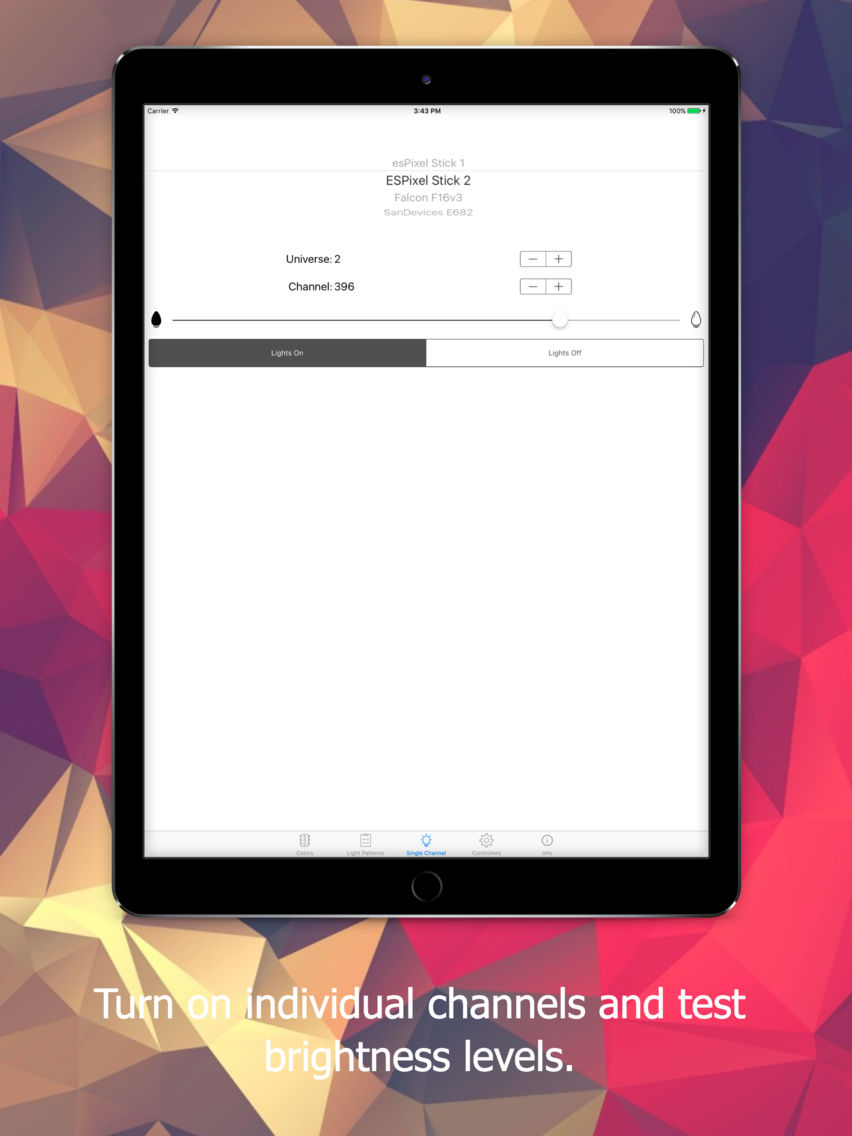
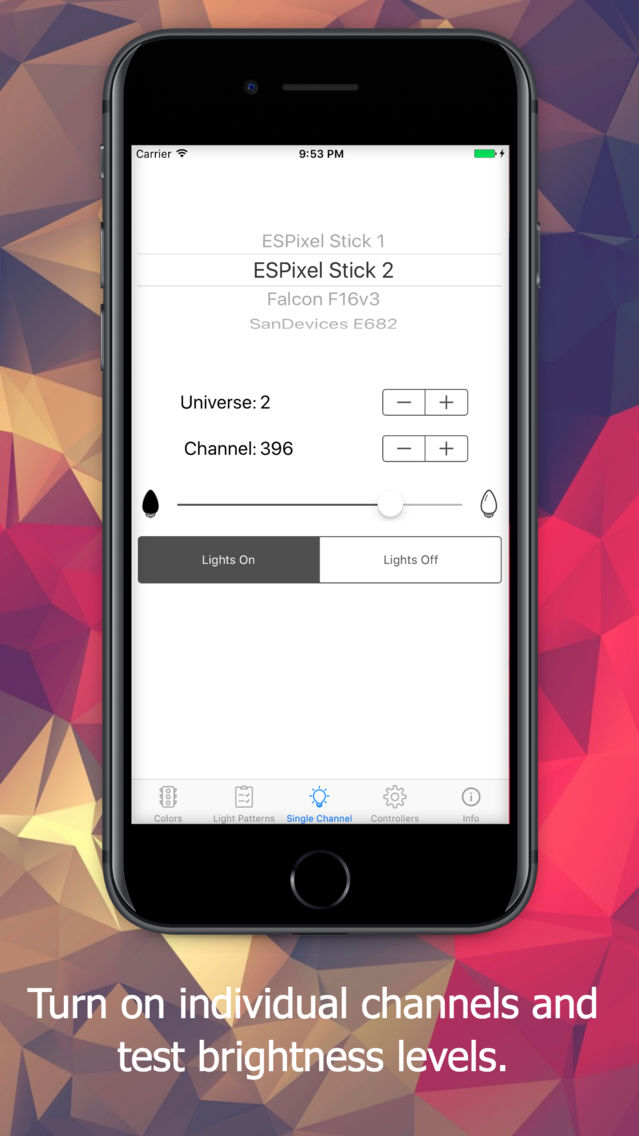
- Test single channel lights at varying intensities
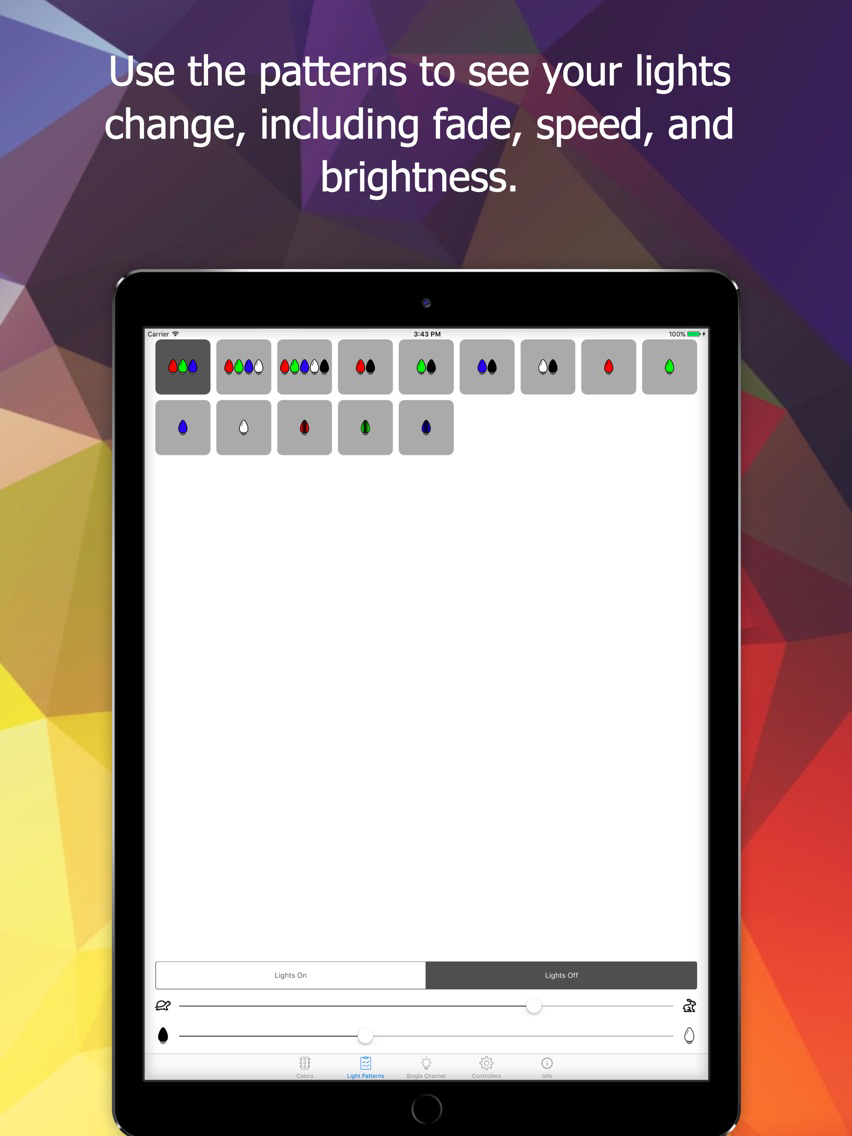
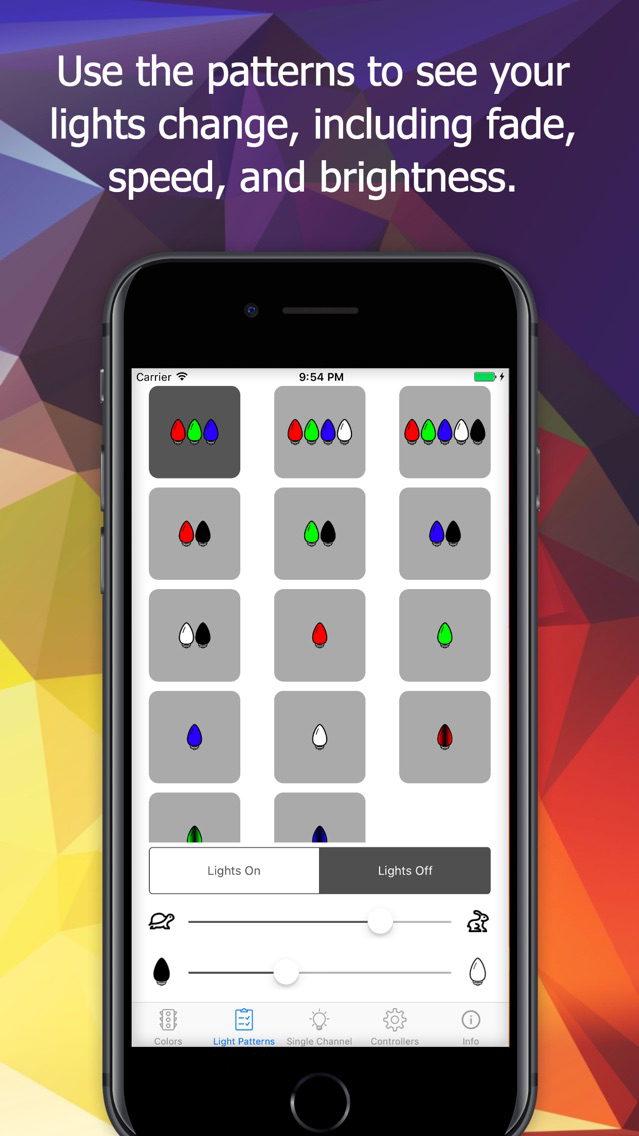
- Use provided patterns to test lighting displays at varying intensities and speeds
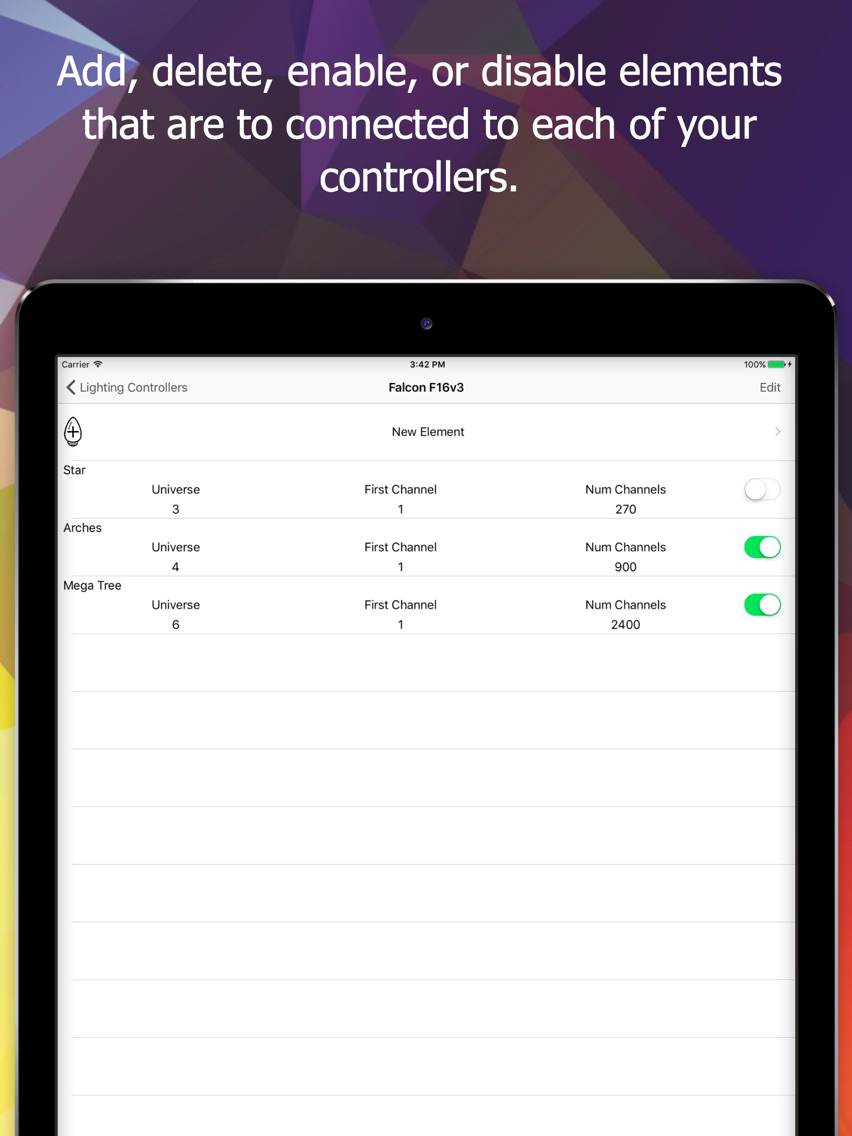
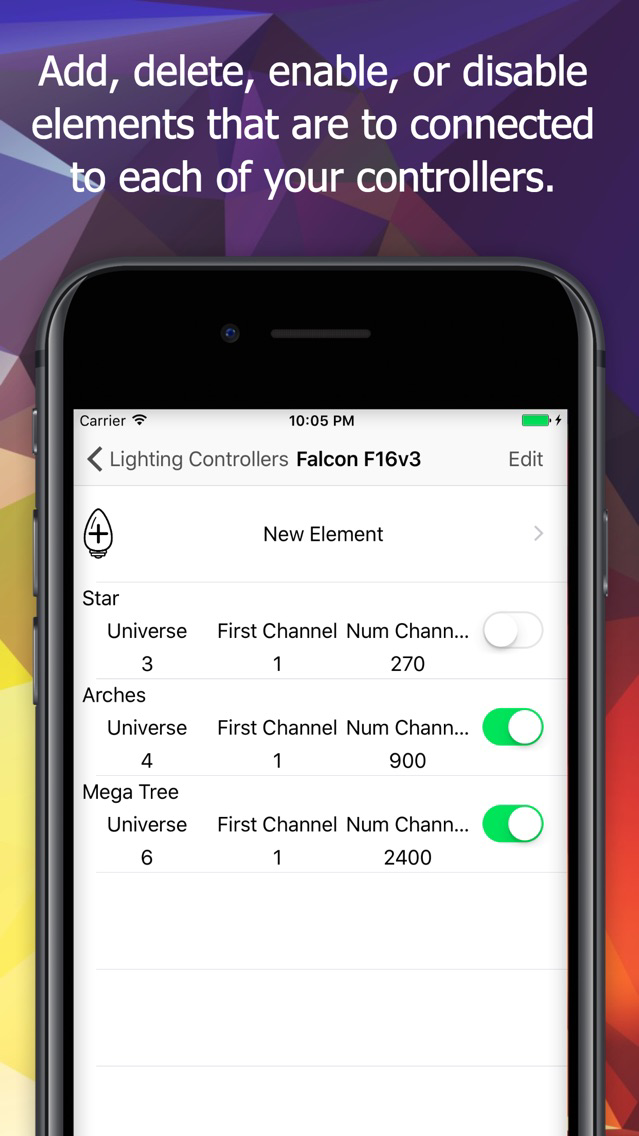
- Add, Store, and Modify lighting elements within your display

Lights Masters allows you to:
- Test colors using RGB sliders
- Test single channel lights at varying intensities
- Use provided patterns to test lighting displays at varying intensities and speeds
- Add, Store, and Modify lighting elements within your display
Show More
What's New in the Latest Version 1.1
Last updated on Oct 17, 2017
Old Versions
- For halloween, we've got some new orange and purple patterns added into the pattern screen.
- We've added an auto-increment function to the single channel screen that automatically moves through all of the channels in a universe, and then rolls into the next universe on the controller.
- We've fixed a misleading error when trying to create an element with a starting channel greater than the universe size.
- We've added an auto-increment function to the single channel screen that automatically moves through all of the channels in a universe, and then rolls into the next universe on the controller.
- We've fixed a misleading error when trying to create an element with a starting channel greater than the universe size.
Show More
Version History
1.1
Oct 17, 2017
- For halloween, we've got some new orange and purple patterns added into the pattern screen.
- We've added an auto-increment function to the single channel screen that automatically moves through all of the channels in a universe, and then rolls into the next universe on the controller.
- We've fixed a misleading error when trying to create an element with a starting channel greater than the universe size.
- We've added an auto-increment function to the single channel screen that automatically moves through all of the channels in a universe, and then rolls into the next universe on the controller.
- We've fixed a misleading error when trying to create an element with a starting channel greater than the universe size.
Lights Master FAQ
Click here to learn how to download Lights Master in restricted country or region.
Check the following list to see the minimum requirements of Lights Master.
iPhone
iPad
Lights Master supports English