LiteBee
Free
4.3.3for iPhone, iPad
Age Rating
LiteBee Screenshots
About LiteBee
Enjoy your drone with a mobile phone!
LiteBee is a series of educational drones for kids’ all-around development, allowing kids to learn while having fun. With different features, these drones help kids to learn to program, develop hands-on, inspire curiosity and creativity.
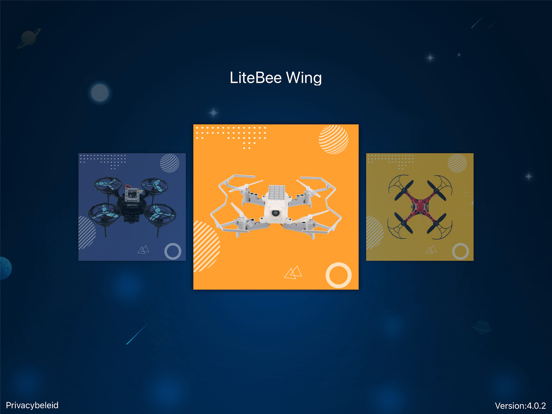
For a better and convenient experience, LiteBee developed this App. The App makes your mobile phone become a controller, an FPV monitor, a programming computer, and a camera. It can be applied to different drones: LiteBee Wing, Crazepony, Ghost II
With the App, when connecting with drones we can:
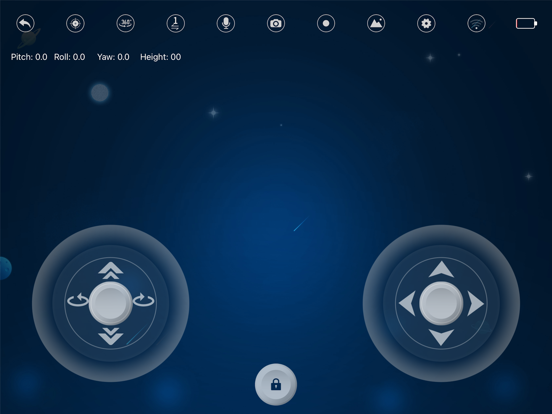
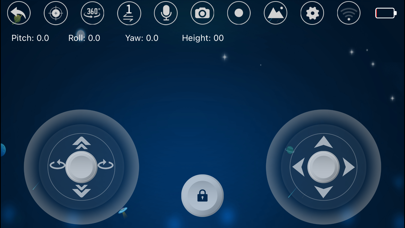
Fly the drone without the controller
Connect your phone with the drone by WiFi, to make your phone become a controller, then you can enjoy the fun of flight.
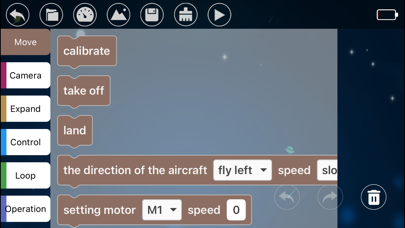
Programming
Almost all drones of the LiteBee series support programming. Besides computers, we also can make a program to fly these drones by mobile phone.
Fly with FPV
After connected with Ghost II or LiteBee Wing, the drone could display the image of the front camera synchronously. That allows the pilot to watch the sky by the view of a “bird’s eyes”
Take photos or videos
As the mobile phone connected with a camera of drones, the pilot can take photos/videos by phone to keep the treasured image.

LiteBee is a series of educational drones for kids’ all-around development, allowing kids to learn while having fun. With different features, these drones help kids to learn to program, develop hands-on, inspire curiosity and creativity.
For a better and convenient experience, LiteBee developed this App. The App makes your mobile phone become a controller, an FPV monitor, a programming computer, and a camera. It can be applied to different drones: LiteBee Wing, Crazepony, Ghost II
With the App, when connecting with drones we can:
Fly the drone without the controller
Connect your phone with the drone by WiFi, to make your phone become a controller, then you can enjoy the fun of flight.
Programming
Almost all drones of the LiteBee series support programming. Besides computers, we also can make a program to fly these drones by mobile phone.
Fly with FPV
After connected with Ghost II or LiteBee Wing, the drone could display the image of the front camera synchronously. That allows the pilot to watch the sky by the view of a “bird’s eyes”
Take photos or videos
As the mobile phone connected with a camera of drones, the pilot can take photos/videos by phone to keep the treasured image.
Show More
What's New in the Latest Version 4.3.3
Last updated on May 13, 2026
Old Versions
Fix the Bugs
Show More
Version History
4.3.3
May 13, 2026
Fix the Bugs
LiteBee FAQ
Click here to learn how to download LiteBee in restricted country or region.
Check the following list to see the minimum requirements of LiteBee.
iPhone
iPad