Locker Password Manager
Free
2.10for iPhone, iPad
Age Rating
Locker Password Manager Screenshots
About Locker Password Manager
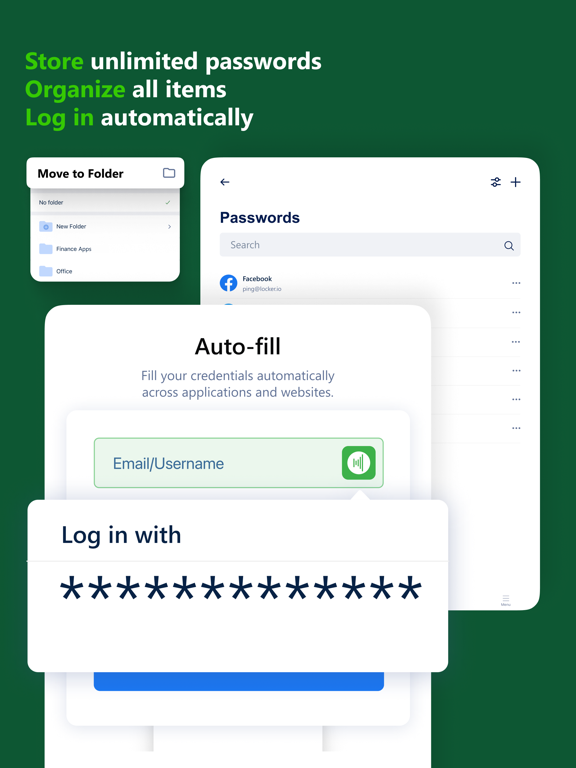
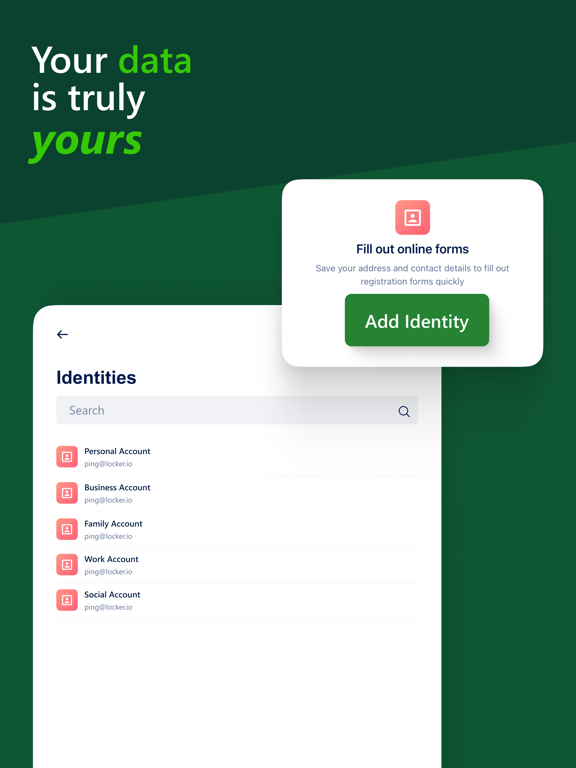
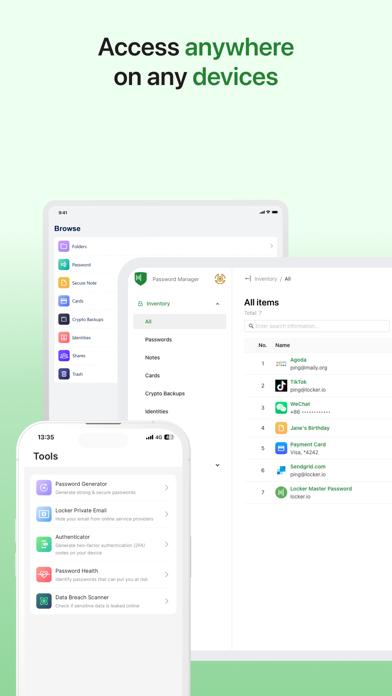
Locker is a cross-platform vault that helps users secure sensitive data such as logins and passwords, secret notes, payment cards, and online identities. It also offers additional features to enhance your browsing experiences like password autofill, item sharing, and more.
Why choose Locker over other password managers?
1. Security
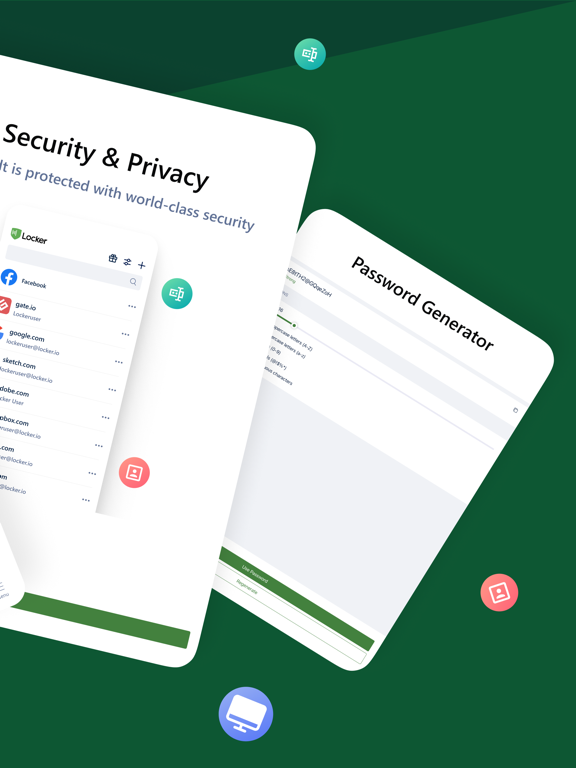
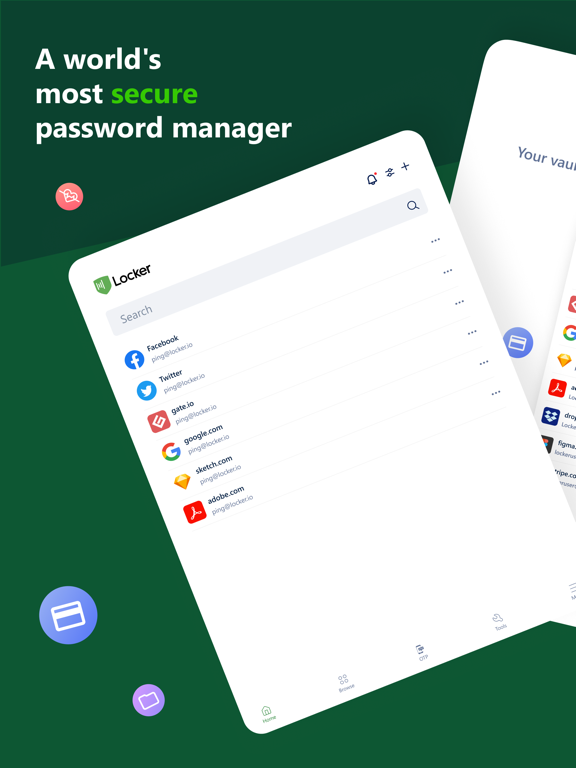
Locker uses military-grade encryption to secure your data. AES-256bit encryption combined with PBKDF2 and RSA algorithm makes your data un-crackable.
Your vault is encrypted with a Master Password, which is the only key to decrypt your data.
2. Privacy & Transparency
Your Master Password is only yours. Nobody, even us, can see your Master Password thanks to Zero-knowledge architecture and End-to-end encryption.
Locker is an open-source product. Everyone can inspect its source code. We believe transparency is the key to better security.
3. Unlimited Sync
Once you add, edit, remove items in your Locker on a device, the data will be synced across all other devices.
4. Bring Your Passwords with You
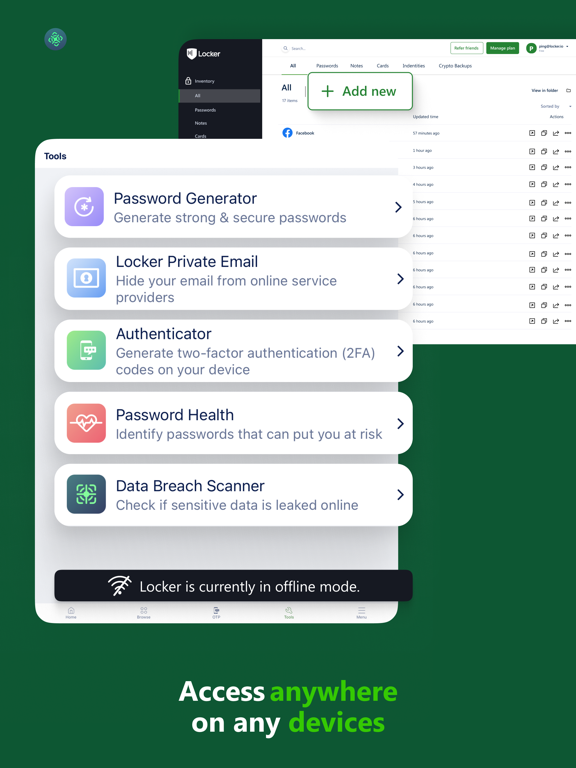
With Offline Mode, you can use Locker anywhere, anytime, even when your phone is not connected to the internet.
No more password hassle.
Free Your Mind. Install Locker.
*Data is encrypted before leaving the current device.
**Offline Mode is only available on Locker mobile application.
Terms of Use: https://www.apple.com/legal/internet-services/itunes/dev/stdeula/

Why choose Locker over other password managers?
1. Security
Locker uses military-grade encryption to secure your data. AES-256bit encryption combined with PBKDF2 and RSA algorithm makes your data un-crackable.
Your vault is encrypted with a Master Password, which is the only key to decrypt your data.
2. Privacy & Transparency
Your Master Password is only yours. Nobody, even us, can see your Master Password thanks to Zero-knowledge architecture and End-to-end encryption.
Locker is an open-source product. Everyone can inspect its source code. We believe transparency is the key to better security.
3. Unlimited Sync
Once you add, edit, remove items in your Locker on a device, the data will be synced across all other devices.
4. Bring Your Passwords with You
With Offline Mode, you can use Locker anywhere, anytime, even when your phone is not connected to the internet.
No more password hassle.
Free Your Mind. Install Locker.
*Data is encrypted before leaving the current device.
**Offline Mode is only available on Locker mobile application.
Terms of Use: https://www.apple.com/legal/internet-services/itunes/dev/stdeula/
Show More
What's New in the Latest Version 2.10
Last updated on Apr 17, 2026
Old Versions
- Fix push notifications bugs
Show More
Version History
2.10
Apr 17, 2026
- Fix push notifications bugs
Locker Password Manager FAQ
Click here to learn how to download Locker Password Manager in restricted country or region.
Check the following list to see the minimum requirements of Locker Password Manager.
iPhone
iPad