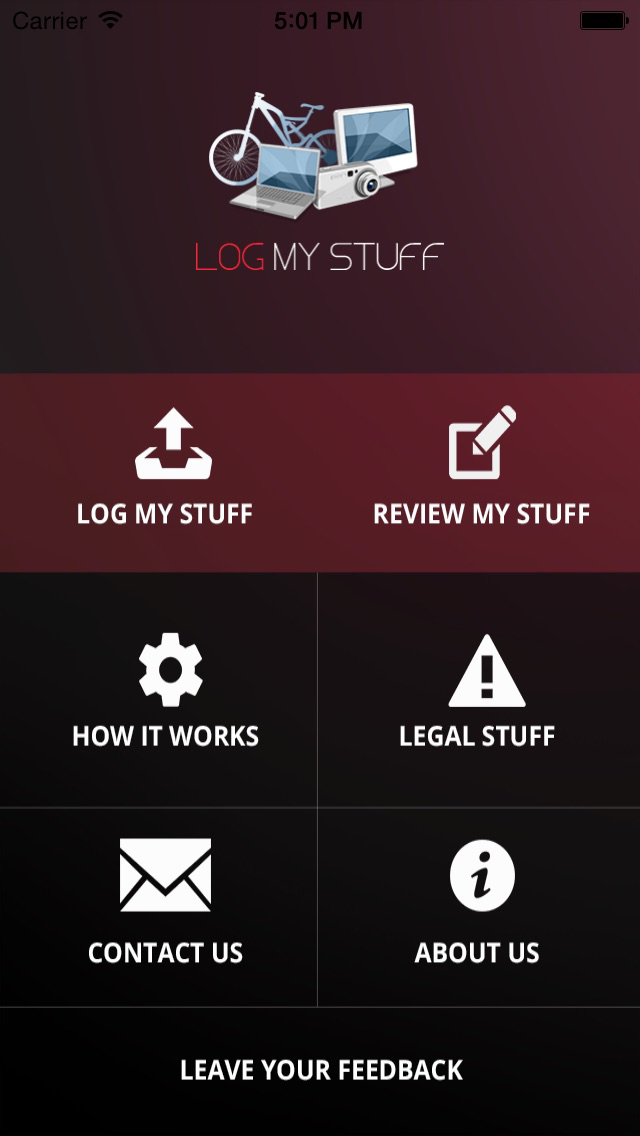
Got Stuff? Is it important to you? Of course it is! The LogMyStuff App allows you to quickly and easily create an inventory of everything you own. What if your stuff gets lost, stolen, or damaged in a fire? What if you need to prove what stuff you owned? A powerful and life-changing additional feature is the ability to add notes about who gave you stuff, from where, and for what occasion so you can preserve lasting memories of your stuff that you can pass along to family members or friends.
Log your stuff in 5 quick steps!
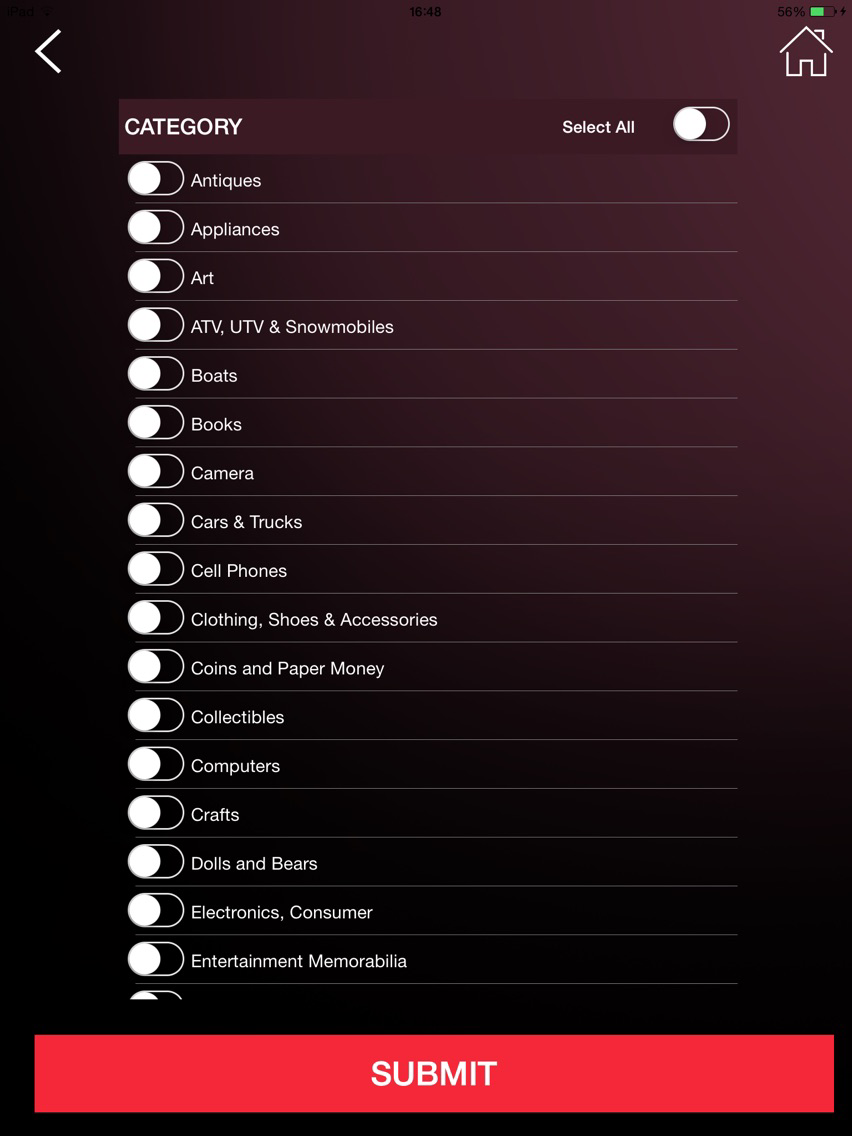
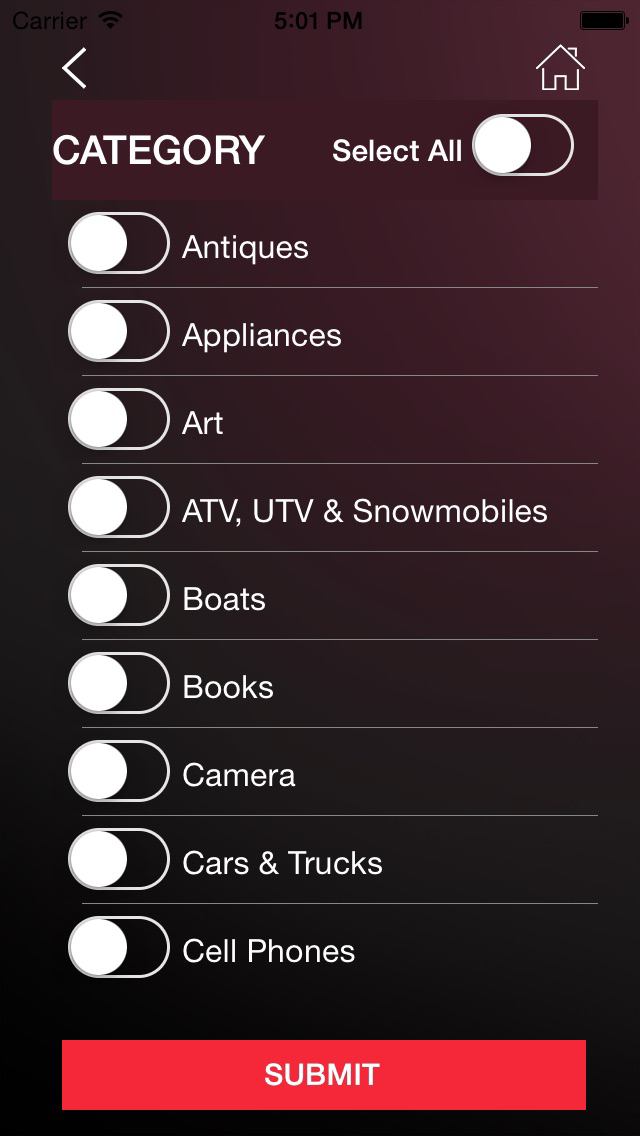
Step 1: Category and Description: Select a Category from a dropdown menu and then type in a description. You can be as general or specific as you'd like. These fields are a must!
Step 2: Location: Quickly select if the stuff is in your home, office or other. This field is a must!
Step 3: Where and When I Purchased: Enter the Price, Serial Number and Date of Purchase. These are icing on the cake, but not required. The more info the better! (Haven't you always wanted to do this?)
Step 4: My Notes: Add notes on who gave you stuff, for what occasion, anecdotes, quips, librettos, family stories and more! Have fun and create memories for your loved ones. Not required, but a vital way to spin material objects into emotional gold!
Step 5: Pictures: Add pictures of your stuff and if you have it, a picture of the receipt. More is better!
Once all your Stuff is logged, here is our recommendation:
Click on Review My Stuff
Select All and then Submit
On the top of the next page, there is an EmailAll link. Click on that and email yourself a PDf containing all your stuff. Save the file on a thumbdrive or print the PDF and put it somewhere safe, because...well...it’s a log of all YOUR STUFF!