Lucky Packaging
Free
1.8for iPhone
Age Rating
Lucky Packaging Screenshots
About Lucky Packaging
Devharsh Infotech Pvt Ltd wishes to share our expertise in the manufacturing of Thermal POS Rolls under the brand name "Lucky Packaging".
We pride ourselves on delivering High-Quality Thermal POS rolls that meet the stringent requirements of businesses in the Point-of-Sale Industry.
Our commitment to Excellence, coupled with years of experience in the field, has enabled us to become a trusted supplier in the market.
Download the app, register and order multipurpose thermal rolls.
We pride ourselves on delivering High-Quality Thermal POS rolls that meet the stringent requirements of businesses in the Point-of-Sale Industry.
Our commitment to Excellence, coupled with years of experience in the field, has enabled us to become a trusted supplier in the market.
Download the app, register and order multipurpose thermal rolls.
Show More
What's New in the Latest Version 1.8
Last updated on May 22, 2024
Old Versions
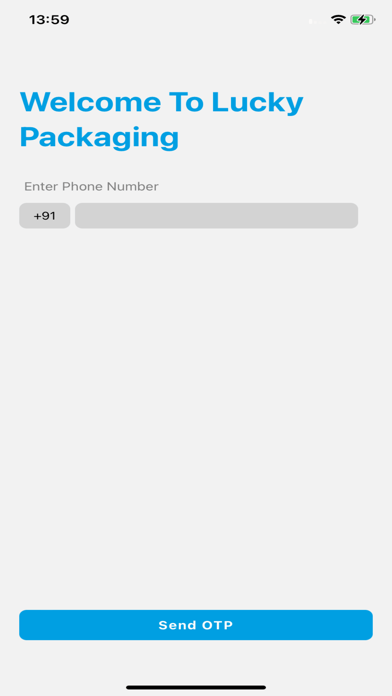
1. The SignIn and Send OTP buttons on the login page will display at the top of the keyboard; when the keyboard is closed, they will display at the bottom of the screen.
2. The title of the Order Listing page has changed from "Order Lists" to "My Order List."
3. Display the application version in the menu.
4. Add a comma (,) in price, for example: 3000 = 3,000; 30000 = 30,000; 300000 = 300,000.
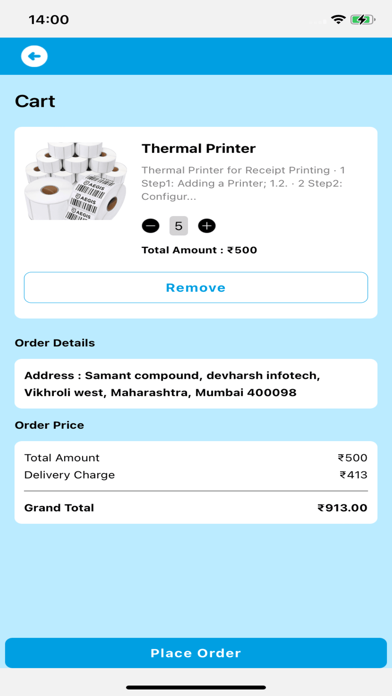
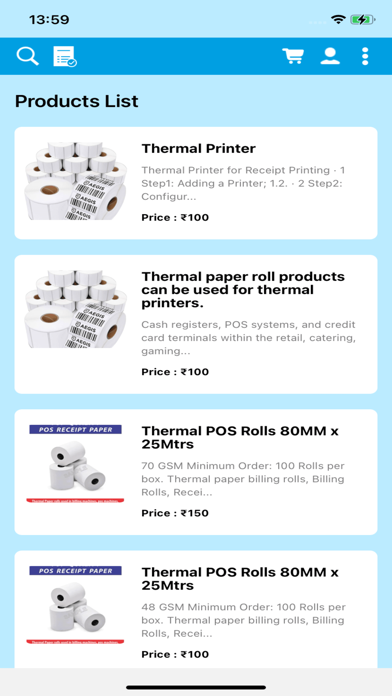
5. Resize and display the full image on the home screen, product details page,cart page, and order details page.
6. Assign a color to the order status on the order listing page and the order details page.

2. The title of the Order Listing page has changed from "Order Lists" to "My Order List."
3. Display the application version in the menu.
4. Add a comma (,) in price, for example: 3000 = 3,000; 30000 = 30,000; 300000 = 300,000.
5. Resize and display the full image on the home screen, product details page,cart page, and order details page.
6. Assign a color to the order status on the order listing page and the order details page.
Show More
Version History
1.8
May 22, 2024
1. The SignIn and Send OTP buttons on the login page will display at the top of the keyboard; when the keyboard is closed, they will display at the bottom of the screen.
2. The title of the Order Listing page has changed from "Order Lists" to "My Order List."
3. Display the application version in the menu.
4. Add a comma (,) in price, for example: 3000 = 3,000; 30000 = 30,000; 300000 = 300,000.
5. Resize and display the full image on the home screen, product details page,cart page, and order details page.
6. Assign a color to the order status on the order listing page and the order details page.
2. The title of the Order Listing page has changed from "Order Lists" to "My Order List."
3. Display the application version in the menu.
4. Add a comma (,) in price, for example: 3000 = 3,000; 30000 = 30,000; 300000 = 300,000.
5. Resize and display the full image on the home screen, product details page,cart page, and order details page.
6. Assign a color to the order status on the order listing page and the order details page.
Lucky Packaging FAQ
Click here to learn how to download Lucky Packaging in restricted country or region.
Check the following list to see the minimum requirements of Lucky Packaging.
iPhone