MACH TECH
Free
1.4.1for iPhone, iPad
Age Rating
MACH TECH Screenshots
About MACH TECH
MACH TECH - WE BREAK THROUGH BOUNDARIES. This app allows you to control your MACH smart home devices from anywhere via Wi-Fi.
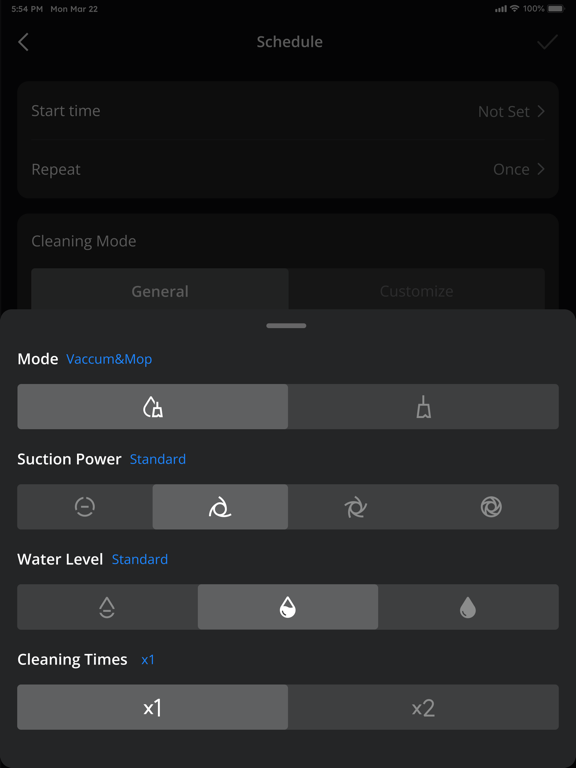
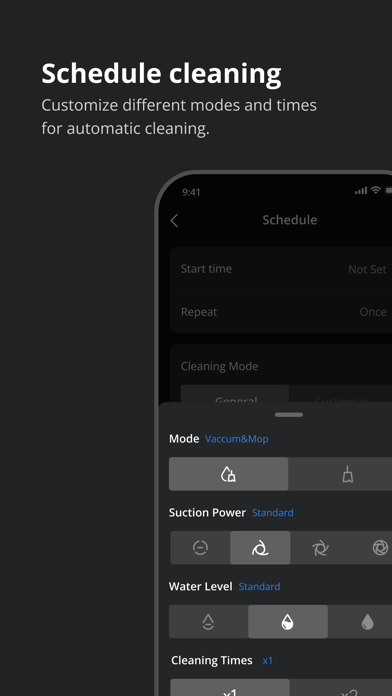
You can also share your MACH devices with family members, allowing everyone to control the devices together. The app lets you set schedules for your devices, customize preferences, and more. The convenience brought by the MACH TECH App enhances your family's lifestyle, adding a sense of happiness to everyday life.
Here's how to use MACH TECH:
1. Create an account: Download the app and register an account using your email. If you already have a MACH account, you can log in directly.
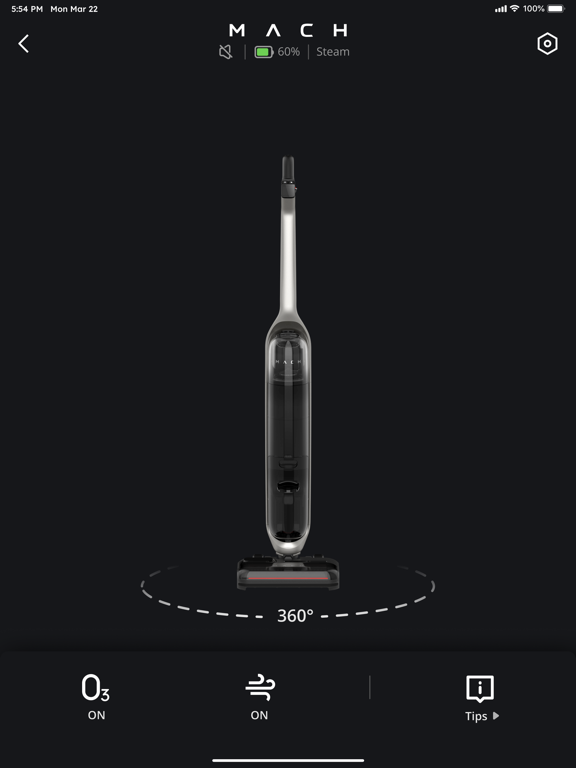
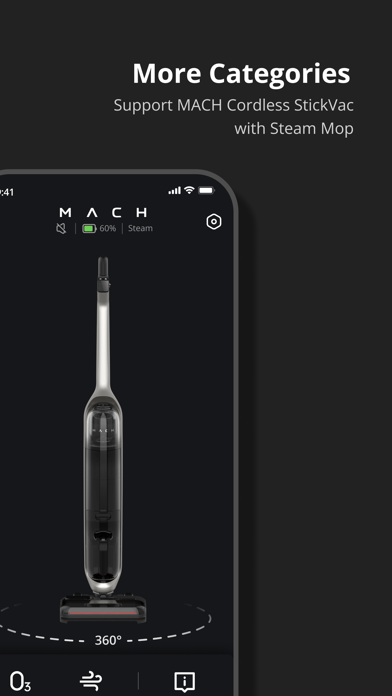
2. Add devices: Once the app is open, you can add all existing and future MACH smart home devices, including robotic vacuums, stickvacs with mops, and more. In the future, the app will support more MACH brand products. You can choose to add new devices or devices already connected to the network. Connected devices are those configured by other family members. When they share these devices with you through the device sharing function, you will have almost the same permissions as them.
3. Use devices: After successfully adding devices, they will appear on your device page, where you can start controlling them.
Contact us
• Email: support@mach.tech
• Website: mach.tech
• Facebook: MACH Tech

You can also share your MACH devices with family members, allowing everyone to control the devices together. The app lets you set schedules for your devices, customize preferences, and more. The convenience brought by the MACH TECH App enhances your family's lifestyle, adding a sense of happiness to everyday life.
Here's how to use MACH TECH:
1. Create an account: Download the app and register an account using your email. If you already have a MACH account, you can log in directly.
2. Add devices: Once the app is open, you can add all existing and future MACH smart home devices, including robotic vacuums, stickvacs with mops, and more. In the future, the app will support more MACH brand products. You can choose to add new devices or devices already connected to the network. Connected devices are those configured by other family members. When they share these devices with you through the device sharing function, you will have almost the same permissions as them.
3. Use devices: After successfully adding devices, they will appear on your device page, where you can start controlling them.
Contact us
• Email: support@mach.tech
• Website: mach.tech
• Facebook: MACH Tech
Show More
What's New in the Latest Version 1.4.1
Last updated on Mar 15, 2024
Old Versions
We have updated the MACH TECH app to give you a better experience.
Key Updates:
- Fixed bugs and enhanced the user experience.
What features would you like to see? Tell us at: support@mach.tech
Key Updates:
- Fixed bugs and enhanced the user experience.
What features would you like to see? Tell us at: support@mach.tech
Show More
Version History
1.4.1
Mar 15, 2024
We have updated the MACH TECH app to give you a better experience.
Key Updates:
- Fixed bugs and enhanced the user experience.
What features would you like to see? Tell us at: support@mach.tech
Key Updates:
- Fixed bugs and enhanced the user experience.
What features would you like to see? Tell us at: support@mach.tech
MACH TECH FAQ
Click here to learn how to download MACH TECH in restricted country or region.
Check the following list to see the minimum requirements of MACH TECH.
iPhone
iPad