Age Rating
4+
Apps in this category do not contain restricted content.
9+
Apps in this category may contain mild or occasional cartoon, fantasy or real-life violence, as well as occasional or mild adult, sexually suggestive or horrifying content and may not be suitable for children under 9 years of age.
12+
Apps in this category may contain occasional mild indecent language, frequent or intense cartoon or real-life violence, minor or occasional adult or sexually suggestive material, and simulated gambling, and may be for children under 12 years of age.
17+
You must be at least 17 years old to access this App.
Apps in this category may contain frequent and intense offensive language; Frequent and intense cartoon, fantasy or realistic violence: frequent and intense adult, scary and sexually suggestive subjects: as well as sexual content, nudity, tobacco, alcohol and drugs, may not be suitable for children under 17 years of age.
MacroMate Screenshots
MacroMate posterMacroMate posterMacroMate posterMacroMate poster

About MacroMate

Need secure passwords without the hassle of typing them in manually?
Manually typing authenticator codes a nuisance?
Need to transfer large blocks of text to any platform?

Then try MacroMate!
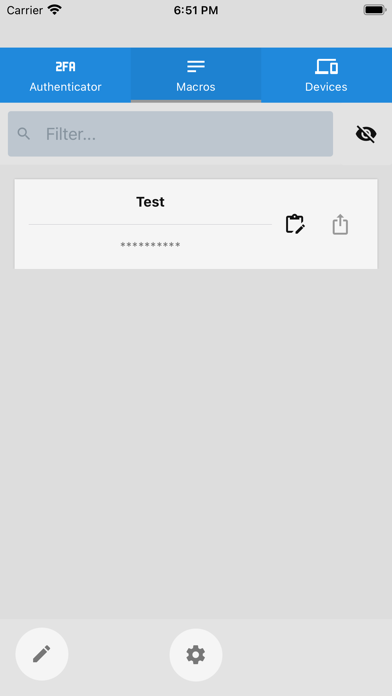
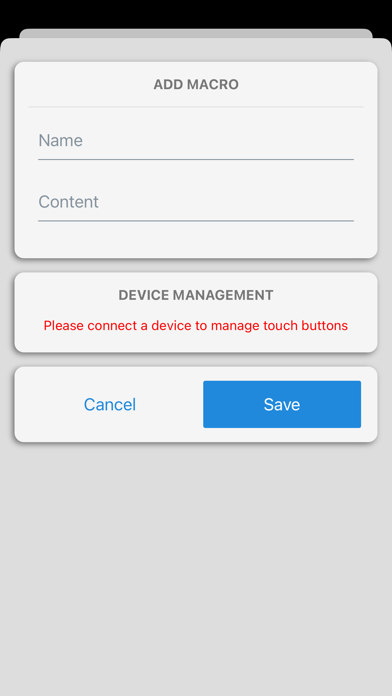
MacroMate serves as a macro pad, authenticator and password safe for the separately supplied Bluetooth device.
Connect with the separately supplied MacroMate device to streamline security and productivity to any other device that accepts a USB keyboard.

Tutorial: https://www.youtube.com/watch?v=lp2mNGT6z-g

Important Security Notice:
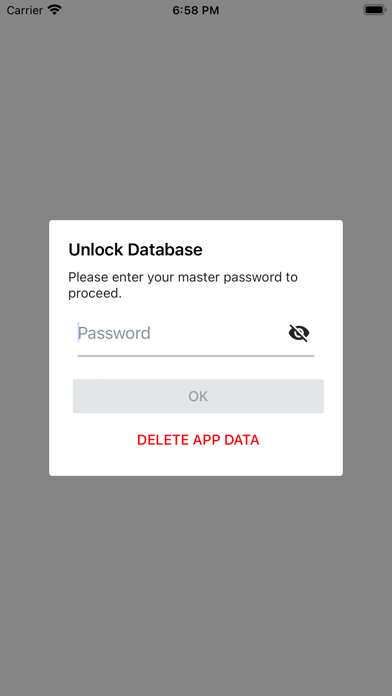
For your utmost security, MacroMate does not store your passwords or data on external servers. All information is kept on your phone, under your direct control. This means that in the event of a lost phone or data leak, your data remains secure. Please note that passwords cannot be reset. It is your responsibility to remember your password to access your data.

Show More

What's New in the Latest Version 3.0.1

Last updated on Nov 11, 2025
Old Versions
ALWAYS BACKUP YOUR DATA BEFORE UPGRADING!
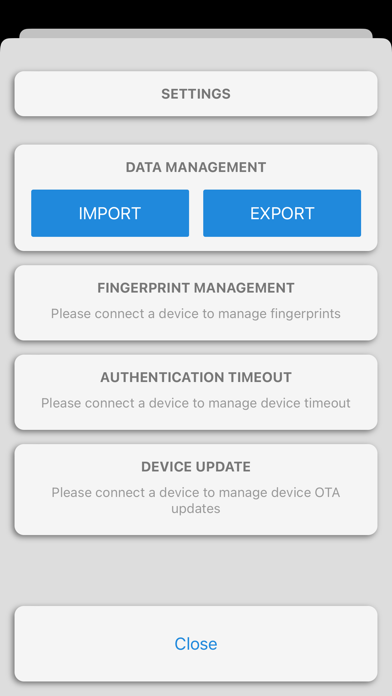
Settings -> Data Management -> EXPORT

Improvements,
- UI/UX optimisations and fixes
- Device auto reconnect
- Stability fixes
Show More
Version History
3.0.1
Nov 11, 2025
ALWAYS BACKUP YOUR DATA BEFORE UPGRADING!
Settings -> Data Management -> EXPORT

Improvements,
- UI/UX optimisations and fixes
- Device auto reconnect
- Stability fixes

MacroMate FAQ

Click here to learn how to download MacroMate in restricted country or region.
Check the following list to see the minimum requirements of MacroMate.
iPhone

MacroMate Alternative

You May Also Like

Get more from LYMAH DATA PTY LTD