MarkText - Markdown Editor

MarkText - Markdown Editor


$3.99

2.6.0for iPhone, iPad
Age Rating
4+
Apps in this category do not contain restricted content.
9+
Apps in this category may contain mild or occasional cartoon, fantasy or real-life violence, as well as occasional or mild adult, sexually suggestive or horrifying content and may not be suitable for children under 9 years of age.
12+
Apps in this category may contain occasional mild indecent language, frequent or intense cartoon or real-life violence, minor or occasional adult or sexually suggestive material, and simulated gambling, and may be for children under 12 years of age.
17+
You must be at least 17 years old to access this App.
Apps in this category may contain frequent and intense offensive language; Frequent and intense cartoon, fantasy or realistic violence: frequent and intense adult, scary and sexually suggestive subjects: as well as sexual content, nudity, tobacco, alcohol and drugs, may not be suitable for children under 17 years of age.
MarkText - Markdown Editor Screenshots
MarkText - Markdown Editor posterMarkText - Markdown Editor posterMarkText - Markdown Editor poster
MarkText - Markdown Editor posterMarkText - Markdown Editor posterMarkText - Markdown Editor posterMarkText - Markdown Editor posterMarkText - Markdown Editor posterMarkText - Markdown Editor posterMarkText - Markdown Editor posterMarkText - Markdown Editor poster

About MarkText - Markdown Editor

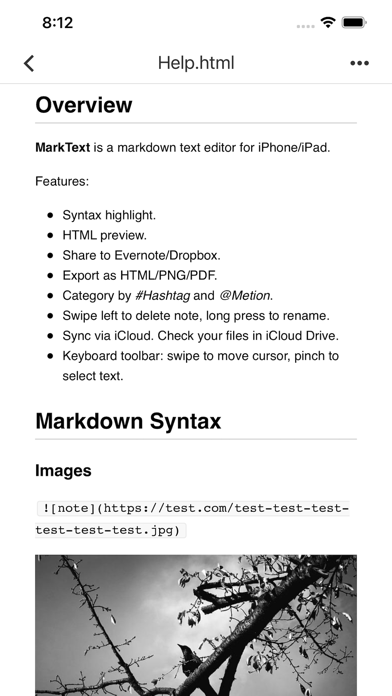
MarkText is a markdown text editor and note taking app for iOS. Write markdown note with real-time syntax highlighting, convert to HTML, PNG or PDF, and share to Evernote, Dropbox and Email. Sync via iCloud Drive across your iPhone & iPad & Mac (in iCloud Drive Folder).

# Key Features
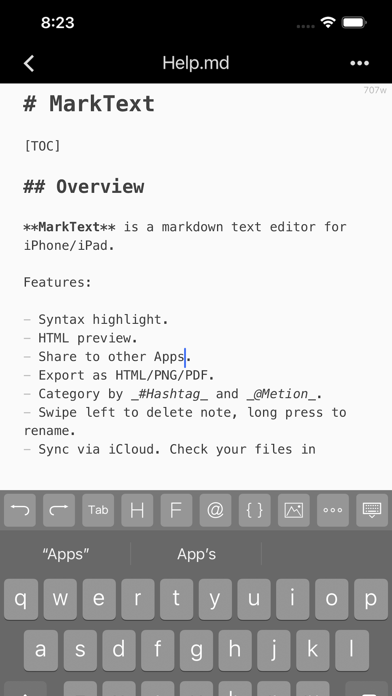
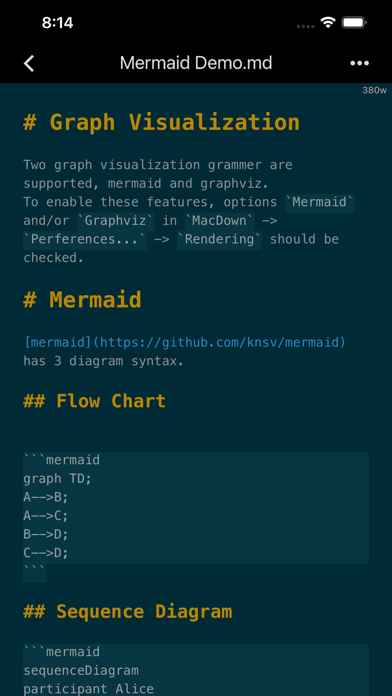
+ Beautiful markdown syntax highlighting.
+ Swipe on the bar above the keyboard to move cursor.
+ HTML preview with CSS.
+ Change theme style, font size.
+ Import notes via iTunes and export notes with HTML, PNG or PDF formats.
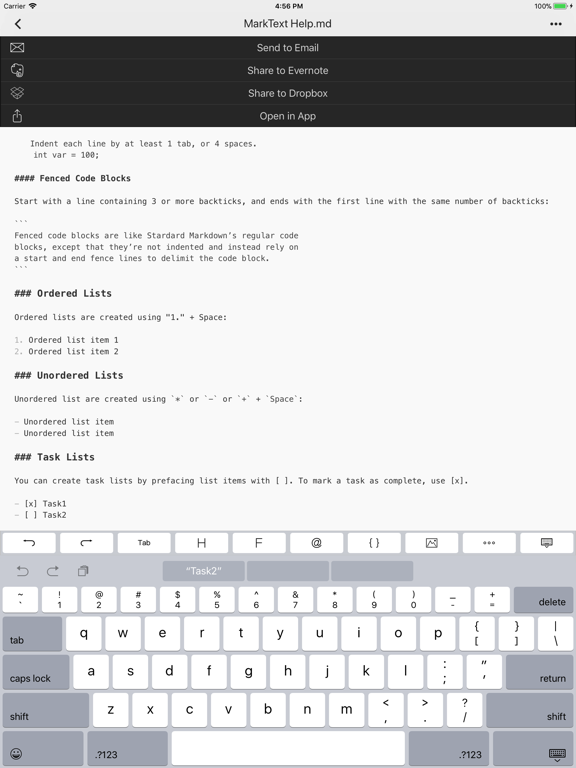
+ Share notes to Evernote, Dropbox, Email or other Apps.
+ Full-text search using regex.
+ Sync notes across iPhone, iPad and Mac using iCloud Drive.
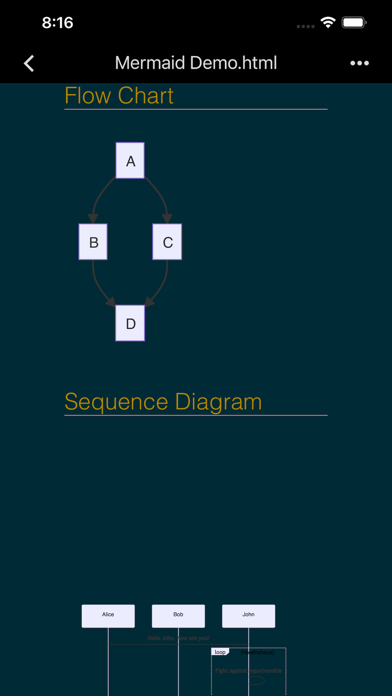
+ FlowChart & Diagrams using Mermaid & Graphviz.
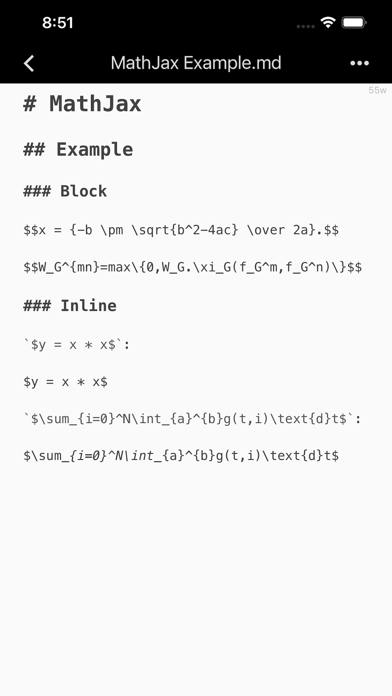
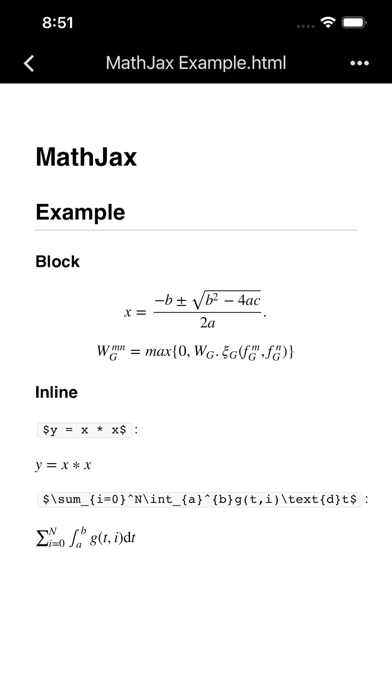
+ Display LaTeX and MathML using MathJax.

# Todo List
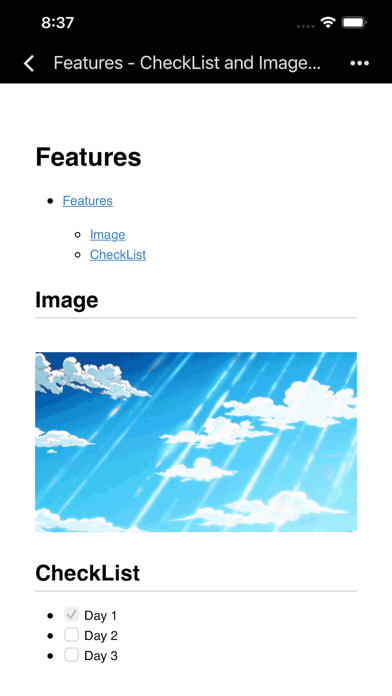
Todo list is list with items marked as either [ ] or [x] (incomplete or complete).
For example:
- [ ] Incomplete
- [x] Completed

# Import & Export
Import markdown documents via iTunes, or create a new one via MarkText, then edit with syntax highlighting. Once you’re done editing, you can export markdown documents to PC via iTunes. You can convert to HTML, PNG or PDF and share to or open in other Apps such as Evernote, Dropbox, Email, etc.

# Caret Enhance
With the input accessory tools bar, you can insert tabs, headers, lists, code blocks, or create inline links with the tap of a button; left-right swipe on the bar will move the cursor quickly.

# Html Preview
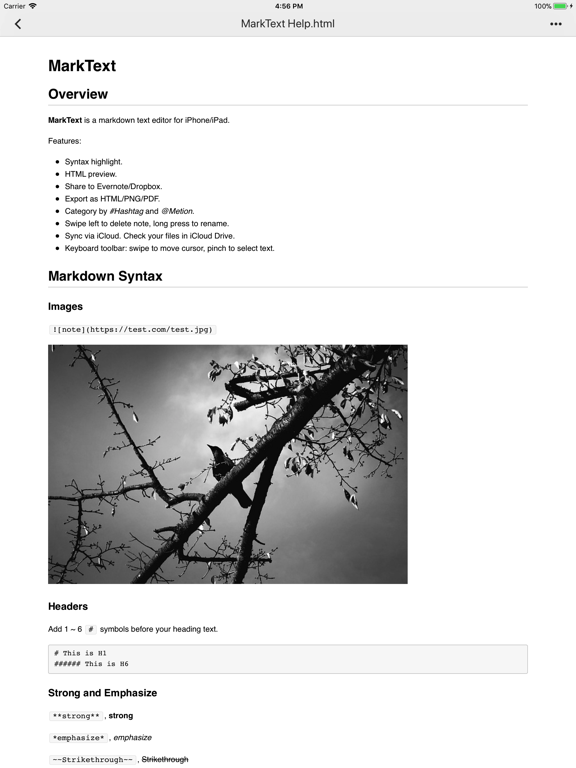
HTML preview with style sheet(CSS). It supports regular Markdown, MultiMarkdown, and HTML code. It renders footnotes, images, tables and code blocks.

# iCloud Drive
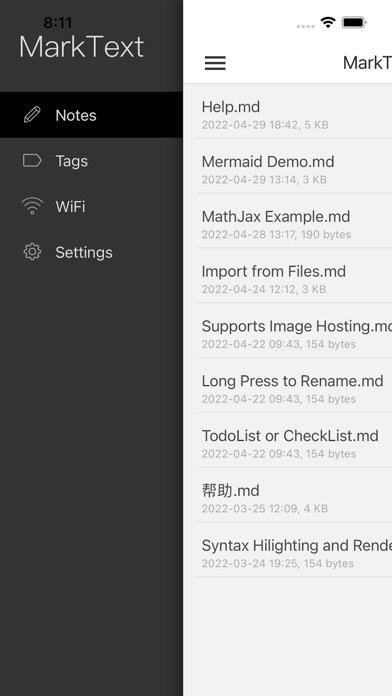
Automatically store your documents in the cloud to keep them up-to-date across all your devices.

# Support Extensions
md, mmd, markdown, markdn, mdown, mkdn, markd, txt, text.

# Tips
+ Swipe left to delete note.
+ Category by #Hashtag and @Metion, no need to create folder.
+ You could find notes in iCloud Drive from Mac.

Please mail to xappbox@gmail.com if you need any help.

Show More

What's New in the Latest Version 2.6.0

Last updated on May 13, 2022
Old Versions
+ Upload image to your own hosting.
+ Edit and preview flow chart & diagrams via Mermaid & Graphviz.
+ Edit and display LaTeX and MathML via MathJax.
+ Supports darkmode.
+ Supports TOC(table of content) with '[TOC]'.
+ Supports notes sorting.
+ Supports import from Files.
+ Supports quick input of current date and time.
+ Bug fixes.
Show More
Version History
2.6.0
May 13, 2022
+ Upload image to your own hosting.
+ Edit and preview flow chart & diagrams via Mermaid & Graphviz.
+ Edit and display LaTeX and MathML via MathJax.
+ Supports darkmode.
+ Supports TOC(table of content) with '[TOC]'.
+ Supports notes sorting.
+ Supports import from Files.
+ Supports quick input of current date and time.
+ Bug fixes.

MarkText - Markdown Editor FAQ

Click here to learn how to download MarkText - Markdown Editor in restricted country or region.
Check the following list to see the minimum requirements of MarkText - Markdown Editor.
iPhone
iPad

MarkText - Markdown Editor Alternative

You May Also Like

Get more from 刘生 林