This is an awesome application to be well educate on different mathematical operation.
How to use.
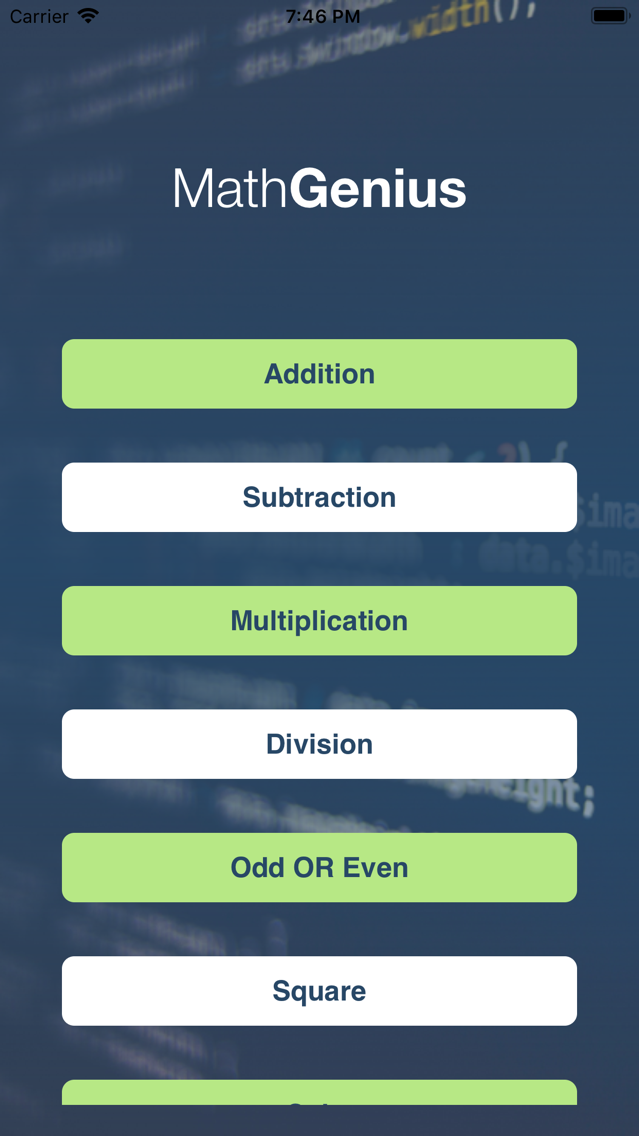
1. On startup screen, there are few buttons like "Addition", "Subtraction", "Multiplication", "Division", "Odd OR Even", "Square", "Cube", "Prime numbers", "Factorial numbers" and "Palindromic numbers".
2. Click on any button to begin with ahead.
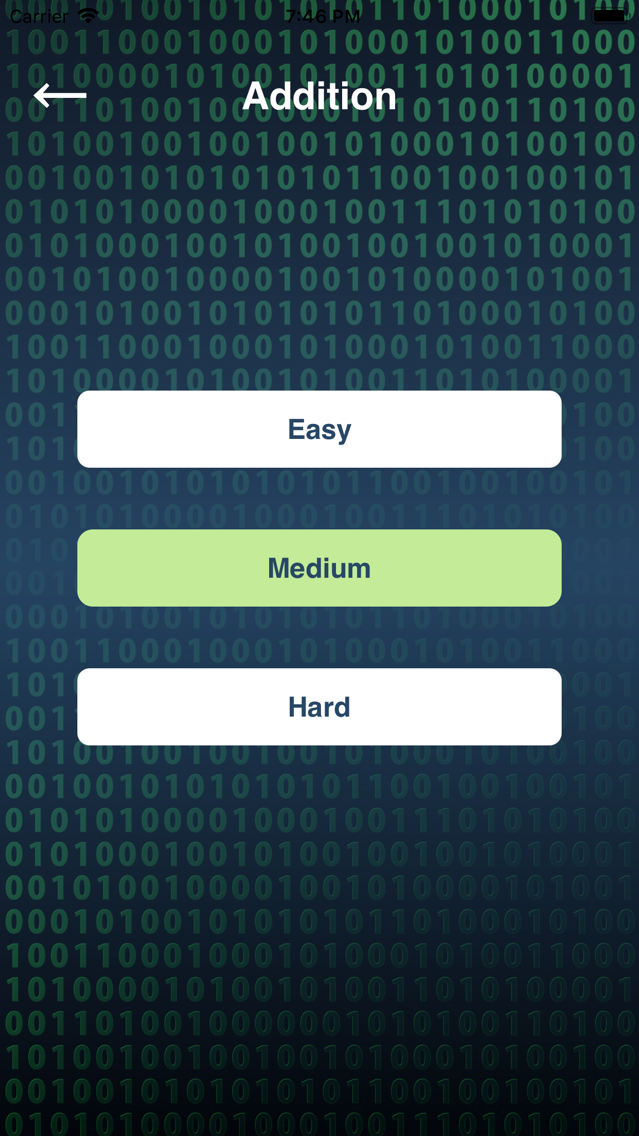
3. On next screen you will see three different level option buttons like "Easy", "Medium" and "Hard".
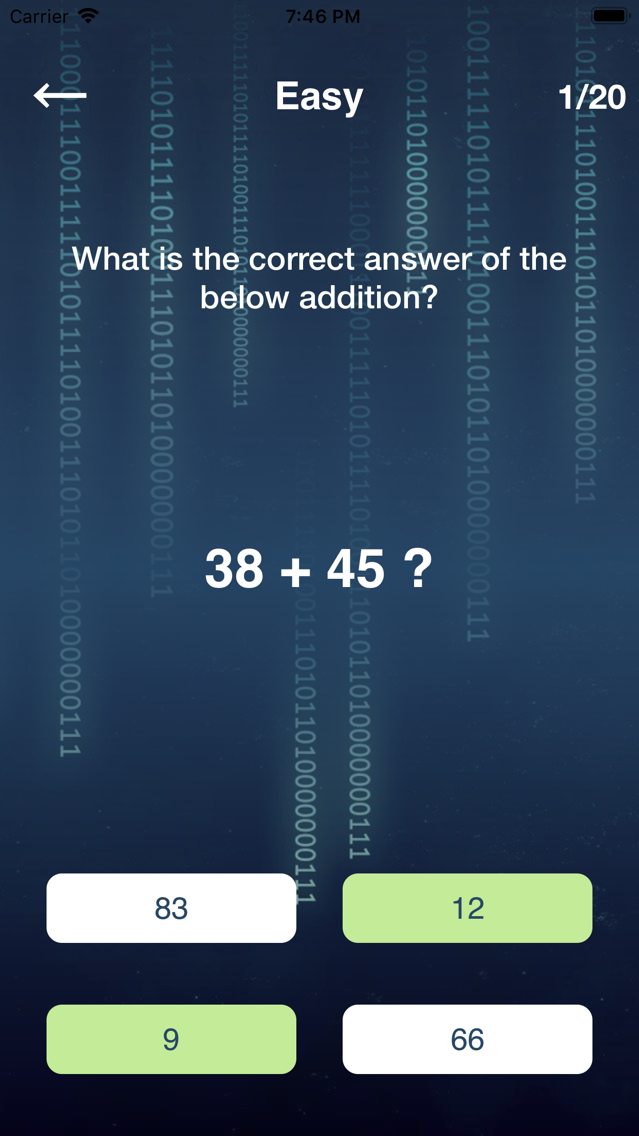
4. On selected category and level option, you will see that category related operation on your screen. You will see one mathematical operation of that category and with few (2 or 4) different answer as an option. You have to choose correct answer from that given options.
Note:- For good user experience, options are provided randomly and with random display order, so it could be possible that user will get different options each time for same screen and in different display order.
5. Once you complete then you will reach at score screen and you will see how many correct and incorrect answered you gave to complete that category part.
6. Click on Try again button to be more educate on that category again or click on back button to select different category and level.
7. Choose all correct answer and complete that category/level with maximum rating.
Feature:.
1. Working without internet.
2. You can improve your "Addition", "Subtraction", "Multiplication", "Division", "Odd OR Even", "Square", "Cube", "Prime numbers", "Factorial numbers" and "Palindromic numbers".
3. You can measure your skills.