Maxst AR Scanner
Free
2.5.1for iPhone, iPad
Age Rating
Maxst AR Scanner Screenshots
About Maxst AR Scanner
MAXST AR SCANNER is a sample application that provides a user-friendly experience of MAXST’s latest AR SDK features.
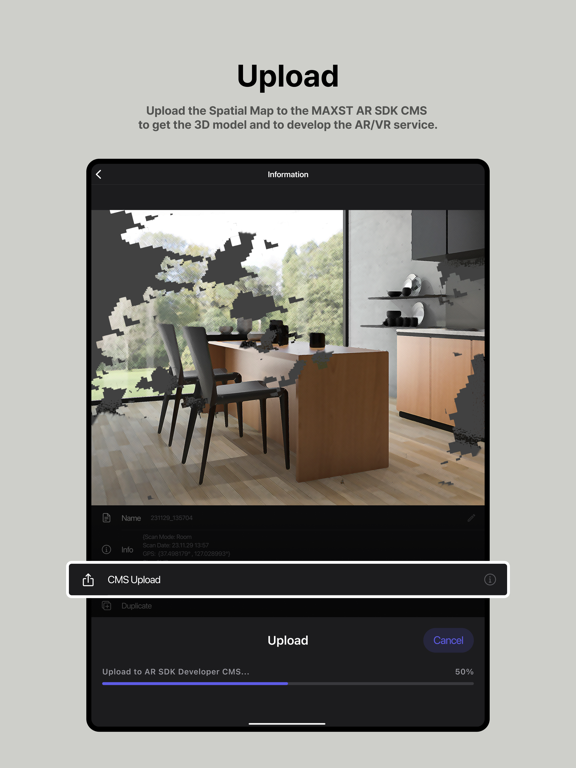
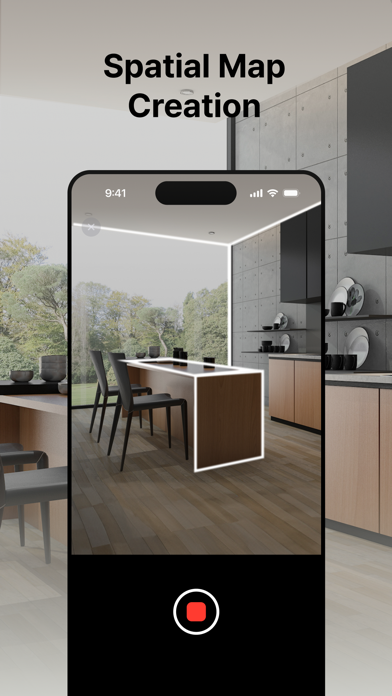
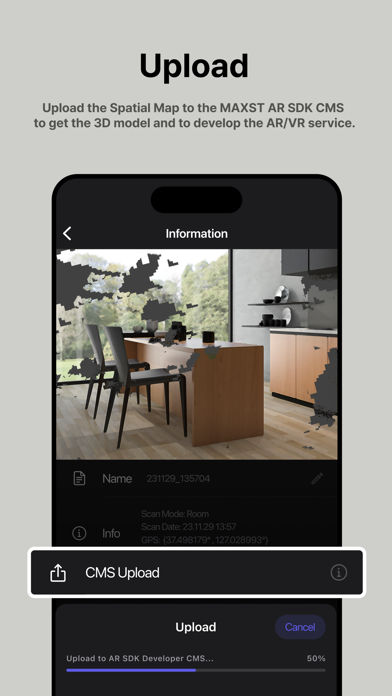
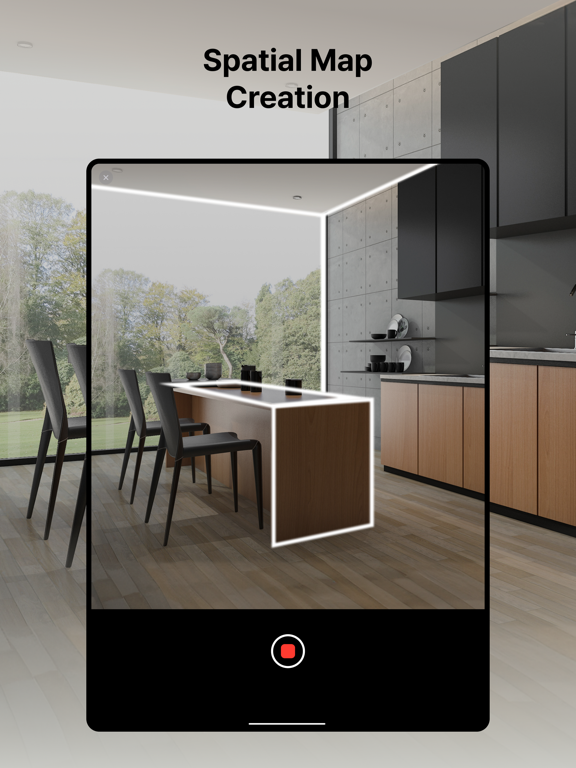
Using LiDAR-equipped iPhones or iPads, MAXST AR SCANNER allows users to easily scan and extract spatial data as files, which can be edited using MAXST AR SDK to create custom app services.
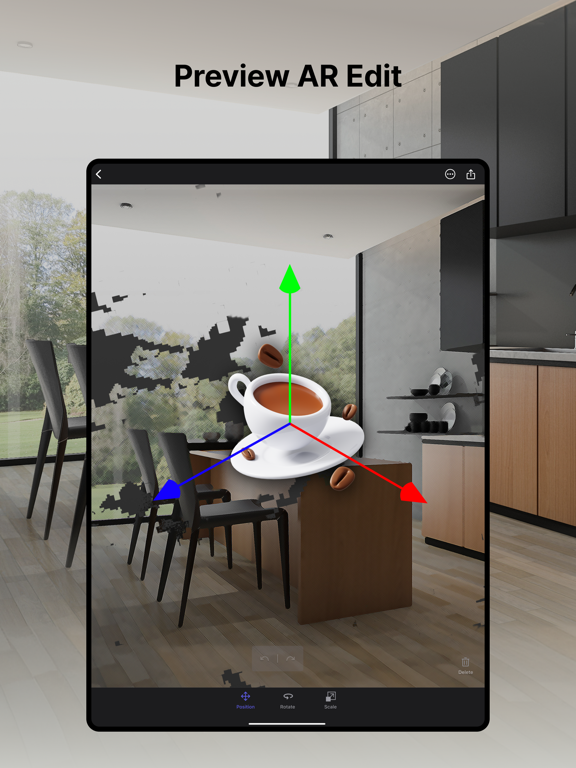
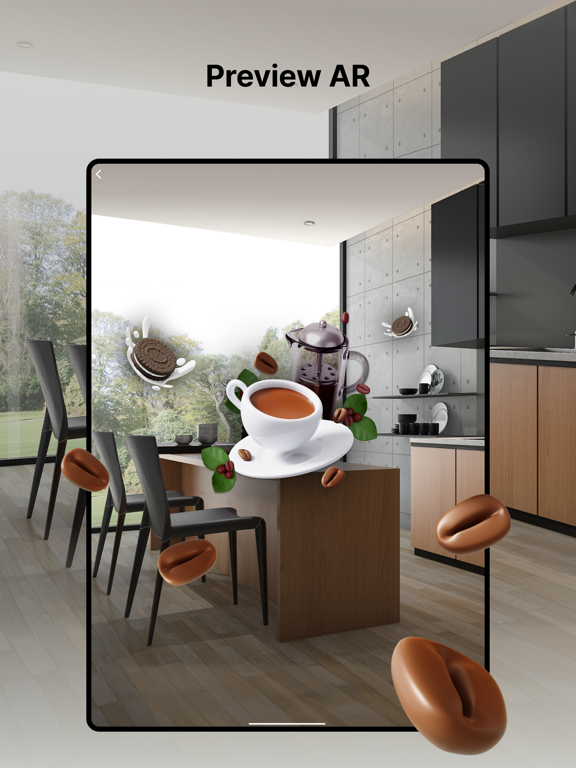
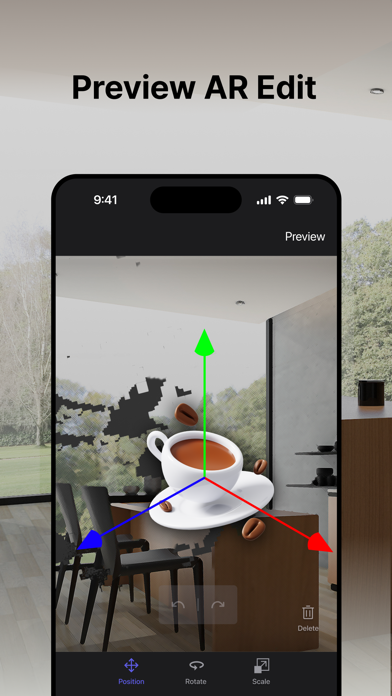
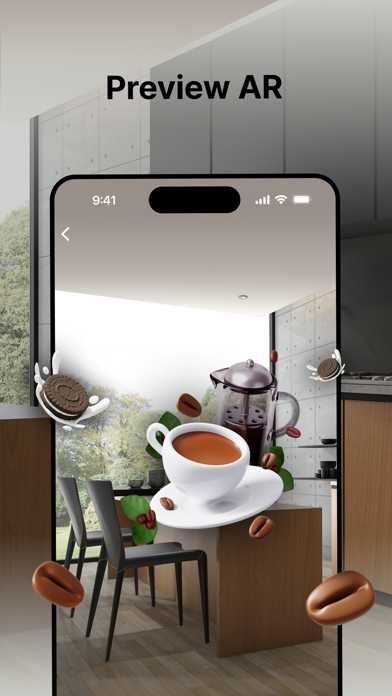
MAXST AR SCANNER also enables users to place sample objects on scanned spaces and conduct augmented testing using AR Tracker.
Discover the powerful capabilities of MAXST’s enhanced AR SDK with LiDAR by experiencing MAXST AR SCANNER.”
Visit our website to learn more about AR SDK :
https://developer.maxst.com/

Using LiDAR-equipped iPhones or iPads, MAXST AR SCANNER allows users to easily scan and extract spatial data as files, which can be edited using MAXST AR SDK to create custom app services.
MAXST AR SCANNER also enables users to place sample objects on scanned spaces and conduct augmented testing using AR Tracker.
Discover the powerful capabilities of MAXST’s enhanced AR SDK with LiDAR by experiencing MAXST AR SCANNER.”
Visit our website to learn more about AR SDK :
https://developer.maxst.com/
Show More
What's New in the Latest Version 2.5.1
Last updated on Jul 22, 2024
Old Versions
bug fixes
Show More
Version History
2.5.1
Jul 22, 2024
bug fixes
2.5.0
Jul 9, 2024
- Added object scan mode
- Fixed bugs
- Fixed bugs
2.0.0
Dec 26, 2023
- Added Room Mode
1.1.1
Sep 19, 2023
- Texturing bug fix in iOS17
1.1
Sep 18, 2023
1.0.2
Jun 9, 2023
- Improved texturing speed
- Bug fix
- Bug fix
1.0.1
May 2, 2023
- bug fix
1.0
Apr 5, 2023
Maxst AR Scanner FAQ
Click here to learn how to download Maxst AR Scanner in restricted country or region.
Check the following list to see the minimum requirements of Maxst AR Scanner.
iPhone
Requires iOS 16.0 or later.
iPad
Requires iPadOS 16.0 or later.
Maxst AR Scanner supports English, Korean