MC Studio
$14.99
1.1.0for iPhone, iPad
Age Rating
MC Studio Screenshots
About MC Studio
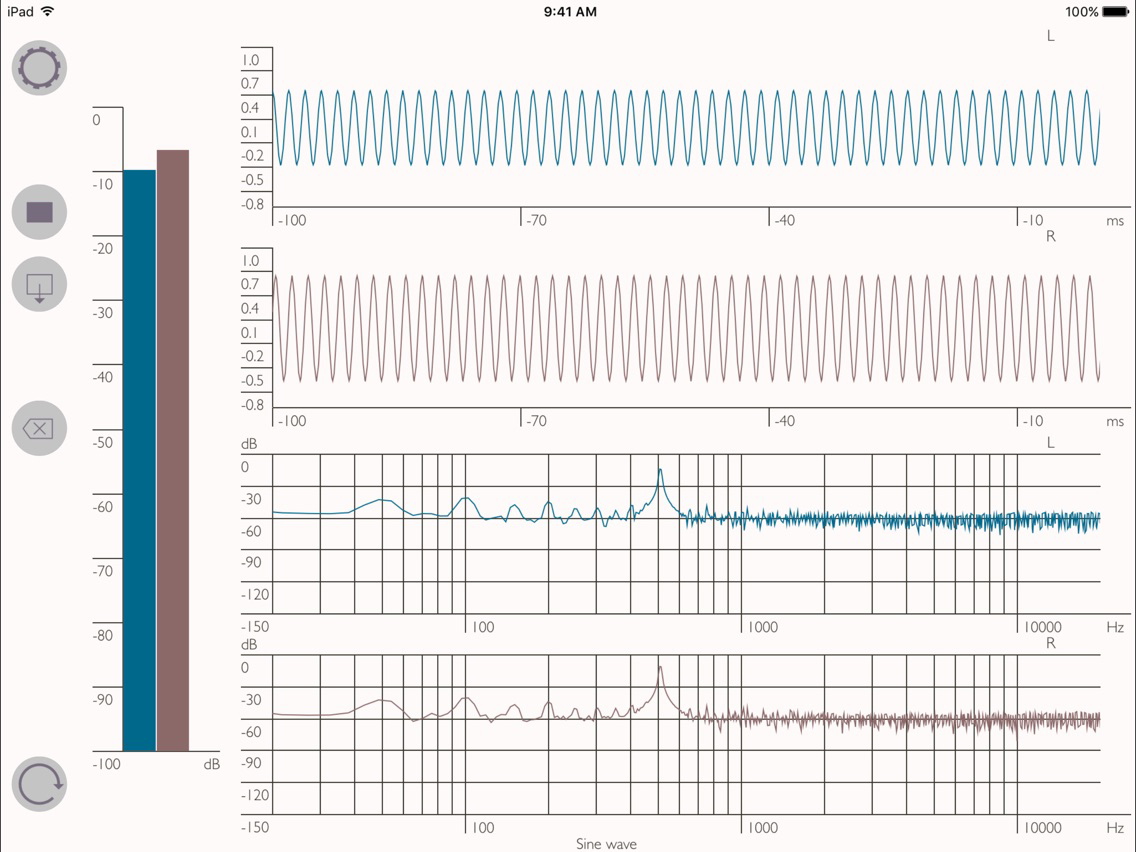
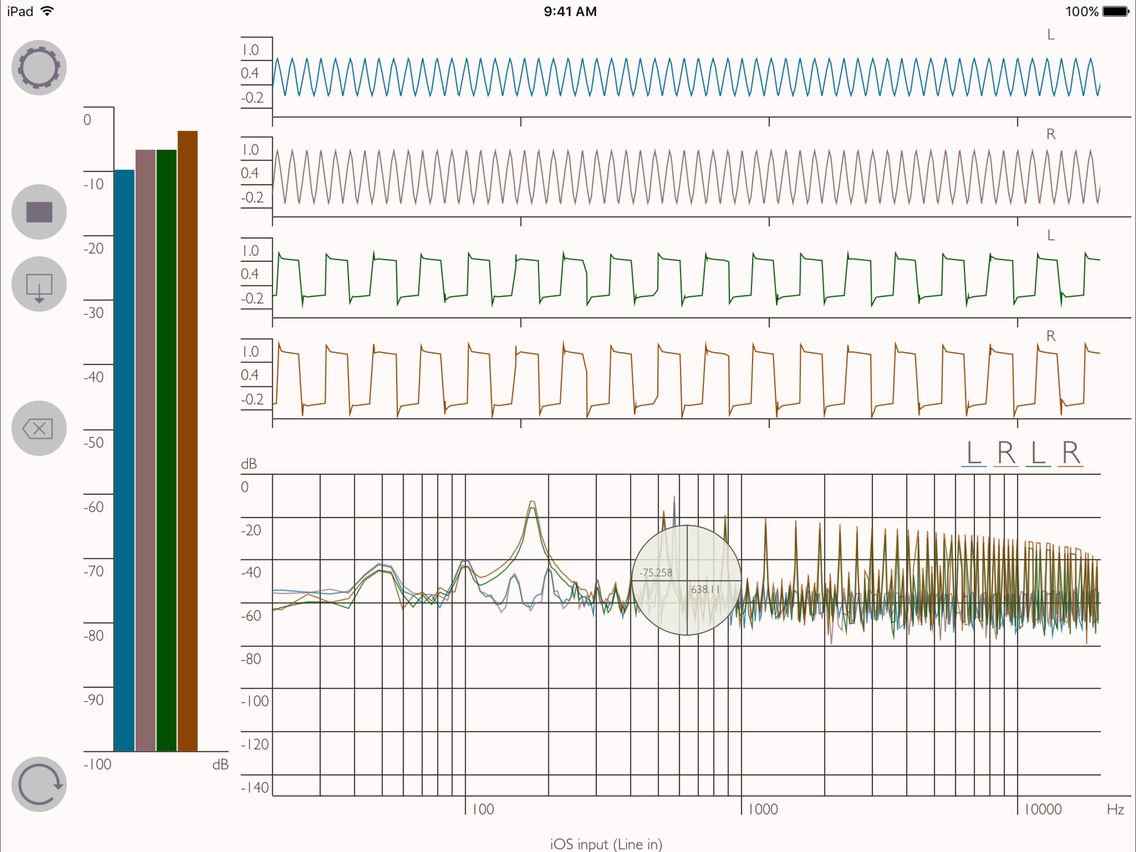
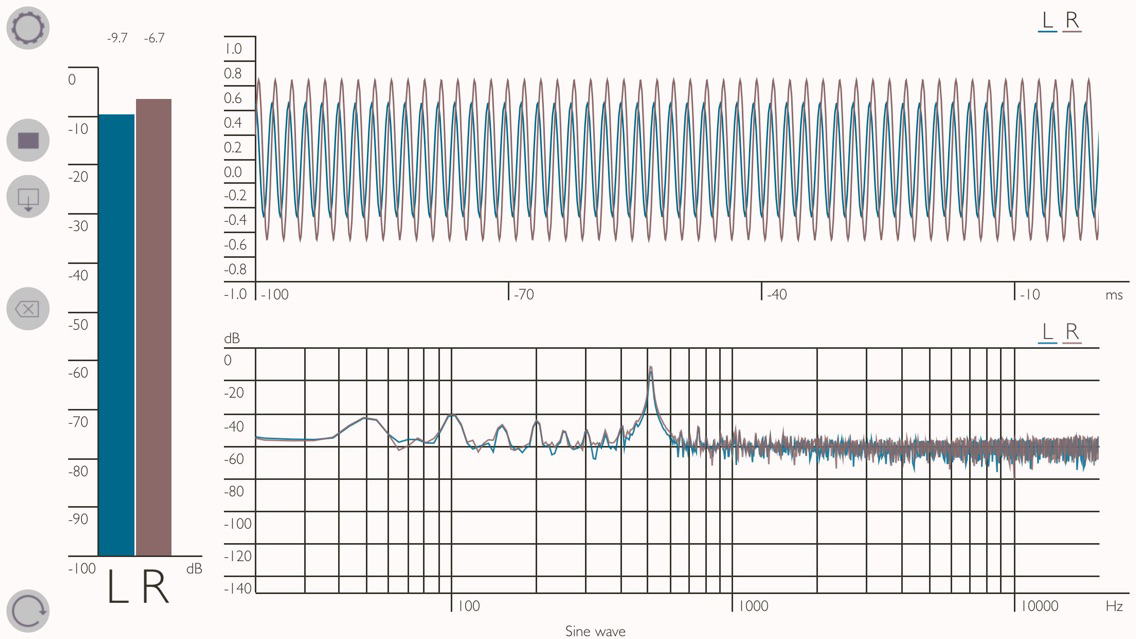
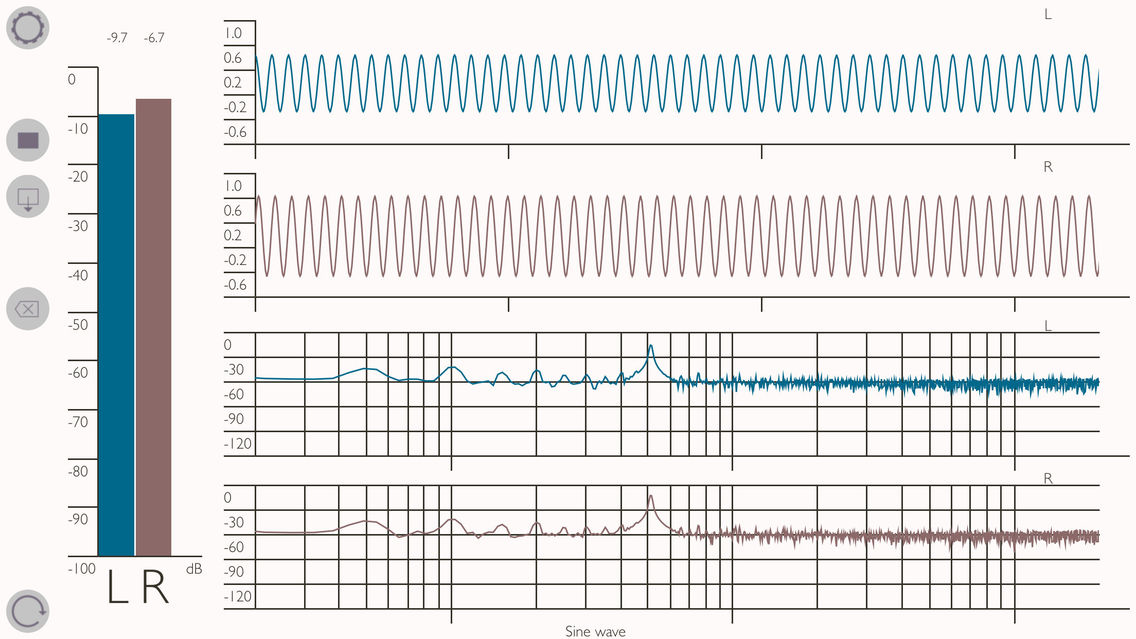
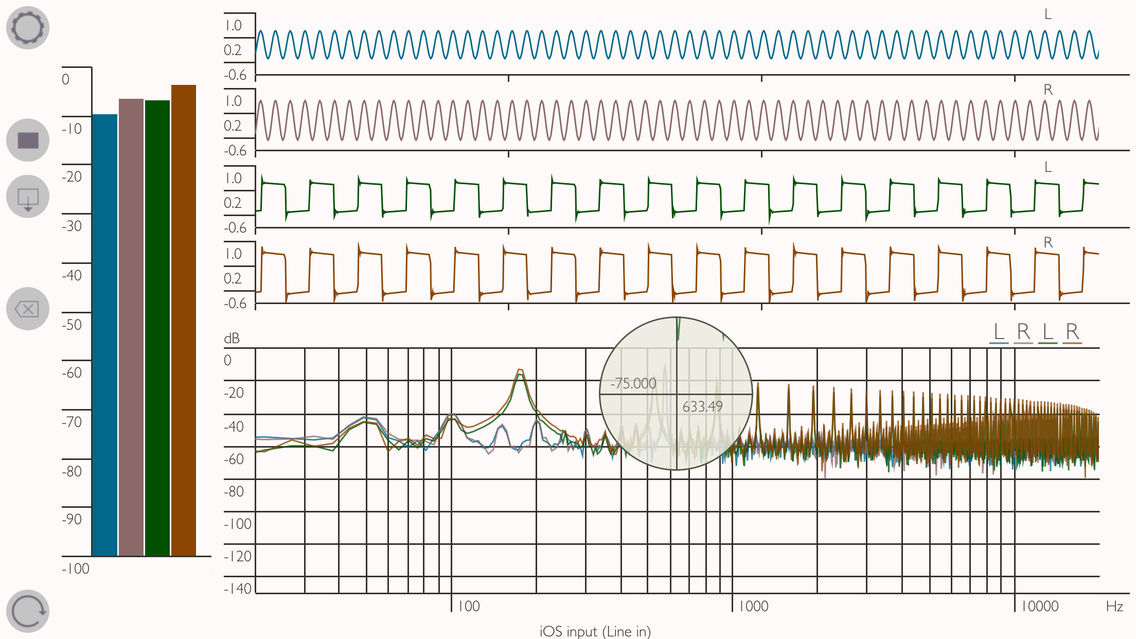
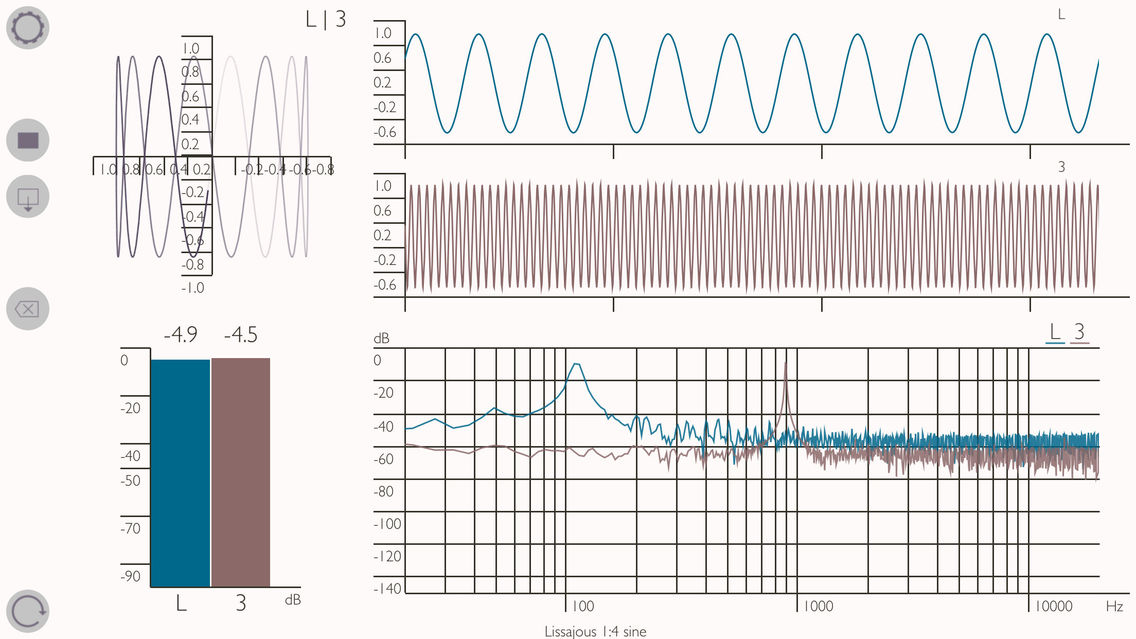
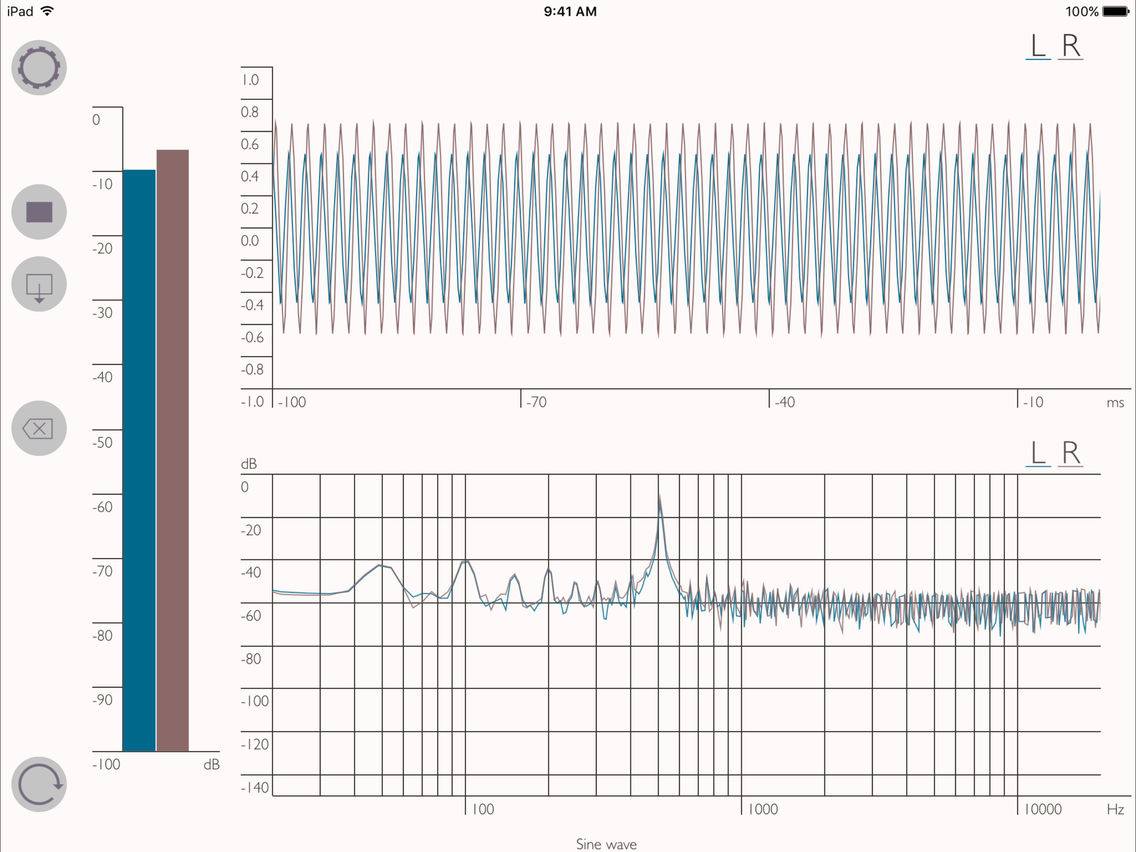
MC Studio is a powerful digital multichannel real-time audio monitoring and analyzing toolbox for your iPad or iPhone, including an analyzer, oscilloscope, goniometer and a full scale level meter. It displays signals from the internal microphones as well as the 3.5 mm audio jack. In combination with an external multichannel USB-audio-interface it is capable of displaying even up to 8 channels simultaneously.
MC Studio also fully supports Audiobus and Inter-App Audio!
App features:
- all instruments separately or simultaneously useable
- real-time data of up to 8 channels (per source)
- save and load records in separate workspace
- compatible with external USB-audio-interfaces (e.g. Alesis, RME Fireface) and stereo microphones (e.g. TASCAM, Røde)
- add additional sources via Audiobus or Inter-App Audio
- select channels of sources
- select built-in microphones and polar patterns
- manual and automated calibration routine
- source display modes: separate channels, combined, sum
- languages: English, Deutsch, Русский
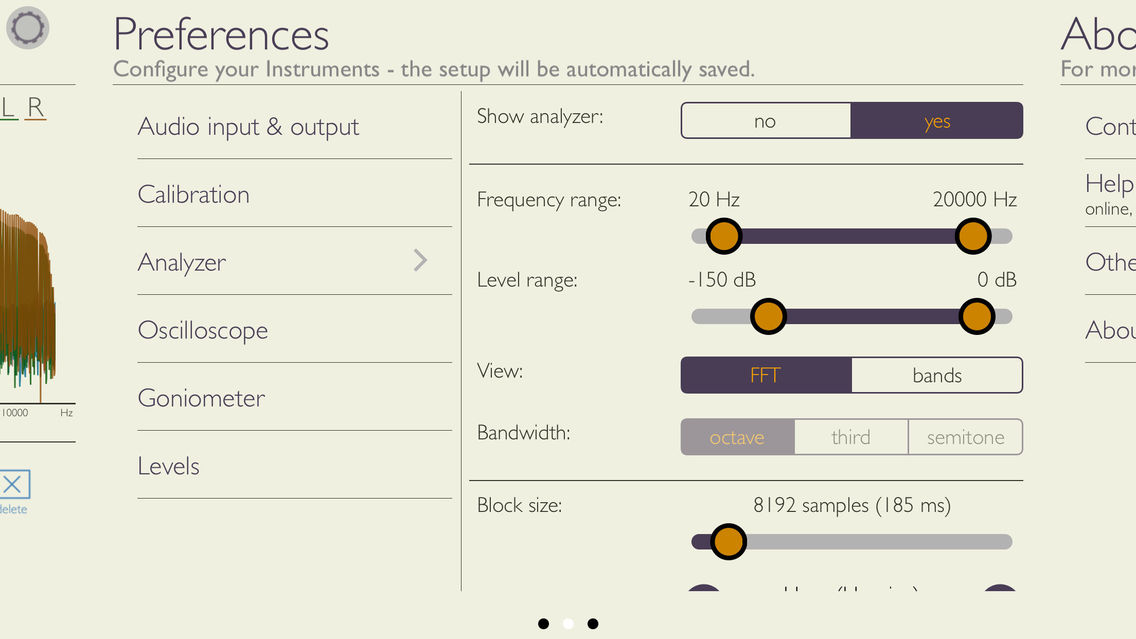
Analyzer features:
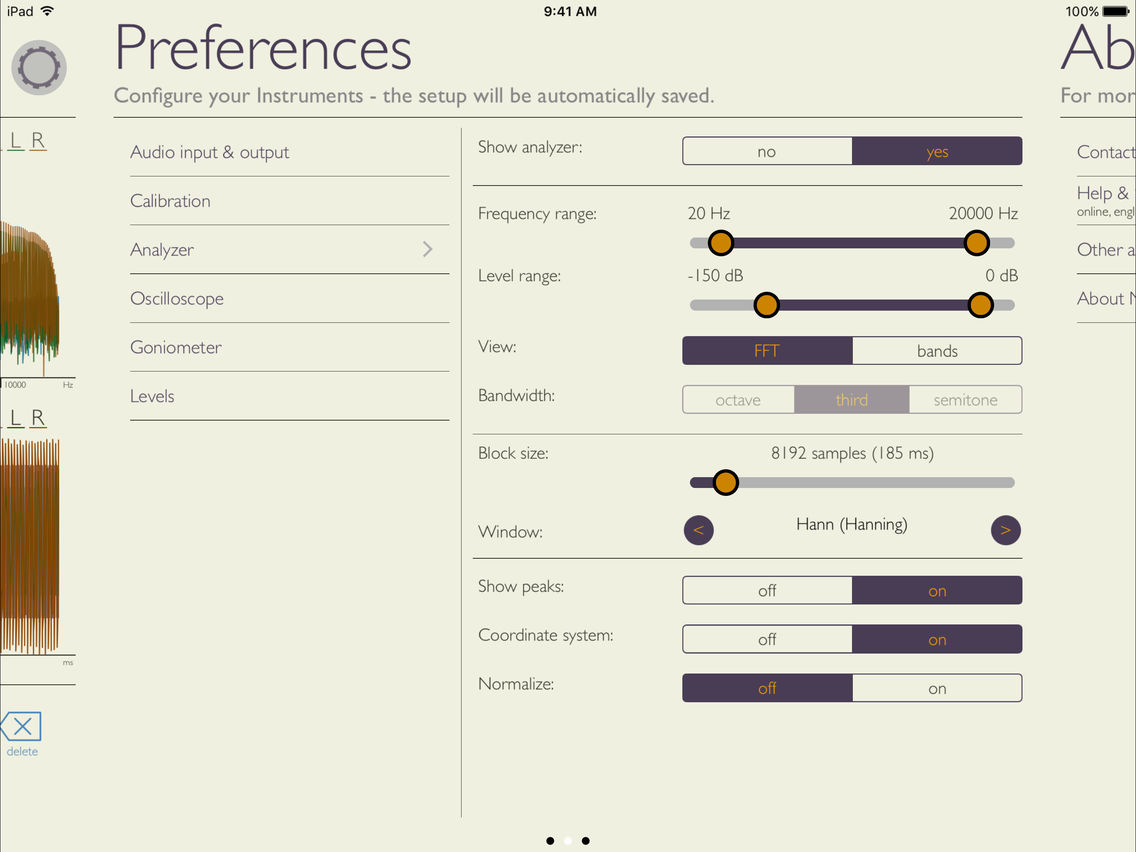
- band filter mode: octaves, thirds, semitones
- FFT mode: 10 - 22000 Hz frequency range
- block sizes: 46ms - 1.5s
- windowing of input signals
- real-time peak display
- pinch zoom and cursor magnifier
Oscilloscope features:
- real-time peak display and peak-to-peak measurement
- automatic trigger mode
- pinch zoom and cursor magnifier
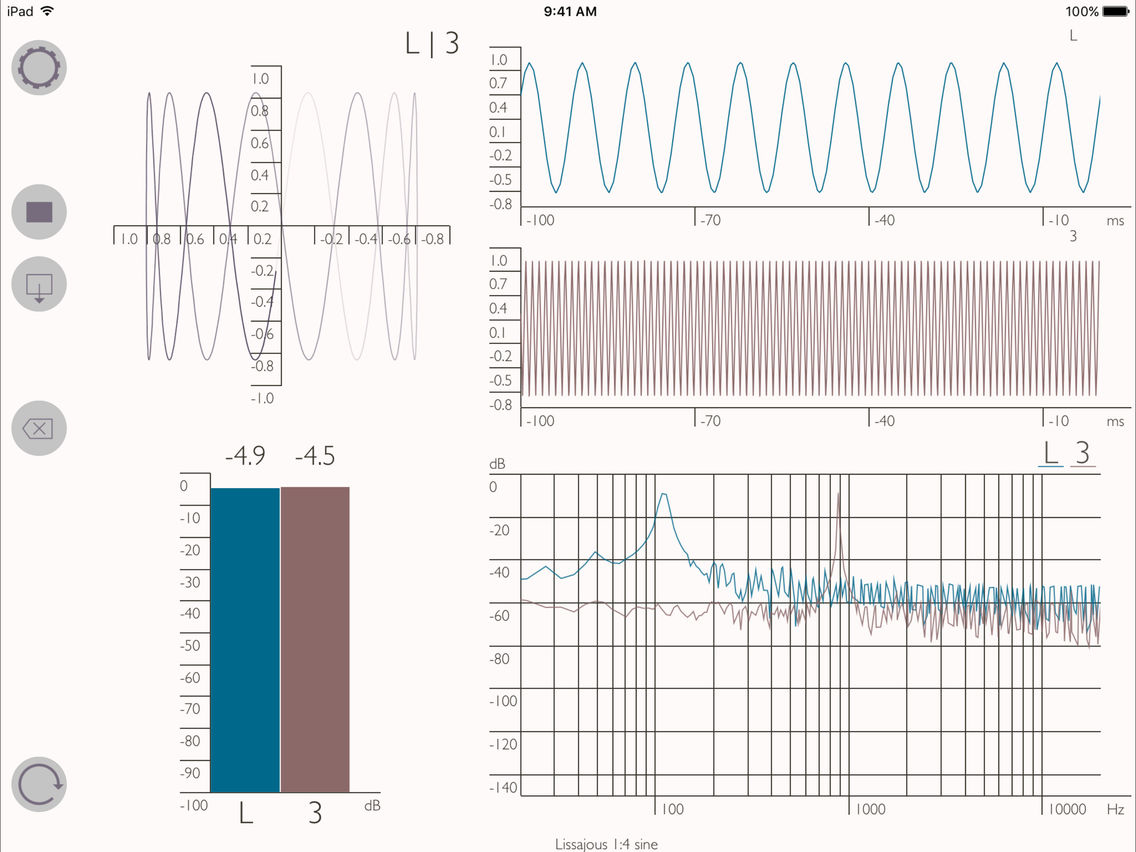
Goniometer features:
- select channels for X- and Y-axis
- automatic trigger mode
- pinch zoom and cursor magnifier
Level meter features:
- response time modes: impulse, fast, slow
- peak indication

MC Studio also fully supports Audiobus and Inter-App Audio!
App features:
- all instruments separately or simultaneously useable
- real-time data of up to 8 channels (per source)
- save and load records in separate workspace
- compatible with external USB-audio-interfaces (e.g. Alesis, RME Fireface) and stereo microphones (e.g. TASCAM, Røde)
- add additional sources via Audiobus or Inter-App Audio
- select channels of sources
- select built-in microphones and polar patterns
- manual and automated calibration routine
- source display modes: separate channels, combined, sum
- languages: English, Deutsch, Русский
Analyzer features:
- band filter mode: octaves, thirds, semitones
- FFT mode: 10 - 22000 Hz frequency range
- block sizes: 46ms - 1.5s
- windowing of input signals
- real-time peak display
- pinch zoom and cursor magnifier
Oscilloscope features:
- real-time peak display and peak-to-peak measurement
- automatic trigger mode
- pinch zoom and cursor magnifier
Goniometer features:
- select channels for X- and Y-axis
- automatic trigger mode
- pinch zoom and cursor magnifier
Level meter features:
- response time modes: impulse, fast, slow
- peak indication
Show More
What's New in the Latest Version 1.1.0
Last updated on Jun 29, 2016
Old Versions
Thanks for using MC Studio! Please keep sending feature requests to support@twiddlefactor.de to help us improve our product!
This update contains stability tweaks and bug fixes.
Show More
Version History
1.1.0
Feb 26, 2015
Thanks for using MC Studio! Please keep sending feature requests to support@twiddlefactor.de to help us improve our product!
This update contains stability tweaks and bug fixes.
MC Studio FAQ
Click here to learn how to download MC Studio in restricted country or region.
Check the following list to see the minimum requirements of MC Studio.
iPhone
iPad
MC Studio supports English, German, Russian